Best AI Note Takers for Meetings (2026): 7 Compared on Price, Free Limits and Bots
This page has no affiliate links right now: every link goes straight to the vendor. If that changes, we’ll say so here. How we make money.
An AI note taker (or AI meeting assistant) records your Zoom, Google Meet or Teams call, turns the speech into text and writes a summary with action items. The best AI note taker for you depends on three things: how many minutes you need, whether a bot may join the call, and whether you need a free plan. Below are seven options with prices read on November 27, 2026.
The short answer
Unlimited transcription at a low price: Fireflies.ai ($10/seat/mo yearly). Free plan: Otter.ai (300 minutes a month). No bot in the call: Krisp ($8/mo yearly) or Bluedot. Long calls in many languages: Notta. Follow-ups into your CRM: MeetGeek. Sales teams: Avoma.
Best AI note takers at a glance
| Tool | Best for | From (yearly) | Monthly billing | Free plan or trial | Bot or bot-free |
|---|---|---|---|---|---|
 Fireflies.ai | Unlimited transcription at a low seat price | $10/seat/mo billed annually | No monthly-billing price shown | Free plan: limited transcripts and summaries, 400 minutes of storage per team, 20 AI credits | A bot joins the call |
 Otter.ai | The biggest clearly stated free plan | $8.33/user/mo on the Annual tab | $16.99/user/mo on the Monthly tab | Basic: 300 minutes a month, 30 minutes per conversation, 3 file imports in total | Agent joins the call; desktop app records without one |
 Notta | One person with long calls in many languages | $8.17/mo billed annually ($97.99/yr) | No monthly-billing price shown | Free: 120 minutes a month, up to 3 minutes per conversation, 10 AI summaries | Bot or bot-free desktop recorder |
 MeetGeek | A free plan plus automatic follow-ups | $9.99/user/mo billed yearly | $15.99/user/mo billed monthly | Basic: 3 hours of transcription a month, recordings up to 2 hours, transcripts kept 3 months | Bot or bot-free |
 Krisp | Bot-free notes plus noise cancellation | $8/user/mo billed annually | $16/user/mo billed monthly | No free plan: 7-day free trial, no card needed | Bot-free (Core lists “Bot-free”) |
 Bluedot | Bot-free notes with no minute cap | $14/user/mo on the Annual toggle | $18/user/mo on the Monthly toggle | Free: 5 meetings in total (not per month) | Bot-free only |
 Avoma | Sales and customer success teams | $19/recorder seat/mo billed annually | $29/seat/mo billed monthly | No free plan: 14-day trial of Organization with all add-ons, no card needed; viewers are free | Bot or bot-less desktop recording |
Regular US-dollar prices before tax, read from each vendor’s pricing page on November 27, 2026. Otter.ai, MeetGeek and Krisp were running Black Friday offers that day; we list regular prices only. Otter’s lower prices for India-issued cards are not shown.
1. Fireflies.ai: unlimited transcription at a low seat price
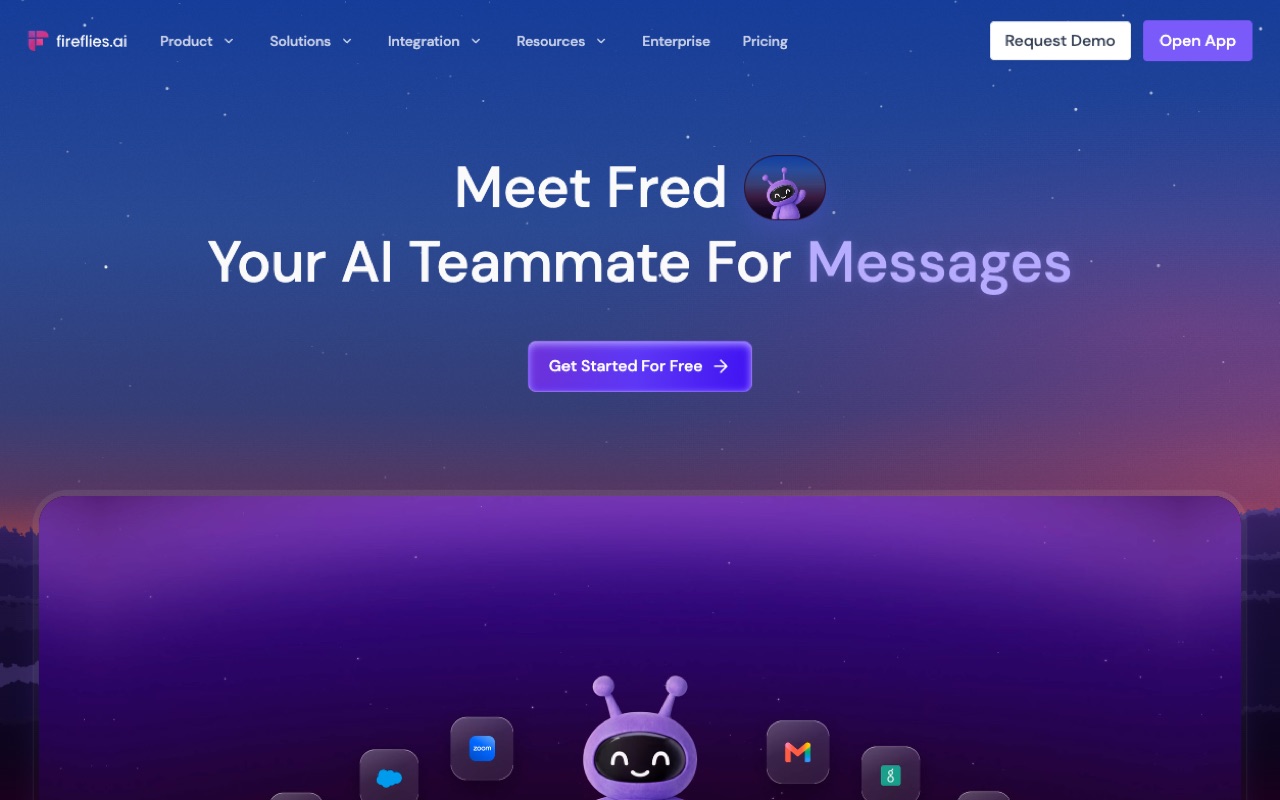
Fireflies.ai’s notetaker joins Zoom, Google Meet and Teams calls, records, transcribes in 100+ languages and writes a summary. You can ask its assistant, AskFred, questions across all your past meetings.
Price: $10/seat/mo billed annually; no monthly-billing price shown. Limits: Pro: unlimited transcription, 8,000 minutes of storage per seat. Business ($19/seat/mo yearly): unlimited storage. Recording: A bot joins the call. (Checked Nov 27, 2026.)
Who it’s for: Teams that meet a lot, in more than one language, and want an unlimited plan without paying Business prices.
Skip it if: You want to pay month to month, or you need to keep every recording on the cheapest plan (8,000 minutes is about 133 hours).
2. Otter.ai: the biggest clearly stated free plan
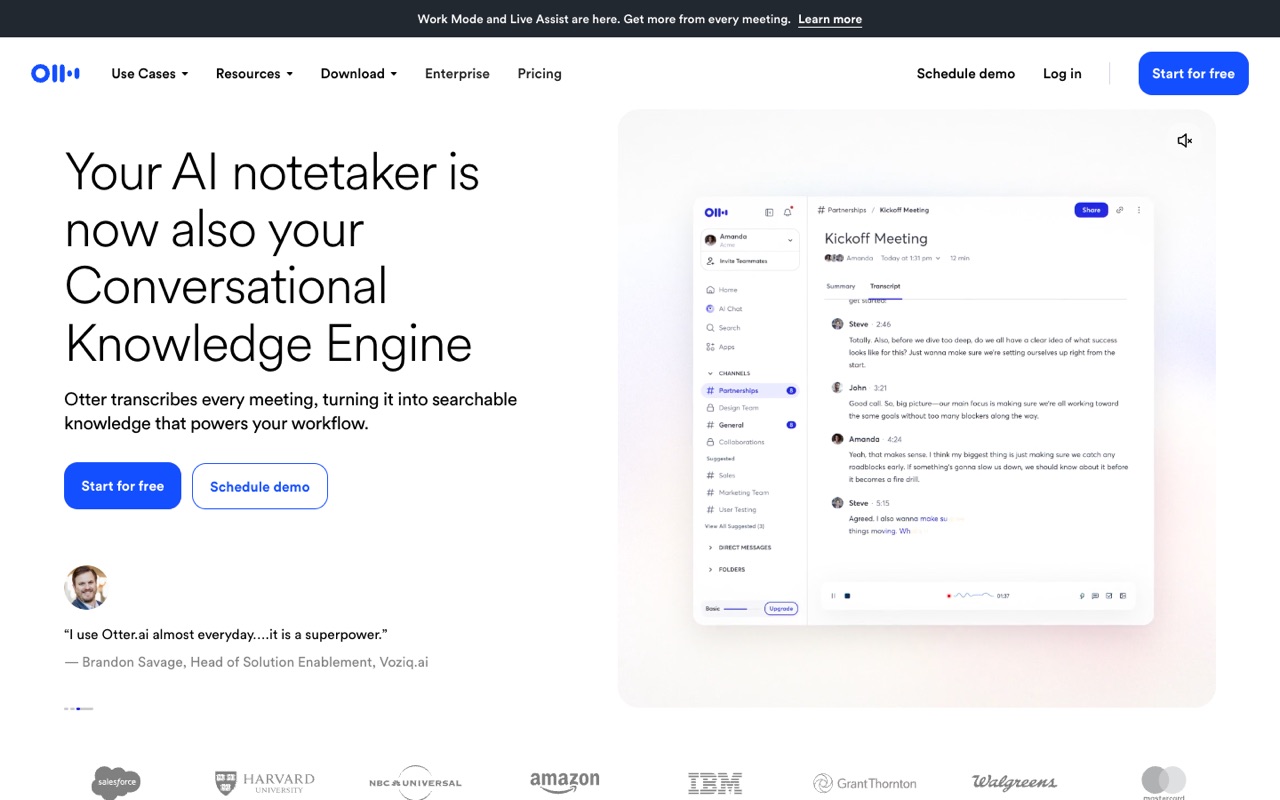
Otter.ai’s agent joins Zoom, Teams and Google Meet calls to write a live transcript and summary, and AI Chat answers questions about the meeting. A desktop app can also record without a bot in the call.
Price: $8.33/user/mo on the Annual tab; $16.99/user/mo on the Monthly tab. Limits: Pro: 1,200 minutes per user a month (shared with imports), 90 minutes per conversation. Business ($19.99 Annual, $30 Monthly): unlimited meetings, 4 hours per conversation. Recording: Agent joins the call; desktop app records without one. (Checked Nov 27, 2026.)
Who it’s for: People who want a useful free plan, or a cheap paid plan for up to about 20 one-hour meetings a month.
Skip it if: Your calls often run past 90 minutes, or you meet in languages other than the six Otter lists (English, Spanish, French, German, Japanese, Chinese).
3. Notta: one person with long calls in many languages
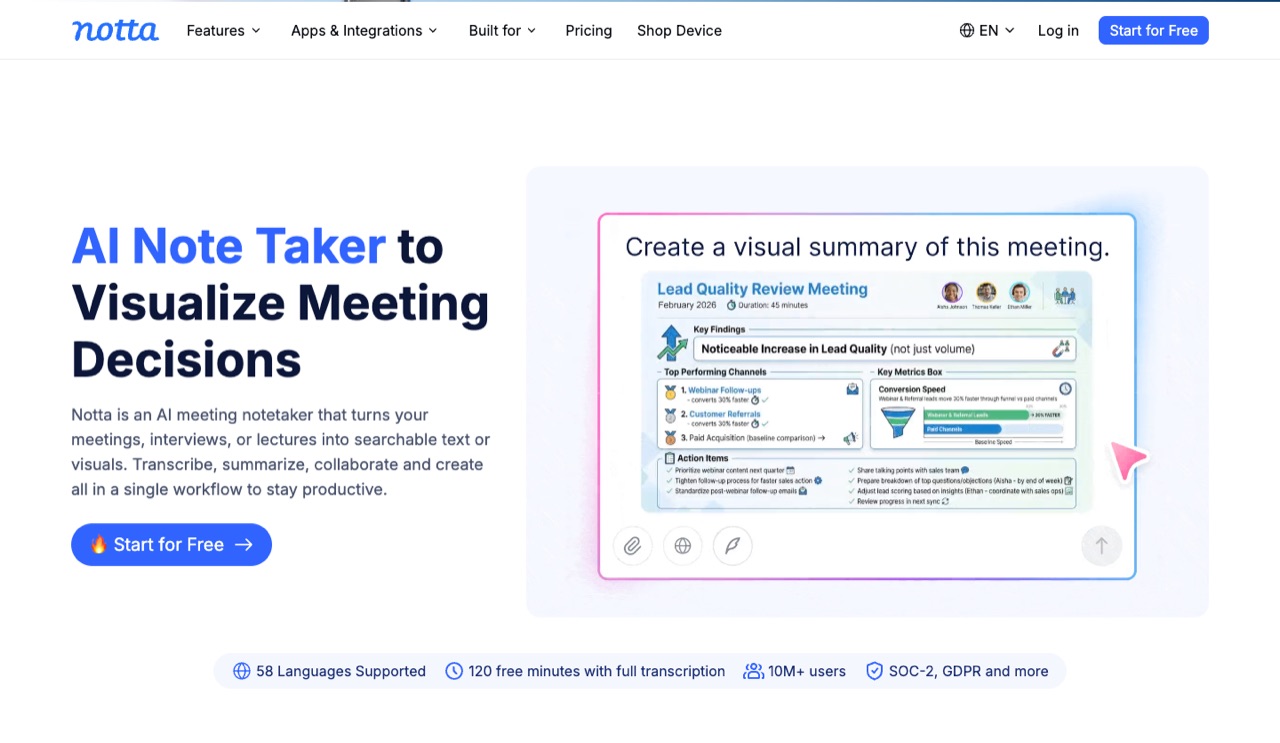
Notta records Zoom, Teams, Google Meet and Webex calls with a bot or a bot-free desktop recorder, and transcribes live calls and uploaded files in 58 languages.
Price: $8.17/mo billed annually ($97.99/yr); no monthly-billing price shown. Limits: Pro: 1,800 minutes a month, up to 5 hours per recording, 1 seat. Business ($199.99/yr): unlimited transcription. Recording: Bot or bot-free desktop recorder. (Checked Nov 27, 2026.)
Who it’s for: Freelancers, researchers and consultants with long interviews or meetings outside English.
Skip it if: You need a shared team workspace on the cheapest plan (Pro is 1 seat) or a free plan you can use for real meetings.
4. MeetGeek: a free plan plus automatic follow-ups
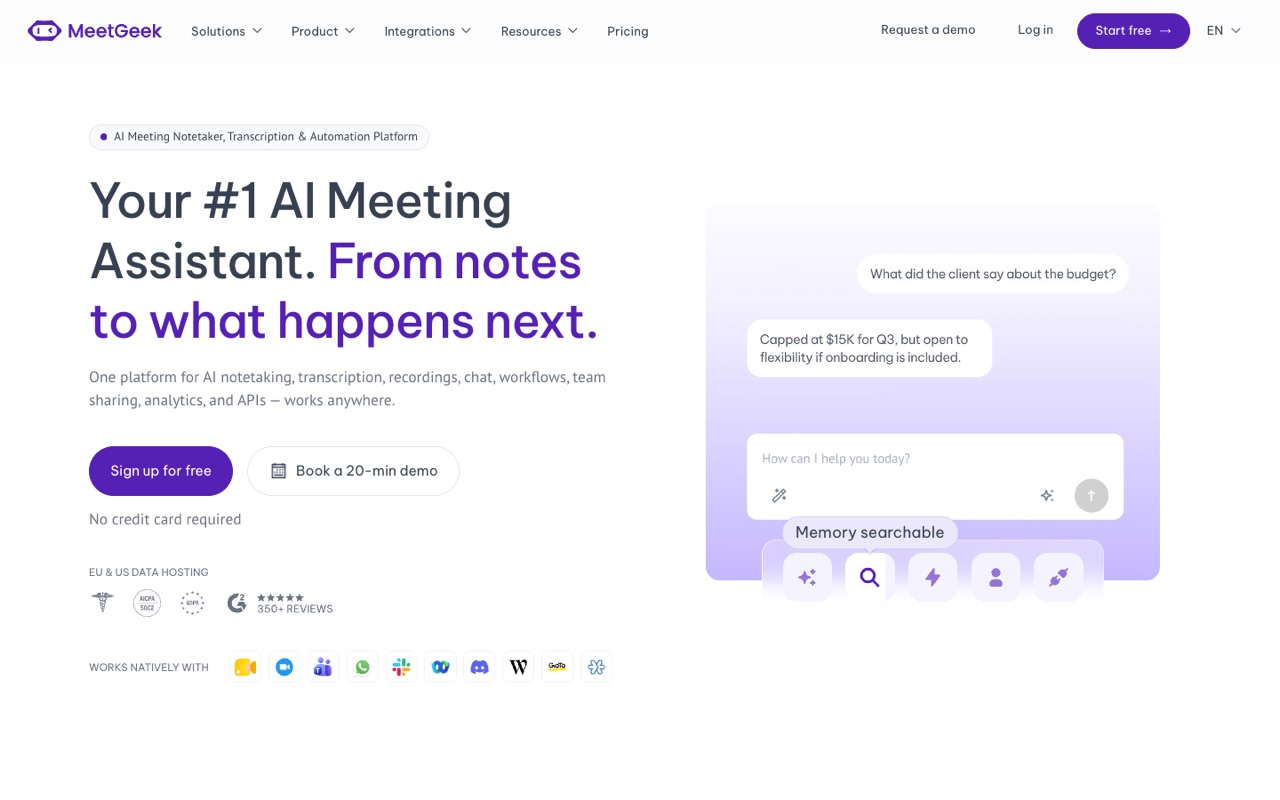
MeetGeek records Zoom, Google Meet and Teams calls with a bot or without one (desktop app, Chrome extension), transcribes in 100+ languages and runs agents that send follow-ups to your CRM and task tools.
Price: $9.99/user/mo billed yearly; $15.99/user/mo billed monthly. Limits: Pro: 20 hours a month, then $0.50 per extra hour, 2 hours per recording. Business ($17 yearly, $27 monthly): unlimited. Recording: Bot or bot-free. (Checked Nov 27, 2026.)
Who it’s for: Small teams that want meeting notes pushed into their CRM or task app without copying and pasting.
Skip it if: You need more than 3 free hours a month, or calls longer than 2 hours on Pro.
5. Krisp: bot-free notes plus noise cancellation
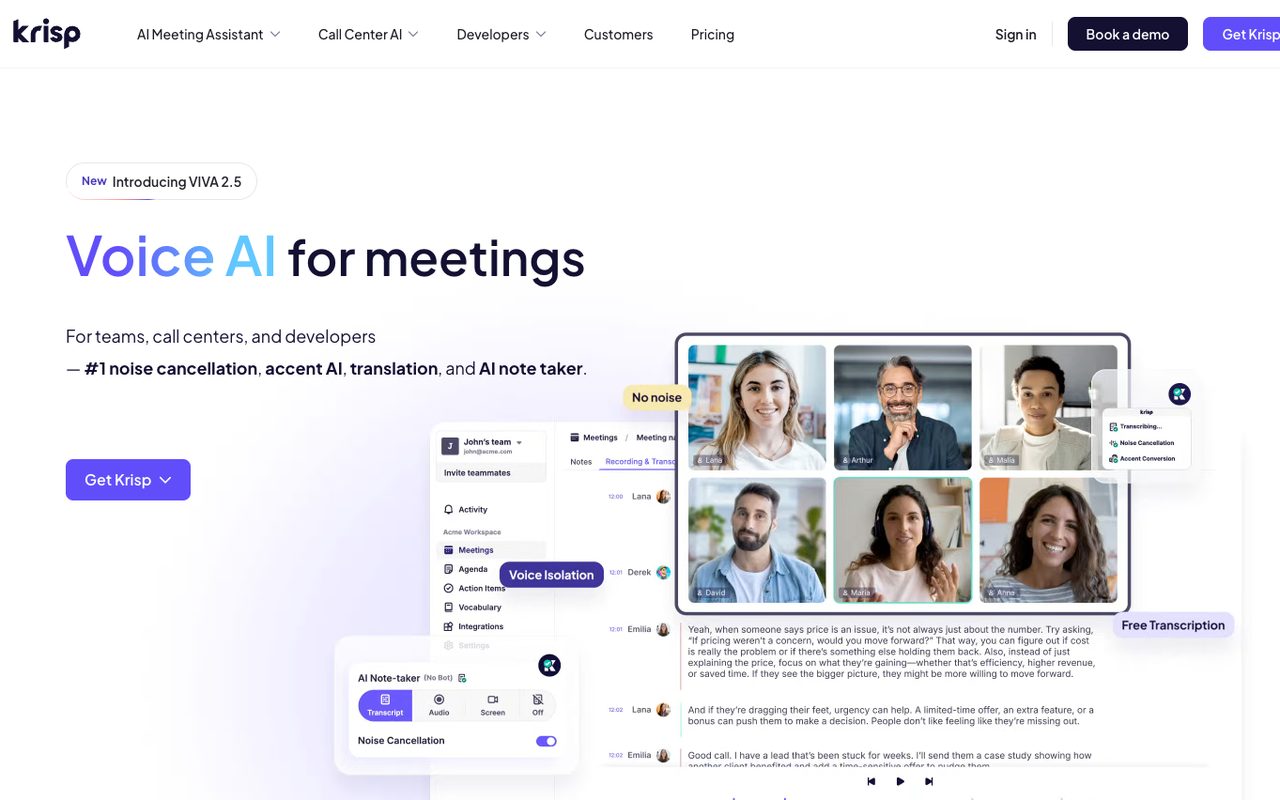
Krisp is a voice AI app that removes background noise and echo from your calls and takes AI meeting notes on Zoom, Teams, Google Meet and Slack Huddles without a bot joining.
Price: $8/user/mo billed annually; $16/user/mo billed monthly. Limits: Core: unlimited transcription and recording, 10 GB of storage, 1 hour a day of accent conversion. Advanced ($15 annual, $30 monthly): 60 GB. Recording: Bot-free (Core lists “Bot-free”). (Checked Nov 27, 2026.)
Who it’s for: People on calls most of the day who want clean audio and notes from one app.
Skip it if: You need a free plan, or you mostly transcribe uploaded files rather than live calls.
6. Bluedot: bot-free notes with no minute cap
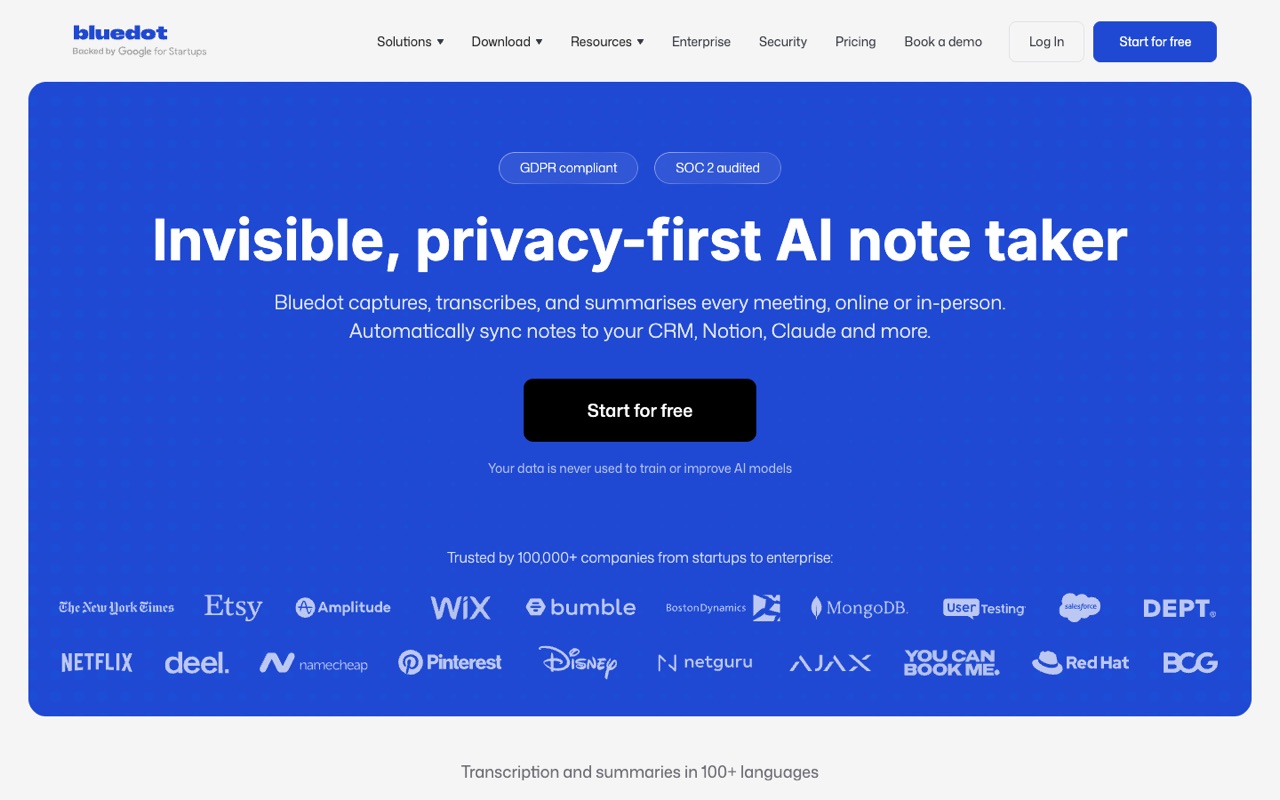
Bluedot records Google Meet, Zoom, Teams and Slack calls through a Chrome extension or desktop app, so no bot appears in the participant list, then writes transcripts and notes in 100+ languages.
Price: $14/user/mo on the Annual toggle; $18/user/mo on the Monthly toggle. Limits: Basic: unlimited audio-only meetings, up to 1 hour per recording. Pro ($20 Annual, $25 Monthly): video and no length limit. Recording: Bot-free only. (Checked Nov 27, 2026.)
Who it’s for: Teams whose clients or guests dislike meeting bots, and who pay only for the people who record.
Skip it if: You want a lasting free plan, or Basic’s 1-hour limit is too short.
7. Avoma: sales and customer success teams
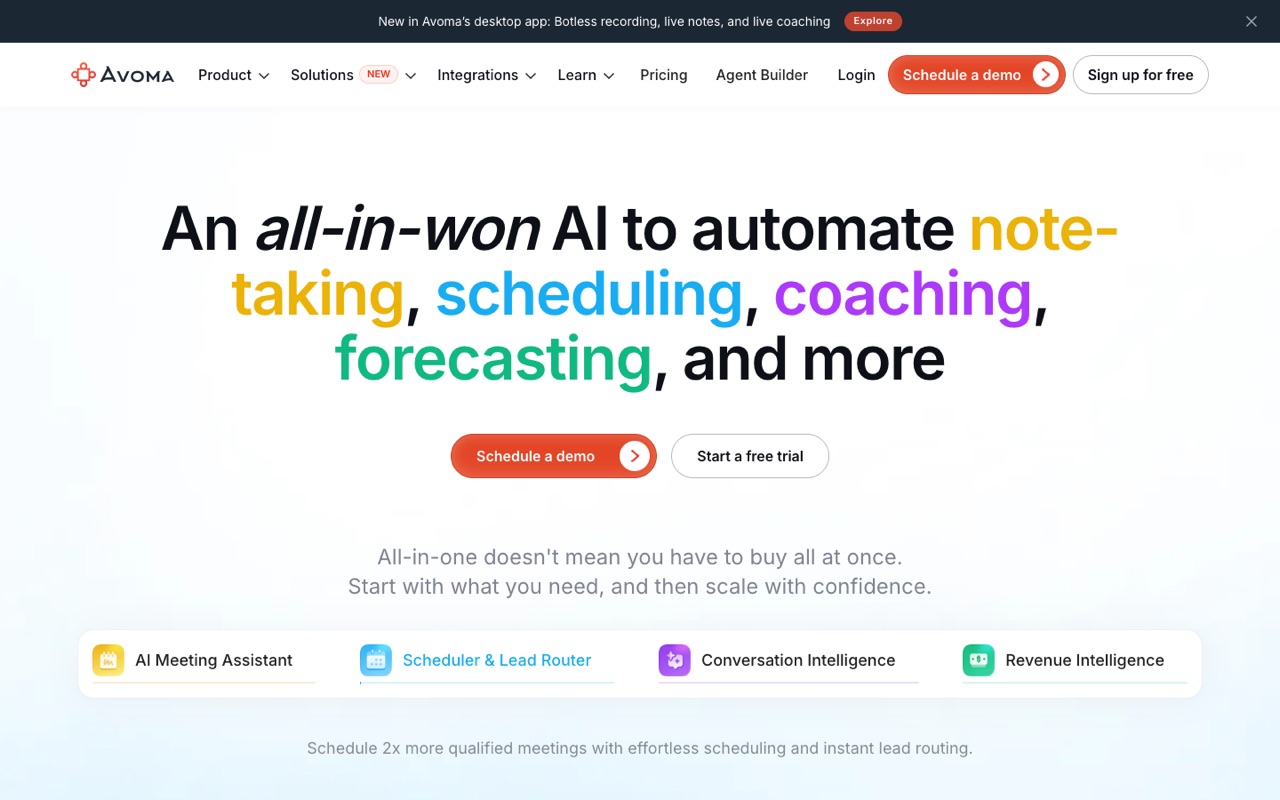
Avoma records and transcribes calls with unlimited minutes, writes notes from templates and fills CRM fields. Call scoring, forecasting and lead routing are paid add-ons.
Price: $19/recorder seat/mo billed annually; $29/seat/mo billed monthly. Limits: Every plan: unlimited transcription and recording storage. Organization: $29 yearly, $39 monthly. Recording: Bot or bot-less desktop recording. (Checked Nov 27, 2026.)
Who it’s for: Sales and success teams that want notes, CRM updates and coaching from the same tool.
Skip it if: You only need transcripts and summaries; cheaper tools above do that.
Free AI note takers: what you really get
A free AI note taker is fine for a few short calls a month. Here is how far each free plan goes, from the vendors’ pricing pages on November 27, 2026:
| Tool | Free allowance | Per call | Enough for |
|---|---|---|---|
| Otter.ai Basic | 300 minutes a month | 30 minutes | About ten 30-minute calls a month |
| MeetGeek Basic | 3 hours a month | 2 hours | Three 1-hour calls a month |
| Notta Free | 120 minutes a month | 3 minutes | Trying it out only |
| Bluedot Free | 5 meetings in total | Not stated | A short trial |
| Fireflies.ai Free | Limited transcripts; 400 minutes of storage per team | Not clearly stated | Light use, deleting old calls |
Krisp has a 7-day free trial and Avoma a 14-day trial, both without a card. Fireflies’ page says “Unlimited transcription” on its free plan but marks transcripts as “Limited” in the comparison table, so expect limits.
What one person pays per year
Cheapest paid plan for one user, paid for 12 months. “Yearly billing” is the per-month price on annual billing × 12; “monthly billing” is the month-to-month price × 12. Our arithmetic.
| Plan | Yearly billing | Monthly billing | Minutes |
|---|---|---|---|
| Krisp Core | $96 | $192 | Unlimited |
| Notta Pro | $97.99 | Not shown | 1,800 min a month |
| Otter.ai Pro | $99.96 | $203.88 | 1,200 min a month |
| MeetGeek Pro | $119.88 | $191.88 | 20 hours a month, then $0.50/hour |
| Fireflies.ai Pro | $120 | Not shown | Unlimited (8,000 min storage) |
| Bluedot Basic | $168 | $216 | Unlimited audio, 1 hour per recording |
| Avoma Startup | $228 | $348 | Unlimited |
Krisp, Notta and Otter.ai all cost about $100 a year on annual billing, but only Krisp has no minute cap. Fireflies.ai costs about $20 more and is also unlimited, with a storage limit. If you can’t commit to a year, MeetGeek ($191.88) and Krisp ($192) are the cheapest month-to-month options here.
How to choose an AI meeting assistant
- Count your minutes. Twenty 1-hour meetings a month is 1,200 minutes, exactly Otter Pro’s cap and MeetGeek Pro’s 20 hours. Above that, pick an unlimited plan.
- Decide on the bot. A visible bot tells everyone the call is recorded. Bot-free tools are quieter, but you have to tell people yourself.
- Check call length. Bluedot Basic stops at 1 hour per recording, Otter Pro at 90 minutes, MeetGeek Pro at 2 hours, Notta Pro at 5 hours.
- Check languages. Otter lists six; Notta 58; Fireflies.ai, MeetGeek and Bluedot 100+.
- Think about after the call. If notes must land in a CRM, MeetGeek and Avoma are built for that.
For podcasts or recorded interviews rather than live meetings, an editor such as Descript transcribes files and lets you edit audio by editing text. See also our guide on how to transcribe audio to text.
Recording consent and privacy
Recording a call can need everyone’s permission: some US states and many countries require consent from all participants. Say at the start that you’re using an AI note taker, especially with a bot-free tool, and turn it off when someone objects. Check where the vendor stores recordings and how long it keeps them before you record client or health information. This is general information, not legal advice.
How we chose
We picked AI note takers on our site that record Zoom, Google Meet and Teams calls and publish US prices, then read every pricing page on November 27, 2026 from a US server and did the cost maths ourselves. We ranked them by fit for one clear job (unlimited minutes, a free plan, bot-free recording, languages, follow-ups, sales), not by quality. We haven’t tested these tools hands-on, so try a free plan or trial on a few real meetings first. Fathom, tl;dv, Grain, Read.ai and Fellow also come up in searches; we don’t cover them on this site yet. We’re also preparing an Otter.ai alternatives guide and a Fireflies vs Otter comparison.
For more tools that save time around meetings, see the best AI productivity tools and the AI productivity category.
FAQ
What is the best AI note taker for meetings?
It depends on how you meet. For unlimited transcription at a low seat price, Fireflies.ai Pro ($10 a seat a month billed annually). For a free plan you can actually use, Otter.ai (300 minutes a month). For no bot in the call, Krisp or Bluedot. For sales teams, Avoma. We compared published plans on November 27, 2026 and haven’t tested these tools hands-on.
Is there a free AI note taker?
Yes, but free limits are small. Otter.ai Basic gives 300 minutes a month (30 per conversation), MeetGeek Basic 3 hours a month, Notta Free 120 minutes with 3 minutes per conversation, and Bluedot Free 5 meetings in total. Fireflies.ai’s free plan has limited transcripts and 400 minutes of storage per team. Krisp and Avoma offer trials, not free plans.
Is Fireflies better than Otter?
For heavy use, Fireflies.ai Pro has unlimited transcription in 100+ languages, while Otter.ai Pro stops at 1,200 minutes a month in six languages. Otter Pro is cheaper on its Annual tab ($8.33 against $10 a seat), shows a monthly price and has the bigger free plan. Fireflies Pro caps storage at 8,000 minutes per seat.
Do AI note takers join the call as a bot?
Many do: Fireflies.ai and Otter.ai’s agent appear as a participant. Bluedot and Krisp record from your browser or desktop with no bot. Notta, MeetGeek and Avoma let you choose a bot or a bot-free desktop recorder, and Otter also has a desktop app. Bot-free means guests won’t see a recorder, so you need to tell them yourself.
Do AI note takers work with Zoom, Google Meet and Teams?
All seven tools here list Zoom, Google Meet and Microsoft Teams. Notta also lists Webex, and Krisp and Bluedot list Slack Huddles or Slack calls. Check the vendor’s integrations page for your exact setup, such as Zoom webinars or a company-managed Teams account.
What is the difference between an AI note taker and an AI meeting assistant?
Mostly the name. An AI note taker records a call, turns speech into text and writes a summary. “Meeting assistant” usually adds jobs after the call: answering questions across meetings, drafting follow-up emails or updating your CRM, as Fireflies.ai, MeetGeek and Avoma do.