Best AI Video Generators (2026): 4 Picks by the Job You Need
This page has one affiliate link: the “Visit Higgsfield” button. If you sign up through it, we may earn a commission at no extra cost to you. It didn’t decide the order or what we say about Higgsfield. Every other link goes straight to the vendor. How we make money.
An AI video generator turns a text prompt or a still image into a short video clip, usually 5 to 10 seconds long.
The best AI video generator for you depends on what you make and how much of it. This guide compares four by job: an all-round studio, a multi-model hub, a high-volume option and a cheap starter. For each one we show what the entry plan costs, how many seconds of video the credits buy, and whether you can use the clips commercially, checked on each vendor's own pricing page.
The short answer
Start with Runway ($15/mo, free credits to try) for an all-round video studio. Pick Higgsfield to use many video models in one account. Choose Luma AI ($30/mo) for high volume with commercial use included. Pika ($10/mo) is the cheapest paid start.
AI video generators at a glance
| Tool | Best for | Starts at | Free option | Commercial use |
|---|---|---|---|---|
 Runway Runway | All-round studio | $15/mo ($12/mo yearly) | 125 one-time credits | Not stated on pricing page |
 Higgsfield Higgsfield | Many models in one account | Not confirmed for the US | None listed | Not stated on pricing page |
 Luma AI Luma AI | High volume | $30/mo ($25/mo yearly) | None listed | Yes, from Plus |
 Pika Pika | Cheapest paid start | $10/mo ($8/mo yearly) | Free plan, no monthly credits | From Creator ($35/mo) |
List prices in US dollars before tax, checked October 12, 2026. Higgsfield's price is left out because we couldn't confirm the US price (see its section).
What the jargon means
- Text to video. You describe a scene in words and the AI renders a clip.
- Image to video. You upload a picture, such as a product photo, and the AI animates it.
- Model. The AI engine that makes the clip. Some tools run only their own model; others let you pick from several, such as Kling, Veo or Seedance.
- Credits. The unit you spend per clip. Longer, sharper clips and premium models cost more credits.
- Commercial license. Permission to use the clips in ads, client work or anything you sell.
How we chose
We picked tools with self-serve monthly plans, then read each official pricing page on October 12, 2026 from a US connection. We haven't tested these tools hands-on yet, so we can't tell you which makes the best-looking video; we tell you what each one offers, who it suits and what you pay. Read more about how we review tools.
Kling AI isn't here yet because we couldn't read its US prices. Higgsfield is included without a price for the same kind of reason, and we say so plainly.
Runway: best for an all-round video studio with a free start
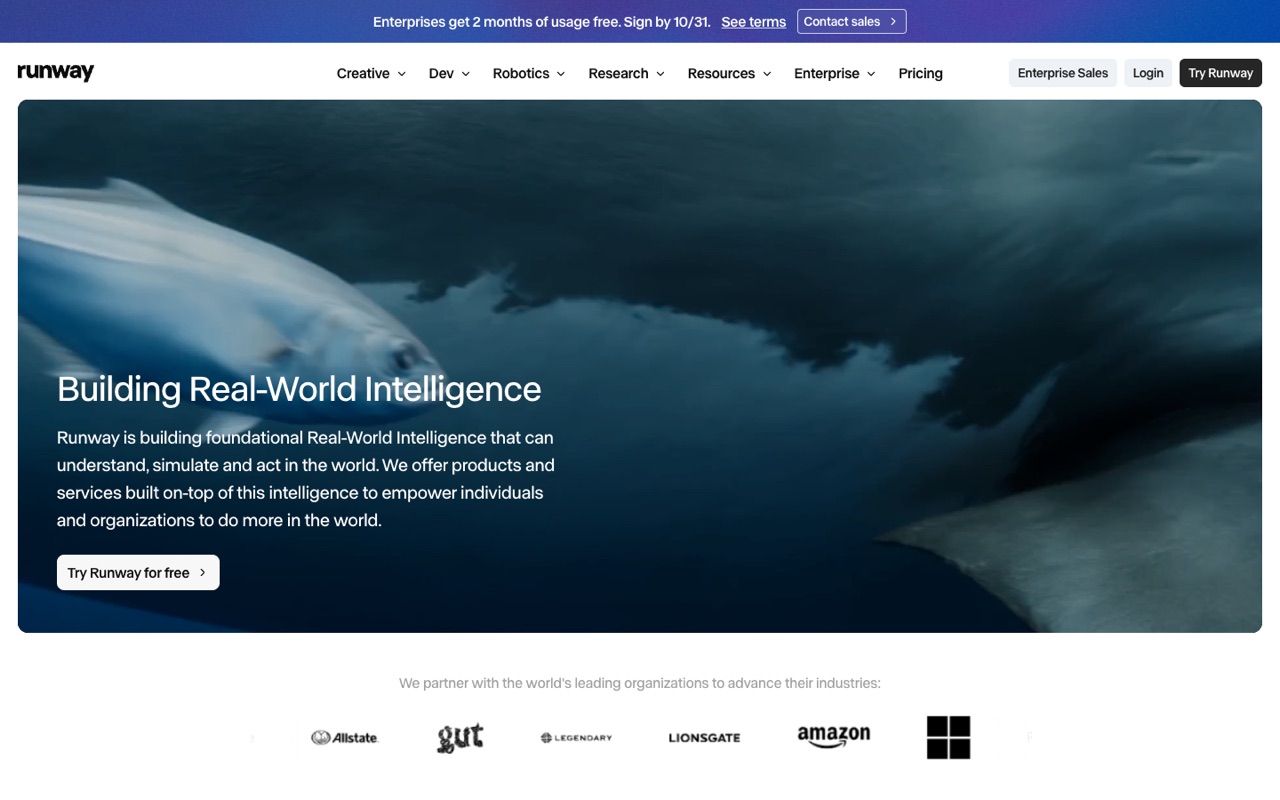
AI creative suite for generating and editing video, images and audio with Runway's own Gen-4.5 video model and other models, on the web, iPhone and Android, plus an API for developers.
- Type
- Video generation and editing suite
- Starts at
- $15/mo, billed monthly ($12/mo billed yearly)
- Free option
- 125 one-time credits, a selection of models
The cheapest paid plan includes:
- 625 credits a month, about 52 seconds of Gen-4.5 video
- All of Runway’s video and image models
- No watermarks and 4K upscaling
- Web app, iPhone and Android apps
Gen-4.5, Runway’s own model, makes clips of 2 to 10 seconds from a text prompt or from an image, per Runway’s help center. Standard and Pro credits don’t roll over; the $95/mo Max plan rolls unused credits over for one month. The pricing page doesn’t mention commercial use, so check Runway’s terms if you make videos for clients.
Who it's for: Creators and marketers who want one app to generate short clips, then upscale, edit and add audio, and who want to try it free first.
Skip it if: You need minutes of video every month on a small budget. 52 seconds of Gen-4.5 on Standard goes fast.
Visit RunwayRead the Runway profile
Source: runway.com, help.runwayml.com, checked October 12, 2026
Higgsfield: best for many video and image models under one account
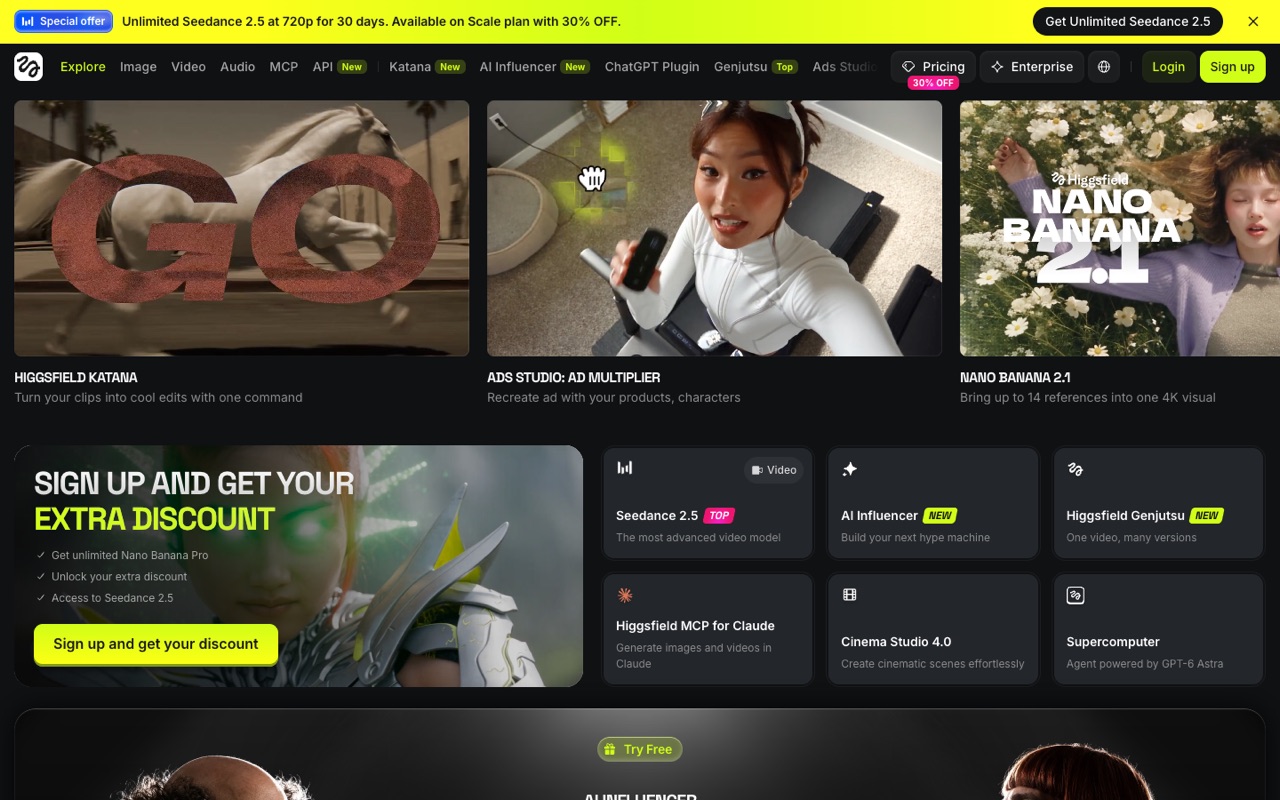
AI video and image studio that puts its own models next to third-party ones such as Seedance and Nano Banana, with tools for ads, AI influencers and cinematic shots.
- Type
- Multi-model video and image studio
- Starts at
- Price not confirmed, credit plans; check the pricing page in your country
- Free option
- No free plan on the pricing page
What you get:
- Its own models (such as Higgsfield Genjutsu) next to third-party ones; on Oct 12, 2026 its homepage named Seedance 2.5 and Nano Banana Pro
- Ads Studio for product ads and an AI Influencer tool
- Cinema Studio for cinematic scenes
- Credit costs listed per model, so you can estimate clips per plan
We couldn’t confirm a US price. Higgsfield’s pricing page is built in the browser and showed different plan line-ups and prices on different visits, and recent reviews quote different numbers, so we don’t print one here. Its pricing FAQ says subscription credits don’t roll over and prices exclude VAT. Some plans include time-limited “unlimited” use of certain models, which can be slowed at busy times.
Who it's for: Social creators and small brands who want to try several of the big video models, plus ad and avatar templates, without paying for each model separately.
Skip it if: You want a clear, fixed price before you sign up, or a free plan to test with.
Visit HiggsfieldAffiliate linkRead the Higgsfield profile
Source: higgsfield.ai, higgsfield.ai, checked October 12, 2026
Luma AI: best for high-volume generation with commercial use included

Creative AI platform built on its own Ray3.2 video model and Uni-1 image model, with AI agents that research, generate and refine video, images, audio and text.
- Type
- Video and image models with AI agents
- Starts at
- $30/mo, billed monthly ($25/mo, or $300/yr, billed yearly)
- Free option
- No free plan on the pricing page
The cheapest paid plan includes:
- 10,000 credits a month on Plus
- Luma’s Ray3.2 video model and Uni-1 image model, plus third-party models
- Commercial use listed on the Plus plan
- Guest collaborators who can edit
At the rates on Luma’s pricing page, a 5-second Ray3.2 clip costs 100 credits at 720p or 400 credits at 1080p, so 10,000 credits cover about 100 clips at 720p or 25 at 1080p. The same table prices text-to-video and image-to-video the same. The page doesn’t say whether unused credits roll over.
Who it's for: Marketers and small studios who make a lot of clips each month and want commercial rights on the entry plan.
Skip it if: You only need a few clips a month. At $30/mo it is the priciest entry plan here.
Visit Luma AIRead the Luma AI profile
Source: lumalabs.ai, checked October 12, 2026
Pika: best for the cheapest paid start for personal projects
AI video generator with its own Pika models plus image and audio generation; no watermarks on any plan, and a commercial license from the Starter plan up.
- Type
- Video generator with image and audio
- Starts at
- $10/mo, billed monthly ($8/mo billed yearly)
- Free option
- No monthly credits; buy packs (60 credits per $1)
The cheapest paid plan includes:
- 900 credits a month on Starter
- All models, including Pika 2.5 and third-party ones such as Seedance 2.5 and Wan 3.0
- No watermark on any plan
- Video, image and audio generation in one app
Starter now includes a commercial license (Pika’s pricing page, Oct 24, 2026; it started at Creator before). Pika’s pricing page estimates Starter’s 900 credits at about 7 Seedance 2.5 clips or 27 Wan 3.0 clips (5 seconds, 720p) a month. The page asks whether unused credits roll over but didn’t show the answer when we checked.
Who it's for: Hobbyists and creators testing ideas for personal social posts who want a low monthly bill.
Skip it if: You make videos for a business or for clients. Budget for Creator, not Starter.
Visit PikaRead the Pika profile
Source: pika.art, checked October 12, 2026
AI image to video: what each tool says it does
AI image to video means animating a still picture: you upload a photo and describe the motion, such as “the camera slowly circles the sneaker”. It's the easiest way to turn product photos into short ads. Here is what each vendor's own pages said on October 12, 2026:
- Runway: its help center says Gen-4.5 offers “Text to Video and Image to Video”, with clips from 2 to 10 seconds.
- Luma AI: the pricing page lists text-to-video and image-to-video at the same credit cost for Ray3.2 and for third-party models such as Kling 3.0, Veo 3.1 and Seedance.
- Higgsfield: the homepage says it creates from “text prompts or references” and lets you bring up to 14 references into one 4K visual.
- Pika: its pages list video models such as Pika 2.5 and Pikaframes but don't describe image to video in plain words, so check inside the app.
How credits really work
Every tool here sells credits, not minutes, and one credit buys a different amount in each. The table turns the entry plan into clips, using each vendor's own published rates.
| Plan | Credits a month | What that buys (vendor's figures) | Unused credits |
|---|---|---|---|
| Runway Standard ($15) | 625 | About 52 seconds of Gen-4.5 video | Don't roll over |
| Runway Pro ($35) | 2,250 | About 187 seconds of Gen-4.5 video | Don't roll over |
| Luma AI Plus ($30) | 10,000 | About 100 five-second Ray3.2 clips at 720p, or 25 at 1080p | Not stated |
| Pika Starter ($10) | 900 | About 7 Seedance 2.5 or 27 Wan 3.0 clips (5 seconds, 720p) | Not stated |
| Pika Creator ($35) | 3,150 | About 25 Seedance 2.5 or 95 Wan 3.0 clips (5 seconds, 720p) | Not stated |
| Higgsfield | Varies by plan | Credit cost listed per model on its pricing page | Expire each cycle |
Monthly-billing prices shown. Luma's clip counts are our arithmetic from its credit table (100 credits per 5-second clip at 720p, 400 at 1080p); the others are the vendors' own estimates.
Three things catch people out:
- Resolution and model change the price. On Luma, a 1080p clip costs four times a 720p one. On Pika, Seedance 2.5 costs almost four times Wan 3.0.
- You pay for retries. Credits are spent per generation, so a clip you redo three times costs three times.
- Credits often reset. Runway Standard and Pro and Higgsfield say unused subscription credits expire. Pick a plan for your real monthly volume, not your best month.
How to choose the right AI video generator
Start from what you'll make each month, then match it below.
| If you want to… | Start with | Why |
|---|---|---|
| Try AI video before paying anything | Runway | 125 free one-time credits, about 10 seconds of Gen-4.5 |
| Compare several big models without separate subscriptions | Higgsfield | Own and third-party video and image models in one credit balance |
| Make many ad or social clips for a business | Luma AI | 10,000 credits and commercial use on the entry plan |
| Make a few clips for fun on a small budget | Pika | $10/mo ($8 yearly) and no watermark on any plan |
| Edit and polish, not just generate | Runway | 4K upscaling, audio generation and mobile apps in the same plan |
Need a voiceover for your clips? See our guide to the best AI voice generators.
Check these before you pay
- Commercial rights. If the video is for a business, confirm the plan includes commercial use. Pika's Free plan doesn't.
- Which models your plan includes. Free and entry plans sometimes cover only a selection of models.
- Price in your country. Some vendors show different prices by region, and some add VAT at checkout.
- Rules for people and brands. Read the tool's content policy before generating real people, logos or trademarked products.
Our suggestions come from published plans, not hands-on tests. Make one real clip on the cheapest option before you commit to a yearly plan.
FAQ
What is an AI video generator?
An AI video generator is software that makes a short video clip from a text description or a still image. You type what should happen, such as “a coffee cup on a table, slow camera push-in”, and an AI model renders a clip, usually 5 to 10 seconds long. Most tools charge in credits per clip.
What is the best AI video generator right now?
It depends on the job. Runway is the all-rounder with a free start, Higgsfield gives access to many models in one account, Luma AI gives the most credits and includes commercial use on its entry plan, and Pika is the cheapest paid start. We haven’t tested them hands-on, so this is based on published plans.
Is there a free AI video generator?
Runway is the only one here with free credits included: 125 one-time credits, about 10 seconds of Gen-4.5 video at its published rate. Pika has a free plan but no monthly credits, so you buy a pack to generate. On October 12, 2026, Luma AI and Higgsfield listed no free plan on their pricing pages.
Which AI video generator can I use commercially?
Luma AI lists commercial use on its cheapest plan, Plus ($30/mo). Pika lists a commercial license from Starter ($10/mo) up as of Oct 24, 2026; its Free plan doesn’t. Runway’s and Higgsfield’s pricing pages don’t say, so read their terms before you use clips in ads or client work.
Can AI turn an image into a video?
Yes. You upload a photo and describe the motion, and the model animates it. Runway’s Gen-4.5 supports image to video, and Luma’s pricing page charges the same credits for image-to-video as for text-to-video. Higgsfield says it creates from “text prompts or references”.
What are good Sora alternatives?
Runway, Luma AI and Pika all run their own video models and sell monthly plans. If you want several companies’ models under one account, Higgsfield mixes its own models with third-party ones such as Seedance and Nano Banana. Model line-ups change often, so check the tool’s model list for the exact model you want before you pay.
Do AI video credits roll over?
Usually not. Runway’s Standard and Pro credits reset each month (Max rolls over one month), and Higgsfield’s FAQ says subscription credits expire each cycle. Luma’s and Pika’s pricing pages didn’t answer this when we checked. Extra credit packs you buy separately often last longer: Runway says its extra credit packs never expire.
Why isn’t Kling AI on this list?
We only list tools whose US-dollar prices we could read on the official pricing page. Kling’s pricing page loads its prices in the browser and we couldn’t read them from a US connection on October 12, 2026. We’ll add it once we can.
Sources
All pages checked October 12, 2026.
- runway.com/pricing
- help.runwayml.com/hc/en-us/articles/46974685288467-Creating-with-Gen-4-5
- higgsfield.ai/pricing
- higgsfield.ai/
- lumalabs.ai/pricing
- pika.art/pricing
See every tool in AI Video & Image. Torn between two? Read Higgsfield vs Runway.