
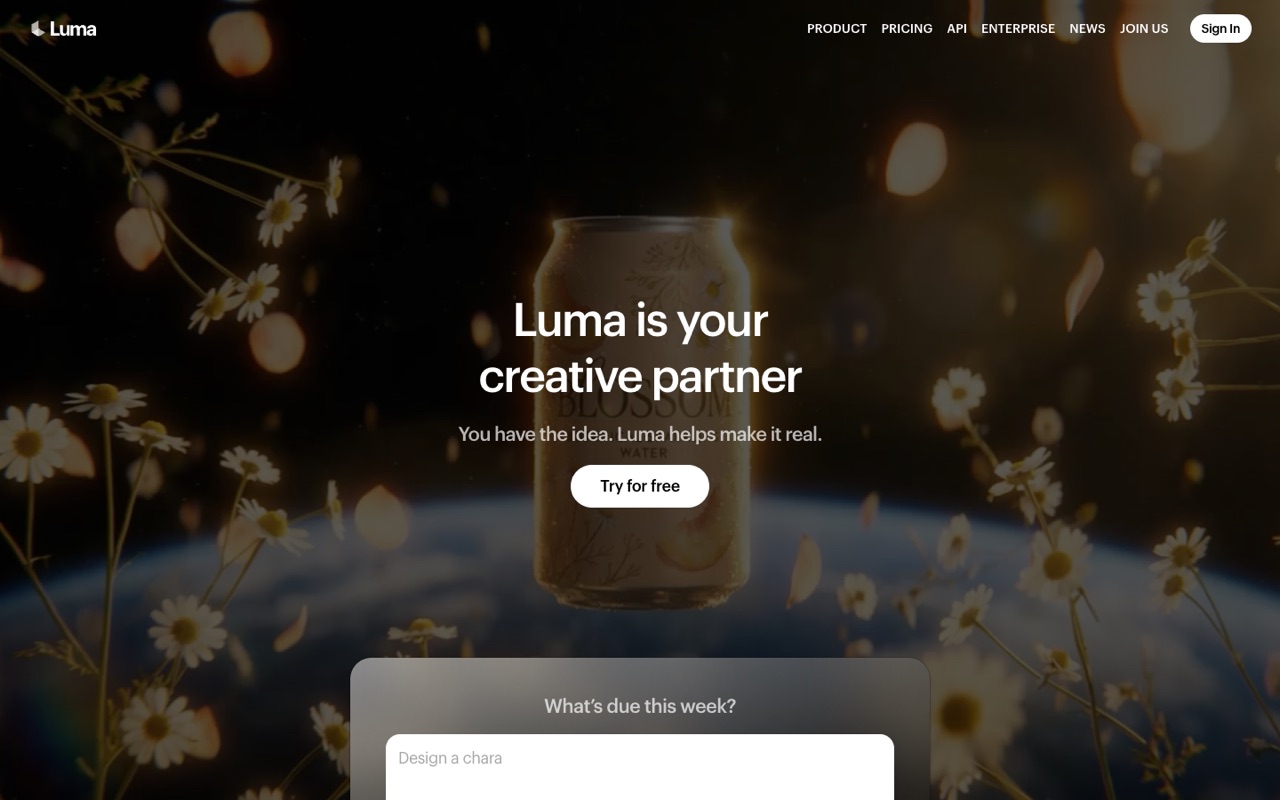
What does Luma AI do?
Luma AI is a creative platform built on its own Ray3.2 video and Uni-1 image models, with agents that research, generate and refine video, images and audio. Paid plans start at $25/mo billed yearly ($30 monthly) for 10,000 credits. It suits creators and brand teams who want many models in one place; skip it if you need a free plan.
- Ray3.2 video model. Luma's own video model (June 9, 2026): up to 16 keyframes per clip, performance transfer for up to eight faces, clips up to 20 seconds at 1080p and native HDR with 16-bit EXR export.
- Uni-1 image model. A brand-focused image model that carries style references, character references and visual grounding across assets; Uni-1.1 costs 30 credits per image.
- Luma Agents. Agents that research, generate and refine work across video, image, audio and text while keeping a brand consistent. Pro and Ultra raise agent usage to 4x and 15x.
- Third-party models on one balance. The same credits run models such as Seedance, Kling, Veo 3.1, GPT Image, Nano Banana and Ideogram, plus ElevenLabs voice, sound and music, each with its own credit rate.
- Luma Skills. Reusable workflows (June 16, 2026) that you write yourself or have the agent draft, then rerun on new assets, share by link or download as a zip.
- Editing utilities. Reframe, background removal, layers, depth maps, HDR conversion and video upscaling to 4K, priced in credits on the pricing page.
- Connectors. Read-and-add links to Google Drive, Dropbox, Frame.io, Box and Airtable, plus a Claude connector (Oct 19, 2026) that runs Luma from a chat using your team's credits.
- API. Developers can call Ray3.2 and Uni-1.1 through Luma's API; the announcements don't list API prices.
Who is Luma AI for?
Luma AI is a good fit if you're a video creator or a business owner, and you need help making videos and images.
How much does Luma AI cost?
Luma AI starts at $25/mo. It has no free plan. We checked this on Oct 12, 2026 on the official pricing page.
- Starts at
- $25/mo
- Free plan
- No
- Free trial
- Not offered on the pricing page
Plus plan billed yearly at $300 ($30/mo billed monthly) with 10,000 credits and commercial use. Pro is $90/mo ($75/mo yearly) for 40,000 credits; Ultra is $300/mo ($250/mo yearly). The pricing page lists no free plan, though the site has a 'Try for free' button.
Luma AI plans compared
| Plan | Billed monthly | Billed yearly | What you get |
|---|---|---|---|
| Plus | $30/mo | $25/mo ($300/yr) | 10,000 credits a month; Luma and third-party image and video models; edit access for guest collaborators; commercial use. About 100 five-second Ray3.2 clips at 720p or 25 at 1080p |
| Pro | $90/mo | $75/mo ($900/yr) | 40,000 credits a month; everything in Plus; 4x usage with Luma Agents. About 400 five-second Ray3.2 clips at 720p or 100 at 1080p |
| Ultra | $300/mo | $250/mo ($3,000/yr) | 150,000 credits a month; everything in Pro; 15x usage with Luma Agents. About 1,500 five-second Ray3.2 clips at 720p or 375 at 1080p |
| Team & Enterprise | Not listed | Custom | Team: shared team credits, member management, team projects and sharing, usage analytics, SSO. Enterprise adds enterprise commitments, dedicated training and custom fine-tuning. Contact sales |
Checked on Nov 9, 2026. Yearly billing works out to $300, $900 and $3,000 a year versus $360, $1,080 and $3,600 paid monthly, a saving of $60, $180 and $600 (about 17%). Every generation costs credits set by model and resolution: a 5-second Ray3.2 clip is 20 credits at 360p, 100 at 720p and 400 at 1080p; a Uni-1.1 image is 30 credits; ElevenLabs v4 speech is 21 credits per 1,000 characters. Clip counts in the plan rows assume you spend every credit on 5-second Ray3.2 clips. The pricing page lists no free plan and doesn't say whether unused credits roll over; Luma's terms say fees are non-refundable and plans renew automatically.
Checked Oct 12, 2026 on Luma AI's pricing page. Prices change often, so confirm before you buy.
Luma AI pros and cons
What stands out
- Own video and image models built for consistent characters and brand style
- Commercial use from the cheapest paid plan
- Pricing page publishes credit costs for every model, resolution and utility
- One credit balance covers Luma, third-party video and image models and ElevenLabs audio
- Ray3.2 adds keyframes, HDR/EXR output and 20-second 1080p clips
- Connectors to Drive, Dropbox, Frame.io, Box, Airtable and Claude
Watch out for
- Higher entry price than many rivals: $25/mo billed yearly, $30 monthly
- No free plan on the pricing page, and the homepage's 'Try for free' has no stated terms
- Agent limits are given as multipliers ('4x', '15x'), not numbers
- 1080p video is costly: 400 credits per 5-second Ray3.2 clip, so Plus covers about 25
- Fees are non-refundable under Luma's terms, and credit rollover isn't stated
- Team, Enterprise and API pricing isn't published
Based on Luma AI's own pages, not hands-on testing.
What are the alternatives to Luma AI?
We list 8 other AI Video & Image tools: HeyGen, Higgsfield, invideo AI, Magnific, OpusClip, Pika, Runway, Synthesia. Each one below shows its starting price and when you might pick it instead.


 invideo AI · From $10/mo per seat
Choose invideo AI if you want a lower starting price ($10/mo per seat vs $25/mo).





Compared in
Luma AI FAQ
How much does Luma AI cost?
As of Nov 9, 2026: Plus is $30/mo or $25/mo billed yearly ($300), Pro is $90/mo or $75/mo yearly ($900), and Ultra is $300/mo or $250/mo yearly ($3,000). Team and Enterprise are quoted by sales.
Does Luma AI have a free plan?
The pricing page lists no free plan. The homepage has a 'Try for free' button, but Luma doesn't state how many credits or days that includes, so check when you sign up.
How many videos can I make with Luma credits?
It depends on model and resolution. A 5-second Ray3.2 clip costs 100 credits at 720p and 400 at 1080p, so Plus (10,000 credits) covers about 100 clips at 720p or 25 at 1080p. Pro covers about 400 or 100, Ultra about 1,500 or 375.
Can I use Luma AI videos commercially?
Yes, on a paid plan. Luma's terms say you own your outputs but can use them commercially only if they were made during a paid subscription that allows it. The Plus plan lists commercial use, and Pro and Ultra include everything in Plus.
Is Dream Machine still Luma's product?
Luma's current homepage and pricing page don't mention Dream Machine. They present Luma as a creative platform with agents built on the Ray3.2 video model and Uni-1 image model.
Which models can I use on Luma?
Luma's own Ray3.2, Ray3.14 and Uni-1.1, plus third-party models listed on the pricing page such as Seedance, Kling, Veo 3.1, MiniMax, Flux 3, GPT Image, Nano Banana, Seedream and Ideogram, and ElevenLabs for speech, sound and music.
Can I get a refund or cancel Luma?
Luma's terms (updated May 14, 2026) say fees are final and non-refundable unless Luma decides otherwise. Plans renew automatically; cancel in account settings or by emailing support at least one day before the term ends.
Is Luma AI worth it?
It suits creators and brand teams who want Luma's own models, many third-party models and agents on one credit balance. If you mainly need 1080p video, credits go fast on Plus, so price out Pro. We haven't tested Luma hands-on; this is based on its pricing page, terms and announcements.
Sources and how we checked
- Official pricing page, checked Oct 12, 2026
- Official website
- Luma AI homepage (checked Nov 9, 2026), checked Nov 9, 2026
- Luma: Introducing Ray3.2 (June 9, 2026; checked Nov 9, 2026), checked Nov 9, 2026
- Luma: Luma Skills (June 16, 2026; checked Nov 9, 2026), checked Nov 9, 2026
- Luma Learning Center: Luma Connectors (June 14, 2026; checked Nov 9, 2026), checked Nov 9, 2026
- Luma Learning Center: Claude connector guide (Oct 19, 2026; checked Nov 9, 2026), checked Nov 9, 2026
- Luma terms of service (updated May 14, 2026; checked Nov 9, 2026), checked Nov 9, 2026