Best AI Writing Tools (2026): 4 Picks by Job and Budget
This page has no affiliate links right now: every link goes straight to the vendor. If that changes, we'll say so here. How we make money.
AI writing tools use AI to draft new text, or to check and rewrite text you already have. The best AI writing tool for you depends on which of those two jobs you need.
This guide compares four well-known AI writing tools: two that edit and two that draft. For each one we list what the paid plan includes, what you get free, and who should skip it. Every price was checked on the vendor's own site.
The short answer
For most people, start free with Grammarly to fix grammar and tone, or QuillBot to reword and summarize (Premium $8.33/mo yearly). Marketers who want on-brand drafts should look at Jasper ($59/seat/mo yearly). For SEO articles plus AI-search tracking, Writesonic starts at $79/mo yearly.
Quick picks
| Tool | Best for | Type | Paid plan from | Free option |
|---|---|---|---|---|
 Grammarly Grammarly | Fixing grammar and tone wherever you write | Editing tool | $12/mo billed annually | Free plan, plus a 7-day Pro trial |
 QuillBot QuillBot | Rewriting and summarizing on a small budget | Editing tool | $8.33/mo billed yearly | Free plan, no time limit |
 Jasper Jasper | On-brand marketing content | Drafting tool | $59/mo per seat billed yearly | 7-day free trial (credit card needed) |
 Writesonic Writesonic | SEO articles plus tracking AI search | Drafting tool | $79/mo billed yearly | 7-day free trial, no credit card |
List prices in US dollars before tax, checked October 10, 2026. Yearly prices are shown per month but paid upfront.
What is an AI writing tool?
An AI writing tool is software that uses a language model to help you write: it can produce a first draft from a short brief, or suggest fixes and rewrites for text you wrote yourself. Most tools lean towards one of two jobs.
| Drafting tool | Editing tool | |
|---|---|---|
| What it does | Turns a topic, notes or a brief into a full first draft | Fixes grammar, adjusts tone, rewrites or shortens your text |
| Example | You give it a headline and 5 bullet points; it writes the article | You paste a clumsy paragraph; it suggests a clearer version |
| In this guide | Jasper, Writesonic | Grammarly, QuillBot |
| Free plan? | No, 7-day trials only | Yes, both |
| Paid from | $59–$79/mo billed yearly | $8.33–$12/mo billed yearly |
The line is blurring: Grammarly can now draft from prompts, and both drafting tools can rewrite. But each tool's plans and limits are built around its main job, so pick by that.
How we chose
We picked four widely used tools that publish their prices and cover both jobs, then read each one's official pricing and help pages on October 10, 2026. We haven't tested these tools hands-on yet, so we don't rank them against each other or judge output quality. Each pick says who it suits and who should skip it, based on what the plans include.
Not covered yet: general AI assistants such as ChatGPT, Claude and Gemini, and other writing tools like Rytr and Copy.ai. We'll add them once we've checked their plans the same way.
Grammarly: best for fixing grammar and tone wherever you write
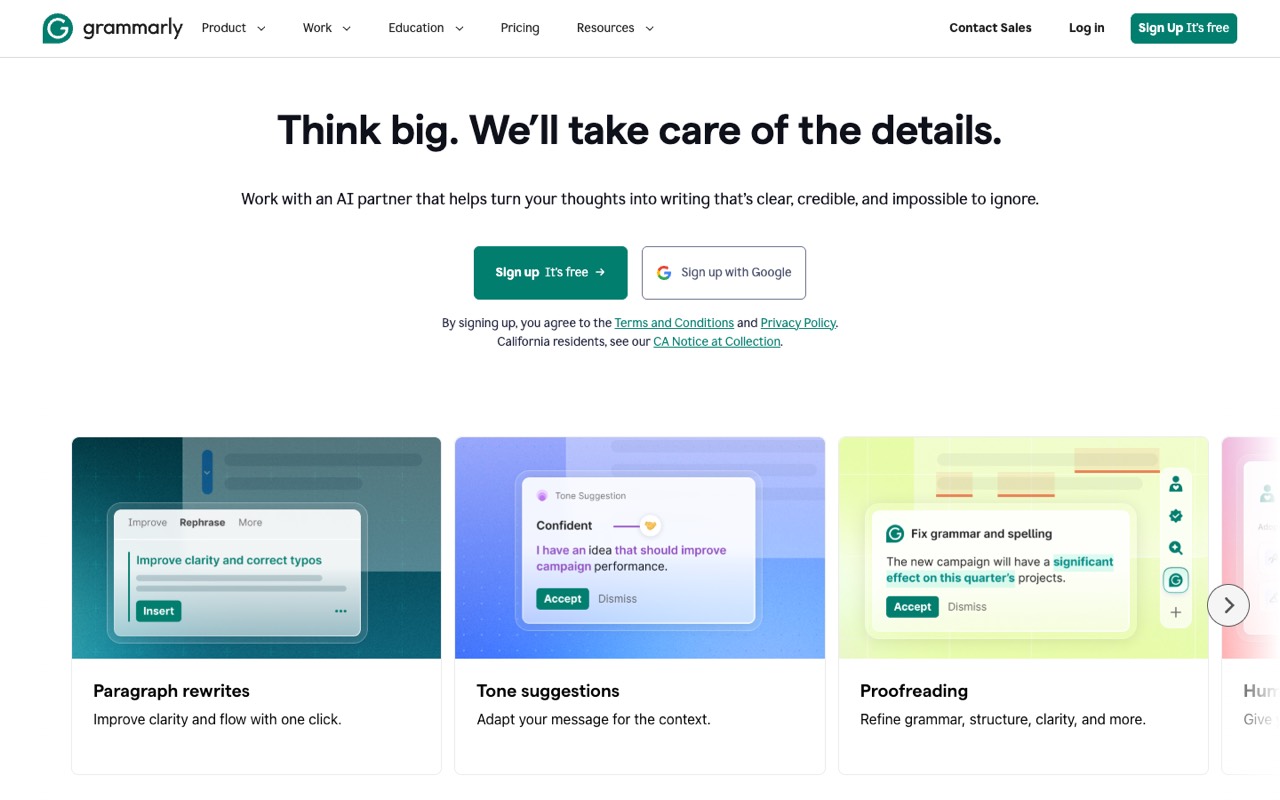
Writing assistant that checks grammar, clarity and tone, with generative AI features for rewriting.
- Type
- Editing tool
- Paid plan
- Pro: $12/mo billed annually ($144 a year; $30 billed monthly)
- Free option
- Free plan, plus a 7-day Pro trial
The Pro plan includes:
- Full-sentence rewrites and tone adjustment
- Plagiarism and AI-text detection
- 2,000 AI prompts a month
- Works in more than a million apps and websites
The free plan already checks grammar and spelling, detects tone and gives you 100 AI prompts a month. That is enough for many people.
Who it's for: Anyone who writes emails, posts or reports and wants mistakes caught as they type, in the browser, email and docs they already use.
Skip it if: You want a tool to write whole articles for you. Grammarly can draft from prompts, but its main job is checking and improving what you wrote.
Visit GrammarlyRead the Grammarly profile
Source: grammarly.com, support.grammarly.com, checked October 10, 2026
QuillBot: best for rewriting and summarizing on a small budget
Paraphrasing and summarizing tool with a grammar checker.
- Type
- Editing tool
- Paid plan
- Premium: $8.33/mo billed yearly ($99.95; $19.95 billed monthly)
- Free option
- Free plan, no time limit
The Premium plan includes:
- Paraphraser with no input limit and every mode
- Summarizer up to 6,000 words
- Plagiarism checks up to 25,000 words a month
- Use on up to 10 devices
The free plan rewrites up to 100 words at a time in 2 modes and summarizes up to 1,200 words. Prices shown are US prices; QuillBot uses regional pricing, so yours may be lower.
Who it's for: Students, academics and bloggers who already have a draft and want it reworded, shortened or made clearer.
Skip it if: You need first drafts from scratch, or brand-voice controls for a team. QuillBot is built around rewriting text you give it.
Visit QuillBotRead the QuillBot profile
Source: quillbot.com, quillbot.com, checked October 10, 2026
Jasper: best for on-brand marketing content
AI writing platform aimed at marketing teams, with controls for keeping a consistent brand voice.
- Type
- Drafting tool
- Paid plan
- Pro: $59/mo per seat billed yearly ($69/mo per seat billed monthly)
- Free option
- 7-day free trial (credit card needed)
The Pro plan includes:
- 1 seat with Canvas and marketing agents
- 2 brand voices
- 5 knowledge assets and 3 audiences
There is no free plan, but monthly plans can be cancelled anytime or paused for 30 days. Adding more users, the GEO and research agents, or unlimited brand voices means the Business plan, which has custom pricing and a 12-month commitment.
Who it's for: Marketers and business owners who produce a lot of campaign content and want every piece to sound like the same brand. Pro covers one person; a team needs the Business plan.
Skip it if: You are a solo blogger on a tight budget. At $59–$69 a month for one seat, you pay for brand and team features you may not use.
Visit JasperRead the Jasper profile
Source: jasper.ai, help.jasper.ai, checked October 10, 2026
Writesonic: best for sEO articles plus tracking AI search
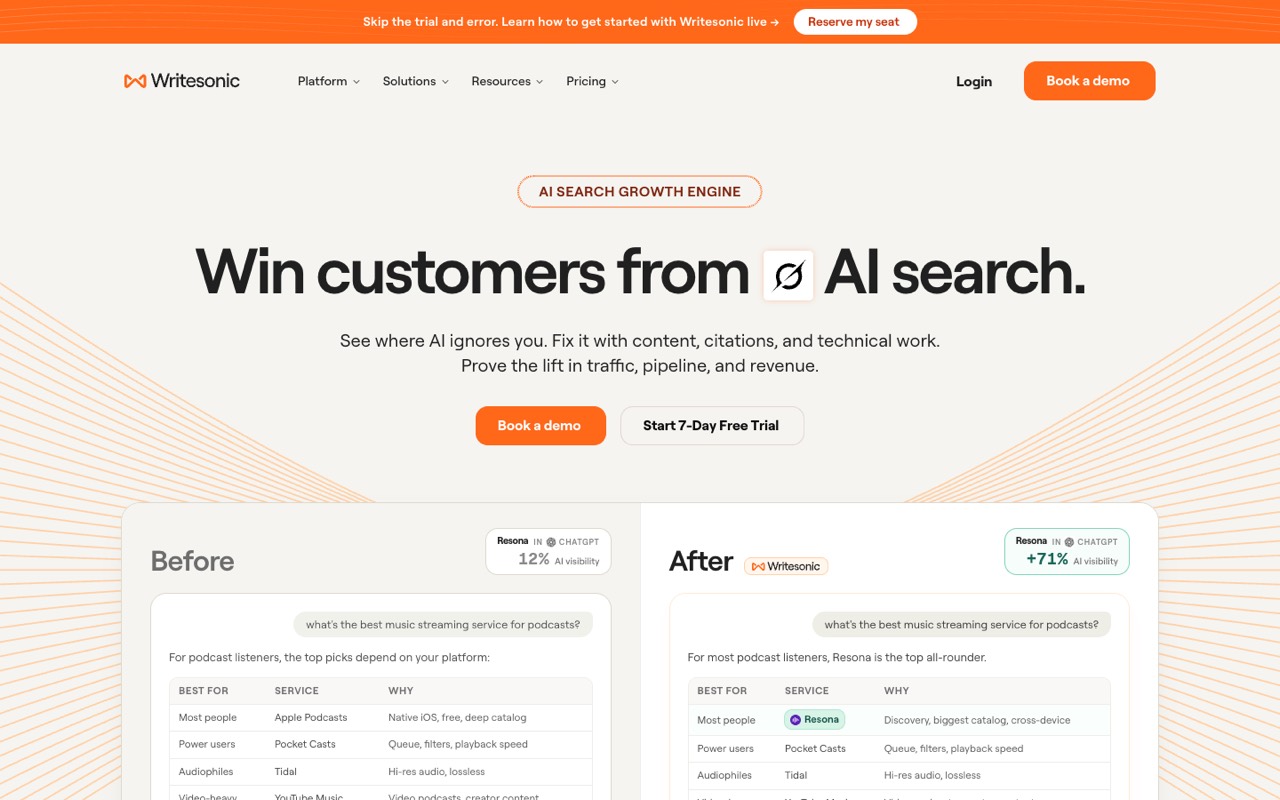
AI writing platform that also offers features for tracking how brands appear in AI answer engines.
- Type
- Drafting tool
- Paid plan
- Starter: $79/mo billed yearly (about $99/mo billed monthly)
- Free option
- 7-day free trial, no credit card
The Starter plan includes:
- 15 AI articles and 10 site audits a month
- 50 prompts tracked daily in ChatGPT, Gemini and Google AI Overviews
- 1 user and 1 project
Writesonic now calls itself an AI search growth engine. Every plan pairs article writing with checking how often AI assistants mention your brand. The monthly price is worked out from the yearly saving its pricing page lists.
Who it's for: Site owners and affiliate marketers who publish SEO articles and also want to see whether ChatGPT and Google’s AI answers mention them.
Skip it if: You only want a writing assistant. You would pay for AI-search tracking you don’t need, and Starter caps you at 15 AI articles a month.
Visit WritesonicRead the Writesonic profile
Source: writesonic.com, checked October 10, 2026
How to choose an AI writing tool
By the job you need done
| You need to… | Start with | Why |
|---|---|---|
| Fix typos and grammar in emails and docs | Grammarly free | Checks as you type in the apps you already use |
| Reword or shorten text you already wrote | QuillBot free | Paraphraser and summarizer are its core; Premium removes the 100-word limit |
| Write marketing copy in one brand voice | Jasper Pro trial | Brand voices, knowledge assets and audiences are built into the plan |
| Draft SEO blog posts and watch AI search | Writesonic Starter trial | 15 AI articles a month plus daily checks in ChatGPT, Gemini and AI Overviews |
| Make a draft rank better on Google | A content optimizer such as Frase or Surfer | They compare your draft with pages that already rank; see Surfer vs Frase |
By budget
| Monthly budget | What you can get |
|---|---|
| $0 | Grammarly free (grammar, tone, 100 AI prompts a month) and QuillBot free (100 words at a time) |
| About $10 | QuillBot Premium ($8.33/mo yearly) or Grammarly Pro ($12/mo yearly) |
| $20–$30 | The same two tools paid monthly: QuillBot $19.95, Grammarly $30 |
| $59–$99 | A drafting tool: Jasper Pro ($59 yearly / $69 monthly per seat) or Writesonic Starter ($79 yearly / about $99 monthly) |
These suggestions come from the published plans above, not hands-on testing. Every paid tool here has a free plan or a 7-day trial, so test it on a real piece of your own writing before you pay.
Do you even need a paid AI writing tool?
Not always. General AI assistants such as ChatGPT, Claude and Gemini can also draft and rewrite text from a prompt. A dedicated writing tool earns its price when you need something built around a job: checking as you type everywhere (Grammarly), unlimited paraphrasing (QuillBot), saved brand voices (Jasper) or a monthly article quota tied to SEO tracking (Writesonic).
We haven't checked the plans of the general assistants yet, so we don't list their prices here.
Will AI-written content rank on Google?
Google does not penalize content just because AI helped write it. Its guidance says generative AI can be useful for research and for adding structure to original content. What it warns against is using AI to generate many pages without adding value for readers, which may break its spam policy on scaled content abuse.
Google also says AI output can contain mistakes, so it asks you to fact-check it before publishing, including titles and descriptions. Sources: Google Search Central on generative AI content and Google's 2023 post on AI content.
How to keep your own voice when you write with AI
- Start from your notes, not a blank prompt. Give the tool your bullet points, a past post you like, or the questions customers actually ask you.
- Add what only you know. A real example, a number from your own work, or a mistake you made. AI can't invent these honestly.
- Cut the filler. Delete openers like "In today's world" and any sentence that would fit in every article on the topic.
- Check every fact. Prices, dates, names and quotes. Google asks for this too.
- Read it out loud. If a sentence doesn't sound like you, rewrite it yourself. Then use an editing tool for the final polish.
Tools like Jasper (brand voices) and QuillBot (rewriting modes such as Formal or Creative on Premium) can help with tone, but the specifics still have to come from you.
Related guides
Writing for search? See the best AI SEO tools for research and optimization, or our Surfer SEO vs Frase comparison. Browse every AI writing and content tool we list.
FAQ
What is the best AI writing tool for blog posts?
It depends on where you get stuck. If you need first drafts and also care about SEO, Writesonic’s Starter plan includes 15 AI articles a month. If you write your own posts and want them cleaner, Grammarly’s free plan or QuillBot are cheaper places to start.
Is there a free AI writing tool that is actually useful?
Yes. Grammarly’s free plan checks grammar, spelling and tone and includes 100 AI prompts a month. QuillBot’s free plan rewrites up to 100 words at a time and summarizes up to 1,200 words. Jasper and Writesonic have free trials, not free plans.
Will Google penalize AI-written content?
Not just for using AI. Google says AI can help with research and structure, but generating many pages without adding value for readers may break its spam policy on scaled content abuse. It also asks you to fact-check AI output before you publish.
Grammarly or QuillBot: which should I use?
Use Grammarly if you mainly want mistakes and tone fixed as you type, in email, docs and the browser. Use QuillBot if you mainly want existing text reworded or summarized. Both have free plans, so you can try each on the same paragraph before paying.
Is Jasper worth it for a solo blogger?
Usually not as a first tool. Jasper Pro costs $59 a month per seat billed yearly, or $69 monthly, and its strengths are brand voice and marketing workflows for teams. A solo blogger can start free with Grammarly or QuillBot and upgrade later.
How do I make AI writing sound less robotic?
Give the tool your own notes and examples, not just a topic. Then edit the draft: cut filler, add a real example or opinion, and read it out loud. Editing tools like Grammarly or QuillBot can help smooth wording, but the specific details have to come from you.
Sources
All pages checked October 10, 2026.
- www.grammarly.com/plans
- support.grammarly.com/hc/en-us/articles/115000090011
- quillbot.com/premium
- quillbot.com/blog/frequently-asked-questions/how-much-is-quillbot-premium/
- www.jasper.ai/pricing
- help.jasper.ai/hc/en-us/articles/18618674196891-Free-Trial
- writesonic.com/pricing
- developers.google.com/search/docs/fundamentals/using-gen-ai-content
- developers.google.com/search/blog/2023/02/google-search-and-ai-content