Best AI Automation Tools (2026): 5 Picks by the Job You Want Done
This page has no affiliate links right now: every link goes straight to the vendor. If that changes, we'll say so here. How we make money.
AI automation tools take repetitive computer work off your plate, from copying data between apps to drafting routine email. Plain automation tools follow fixed steps; AI automation tools add steps that read, write or decide.
“Automation” covers very different jobs, so this guide groups the best AI automation tools by what they automate: workflows between apps, custom AI agents, an assistant for your inbox, data from websites, and software testing. For each one we list the cheapest paid plan, the free option and how usage is counted, checked on the vendor's own pricing page.
The short answer
To connect your apps on a budget, start with Activepieces ($20/mo, free plan). To build your own AI agents, try MindStudio ($20/mo plus AI usage). For email and meetings, pick Lindy ($49.99/user/mo). Browse AI ($48/mo) collects website data; TestDriver tests software.
Quick picks
| Tool | Type | Best for | Starts at | Free option |
|---|---|---|---|---|
 Activepieces | Workflow automation | Connecting your apps into step-by-step workflows | $20/mo billed monthly, flat per workspace | 1,000 credits a month, up to 5 users |
 MindStudio | AI agent builder | Building your own AI agents and AI apps without code | $20/mo + AI usage billed monthly ($16/mo billed yearly) | 1 agent and 1,000 runs a month, plus AI usage |
 Lindy | AI assistant for teams | An AI assistant for email, meetings and team chores | $49.99/mo per user billed monthly per active user | $50 in credits that last 7 days, no card (works like a trial) |
 Browse AI | Web scraping and monitoring | Collecting and watching data on websites | $48/mo billed monthly ($19/mo billed yearly, with fewer credits) | 50 credits a month and 2 websites |
 TestDriver | AI QA agent | Automating software testing for dev teams | $20/seat/mo + $0.14/min billed monthly per seat, plus testing minutes | No free plan; trial of 14 days or 120 testing minutes (card required) |
List prices in US dollars before tax, checked October 26, 2026. Usage-based charges (credits, AI model costs, testing minutes) come on top where noted.
What AI automation tools actually do
An AI automation tool runs a task for you whenever something happens or on a schedule, so you don't repeat the same clicks every week. The “AI” part handles steps that need judgment, like reading an email and deciding how to reply. A few terms you'll see:
- Workflow (or flow). A fixed list of steps: “when a form is submitted, add the person to the CRM, then post in Slack.”
- AI agent. A helper you give a goal in plain language. It decides the steps itself, using the apps you connect.
- Connector or integration. A ready-made link to another app, such as Gmail or Google Sheets, so the tool can read and write there.
- Credits. The unit most tools use to count usage. What one credit buys differs from tool to tool, so compare what you get, not just the price.
- Scraping. Collecting data from web pages automatically, instead of copying it by hand.
| Type | What it does | Example on this page |
|---|---|---|
| Automation tool | Runs fixed steps when a trigger fires | Zapier, Make, n8n, Activepieces |
| AI automation tool | Fixed steps plus AI steps that summarize, classify or draft | Activepieces with an AI step, Browse AI |
| AI agent | Gets a goal in plain language and picks the steps itself | Lindy, agents built in MindStudio, TestDriver for code |
How we chose
We picked tools with self-serve plans and prices published in US dollars, and read each one's official pricing page on October 26, 2026. We haven't tested them hands-on yet, so we can't tell you which one is fastest or most reliable; we tell you what each one automates, who it suits and what you pay.
Big names such as Zapier, Make and n8n are covered in their own section below rather than ranked: we couldn't read US-dollar plan prices for Make and n8n, and Zapier's page didn't tie its starting price to a task allowance.
Activepieces: best for connecting your apps into step-by-step workflows
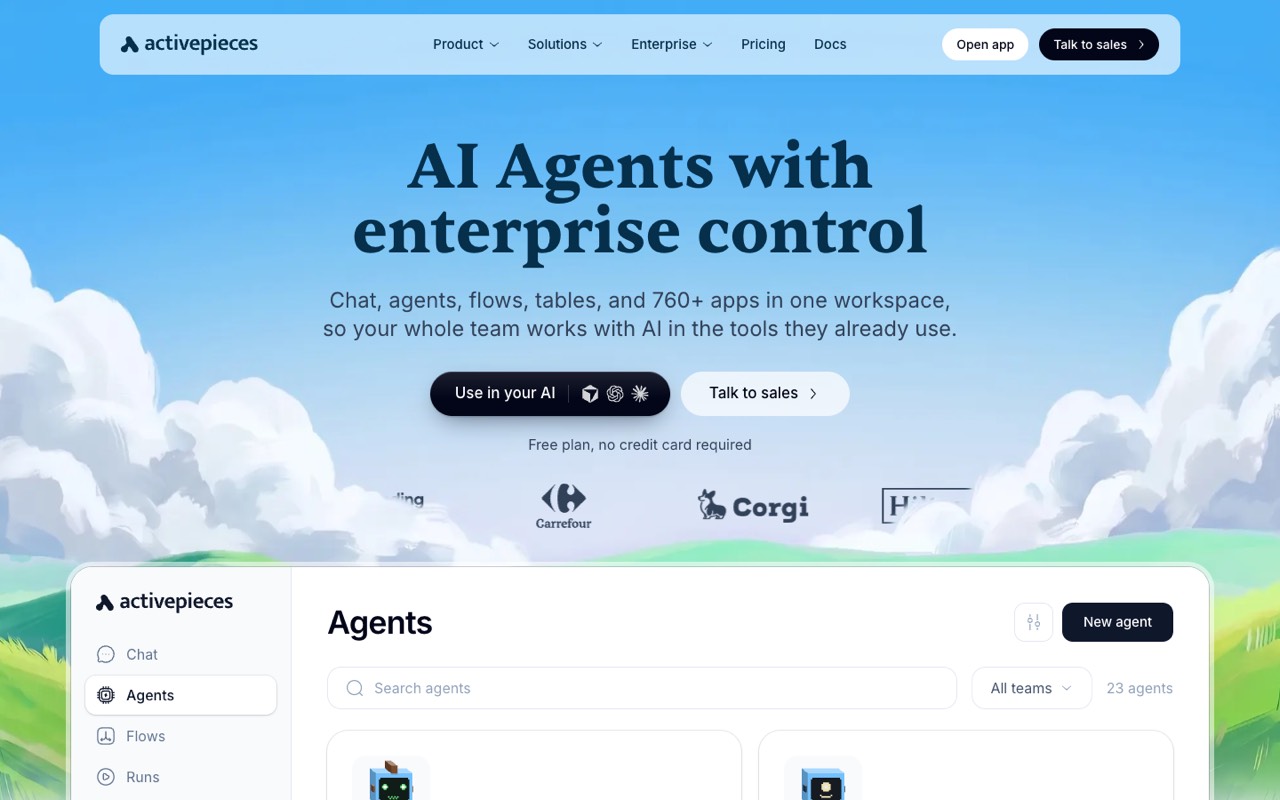
Open-source automation platform (MIT-licensed core) for building AI agents and multi-step flows across 770+ app connectors, in the cloud or self-hosted.
- Type
- Workflow automation
- Starts at
- $20/mo, billed monthly, flat per workspace
- Free option
- 1,000 credits a month, up to 5 users
The cheapest paid plan includes:
- 10,000 credits a month (1 credit per flow run, however many steps it has)
- Unlimited flows
- Up to 5 users on one flat price
- Extra usage at $0.007 per credit
AI steps cost extra credits: 2, 10 or 20 per step depending on the model, or 1 credit if you bring your own AI provider key (Plus and up). The free plan’s 1,000 credits reset daily, and runs over the limit wait for the next day. Team ($200/mo) raises the allowance to 50,000 credits and 25 users. The pricing page says annual billing saves 2 months but doesn’t list annual prices. The core is open source (MIT license), so you can also run it on your own server.
Who it's for: Small businesses and solo operators who want to move data between apps on a schedule, such as new form entries into a CRM or a sheet, and add an AI step where it helps.
Skip it if: You want an assistant that works in your inbox and meetings without you designing each step. Lindy is built for that.
Visit ActivepiecesRead the Activepieces profile
Source: activepieces.com, checked October 26, 2026
MindStudio: best for building your own AI agents and AI apps without code
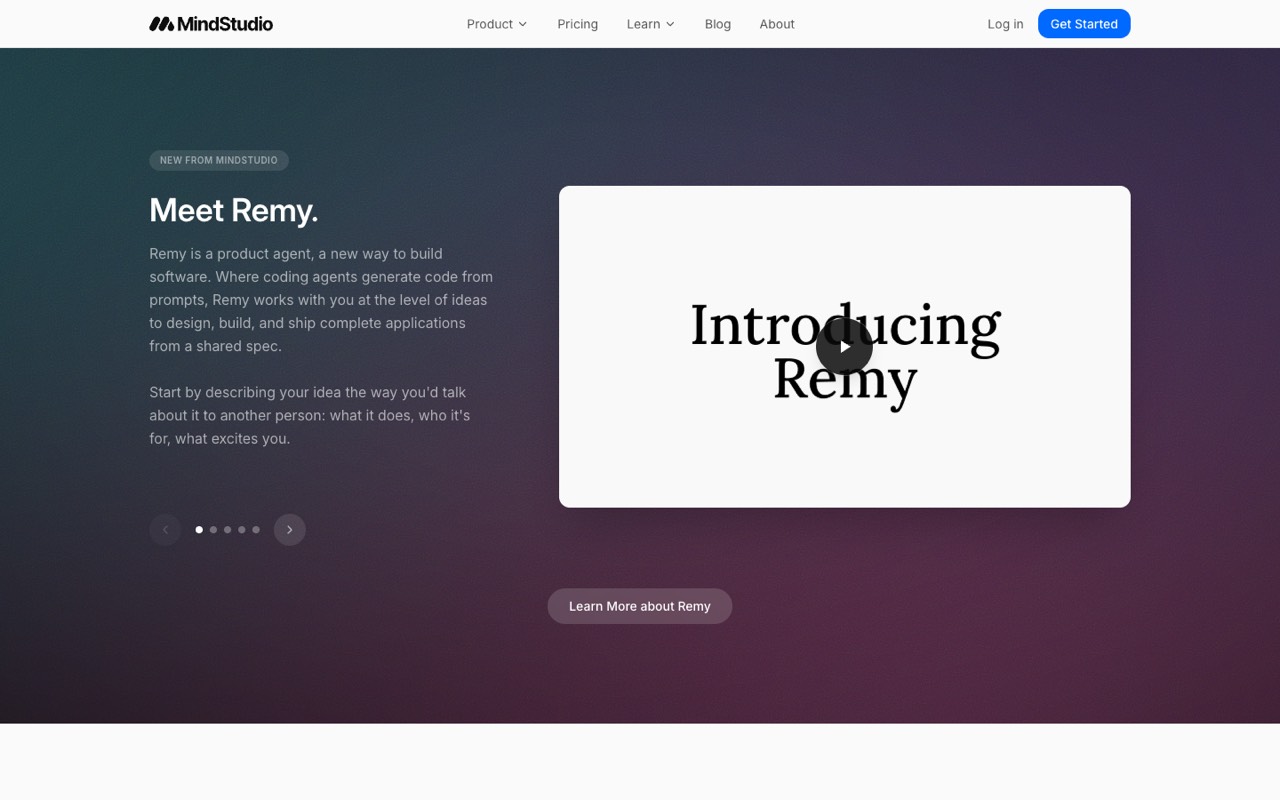
No-code builder for AI agents and AI apps, with 200+ AI models billed at provider cost, 1,000+ integrations, and deployment as web apps, browser extensions or APIs.
- Type
- AI agent builder
- Starts at
- $20/mo + AI usage, billed monthly ($16/mo billed yearly)
- Free option
- 1 agent and 1,000 runs a month, plus AI usage
The cheapest paid plan includes:
- Unlimited agents and runs
- 200+ AI models, including Claude, GPT and Gemini, with no API keys needed
- Publish as a web app, browser-extension button, email-triggered agent or API
- Spend limits per agent and in total
On every plan you also pay for the AI models your agents call, billed by tokens. MindStudio says it charges what the model provider charges with no markup, but the pricing page doesn’t list per-model rates, so your monthly bill depends on how much your agents run. Team features such as SSO and permissions need the custom Business plan.
Who it's for: People who want to turn a repeated AI task, such as summarizing reports or drafting product descriptions, into a small app their team can run with one click.
Skip it if: You need a fixed, predictable monthly bill. Model usage is charged on top of the plan.
Visit MindStudioRead the MindStudio profile
Source: mindstudio.ai, checked October 26, 2026
Lindy: best for an AI assistant for email, meetings and team chores
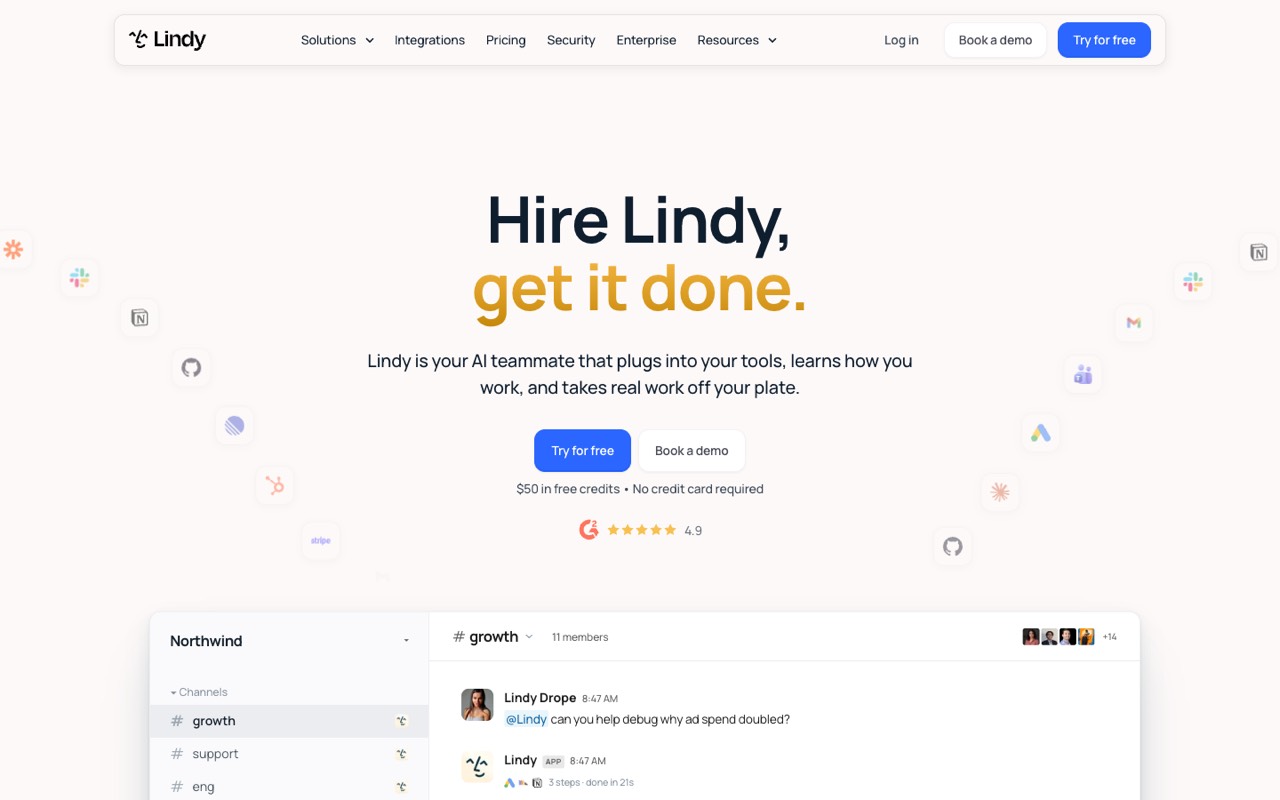
AI assistant for teams that connects to Gmail, Slack, CRMs and 1,500+ other apps to draft email, take meeting notes, send daily briefs and run recurring tasks.
- Type
- AI assistant for teams
- Starts at
- $49.99/mo per user, billed monthly per active user
- Free option
- $50 in credits that last 7 days, no card (works like a trial)
The cheapest paid plan includes:
- 5,000 credits a month per user
- Email drafting, meeting notes and scheduled routines such as a daily brief
- Connections to Gmail, Slack, CRMs and, per its homepage, 1,500+ apps
- Approval before irreversible actions like sending email
Extra credits cost $10 per 1,000. Monthly credits don’t roll over. On October 26, 2026, the pricing page’s description still said “starts at $29.99 per user per month”, while the plans table said $49.99, so confirm the price at checkout.
Who it's for: Small teams who live in email, Slack and meetings and want an assistant to draft replies, take notes and send recurring updates.
Skip it if: You’re a large team on a tight budget. Lindy bills every active user, so costs grow with headcount.
Visit LindyRead the Lindy profile
Source: lindy.ai, checked October 26, 2026
Browse AI: best for collecting and watching data on websites
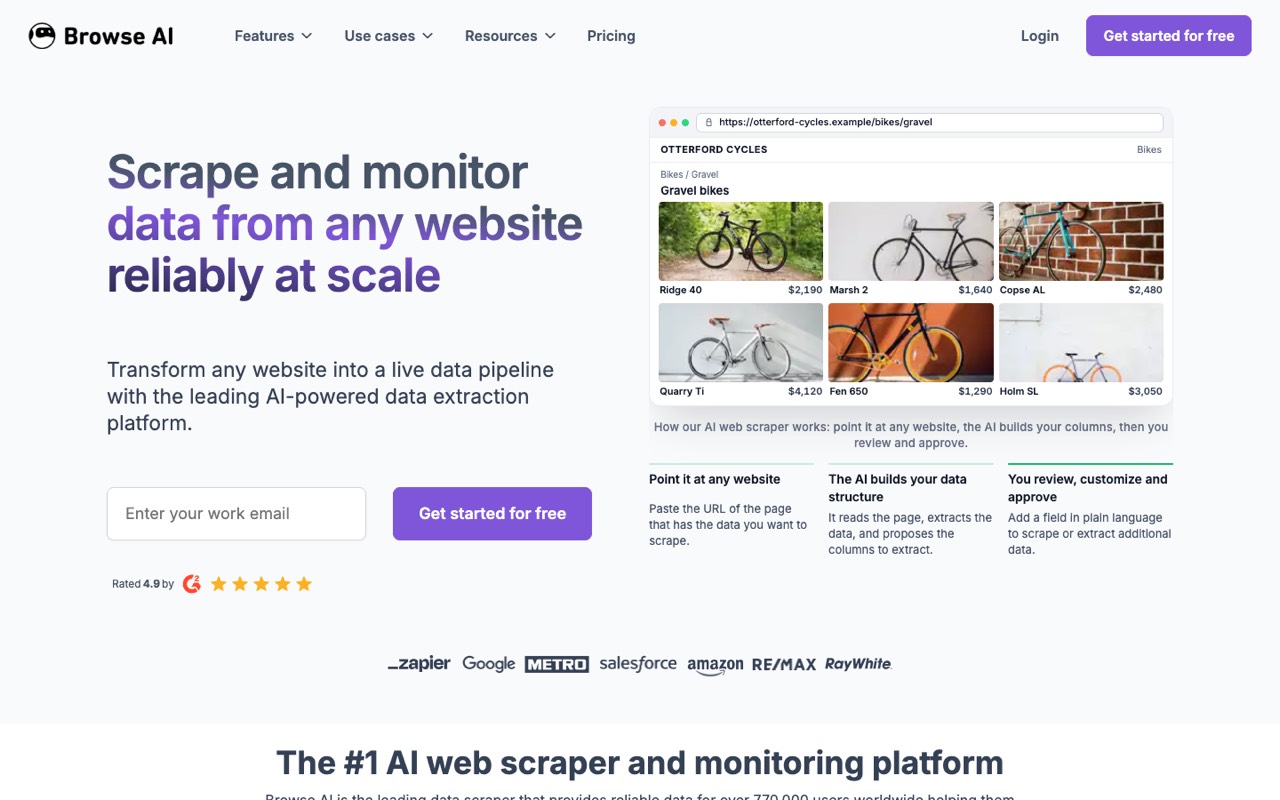
No-code web scraping and monitoring tool: train a 'robot' by pointing and clicking, then pull or watch a website's data on a schedule and send it to Google Sheets, Airtable, Zapier or an API.
- Type
- Web scraping and monitoring
- Starts at
- $48/mo, billed monthly ($19/mo billed yearly, with fewer credits)
- Free option
- 50 credits a month and 2 websites
The cheapest paid plan includes:
- 2,000 credits a month on the monthly plan
- 5 websites and 3 users
- Scheduled runs and alerts when a page changes
- Send data to Google Sheets, Airtable or Zapier, or use the API
Monthly and yearly billing come with different credits, so they aren’t a like-for-like discount: the $19/mo yearly option ($228 a year) gives 12,000 credits for the whole year, about 1,000 a month. Professional starts at $87/mo billed monthly. Scraping some websites can break their terms of use, so check before you collect data.
Who it's for: Affiliate marketers, shop owners and researchers who want to track competitor prices, new listings or job posts without copying them by hand.
Skip it if: The data you need comes from apps you already use. A workflow tool like Activepieces can move it without scraping.
Visit Browse AIRead the Browse AI profile
Source: browse.ai, checked October 26, 2026
TestDriver: best for automating software testing for dev teams
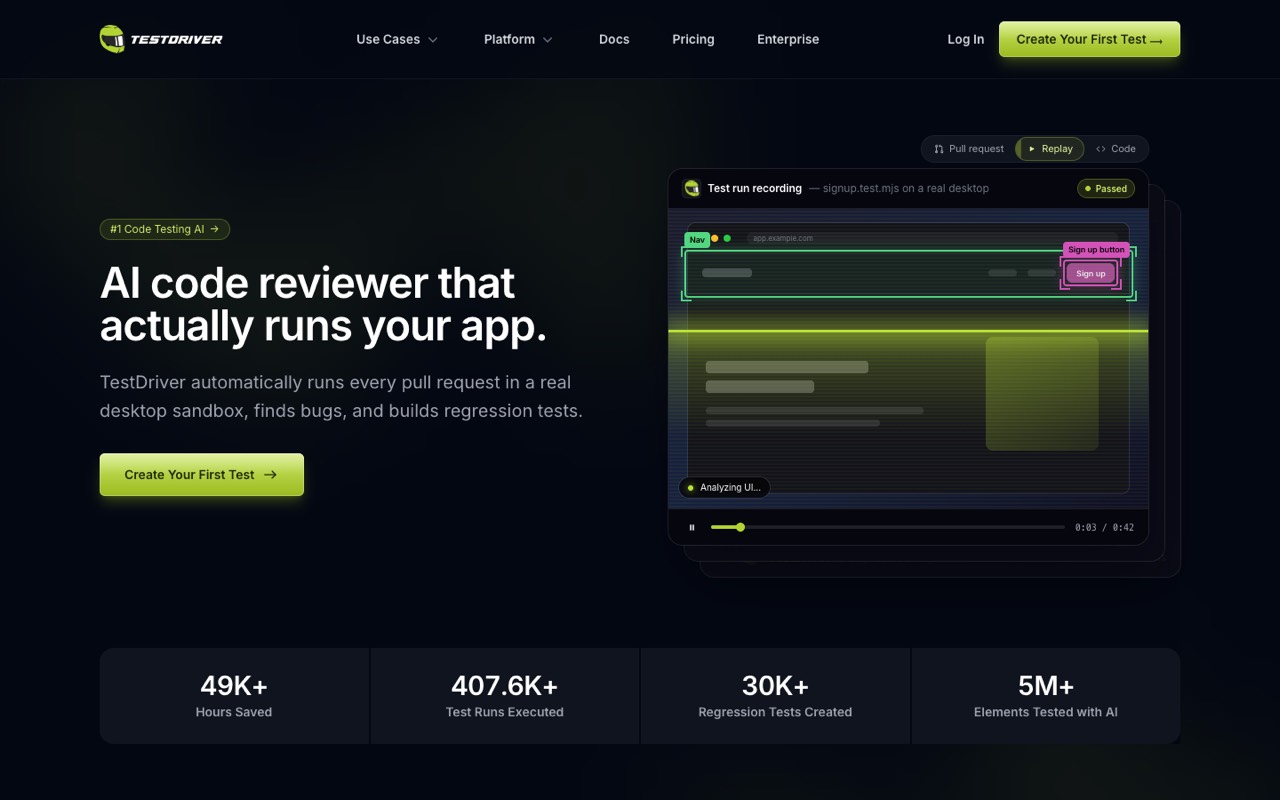
AI QA agent for software teams: tag it on a GitHub pull request and it runs the change in a real desktop sandbox, reports bugs and opens a PR with end-to-end tests written in Vitest.
- Type
- AI QA agent
- Starts at
- $20/seat/mo + $0.14/min, billed monthly per seat, plus testing minutes
- Free option
- No free plan; trial of 14 days or 120 testing minutes (card required)
The cheapest paid plan includes:
- Reviews each GitHub pull request in a real desktop sandbox
- Writes end-to-end tests as plain Vitest files in a new pull request
- Tests web apps, Chrome extensions and Windows or macOS desktop apps
- Video replays and flakiness reports for failing runs
A seat is billed for every GitHub user who gets a pull-request review or runs a test. Testing minutes cost $0.14 each; the plan card says 120 minutes are included, but the FAQ says those 120 minutes are the trial allowance, so budget for metered minutes. Enterprise is self-hosted with unlimited testing and no per-minute fees; its price is now custom (book a demo). Charges, including the one when your trial converts, are non-refundable.
Who it's for: Software teams with a codebase on GitHub who want new features tested before they merge, without writing every end-to-end test by hand.
Skip it if: You don’t write software. TestDriver is a developer tool, not a general business automation tool.
Visit TestDriverRead the TestDriver profile
Source: testdriver.ai, checked October 26, 2026
Also worth knowing: Zapier, Make and n8n
These three are the names most people search for first. Here is what their official pricing pages showed on October 26, 2026.
Zapier
The best-known workflow tool. Its free plan gives 100 tasks a month with two-step Zaps. Professional shows “starting from $19.99/mo” with yearly billing selected (Zapier says yearly saves 33%); it was $29.99 billed monthly when we checked on October 12, 2026. A task is each successful action, so a 3-action Zap that runs 1,000 times uses 3,000 tasks. Zapier Agents has its own free tier of 400 activities a month. Source: zapier.com, checked October 26, 2026.
Make
A visual scenario builder. Its pricing page says the free plan includes 1,000 credits a month and that most actions use 1 credit, with some AI features using more. The plan prices load by script and weren’t readable from our US fetch, so we don’t list them. Source: make.com, checked October 26, 2026.
n8n
A workflow tool popular with technical teams. n8n says a self-hosted version is available on GitHub. Its cloud plans showed prices in euros only: Starter 20€/mo and Pro 50€/mo billed yearly, with 2,500 and 10,000 workflow executions. With no US-dollar prices, it isn’t in our ranked picks. Source: n8n.io, checked October 26, 2026.
Leaving Zapier? Our Zapier alternatives guide compares how each tool counts usage.
What 1,000 runs a month costs
Usage pricing makes sticker prices hard to compare. Here is one simple case: a workflow that runs 1,000 times a month. We only show figures the vendors publish.
| Tool | How 1,000 runs are counted | Monthly cost |
|---|---|---|
| Activepieces, no AI step | 1,000 credits (1 per run) | Plus $20 (10,000 credits included) |
| Activepieces, one “smart” AI step | 11,000 credits (1 per run + 10 for the AI step) | About $27: $20 + 1,000 extra credits × $0.007 |
| Activepieces, AI step with your own key | 2,000 credits (AI step counts as 1) | $20, plus your AI provider's bill |
| MindStudio | 1,000 runs | Free plan (1 agent) or $20 Individual, plus AI model usage |
| Zapier, 3-action Zap | 3,000 tasks (1 per successful action) | Depends on the task tier you pick; the page didn't list it with the plan price |
| Lindy or Browse AI | Credits per task vary by job | Not published per run; check usage during the trial or free plan |
Activepieces credit costs from its pricing page: 2 credits for a fast model step, 10 for a smart model, 20 for a frontier model. Checked October 26, 2026.
How to choose the right AI automation tool
Start from the chore you want gone, not the tool. Write down one task you repeat every week, then match it below.
| If you want to… | Start with | Why |
|---|---|---|
| Send new leads, orders or form entries to another app automatically | Activepieces | 770+ integrations, 1 credit per run, free plan with 1,000 credits |
| Turn a repeated AI task into a one-click app for your team | MindStudio | Visual agent builder with 200+ AI models; publish as a web app, extension or API |
| Get help drafting email, taking meeting notes and sending updates | Lindy | Works in Gmail, Slack and meetings, and asks before it sends anything |
| Track competitor prices, listings or job posts on websites | Browse AI | Point-and-click scraping, scheduled checks and change alerts |
| Test new code before it ships | TestDriver | Reviews GitHub pull requests and writes tests your team keeps |
| Keep everything on your own server | Activepieces | Open-source core you can self-host; n8n also offers a self-hosted version, and TestDriver a self-hosted Enterprise plan (custom price) |
Torn between an assistant and a builder? Our Lindy vs MindStudio comparison sets the two side by side.
Need help planning your day or calendar rather than connecting apps? See our best AI productivity tools guide.
Automating sales outreach? Our best cold email tools guide covers tools built for sequences and follow-ups.
Want an agent that answers phone calls instead? That's a voice job: see Synthflow in our ElevenLabs alternatives guide.
Check these before you pay
- How usage is counted. A “credit” means something different in each tool. Count how many runs, tasks or pages you need in a month, then compare what each plan covers.
- Per user or per workspace. Activepieces charges one flat price for up to 5 users, and n8n says all its plans include unlimited users; Lindy and TestDriver bill per user or seat, so costs grow with your team.
- AI costs on top. MindStudio bills AI model usage separately, and Activepieces charges extra credits for AI steps. Set spend limits if the tool offers them.
- Approval steps. For anything that emails customers, spends money or changes live data, choose a tool that can pause for a person to approve. Activepieces and Lindy both list this.
- Your data and other sites' rules. Connecting a tool gives it access to your accounts, and scraping can break a website's terms of use. Read the vendor's security page and the target site's terms first.
Our suggestions are based on published plans, not hands-on tests. Try the free plan or trial with one real task before you commit.
FAQ
What are AI automation tools?
AI automation tools are software that does repetitive computer work for you, such as moving data between apps, answering routine email or collecting information from websites. They use AI for the steps that used to need a person, like reading a message and deciding what to do next.
What is the difference between automation tools, AI automation tools and AI agents?
Automation tools follow fixed steps you set up: when X happens, do Y, then Z. AI automation tools add AI steps inside those workflows, for example summarizing a form entry before it goes to your CRM. An AI agent gets a goal in plain language and works out the steps itself, using the apps you connect. Activepieces and MindStudio let you mix fixed steps and AI.
What is the best AI automation tool for beginners?
For connecting apps, Activepieces is a low-cost start: it has a free plan and a flat $20/mo Plus plan for up to 5 users. If you would rather describe what you want in plain language than build steps, Lindy works inside email, Slack and meetings, but it costs $49.99 per user a month. Try one real task on a free plan first.
Are there free AI automation tools?
Yes, with limits. On October 26, 2026, Activepieces had a free plan with 1,000 credits, MindStudio a free plan with 1 agent and 1,000 runs a month (plus AI usage), Browse AI 50 credits a month, and Zapier 100 tasks a month with two-step Zaps. Make’s page listed 1,000 free credits a month. Lindy gives $50 in credits for 7 days; TestDriver has a trial only.
Do I need to know how to code?
Not for most of these. Activepieces, MindStudio and Browse AI use visual, point-and-click builders, and you talk to Lindy in plain language. Coding is optional for extra control. TestDriver is the exception: it is built for software teams with code on GitHub.
Can AI automation tools replace Zapier?
For many jobs, yes. Activepieces works the same way (a trigger starts a flow, then steps move data) but charges 1 credit per run instead of 1 task per action. Activepieces lists 770+ integrations, so check that the apps you use are supported before you switch. Our Zapier alternatives guide compares the options.
Is n8n better than Zapier?
They suit different people. n8n says a self-hosted version is available on GitHub and all its cloud plans include unlimited users and workflows, which appeals to technical teams. Zapier is built for non-technical users. On October 26, 2026, n8n listed cloud prices in euros only (from 20€/mo billed yearly), so we couldn’t compare US-dollar prices directly.
How much do AI automation tools cost?
Entry plans here run from $16 to $49.99 a month, but most tools charge for usage too. Activepieces counts credits per run, MindStudio adds AI model costs, Lindy bills per user with monthly credits, Browse AI sells credits by month or year, and TestDriver charges per seat plus $0.14 per testing minute. Estimate your monthly volume before you compare.
Sources
All pages checked October 26, 2026.
- www.activepieces.com/pricing
- www.mindstudio.ai/pricing
- www.lindy.ai/pricing
- www.browse.ai/pricing
- testdriver.ai/pricing
- zapier.com/pricing
- www.make.com/en/pricing
- n8n.io/pricing/
See every tool in AI Automation & Agents.