Best AI Productivity Tools (2026): 5 Picks for Scheduling, Planning and Team Work
This page has no affiliate links right now: every link goes straight to the vendor. If that changes, we'll say so here. How we make money.
AI productivity tools use AI to plan, schedule and organize your work, so less of your day goes into deciding what to do next.
The best AI productivity tool depends on the job: finding time on a crowded calendar, planning one person's day, or running projects for a team. Below we compare five tools with published US prices, sorted by that job, with what each plan includes and who should skip it.
The short answer
For an AI calendar that schedules tasks around meetings, start with Reclaim.ai (free plan; $10/seat/mo). For a guided daily plan, try Sunsama ($17/mo yearly). For team projects with AI, pick monday.com (from $9/seat/mo) or Wrike ($10/user/mo). SmartSuite ($15/seat/mo) suits custom workflows.
Quick picks
| Tool | Type | Best for | Starts at | Free option |
|---|---|---|---|---|
 Reclaim.ai Reclaim.ai | AI scheduling assistant | An AI calendar that schedules your tasks around meetings | $10/seat/mo Starter, billed yearly ($12 billed monthly) | Free Lite plan for 1 user |
 Sunsama Sunsama | Daily planner | A calm, guided plan for each workday | $17/mo Pro, billed yearly ($22 billed monthly), per the pricing table | 14-day trial, no card; no free plan |
 monday.com monday.com | Work management platform | Team projects with AI agents and a meeting notetaker | $9/seat/mo Basic, billed yearly; 3-seat minimum on paid plans | Free plan for up to 2 seats; 14-day Pro trial |
 Wrike Wrike | Work management platform | Planning bigger projects with Gantt charts and approvals | $10/user/mo Team, billed yearly, for 2 to 15 users | Free plan; 14-day trial, no card |
 SmartSuite SmartSuite | No-code work platform | Building your own workflows without code | $15/seat/mo Team, billed yearly ($20 billed monthly); 3-seat minimum | 14-day Professional trial, no card; no free plan |
List prices in US dollars before tax, checked October 17, 2026.
What it costs for 1 person and for a team of 5
Seat minimums change the math a lot. Here is the cheapest paid plan for each tool, billed yearly, worked out from the list prices above.
| Tool | Just you | Team of 5 | Watch out for |
|---|---|---|---|
| Reclaim.ai | $0 (Lite) or $10/mo (Starter) | $50/mo (Starter) | Starter tops out at 10 seats |
| Sunsama | $17/mo | $85/mo | Priced per person; the FAQ shows higher prices than the table |
| monday.com | $0 (Free, up to 2 seats) or $27/mo (3-seat minimum) | $45/mo (Basic) | Gantt views and more automations need Standard ($60/mo for 5) |
| Wrike | $0 (Free); Team needs at least 2 users | $50/mo (Team) | Team is capped at 15 users |
| SmartSuite | $45/mo (3-seat minimum) | $75/mo (Team) | Only editors are billed; viewers are free |
Seats × yearly list price per month, before tax. Vendors may round seats into bundles at checkout.
AI scheduling assistant, AI planner or AI task manager?
"AI productivity tool" covers three different kinds of app. Knowing which one you need saves you from paying for the wrong thing.
- AI scheduling assistant. Works on your calendar. It finds time for tasks, habits and meetings, adds breaks and moves blocks when your day changes. This is also called AI time blocking. Example: Reclaim.ai.
- AI daily planner. Helps one person decide what to do today, estimate time and drag tasks onto the calendar (timeboxing). Example: Sunsama.
- AI task manager or work management platform. A shared board or list where a team tracks projects, with AI that summarizes updates, takes meeting notes or runs routine steps. Examples: monday.com and Wrike, or SmartSuite if you want to build your own setup.
If you want an assistant that works across your inbox and other apps, that's closer to automation. See our best AI automation tools guide, which covers Lindy.
How we chose
We picked AI productivity tools with self-serve plans and prices published in US dollars, and read each one's official pricing page and homepage on October 17, 2026. We haven't tested these tools hands-on yet, so we can't tell you which one saves the most time; we tell you what each plan includes, who it suits and what you pay.
This is a deliberately short list. Motion, ClickUp and Todoist aren't here because we couldn't read clear US prices on their pricing pages when we last checked; the FAQ below explains why. We'll add tools as we verify them.
Reclaim.ai: best for an AI calendar that schedules your tasks around meetings
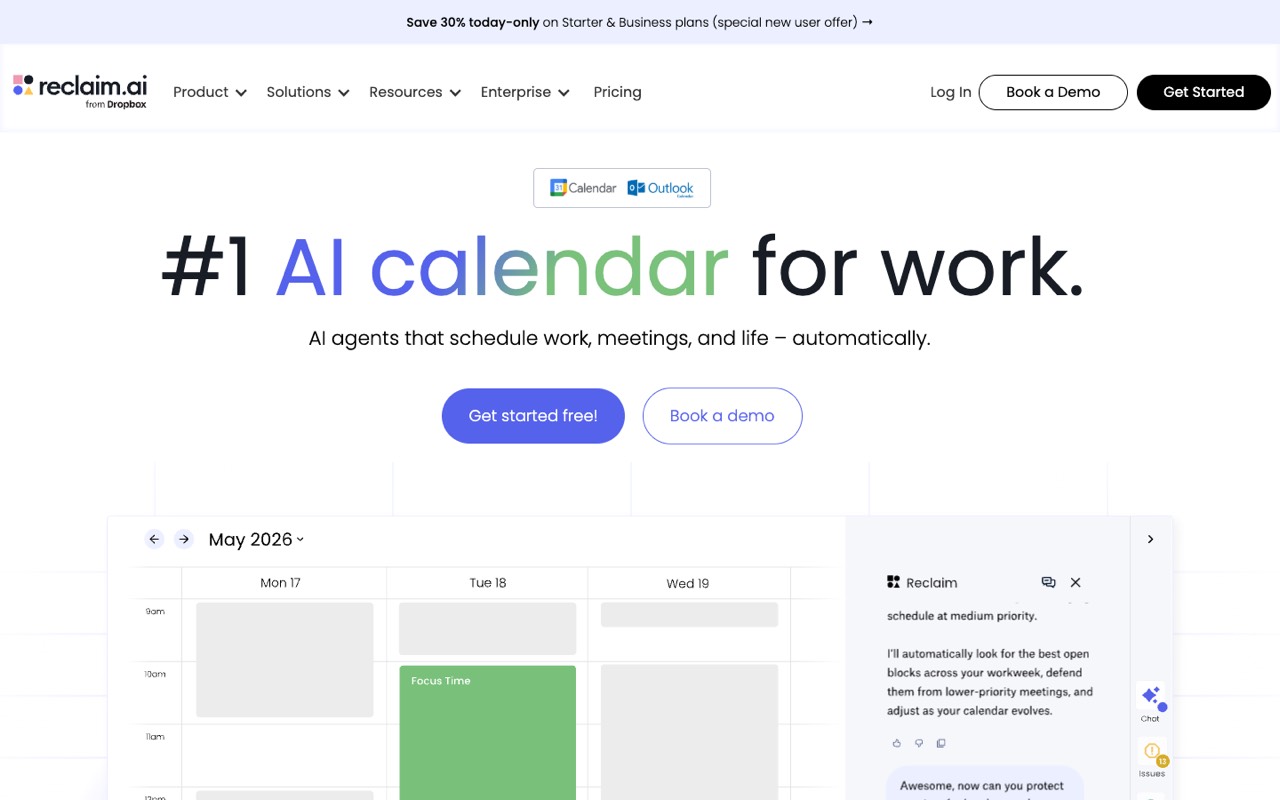
AI calendar app for Google Calendar and Outlook that schedules tasks, habits, focus time, meetings and breaks around your existing events, with scheduling links, calendar sync and Slack status sync.
- Type
- AI scheduling assistant
- Starts at
- $10/seat/mo, Starter, billed yearly ($12 billed monthly)
- Free option
- Free Lite plan for 1 user
The cheapest paid plan includes:
- Up to 10 seats and an 8-week scheduling range
- 3 scheduling links (booking pages that use your real availability)
- Tasks, habits and focus time placed on your calendar automatically
- Unlimited integrations, including Todoist, Asana, Jira, ClickUp, Linear and Google Tasks
Reclaim works on top of Google Calendar or Outlook only. The free Lite plan gives 1 user, 1 scheduling link and a 1-week range. Business is $15/seat/mo yearly ($18 monthly) for up to 100 seats with unlimited links; Enterprise is $22/seat/mo and yearly only. On the day we checked, the page also showed a new-user discount banner, which isn’t included here, and the Starter calendar-sync limit read 3 in one place and “Unlimited” in another.
Who it's for: People whose week is full of meetings and who want tasks, breaks and deep-work time to find their own slots, moving when plans change.
Skip it if: You use Apple Calendar or another calendar outside Google and Outlook, or you want a project board rather than a smarter calendar.
Visit Reclaim.aiRead the Reclaim.ai profile
Source: reclaim.ai/pricing, reclaim.ai, checked October 17, 2026
Sunsama: best for a calm, guided plan for each workday
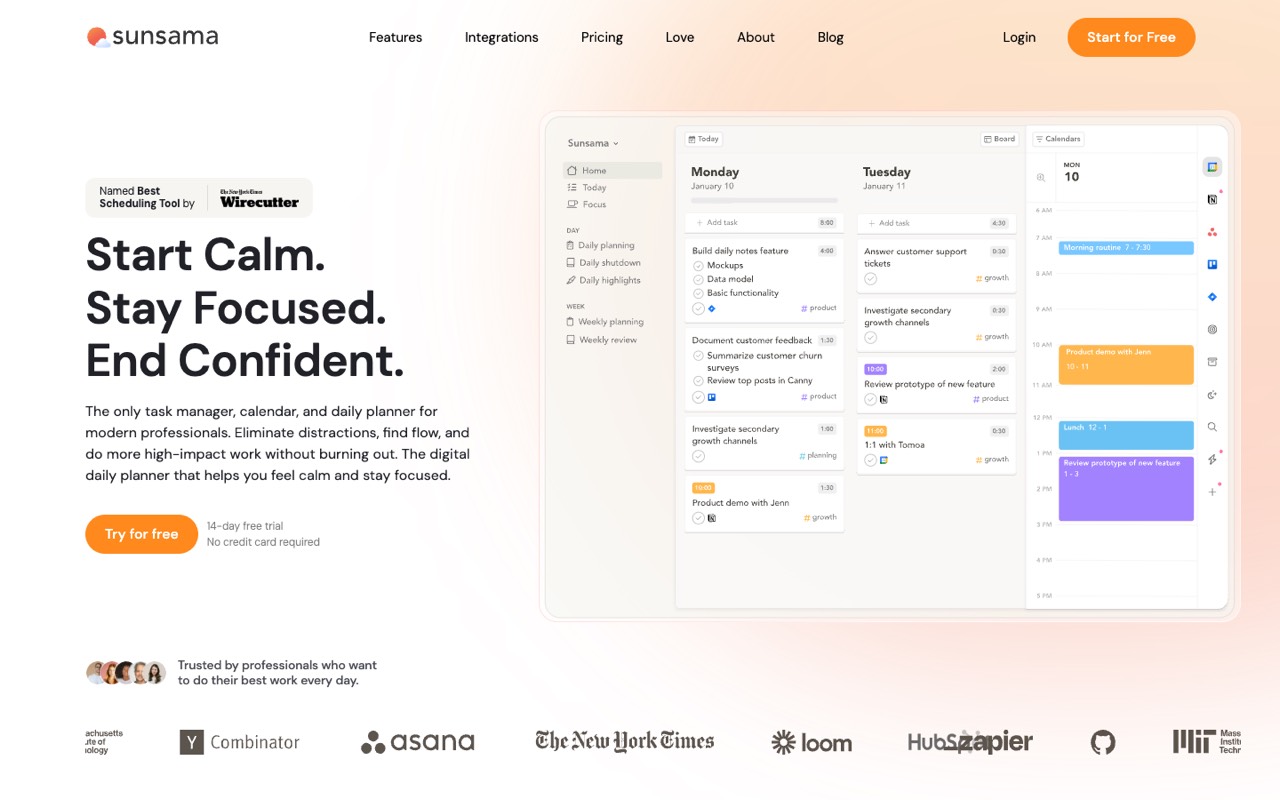
Daily planner that pulls tasks from tools like Asana, Todoist, Gmail and Slack into one list, then guides you to plan the day, timebox tasks on your calendar and shut down on time.
- Type
- Daily planner
- Starts at
- $17/mo, Pro, billed yearly ($22 billed monthly), per the pricing table
- Free option
- 14-day trial, no card; no free plan
The cheapest paid plan includes:
- Unlimited usage and integrations
- Guided morning planning and timeboxing on Google, Outlook or Apple calendars
- Focus Mode, break reminders and a daily shutdown ritual
- AI, MCP and Zapier included
Sunsama pulls tasks from Asana, ClickUp, Jira, Linear, Notion, Todoist, Trello, Gmail, Outlook and Slack into one daily list. The pricing page contradicts itself: the table shows $17 yearly or $22 monthly, while its FAQ still says $25 a month per person ($20 yearly). Confirm the price at checkout. Sunsama says it has no free plan and doesn’t plan to add one.
Who it's for: Freelancers, makers and managers who juggle tasks from several apps and want one realistic plan each morning and a clear stopping point each evening.
Skip it if: You need a free plan, or you want software that reschedules everything for you. Sunsama guides your choices; it doesn’t make them.
Visit SunsamaRead the Sunsama profile
Source: sunsama.com/pricing, sunsama.com, checked October 17, 2026
monday.com: best for team projects with AI agents and a meeting notetaker
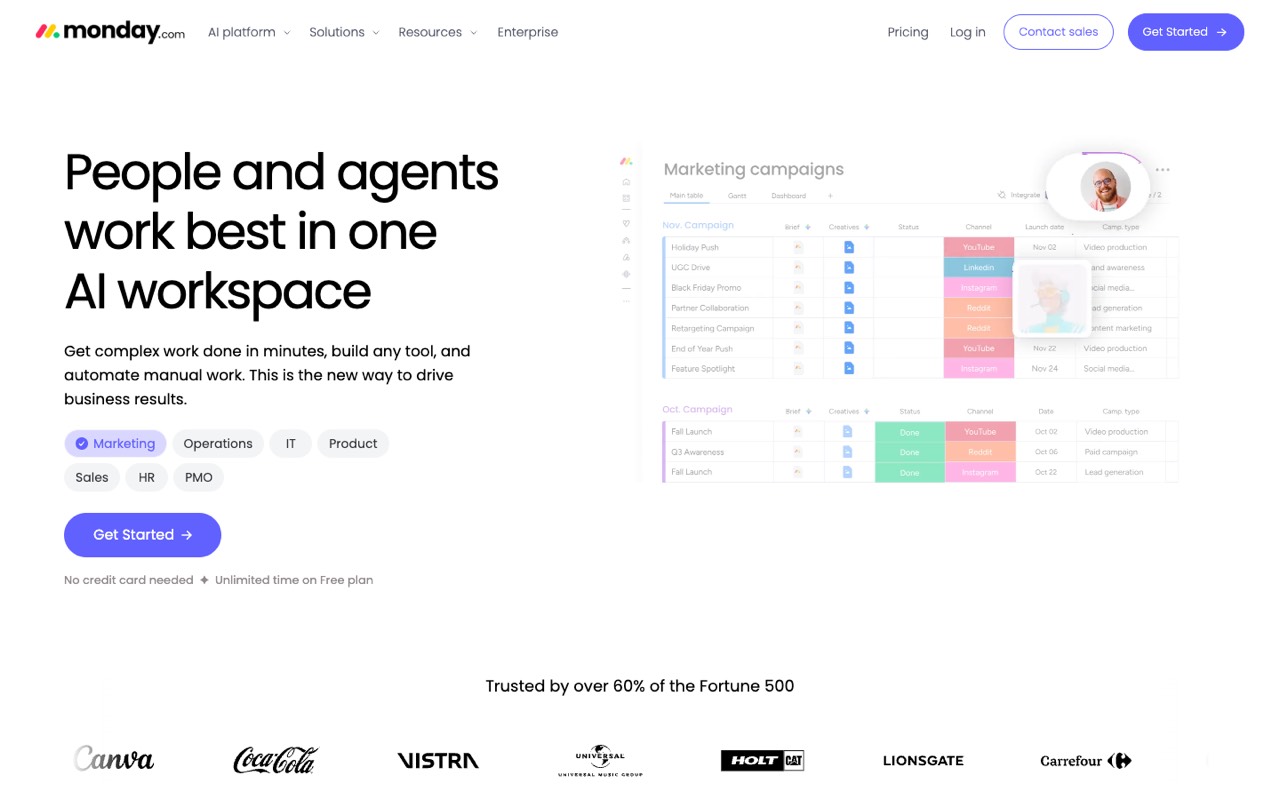
Work management platform for team projects and tasks, with boards, dashboards, docs, forms and automations, plus AI agents, an AI assistant and a meeting notetaker that use monthly AI credits.
- Type
- Work management platform
- Starts at
- $9/seat/mo, Basic, billed yearly; 3-seat minimum on paid plans
- Free option
- Free plan for up to 2 seats; 14-day Pro trial
The cheapest paid plan includes:
- Unlimited items and free viewers
- 1,000 AI credits a month for the AI assistant, Notetaker and agents
- Boards, dashboards, docs and forms
Standard is $12 and Pro $19 per seat a month, billed yearly, with 2,000 and 3,000 AI credits. Timeline and Gantt views start on Standard, which also caps automations at 250 actions a month. The pricing page doesn’t show monthly-billing prices; its FAQ says yearly billing saves 18% and that the price depends on your billing country.
Who it's for: Small teams that want shared boards for projects and tasks, plus an AI assistant, AI agents and a meeting notetaker inside the same tool.
Skip it if: You work alone and only need a personal planner. Paid plans start at 3 seats, so a calendar-first tool costs less.
Visit monday.comRead the monday.com profile
Source: monday.com/pricing, monday.com, checked October 17, 2026
Wrike: best for planning bigger projects with Gantt charts and approvals
Work management platform for planning and tracking team projects, with Gantt charts, dashboards, request forms, proofing and automation, plus Wrike Copilot and AI agents for routine work.
- Type
- Work management platform
- Starts at
- $10/user/mo, Team, billed yearly, for 2 to 15 users
- Free option
- Free plan; 14-day trial, no card
The cheapest paid plan includes:
- AI Essentials, including rules you create from plain-language prompts
- Interactive Gantt charts and shareable dashboards
- Board and table views, with web, desktop and mobile apps
Business is $25 per user a month for 5 to 200 users, adds the AI Elite starter pack for Wrike’s AI agents, and is sold yearly only. Pinnacle and Apex are quote-only. Wrike states all prices in US dollars, before tax. The page doesn’t say whether Team can be billed monthly.
Who it's for: Teams that run projects with deadlines, dependencies and sign-offs, such as marketing, agency or operations teams, and want AI that summarizes work and handles routine workflow steps.
Skip it if: Your team is bigger than 15 and you want a low price: the next step up is $25 per user and yearly only.
Visit WrikeRead the Wrike profile
Source: wrike.com/price, wrike.com, checked October 17, 2026
SmartSuite: best for building your own workflows without code
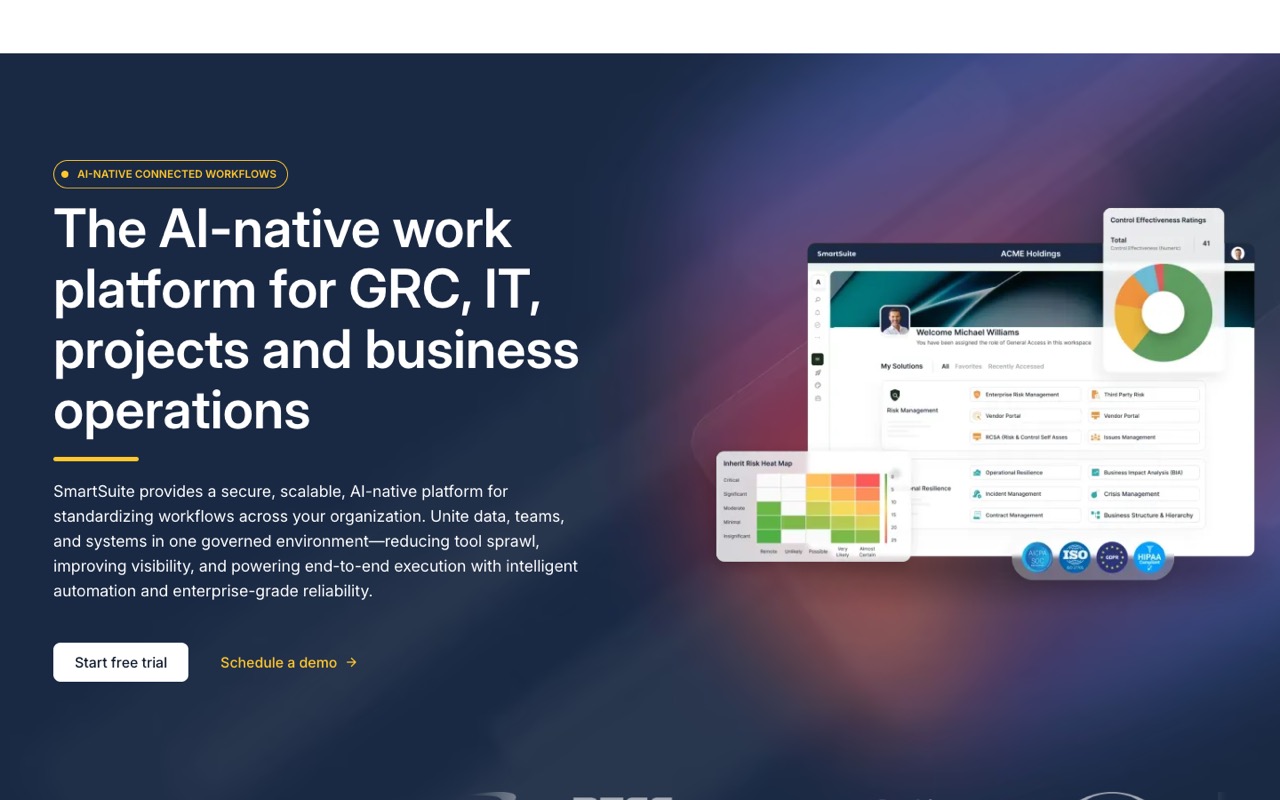
No-code work platform for building project, operations, IT service and GRC workflows on relational data, with automations, dashboards and AI agents built into the workflows.
- Type
- No-code work platform
- Starts at
- $15/seat/mo, Team, billed yearly ($20 billed monthly); 3-seat minimum
- Free option
- 14-day Professional trial, no card; no free plan
The cheapest paid plan includes:
- 5,000 records per solution and 50GB storage
- 25,000 automation runs and API calls a month
- Dashboards, integrations and AI Workflow Agents
Only people who can edit are billed; viewers, commenters and form submitters are free. Professional is $32 yearly or $36 monthly per seat, with a 5-seat minimum, 100,000 records per solution and Gmail and Outlook integrations. Enterprise is custom-priced.
Who it's for: Operations, IT and project teams that want to design their own trackers on linked data, with AI agents that summarize, classify and trigger next steps.
Skip it if: You want something ready to use in five minutes. SmartSuite takes more setup than a planner or a ready-made project board.
Visit SmartSuiteRead the SmartSuite profile
Source: smartsuite.com/pricing, smartsuite.com, checked October 17, 2026
How to choose an AI productivity tool
Start with where your work gets stuck: finding time, deciding what to do, or keeping a team in sync. Then match your situation below.
| If you… | Start with | Why |
|---|---|---|
| Lose your task time to meetings | Reclaim.ai | Places tasks and focus time around meetings and reshuffles them for you |
| Pull tasks from many apps and want one plan for today | Sunsama | Guided morning planning, timeboxing and a shutdown routine |
| Run team projects and want AI meeting notes in the same tool | monday.com | Boards plus an AI assistant, Notetaker and agents on monthly credits |
| Manage projects with deadlines, dependencies and approvals | Wrike | Interactive Gantt charts and dashboards from the $10 Team plan, and a free plan to try |
| Need a tracker that fits your own process | SmartSuite | No-code building on linked data, and only editors are billed |
Check these before you pay
- Which calendar you use. Reclaim.ai supports Google Calendar and Outlook only. Sunsama also works with Apple calendars.
- Seat minimums. monday.com's paid plans start at 3 seats, SmartSuite's Team plan at 3 and Professional at 5, and Wrike's Team plan at 2. A solo user pays for the minimum.
- How AI is metered. monday.com gives a monthly allowance of AI credits by plan, and Wrike limits AI Elite actions by plan. Check what happens when you run out.
- Yearly-only plans. Wrike Business and Reclaim Enterprise are sold yearly only, and monday.com shows only yearly prices. Try the free plan or trial before you commit to a year.
- Price conflicts. Sunsama's pricing page showed two different prices on the day we checked. Confirm the amount at checkout.
Our suggestions are based on published plans, not hands-on tests. Use the free plan or trial for one real week of work before you commit.
FAQ
What are AI productivity tools?
AI productivity tools are apps that use AI to plan, schedule or organize work for you. Some place tasks and focus time on your calendar automatically, some guide you through planning your day, and some manage team projects with AI that summarizes updates, takes meeting notes or runs routine steps.
What is the best AI calendar app?
Of the tools we compared, Reclaim.ai is the one built as an AI calendar. It schedules tasks, habits and focus time around your meetings in Google Calendar or Outlook and moves them when your day changes. On October 17, 2026 it had a free Lite plan and paid plans from $10 per seat a month, billed yearly.
Is there a free AI planner?
Yes. On October 17, 2026, Reclaim.ai had a free Lite plan for one user, monday.com a free plan for up to 2 seats, and Wrike a free plan. Sunsama and SmartSuite had no free plan, only 14-day trials without a card.
Is Sunsama worth it?
It depends on how you work. Sunsama suits people who pull tasks from several apps and want a guided plan each day; it doesn't auto-schedule your calendar like Reclaim.ai. On October 17, 2026 its pricing table showed $17 a month billed yearly ($22 monthly), but the same page's FAQ said $25 ($20 yearly). Use the 14-day trial for one real week before paying.
What is the difference between an AI scheduling assistant and an AI task manager?
An AI scheduling assistant works on your calendar: it finds time for tasks and meetings and protects focus time. An AI task manager works on your to-do list or project board: it helps you capture, organize and track tasks, often with summaries and automation. Reclaim.ai is the first kind; monday.com and Wrike are closer to the second.
Why aren’t Motion, ClickUp or Todoist on this list?
We only list tools whose US-dollar prices we could read clearly on the official pricing page. When we last checked on October 15, 2026, ClickUp’s page showed two conflicting sets of prices, Motion’s prices weren’t tied to a plan or billing period, and Todoist’s prices didn’t load in the page text. We’ll add them once we can read their plans reliably.
Sources
All pages checked October 17, 2026.
- reclaim.ai/pricing
- reclaim.ai/
- www.sunsama.com/pricing
- www.sunsama.com/
- monday.com/pricing
- monday.com/
- www.wrike.com/price/
- www.wrike.com/
- www.smartsuite.com/pricing
- www.smartsuite.com/
See every tool in AI Productivity & Meetings.