
What does Reclaim.ai do?
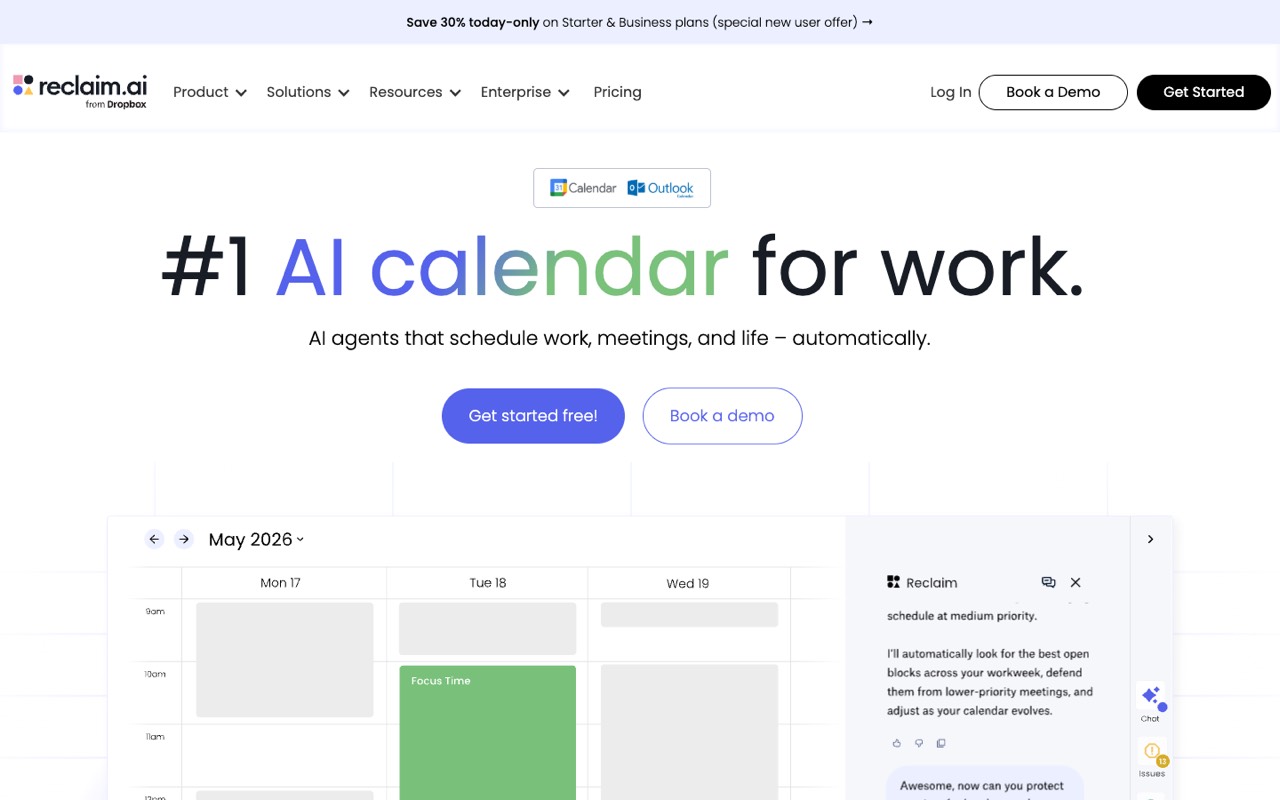
Reclaim AI is an AI calendar app that works on top of Google Calendar or Outlook and auto-schedules tasks, habits and focus time around meetings. Lite is free for one user; Starter costs $10 per seat a month billed yearly ($12 monthly). Good for calendar-heavy people and small teams; skip it if you need full project management.
- Tasks. Schedules tasks by priority and due date, including tasks synced from Todoist, Asana, ClickUp, Jira, Linear and Google Tasks (most integrations need a paid plan).
- Habits. Recurring routines, such as lunch or a weekly review, that move to another free slot when your day changes.
- Focus Time. Set a weekly focus goal and Reclaim blocks and defends time for deep work.
- Smart Meetings. Finds the best open time for recurring internal meetings across attendees' calendars.
- Scheduling Links. Booking links, similar to Calendly, based on your real availability. Lite includes 1, Starter 3, Business unlimited.
- Calendar Sync. Blocks your availability across work and personal calendars so you are not double-booked.
- Buffer Time. Adds breaks before and after meetings automatically.
- Slack status sync. Updates your Slack status from what is on your calendar.
Who is Reclaim.ai for?
Reclaim.ai is a good fit if you're a team lead or a business owner, and you need help planning my day and projects.
How much does Reclaim.ai cost?
Reclaim.ai starts at $10/mo. It also has a free plan. Its pricing page lists a free trial. We checked this on Oct 15, 2026 on the official pricing page.
- Starts at
- $10/mo
- Free plan
- Yes
- Free trial
- 14-day trial
Starter per seat billed yearly ($12/mo billed monthly): up to 10 seats, 8-week scheduling range, 3 scheduling links. Business is $15/seat/mo yearly ($18 monthly). Free Lite plan: 1 user, 1 scheduling link, 1-week range.
Reclaim.ai plans compared
| Plan | Billed monthly | Billed yearly | What you get |
|---|---|---|---|
| Lite | $0 | $0 | Free forever: 1 user, 1 scheduling link, 1-week scheduling range, 1 calendar sync, 2 connected calendars, 5 AI agents; integrations limited to Google Tasks, Slack, Zoom and Google Meet |
| Starter | $12/seat/mo | $10/seat/mo | Up to 10 seats, 8-week scheduling range, 3 scheduling links, unlimited connected calendars, 10 AI agents per seat, unlimited integrations (Todoist, Asana, ClickUp, Jira, Linear and more) |
| Business | $18/seat/mo | $15/seat/mo | Up to 100 seats, 12-week range, unlimited scheduling links and calendar syncs, 100 AI agents per seat, webhooks, team out-of-office calendar, delegated access for assistants |
| Enterprise | Not listed | $22/seat/mo | Over 100 seats, 12-week range, unlimited AI agents, SSO and SCIM provisioning; yearly billing only |
Prices are per seat per month in USD, read from a US connection on the Reclaim pricing page (re-checked Oct 22, 2026). Yearly billing is labelled "save 20%": Starter is $10 vs $12 monthly, Business $15 vs $18. Every plan, including free Lite, gets Focus Time, Habits, Buffer Time, Smart Meetings and task recommendations; paid plans mainly raise the scheduling range (1 week on Lite, 8 on Starter, 12 on Business), scheduling links and integrations. Business adds a team out-of-office calendar and delegated access; Enterprise adds SSO and SCIM. The page also showed new-user promo banners and paid add-on packs for "attendee users" (people in 3+ person Smart Meetings without a seat); these are not included above. Starter's calendar-sync limit appears as 3 in the plan cards but "Unlimited" in the comparison table.
Checked Oct 15, 2026 on Reclaim.ai's pricing page. Prices change often, so confirm before you buy.
Reclaim.ai pros and cons
What stands out
- Free Lite plan includes the core auto-scheduling features (Focus Time, Habits, Smart Meetings)
- Works on top of Google Calendar or Outlook, so there is no new calendar to adopt
- Starter is $10 per seat a month billed yearly, below many dedicated planner apps
- Business supports up to 100 seats with delegated access for assistants
- Published discounts: 50% for education (up to 12 months) and 20% for 501(c)3 nonprofits (3 years)
Watch out for
- Lite is limited to 1 scheduling link, a 1-week scheduling range and a few integrations
- Task-app integrations such as Asana, Jira and Todoist need Starter or higher
- Enterprise is yearly billing only, and discounts do not apply to it
- Attendee-user add-on packs can raise the cost for teams using Smart Meetings with non-paying attendees
- Only Google Calendar and Outlook are supported
Based on Reclaim.ai's own pages, not hands-on testing.
What are the alternatives to Reclaim.ai?
We list 13 other AI Productivity & Meetings tools: ClickUp, Consensus, ElevateForward, Evernote, MeetGeek, monday.com, Motion, SaneBox, SmartSuite, Sunsama, Todoist, Wing Assistant, Wrike. Each one below shows its starting price and when you might pick it instead.


 ElevateForward · From $250/mo
Choose ElevateForward if you'd like a second option to compare for planning my day and projects.
 Evernote · Price not checked
Choose Evernote if you'd like a second option to compare for planning my day and projects.
 MeetGeek · From $9.99/user/mo
Choose MeetGeek if you want a lower starting price ($9.99/user/mo vs $10/mo).
 monday.com · From $9/seat/mo
Choose monday.com if you want a lower starting price ($9/seat/mo vs $10/mo).


 SmartSuite · From $15/seat/mo
Choose SmartSuite if you'd like a second option to compare for planning my day and projects.
 Sunsama · From $17/mo
Choose Sunsama if you'd like a second option to compare for planning my day and projects.


 Wrike · From $10/user/mo
Choose Wrike if you'd like a second option to compare for planning my day and projects.
Compared in
Reclaim.ai FAQ
How much does Reclaim.ai cost?
As of Oct 22, 2026 (US pricing page): Lite is free, Starter is $10 per seat a month billed yearly or $12 monthly, Business is $15 yearly or $18 monthly, and Enterprise is $22 per seat a month on yearly billing only.
Is Reclaim.ai free?
Yes. Lite is free forever for one user. It includes Focus Time, Habits and Smart Meetings, but only 1 scheduling link, a 1-week scheduling range, 1 calendar sync and integrations with Google Tasks, Slack, Zoom and Google Meet.
Is Reclaim AI worth it?
It is worth trying if most of your work lives in Google Calendar or Outlook and your week keeps getting rearranged, because tasks, habits and focus time move automatically. Start on the free Lite plan. If you need boards, dependencies or client projects, a project tool fits better.
Does Reclaim work with Outlook?
Yes. The pricing page lists Google Calendar and Outlook Calendar support on every plan, including Lite. Other calendar apps are not listed.
What is the difference between Reclaim Starter and Business?
Starter ($10/seat/mo yearly) covers up to 10 seats, an 8-week scheduling range and 3 scheduling links. Business ($15/seat/mo yearly) covers up to 100 seats, a 12-week range, unlimited links and calendar syncs, webhooks, a team out-of-office calendar and delegated access.
Does Reclaim offer discounts?
Yearly billing is about 20% cheaper than monthly. Reclaim's help center (Aug 5, 2026) also lists a 50% education discount for up to 12 months and 20% off for 501(c)3 nonprofits for 3 years, plus startup and switching discounts. Discounts do not stack and exclude Enterprise.
Reclaim vs Sunsama: which should I pick?
Reclaim auto-schedules your calendar and has a free plan; Sunsama is a guided daily planner with no free plan, from $17/mo billed yearly. Pick Reclaim for automatic time blocking, Sunsama for a deliberate daily planning ritual.
What are good Reclaim.ai alternatives?
Sunsama for daily planning, Motion for AI scheduling plus projects, and monday.com or Wrike if you need team project management. See our best AI productivity tools list for prices.
Sources and how we checked
- Official pricing page, checked Oct 15, 2026
- Official website
- Reclaim help: discounts overview (Aug 5, 2026), checked Oct 22, 2026
- Reclaim help: education discount, checked Oct 22, 2026
- Reclaim help: nonprofit discount, checked Oct 22, 2026
- Reclaim.ai homepage, checked Oct 22, 2026