
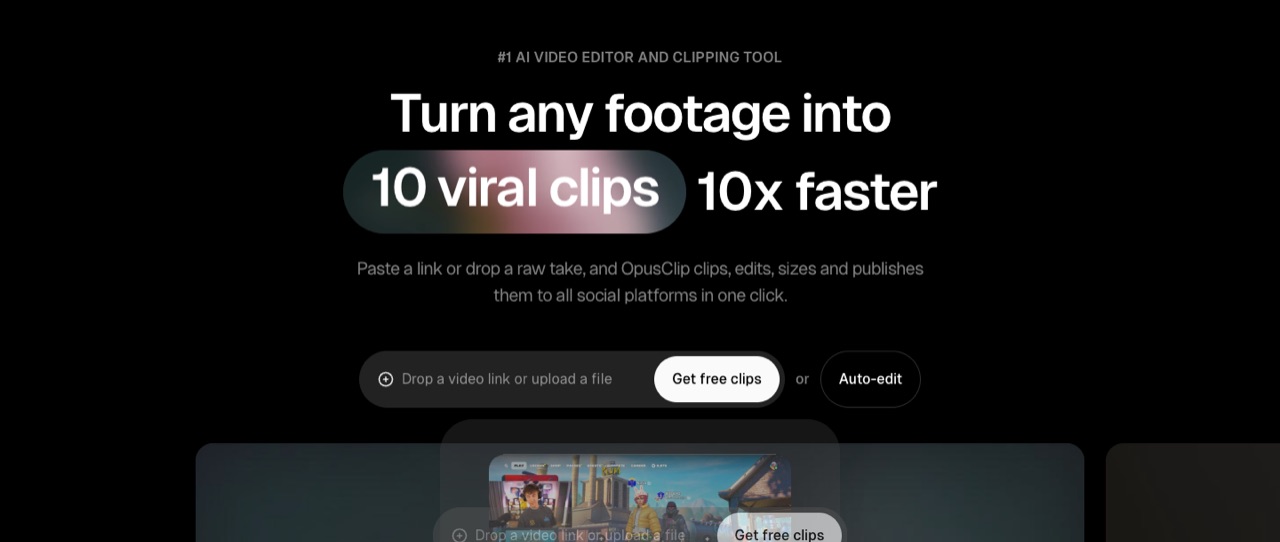
What does OpusClip do?
OpusClip cuts long videos into short clips for TikTok, YouTube Shorts and Reels, with a virality score, auto reframe, animated captions and a scheduler. Pro costs $14.50/mo billed yearly ($29 monthly); Starter is $15, monthly only. It suits podcasters and creators who repurpose long videos; skip it if you need to generate footage from scratch.
- AI clipping (ClipAnything). Finds highlight moments in long videos across genres; you can pick a timeframe and clip length (0–1 min up to 10–15 min), and Pro adds prompt-to-clip and topic search.
- Virality score. Each clip gets a score that estimates how likely it is to perform, from the Starter plan up.
- AI reframe. Resizes video for each platform and tracks moving subjects; Pro adds 1:1 and 16:9 next to 9:16, plus screenshare and gameplay layouts.
- Animated captions. Auto captions with emoji and keyword highlights; Starter lists 20+ caption languages, and OpusClip claims over 99% accuracy.
- AI B-roll and editing. Text and timeline editing, filler and silence removal, AI voice-over, and AI image and stock B-roll (limited on Starter, larger daily limits on Pro).
- Scheduler and auto-posting. Post to YouTube Shorts, TikTok and Instagram Reels; Pro adds a social scheduler with 6 account connections.
- Pro export options. Export to Adobe Premiere Pro and DaVinci Resolve, video dubbing and speech enhancement.
- API and MCP. Limited API access on Pro, full API and custom integrations on Business, plus an MCP connector for AI agents.
Who is OpusClip for?
OpusClip is a good fit if you're a video creator or a business owner, and you need help making videos and images.
How much does OpusClip cost?
OpusClip starts at $14.5/mo. It also has a free plan. We checked this on Nov 18, 2026 on the official pricing page.
- Starts at
- $14.5/mo
- Free plan
- Yes
- Free trial
- Not offered on the pricing page
Pro plan billed yearly ($174/yr, 3,600 credits over 12 months; $29/mo billed monthly), 2 seats. Starter is $15/mo, monthly only, 150 credits a month and no watermark. Free plan: 60 credits a month, watermarked clips that can't be exported after 3 days. Checked Nov 18, 2026.
OpusClip plans compared
| Plan | Billed monthly | Billed yearly | What you get |
|---|---|---|---|
| Free | $0 | $0 | 60 credits a month, clips up to 1080p with a watermark, auto reframe, AI captions, no editing; clips can't be exported after 3 days |
| Starter | $15/mo | Not listed | 150 credits a month, monthly billing only, virality score, animated captions in 20+ languages, auto-post to YouTube Shorts, TikTok and Reels, editor, 1 brand template, filler and silence removal, no watermark; exports for 30 days, media kept 29 days |
| Pro | $29/mo | $14.50/mo | 3,600 credits over 12 months on yearly billing, unused credits roll over for 2 months, 2 users per pack (up to 4), 2 brand templates, 6 social accounts, 9:16, 1:1 and 16:9, AI B-roll, Premiere Pro and DaVinci Resolve export, scheduler, video dubbing, limited API access, 100GB storage |
| Business | Not listed | Custom | Custom credits, seats and social accounts, priority processing, dedicated storage, API and custom integrations, MSA, dedicated Slack support |
Checked Nov 18, 2026 with WebFetch from a US server on opus.pro/pricing (prices in USD); a Mac browser showed the same figures. Pro yearly is $174 billed annually, half of 12 months at $29 ($348). The page sells Pro in credit packs (1 to 15 packs, then contact sales) and only shows the 1-pack price. It doesn't list Pro's monthly credit count on monthly billing, so we leave that out. Starter and Pro offer a free trial with no credit card; the homepage says new users get a 7-day Pro trial.
Checked Nov 18, 2026 on OpusClip's pricing page. Prices change often, so confirm before you buy.
OpusClip pros and cons
What stands out
- Free plan with 60 credits a month to try clipping
- Pro yearly costs half the monthly price ($14.50 vs $29)
- Pro credits roll over for 2 months
- No watermark from Starter up
- Export to Premiere Pro and DaVinci Resolve on Pro
- Imports from YouTube, Zoom, Google Drive, Vimeo, Riverside and more on Pro
Watch out for
- Free clips are watermarked and expire for export after 3 days
- Starter can't be billed yearly
- Starter exports only for 30 days and keeps media for 29 days
- Full API access is Business-only
- It repurposes existing footage; it doesn't generate new video from text
Based on OpusClip's own pages, not hands-on testing.
What are the alternatives to OpusClip?
We list 7 other AI Video & Image tools: HeyGen, Higgsfield, invideo AI, Luma AI, Pika, Runway, Synthesia. Each one below shows its starting price and when you might pick it instead.
 HeyGen · From $24/mo
Choose HeyGen if you'd like a second option to compare for making videos and images.
 Higgsfield · Price not checked
Choose Higgsfield if you'd like a second option to compare for making videos and images.
 invideo AI · From $10/mo per seat
Choose invideo AI if you want a lower starting price ($10/mo per seat vs $14.5/mo).
 Luma AI · From $25/mo
Choose Luma AI if you'd like a second option to compare for making videos and images.



OpusClip FAQ
How much does OpusClip cost?
As of Nov 18, 2026: Starter $15/mo (monthly only) and Pro $29/mo or $14.50/mo billed yearly ($174 a year). Business is custom. There's also a free plan.
Is OpusClip free?
Yes, there's a free plan with 60 credits a month. Clips render up to 1080p with a watermark, there's no editing, and clips can't be exported after 3 days.
Does OpusClip add a watermark?
Only on the Free plan. Starter, Pro and Business list watermark-free export.
Do OpusClip credits roll over?
On Pro, unused credits roll over for 2 months. The pricing page doesn't mention rollover for Free or Starter.
Is there a yearly Starter plan?
No. The pricing page says the Starter plan is only available monthly at $15. Yearly billing applies to Pro.
Can teams use OpusClip?
Pro includes a team workspace with 2 users per pack, up to 4 users. Business offers custom seats, sub-teams and member permissions.
Does OpusClip have an API?
Pro includes limited API access. Business adds full API and custom integrations, such as connecting OpusClip to a CMS. OpusClip also lists an MCP connector.
Is OpusClip worth it?
It fits if you already record long videos, like podcasts, webinars or streams, and want short clips without editing each one. If you need new footage from a prompt, an AI video generator fits better. We haven't tested OpusClip hands-on; this is based on its official pages.
Sources and how we checked
- Official pricing page, checked Nov 18, 2026
- Official website
- OpusClip homepage: ClipAnything, reframe, captions, API (checked Nov 18, 2026), checked Nov 18, 2026
- OpusClip affiliate program (checked Nov 18, 2026), checked Nov 18, 2026