Best Free Survey Tools (2026): What the Free Plans of SurveyMonkey, Survicate and SurveySparrow Include
This page has no affiliate links right now: every link goes straight to the vendor. If that changes, we'll say so here. How we make money.
A free survey tool lets you build a survey, share it and read the answers without paying. The catch is the limits: how many responses you can see, how many surveys can run at once and how many questions each can have. Those limits differ more than the “free” label suggests.
This page covers what each free plan actually includes, read from each vendor’s own pricing page on November 24, 2026, and when you’d need to pay. For paid marketing tools more broadly, see the best AI marketing tools.
The short answer
For a quick one-off survey, SurveyMonkey Basic gives unlimited surveys of up to 10 questions, but caps how many answers you can view. For always-on customer feedback, Survicate gives 25 responses a month. SurveySparrow allows 3 active surveys. For volume, Tally and Jotform are free form builders.
Free plans side by side
| Tool | Best for | Free responses | Surveys | Questions | Cheapest paid plan |
|---|---|---|---|---|---|
 SurveyMonkey | Short surveys with many question types | Limited per survey; the exact number shows only after you sign in | Unlimited surveys, forms and quizzes | 10 per survey | $39/mo billed annually ($468 a year), 15,000 responses a year |
 Survicate | Ongoing customer feedback on a website or app | 25 a month; 300 per survey and 1,000 per organization | 1 active survey at a time | Not stated | Growth from $56/mo billed annually, 100 responses a month |
 SurveySparrow | Conversational, one-question-at-a-time surveys | 75 a quarter (the FAQ says 50 a month) | 3 active surveys | 10 per survey | Pricing page doesn’t show prices to us on Nov 24, 2026 |
Limits and prices as shown on each vendor’s pricing page on November 24, 2026, read from a US server. Prices are in US dollars.
How we chose
We included survey tools that have full profiles on this site and a free plan we could confirm on the vendor’s own pricing page on November 24, 2026. We compared how many responses you can collect and view, how many surveys can run at once, question limits, data retention and the price of the first paid step. We left out Zonka Feedback because it has a 14-day trial but no free plan. We haven’t tested these tools hands-on, so we don’t rank ease of use or survey design. Read more about how we review.
SurveyMonkey: best for short surveys with many question types
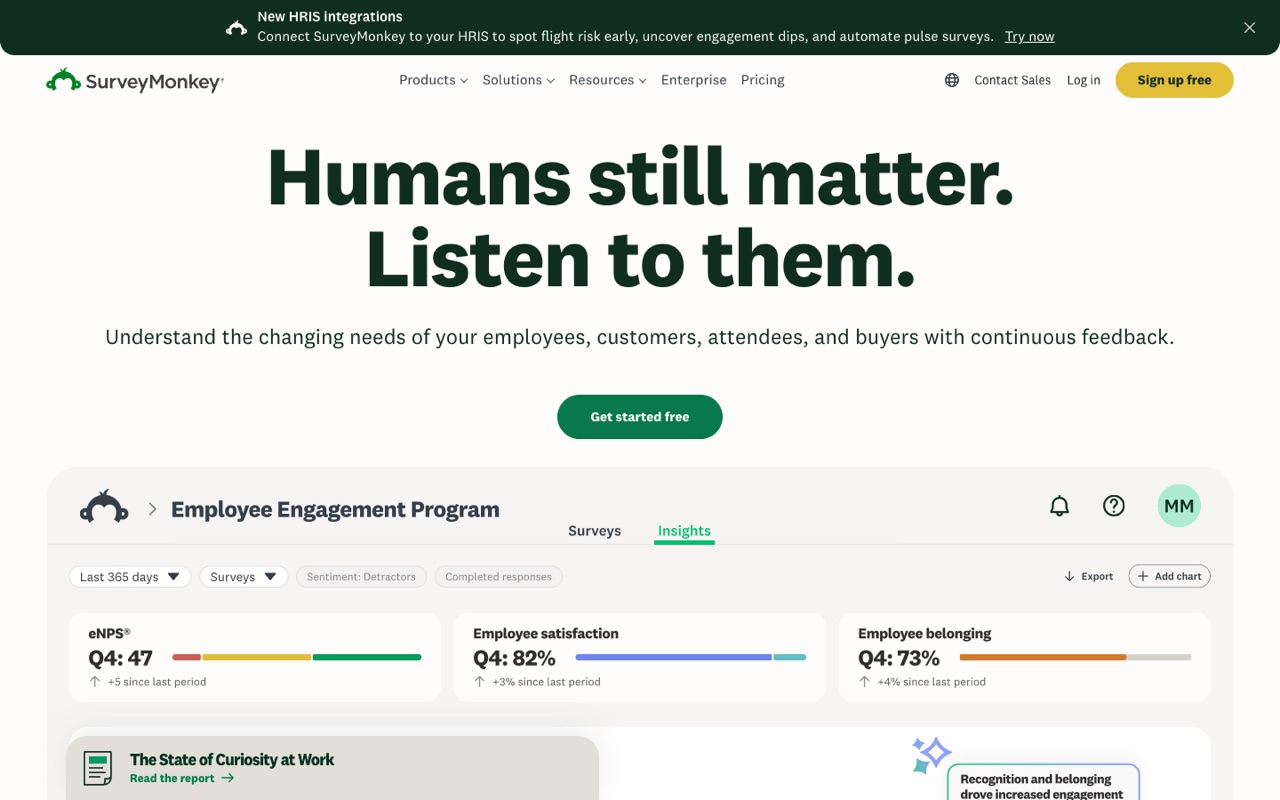
Online survey and form builder with 400+ templates, AI survey generation, AI analysis of responses on paid plans and a research panel for reaching new audiences.
What you get free:
- Unlimited surveys, forms and quizzes, with up to 10 questions each
- 3 collectors per survey (ways to send it, such as a web link) and 175+ templates
- 13 common question types, AI survey building, a Zapier integration and sharing by web link, social media or website embed
Limits: The pricing page says Basic “lets you view a limited number of responses per survey, even if you collect more”, and it doesn’t publish that number: it says to sign up or log in to see it. Skip logic, file upload, matrix questions, A/B testing and QR codes are marked “Limited” on Basic, and the results view gets 1 filter.
When to upgrade: Advantage Annual is $39/mo, $468 billed annually, for 1 user and 15,000 responses a year. The only monthly individual plan, Standard Monthly, is $149/mo for 1,000 responses a month. Extra responses on paid plans cost $0.15 each. Team Advantage is $30 per user per month, billed annually, with a 3-user minimum.
Who it's for: People who want a familiar survey builder for a quick poll, a class project or an event feedback form, and who can live with 10 questions.
Skip it if: You need to know in advance how many answers you can read. The free response cap isn’t published before sign-up.
Visit SurveyMonkeyRead the SurveyMonkey profile
Source: surveymonkey.com/pricing/individual/, surveymonkey.com/pricing/individual/details/, checked November 24, 2026
Survicate: best for ongoing customer feedback on a website or app
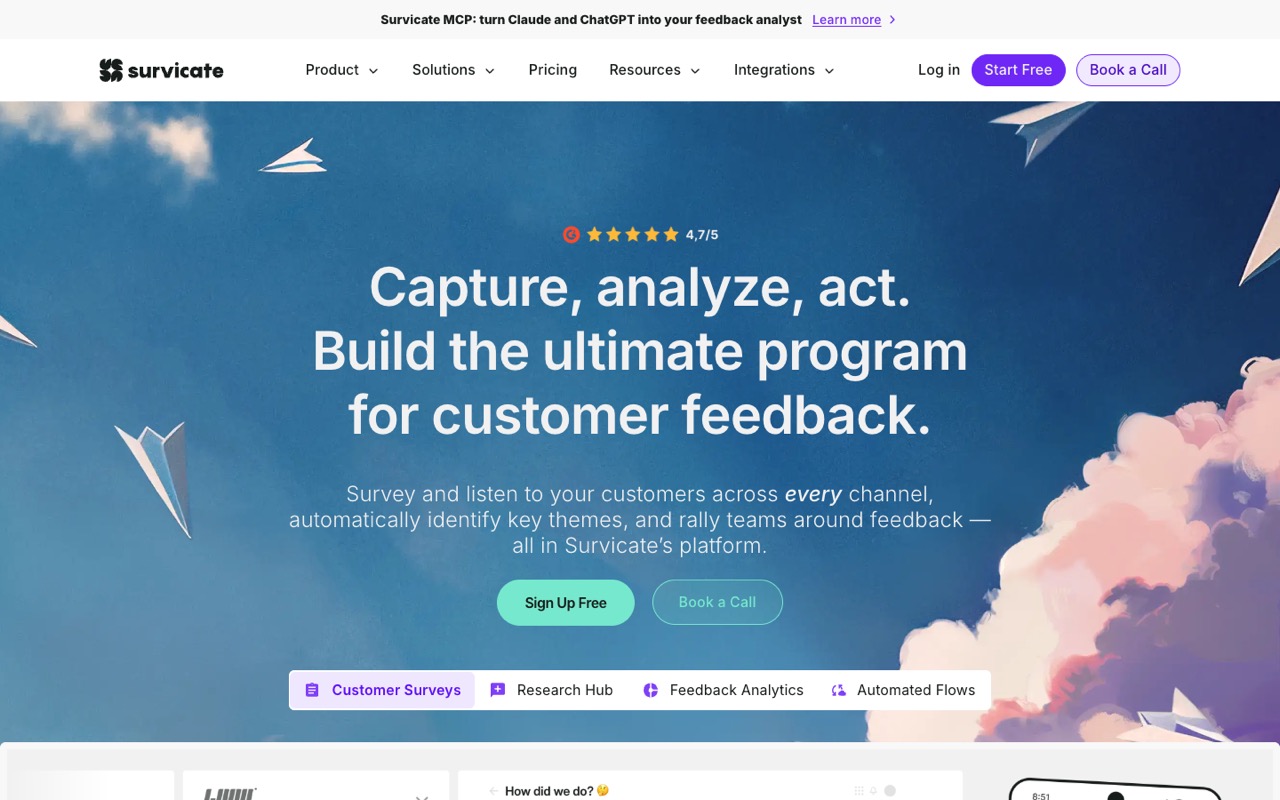
Customer feedback platform for email, website, in-product and mobile app surveys, with AI survey creation, AI categorization of answers, a research hub and an MCP server for Claude and ChatGPT.
What you get free:
- Up to 25 responses a month, with no time limit on the plan
- 1 active survey at a time, basic CRM integrations and up to 3 team members
- Sign-up starts with a 10-day trial of pro features (up to 25 responses, no card), then the account switches to the Free Plan
Limits: Data is kept for 30 days on the Free Plan. Each survey tops out at 300 responses, and the whole account at 1,000. The pricing page’s plan cards and comparison table only list paid plans; the free plan is described in the page’s FAQ.
When to upgrade: Growth starts at $56/mo billed annually for 100 survey responses a month, 10 user seats and custom branding. Pro starts at $349/mo and Enterprise at $569/mo.
Who it's for: Small product or marketing teams that want a short, always-on feedback survey, such as an NPS question in an app or a website pop-up.
Skip it if: You’re running a one-off survey to a big list. 25 responses a month and a 30-day data window won’t hold it.
Visit SurvicateRead the Survicate profile
Source: survicate.com/pricing/, checked November 24, 2026
SurveySparrow: best for conversational, one-question-at-a-time surveys
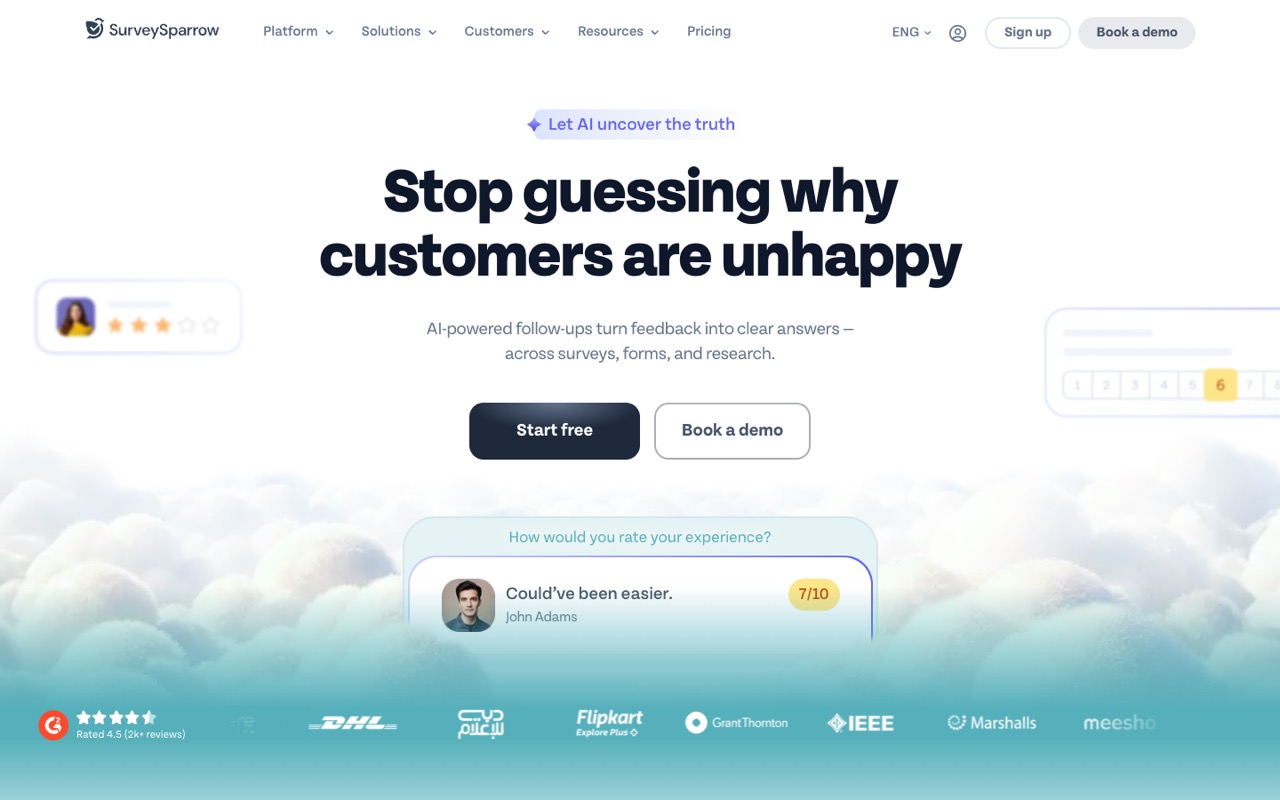
Survey and customer experience platform for conversational surveys, NPS, CSAT and CES, with AI agents that ask follow-up questions and AI analysis of themes and sentiment.
What you get free:
- A “Forever Free Plan” with 3 active surveys and 10 questions per survey
- 1 user, up to 1,000 contacts and 200 emails
- A 14-day trial of Business features first (up to 50 responses, no credit card), then an automatic move to the free plan
Limits: The page gives two different response limits: the plan card and usage table say 75 responses per quarter, while the FAQ says “up to 50 responses per month”. The free plan has 0 API calls a day and 1 active CX survey (NPS, CSAT or CES).
When to upgrade: Paid plans are Basic (2,500 responses, 1 user), Starter (15,000 responses, 1 user) and Business (36,000 responses, 3 users), billed quarterly or yearly; Enterprise is custom. The plan cards showed no prices to our US check on November 24, 2026, so we don’t list one. Students get 50% off and NGOs 15% off.
Who it's for: People who want a chat-style survey for a small audience and are happy to stay at three surveys.
Skip it if: You need a fixed paid price before you start. The pricing page didn’t show one to us.
Visit SurveySparrowRead the SurveySparrow profile
Source: surveysparrow.com/pricing/, checked November 24, 2026
Free form builders worth knowing
If you mainly need to collect answers rather than run survey analytics, a form builder’s free plan can go further. These aren’t profiled on this site yet, so we only summarize what their pages said on November 24, 2026:
- Tally: the pricing page says it gives “unlimited forms and submissions, completely free” within its fair-use guidelines. Its fair-use policy names heavy use, such as about 50,000 submissions a month, as the point where it offers a custom plan.
- Jotform: the free Starter plan lists 5 forms, 100 submissions a month, 10,000 form views a month, 100 MB of space and 100 fields per form.
- Typeform: the pricing page offers a free account. We couldn’t read its free response limit word for word on our check, so we don’t list one.
- Google Forms: Google’s own form builder. The Google Forms help page we read didn’t state plan limits.
How far free goes: a 200-person survey
Say you want 200 answers to one customer survey. Here’s how long each free plan would take, using the limits above (our math):
| Free plan | Time to 200 responses | Why |
|---|---|---|
| SurveyMonkey Basic | Can’t tell | You can collect more, but you can only view a limited number per survey, and that number isn’t published |
| Survicate Free | 8 months, but only 30 days of data is kept | 25 a month, 1 active survey; 200 is under the 300-per-survey cap, but answers older than 30 days drop off |
| SurveySparrow Free | 3 quarters (or 4 months by the FAQ) | 75 a quarter on the plan card, 50 a month in the FAQ |
| Jotform Starter | 2 months | 100 submissions a month |
| Tally Free | Yes | Unlimited submissions within fair use |
Survicate: 200 ÷ 25 = 8 months, and with 30-day retention you’d never see them all at once. SurveySparrow: 200 ÷ 75 ≈ 2.7, so 3 quarters, or 200 ÷ 50 = 4 months by its FAQ. Jotform: 200 ÷ 100 = 2 months. For a one-off survey to a large list, the cheapest published paid step here was SurveyMonkey Advantage Annual at $39/mo ($468 a year), or Survicate Growth from $56/mo billed annually for 100 responses a month. If you’re collecting feedback to improve a website, see also our guide to conversion rate optimization tools.
How to create a survey in 6 steps
- Write down one goal. For example, “find out why trial users don’t upgrade”. Every question should serve it.
- Keep it short. Several free plans cap questions at 10 per survey, which is a sensible length anyway.
- Pick question types. Use multiple choice or rating scales for things you’ll count, and one open text question for the “why”.
- Add logic only where needed. Skip logic (showing questions based on earlier answers) is limited on some free plans, so check before you rely on it.
- Choose how to share it. A web link works for email and chat; a website or in-app pop-up catches people while they use your product.
- Read and act on results. Check how many responses your plan lets you view and how long it keeps data before you send the survey out.
FAQ
What is the best free survey tool?
It depends on how many answers you need. For a short one-off survey, SurveyMonkey’s free Basic plan has unlimited surveys but 10 questions each and a capped number of responses you can view. For an always-on feedback survey, Survicate’s Free Plan gives 25 responses a month. If you mostly need volume, Tally’s free plan allows unlimited forms and submissions within its fair-use policy. We compare published plans; we haven’t tested these tools hands-on.
Is SurveyMonkey free?
Yes, its Basic plan is free. On November 24, 2026 it included unlimited surveys with up to 10 questions each, 3 collectors per survey and 175+ templates. You can only view a limited number of responses per survey, and SurveyMonkey shows that number only after you sign in. The cheapest paid plan, Advantage Annual, is $39/mo billed annually ($468 a year).
Is Survicate free?
Yes. Survicate’s pricing page FAQ describes a Free Plan with up to 25 responses a month, 1 active survey at a time, basic CRM integrations, up to 3 team members and 30-day data retention. New accounts start with a 10-day trial of pro features and then switch to the Free Plan unless you upgrade.
How many responses can I get on a free survey plan?
On November 24, 2026: Survicate 25 a month; SurveySparrow 75 a quarter on its plan card (its FAQ says 50 a month); Jotform 100 submissions a month; Tally unlimited within fair use. SurveyMonkey Basic lets you collect responses but view only a limited number per survey, and it doesn’t publish the number before sign-up.
What’s the difference between a free plan and a free trial?
A free trial unlocks paid features for a short time; a free plan has no end date but fewer features. Survicate’s trial lasts 10 days with up to 25 responses, then the account moves to the Free Plan. SurveySparrow’s 14-day trial opens Business features with up to 50 responses, then downgrades to its free plan automatically.
Is Google Forms better than SurveyMonkey?
We can’t say which is better because we haven’t tested either hands-on. The Google Forms help pages we read on November 24, 2026 didn’t list plan limits, so we can’t compare its limits fairly. SurveyMonkey’s free plan publishes a 10-question limit per survey and a capped number of viewable responses. If question count matters most, check whether a form builder’s free plan limits it before you write your survey.
Do I need a paid plan to export survey results?
Not always, but check before you collect. SurveyMonkey’s plan details list printing or exporting results as CSV, XLS, PPT or PDF, but the page we read doesn’t show which plans include it. Survicate’s comparison table marks its Export API as not included on its lowest plans. If you need raw data in a spreadsheet, test an export during the free trial.
Sources
All pages checked November 24, 2026.
- www.surveymonkey.com/pricing/individual/
- www.surveymonkey.com/pricing/individual/details/
- survicate.com/pricing/
- surveysparrow.com/pricing/
- www.jotform.com/pricing/
- tally.so/pricing
- tally.so/help/fair-use-policy
- www.typeform.com/pricing/
- support.google.com/docs/answer/6281888
See every tool in AI Marketing & Creative, or the Zonka Feedback profile if you need a paid feedback platform.