
What does Decktopus AI do?
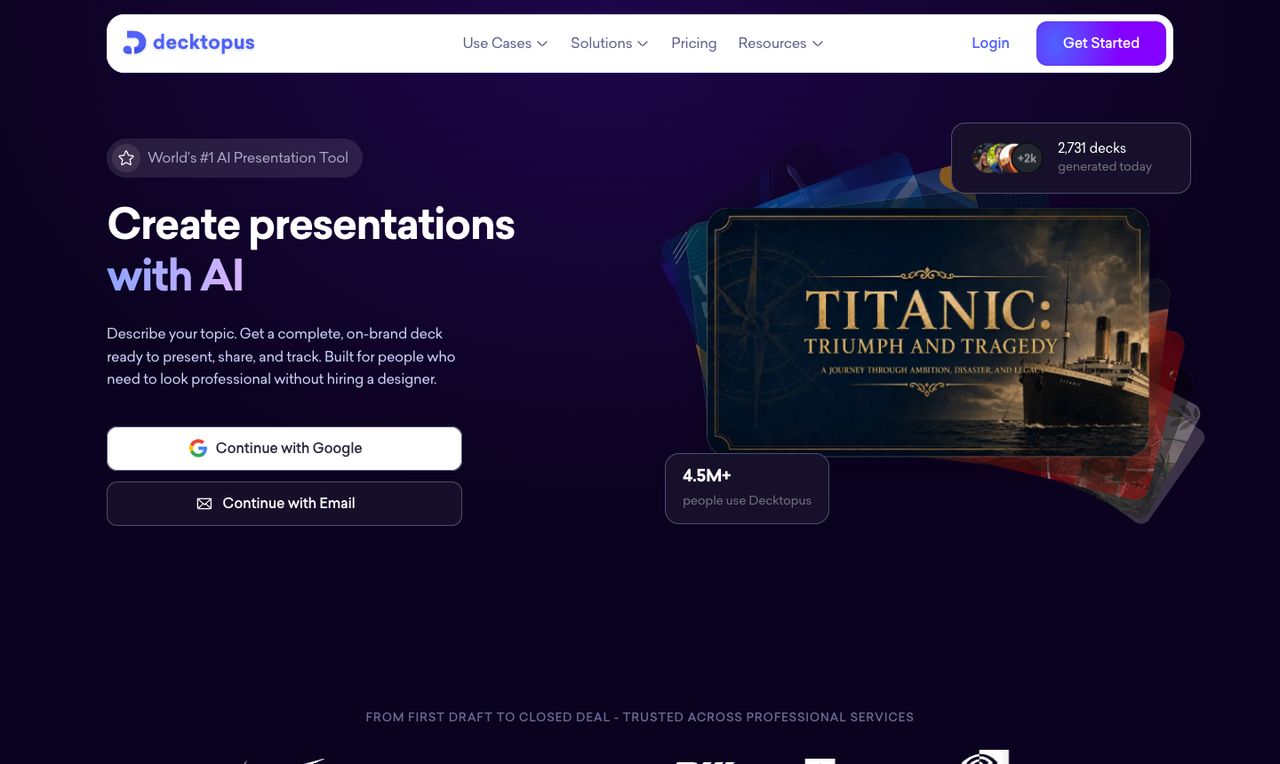
Decktopus AI builds an on-brand deck or LinkedIn/Instagram carousel from a topic, notes, a file or your website URL, then lets you share a tracked link and rehearse with Loop, an AI delivery coach. Pro starts at $9.99/mo billed yearly. It suits solo presenters and sales decks; skip it if you must edit inside PowerPoint or Google Slides.
- AI deck generation. Describe a topic, paste rough notes or upload a file and Decktopus drafts the structure, text and design of a complete deck; decks can be generated in 100+ languages by writing the prompt in that language.
- Brand from a URL. Paste your website address and Decktopus pulls your brand colors, fonts and logo into the slides; Brand Kit is part of Business.
- Edit with AI and Beautify. Change slides with a text prompt, edit text directly, regenerate from a new prompt, restore earlier versions, or upload an existing deck for an AI redesign that keeps your content.
- Carousels. Generate LinkedIn and Instagram carousels from a topic, file or document, alongside presentations.
- Loop delivery coach. Four AI agents help you rehearse: they gather your audience and goals, build speaking notes and timing, simulate hard audience questions and give feedback on pacing and filler words during spoken practice.
- Sharing and deck analytics. Share a live link that updates when you edit, gate a deck behind an email form, and see who opened it, time spent and per-slide engagement; viewers can react or comment without an account.
- Export. Download as PDF, PowerPoint (PPT) or PNG in standard or compressed quality, or present straight from the app.
- ChatGPT, Claude (MCP) and Zapier. A Decktopus app for ChatGPT, a remote MCP server for Claude and other MCP clients, and a Zapier integration to create decks from CRM updates or form submissions.
Who is Decktopus AI for?
Decktopus AI is a good fit if you're a video creator, a salesperson or a business owner, and you need help making presentations.
How much does Decktopus AI cost?
Decktopus AI starts at $9.99/mo. It has no free plan. We checked this on Nov 19, 2026 on the official pricing page.
- Starts at
- $9.99/mo
- Free plan
- No
- Free trial
- Not offered on the pricing page
Pro plan billed yearly ($119.88/yr); $19.99/mo on the 3-month plan ($59.97 every 3 months) or $24.99 billed monthly. Pro includes 750 AI credits a month (about 150 slides). Business (1,000 credits per seat a month, team workspace, Brand Kit) and Enterprise prices aren't listed. No free plan; new accounts get credits for a 3-slide deck. Checked Nov 19, 2026.
Decktopus AI plans compared
| Plan | Billed monthly | Billed yearly | What you get |
|---|---|---|---|
| Pro | $24.99/mo | $9.99/mo | 750 AI credits a month (about 150 slides), presentations and carousels, PDF/PPT/PNG export, one-click sharing, Loop rehearsal coach, version history, mobile access, unlimited storage, 1 user |
| Business | Custom | Custom | 1,000 AI credits per seat a month, everything in Pro plus a shared team workspace, Brand Kit, slide analytics, custom domain and priority support |
| Enterprise | Not listed | Custom | Custom credits, custom branding systems and team templates, role-based access control, dedicated support; sold through a demo call |
Checked Nov 19, 2026 with WebFetch from a US server on decktopus.com/pricing (prices shown in $). Pro has three billing options: $9.99/mo billed yearly ($119.88/yr), $19.99/mo on the 3-month plan ($59.97 every 3 months) or $24.99 billed monthly. Business and Enterprise prices aren't shown on the page. There's no free plan; new accounts get credits to make a 3-slide deck, and each slide costs 5 credits. Extra credit packs can be bought from account settings and don't expire (pack prices aren't listed). Students get 50% off with the code shown on the page. A Black Friday code for 66% off annual plans was running until Dec 11, 2026; we list regular prices. The homepage lists deck analytics on Pro and Business, while the pricing FAQ names slide analytics as a Business addition, so check the plan page before you buy.
Checked Nov 19, 2026 on Decktopus AI's pricing page. Prices change often, so confirm before you buy.
Decktopus AI pros and cons
What stands out
- Pro is $9.99/mo on yearly billing, with a 3-month option between yearly and monthly
- Builds carousels for LinkedIn and Instagram as well as presentations
- Loop rehearsal coach is included from Pro
- Deck tracking with an email gate and per-slide engagement for sales decks
- Purchased credit packs don't expire
- Says customer data isn't used to train AI models
Watch out for
- No free plan, only enough starter credits for a 3-slide deck
- Business and Enterprise prices aren't published
- Monthly Pro ($24.99) costs 2.5 times the yearly rate
- Slides live in the Decktopus editor; you export to PowerPoint rather than edit there natively
- SOC 2 Type II is listed as in progress, not completed (homepage, Nov 19, 2026)
Based on Decktopus AI's own pages, not hands-on testing.
What are the alternatives to Decktopus AI?
We list 5 other AI Presentations tools: Beautiful.ai, Gamma, Office Timeline, Plus AI, Prezi. Each one below shows its starting price and when you might pick it instead.





Decktopus AI FAQ
How much does Decktopus cost?
As of Nov 19, 2026, Pro is $9.99/mo billed yearly ($119.88/yr), $19.99/mo on the 3-month plan or $24.99 billed monthly, with 750 AI credits a month. Business (1,000 credits per seat) and Enterprise prices aren't listed on the pricing page.
Is Decktopus free?
No. There's no free plan; new accounts get enough credits to create a 3-slide presentation. Each slide uses 5 credits, so 750 Pro credits cover about 150 slides.
What's the difference between Decktopus Pro and Business?
Pro is for one person with 750 credits a month. Business gives 1,000 credits per seat a month and adds a shared workspace, Brand Kit, slide analytics, a custom domain and priority support, according to the pricing FAQ.
Can I export Decktopus slides to PowerPoint?
Yes. Pro and above can export to PDF, PPT and PNG, in standard or compressed quality. You can also share a live link or present from the app.
What is Decktopus Loop?
Loop is a rehearsal coach included from Pro. Four AI agents gather your audience and goals, build speaking notes and timing, simulate tough audience questions and give feedback on pacing, filler words and coverage when you practice out loud.
Can I cancel Decktopus anytime?
Yes. The pricing page says you can cancel from account settings with no cancellation fee and keep access until the end of the billing period. It doesn't state a refund policy.
Does Decktopus work with ChatGPT or Claude?
Yes. Decktopus lists a ChatGPT app you can tag in a chat and a remote MCP server for Claude and other MCP clients, plus Zapier for automated decks.
Decktopus vs Gamma: which should I pick?
Both generate decks from a prompt in their own editor and export to PowerPoint and PDF. Decktopus adds carousels, deck tracking with an email gate and the Loop rehearsal coach; Gamma also makes documents, websites and social posts and has a free plan. We haven't tested either hands-on; this is based on their official pages.
Sources and how we checked
- Official pricing page, checked Nov 19, 2026
- Official website
- Decktopus homepage: features, Loop, integrations, security (checked Nov 19, 2026), checked Nov 19, 2026
- Decktopus affiliate program (checked Nov 19, 2026), checked Nov 19, 2026