
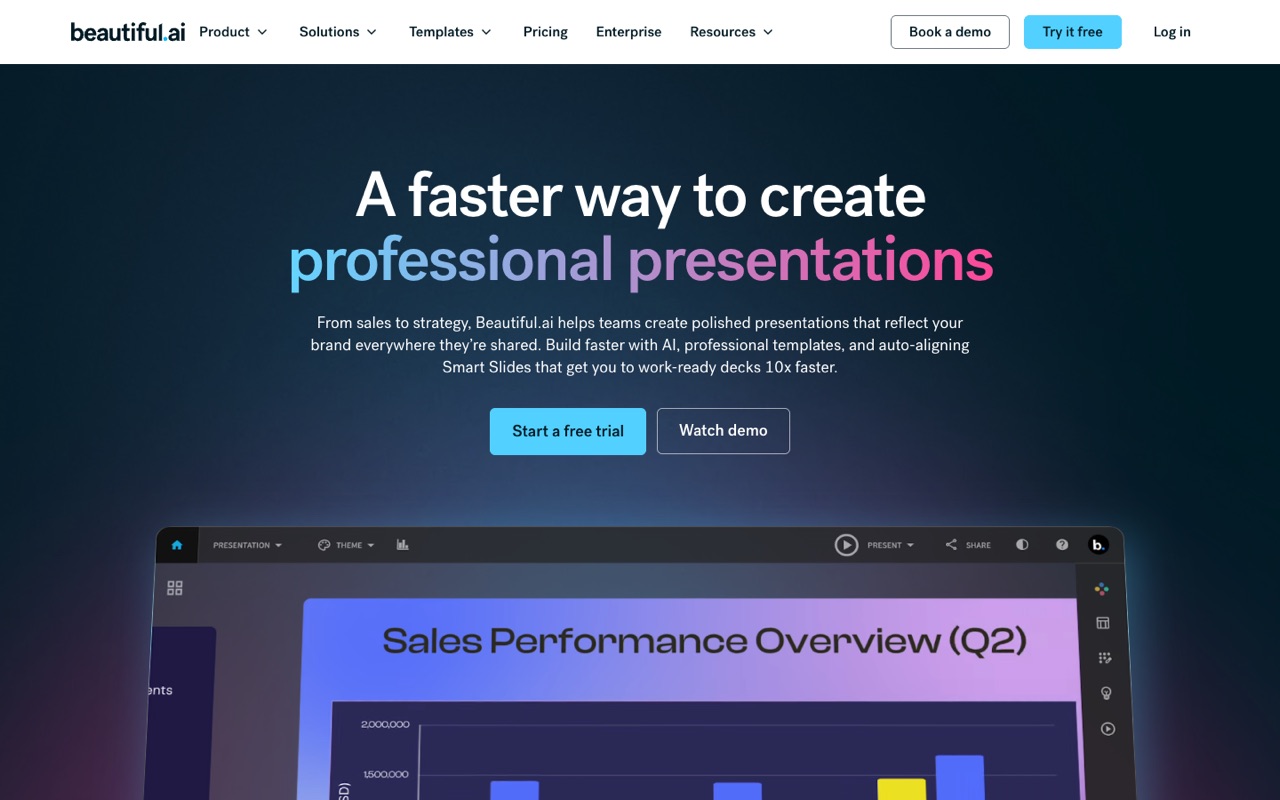
What does Beautiful.ai do?
Beautiful.ai is an AI presentation maker built on 300+ Smart Slide layouts that realign and resize as you add content, with brand themes, shared slide libraries and viewer analytics for teams. Pro is $14.50/mo billed annually for one user, with a 14-day trial that needs a card. It suits teams that want consistent decks; skip it if you need a free plan.
- Smart Slides. 300+ layouts that auto-align, resize and animate content as you type, so slides keep a consistent design.
- Create with AI. Build and edit an outline first, then generate slides from it, with 100+ languages for AI creation.
- AI images, writing and translation. AI image generation, a writing assistant and AI translation are included on Pro.
- PowerPoint import and export. Every seat can import PowerPoint files and export decks to PPTX or PDF.
- Brand themes. Save colors, fonts, logos and footers as a theme; Team adds locked, branded themes so decks stay on brand.
- Team libraries. Team shares a slide library, template library and asset library, with version control and locked slides.
- Live data linking. On Team, charts and tables can link to live data so numbers update in the deck.
- Viewer analytics and secure sharing. Track views and slide engagement on shared decks, with permissions; Team adds engagement alerts.
Who is Beautiful.ai for?
Beautiful.ai is a good fit if you're a team lead, a salesperson or a business owner, and you need help making presentations.
How much does Beautiful.ai cost?
Beautiful.ai starts at $14.50/mo. It has no free plan. Its pricing page lists a free trial. We checked this on Oct 29, 2026 on the official pricing page.
- Starts at
- $14.50/mo
- Free plan
- No
- Free trial
- 14 days on Pro or Team; credit card required
Pro for one user, billed annually; Pro billed monthly is $45, pitched for one-off projects. Team is $40 per user/mo billed annually ($50 monthly) for 2 to 20 seats; Enterprise is custom. No free plan. Checked Oct 29, 2026.
Beautiful.ai plans compared
| Plan | Billed monthly | Billed yearly | What you get |
|---|---|---|---|
| Pro | $45/mo | $14.50/mo | 1 user; unlimited AI content generation, 300+ Smart Slide layouts, PowerPoint import and export, custom brand styling, AI images, writing assistant and translation, viewer analytics |
| Team | $50/user/mo | $40/user/mo | 2 to 20 seats; everything in Pro plus a collaborative workspace, real-time co-editing, shared slide, template and asset libraries, locked slides and version control, live data linking, engagement alerts and view/edit permissions |
| Enterprise | Custom | Custom | Custom pricing; unlimited members, SSO, SCIM user provisioning, audit and change logs, brand guardrails, advanced permissions, SOC 2 Type II, GDPR, CCPA and PCI, dedicated onboarding and priority support |
Prices read on Oct 29, 2026 from a US connection, shown with a $ sign. Pro is $14.50/mo billed annually ($174 a year) or $45 month to month, which Beautiful.ai pitches for one-off projects. Team is $40 per user/mo billed annually or $50 monthly, for 2 to 20 seats; one heading on the page also mentions fixed pricing for up to three users, so confirm seat terms at checkout. The 14-day trial of Pro or Team needs a credit card and bills in full unless you cancel first. Students with a valid .edu email get a free year. An SMB plan with flat rates is mentioned without a price.
Checked Oct 29, 2026 on Beautiful.ai's pricing page. Prices change often, so confirm before you buy.
Beautiful.ai pros and cons
What stands out
- Smart Slide layouts keep spacing and alignment consistent as content changes
- Pro is $14.50/mo when billed annually
- PowerPoint import and export on every seat
- Viewer analytics included from Pro
- Team brand controls: locked themes and shared slide libraries
- Free year for students with a .edu email
Watch out for
- No free plan
- The 14-day trial needs a credit card and bills automatically unless you cancel
- Month-to-month Pro is $45, about three times the annual rate
- Team starts at 2 seats, so at least $80/mo billed annually
- SSO and SCIM provisioning are Enterprise only
Based on Beautiful.ai's own pages, not hands-on testing.
What are the alternatives to Beautiful.ai?
We list 3 other AI Presentations tools: Gamma, Office Timeline, Prezi. Each one below shows its starting price and when you might pick it instead.



Compared in
Beautiful.ai FAQ
How much does Beautiful.ai cost?
Pro is $14.50/mo billed annually ($174 a year) or $45 month to month for one user. Team is $40 per user/mo billed annually or $50 monthly. Enterprise is custom (US prices, Oct 29, 2026).
Does Beautiful.ai have a free plan?
No. There's a 14-day free trial of Pro or Team, and students with a valid .edu email get a free year.
Does the Beautiful.ai trial need a credit card?
Yes. A card is required for the 14-day trial, and it's charged in full if you don't cancel before the trial ends.
How much does Beautiful.ai cost for a team?
Team is $40 per user/mo billed annually, for 2 to 20 seats. Two seats come to $80/mo, or $960 a year. Larger organizations use Enterprise, which is custom.
Can I use Beautiful.ai with PowerPoint?
Yes. Every seat can import PowerPoint files and export decks to PPTX, as well as PDF.
Does Beautiful.ai use AI?
Yes. It can generate a deck from an outline you edit first, and includes AI images, a writing assistant and AI translation on Pro.
Does Beautiful.ai show who viewed my presentation?
Yes. Viewer analytics track views and slide engagement, and Team adds engagement alerts.
Does Beautiful.ai support SSO?
SSO and SCIM user provisioning are listed on the Enterprise plan, along with audit logs and SOC 2 Type II, GDPR, CCPA and PCI compliance.
Sources and how we checked
- Official pricing page, checked Oct 29, 2026
- Official website
- Beautiful.ai homepage (checked Oct 29, 2026), checked Oct 29, 2026