
What does Plus AI do?
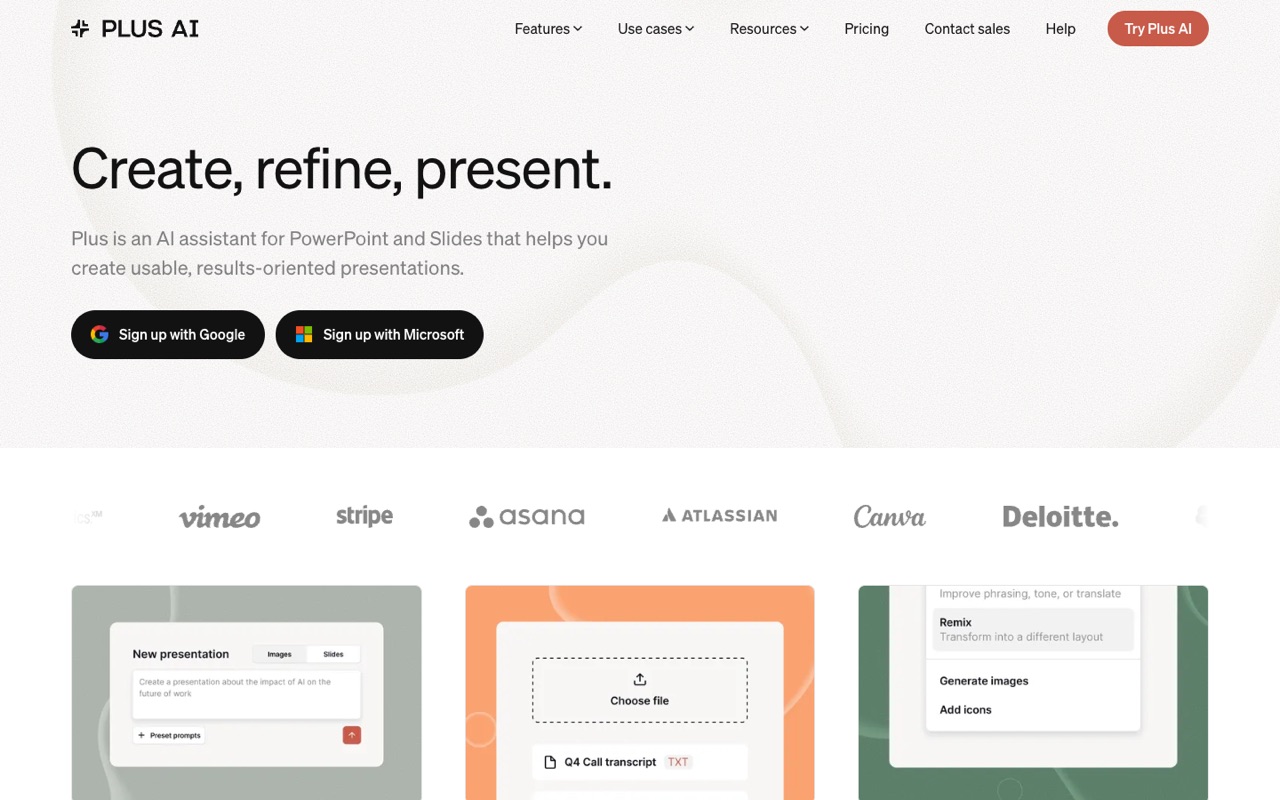
Plus AI is an add-in that builds and edits slides inside Google Slides and PowerPoint from a prompt or an uploaded PDF, Word or text file, and remixes existing slides into new layouts. Plans start at $10 per user a month billed yearly. It suits teams that stay in Slides or PowerPoint; skip it if you want a standalone editor.
- Works inside Google Slides and PowerPoint. One subscription includes the Plus AI extension for both apps, so slides are created as native Google Slides or PPTX files rather than in a separate editor.
- Generate from a prompt or a document. Describe a deck in a few sentences or use a preset prompt, or upload a PDF, DOCX, PPTX or text file to turn it into a presentation (document uploads from Pro).
- Insert, Rewrite and Remix. Insert single slides from hundreds of layouts, rewrite text for length or tone, and remix any slide, even a block of text, into a different design.
- Images, icons, charts and tables. Generate images, add icons and build charts and tables that stay editable in Google Slides and PowerPoint; AI image generation from Pro and advanced image models on Team.
- Custom branding and presets. Team adds your logo, colors and fonts, saved presets and custom AI instructions shared across the team; Enterprise converts your own slide masters into templates.
- MCP server and Presentation API. Connect Plus AI to Claude, ChatGPT, Claude Code, Cursor or any MCP client, or create native PowerPoint slides through the Presentation Agent API (from Pro).
- Many languages. Plus AI says it can read, write and translate nearly any language.
- Security. Plus AI states SOC 2 Type II compliance (report on request) and says sensitive data is encrypted on your device before it reaches its servers, in transit and at rest.
Who is Plus AI for?
Plus AI is a good fit if you're a team lead, a salesperson or a business owner, and you need help making presentations.
How much does Plus AI cost?
Plus AI starts at $10/mo per user. It has no free plan. Its pricing page lists a free trial. We checked this on Nov 19, 2026 on the official pricing page.
- Starts at
- $10/mo per user
- Free plan
- No
- Free trial
- 7 days on any paid plan with 1,000 AI credits; credit card required, new customers only
Basic plan billed yearly ($15/mo per user billed monthly): 1,500 AI credits a month in Google Slides and PowerPoint. Pro is $20/mo yearly ($25 monthly, 3,000 credits, document uploads, image generation, MCP and API); Team $30/mo yearly ($40 monthly, 6,000 credits, custom branding); Max $200/mo yearly ($240 monthly, unlimited credits). Enterprise is quote-only. Checked Nov 19, 2026.
Plus AI plans compared
| Plan | Billed monthly | Billed yearly | What you get |
|---|---|---|---|
| Basic | $15/mo per user | $10/mo per user | 1,500 AI credits a month, create AI presentations in Google Slides and PowerPoint, insert single slides in a chosen format, rewrite and remix slides |
| Pro | $25/mo per user | $20/mo per user | 3,000 AI credits a month, document uploads (PDF, DOCX, TXT), prompts of 100K+ characters, AI image generation, Plus AI MCP Server and Presentation API, unlimited team members |
| Team | $40/mo per user | $30/mo per user | 6,000 AI credits a month, custom branding (logo, colors, fonts), advanced AI image models, saved presets and custom AI instructions, team-wide templates and a shared preset library |
| Max | $240/mo per user | $200/mo per user | Unlimited AI credits, everything in Team, priority email support |
| Enterprise | Not listed | Custom | Custom templates built from your slide masters, asset libraries of approved slides, images and icons, specialized designs such as case studies and diagrams, SSO, user management, white-glove onboarding |
Checked Nov 19, 2026 with WebFetch from a US server on plusai.com/pricing (prices shown in $, per user per month). Every paid plan starts with a 7-day free trial that includes 1,000 AI credits and needs a credit card; the card is charged when the trial ends. Trials are for new customers only, so anyone who used the older Plus free plan or a paid plan can't start another. Plus AI says a typical task uses 40 to 170 credits. No free plan appears in the pricing table. Enterprise pricing is through sales.
Checked Nov 19, 2026 on Plus AI's pricing page. Prices change often, so confirm before you buy.
Plus AI pros and cons
What stands out
- Creates native slides in the tools many teams already use: Google Slides and PowerPoint
- One subscription covers both the Google Slides and PowerPoint add-ins
- Remix turns existing slides or plain text into new layouts
- 7-day trial on every paid plan with 1,000 credits
- MCP server and API from Pro for Claude, ChatGPT and other AI tools
- States SOC 2 Type II compliance
Watch out for
- No free plan; the trial needs a credit card and bills automatically
- Priced per user, so team costs grow with headcount
- Document uploads and image generation start at Pro ($20/mo yearly)
- Custom branding needs Team; templates from your own slide masters need Enterprise
- Unlimited credits only on Max at $200 per user a month billed yearly
Based on Plus AI's own pages, not hands-on testing.
What are the alternatives to Plus AI?
We list 5 other AI Presentations tools: Beautiful.ai, Decktopus AI, Gamma, Office Timeline, Prezi. Each one below shows its starting price and when you might pick it instead.
 Beautiful.ai · From $14.50/mo
Choose Beautiful.ai if you'd like a second option to compare for making presentations.
 Decktopus AI · From $9.99/mo
Choose Decktopus AI if you want a lower starting price ($9.99/mo vs $10/mo per user).



Plus AI FAQ
How much does Plus AI cost?
As of Nov 19, 2026, per user per month: Basic $10 billed yearly ($15 monthly), Pro $20 ($25), Team $30 ($40) and Max $200 ($240). Enterprise is quote-only.
Is Plus AI free?
There's no free plan in the current pricing table. Each paid plan has a 7-day free trial with 1,000 AI credits; a credit card is required and you're charged when the trial ends unless you cancel.
Does Plus AI work in PowerPoint and Google Slides?
Yes. A subscription includes the Plus AI extension for both Google Slides and PowerPoint, and it creates native slides in each.
How many credits does Plus AI use per task?
Plus AI says tasks typically use 40 to 170 credits, depending on complexity. Basic includes 1,500 credits a month, Pro 3,000, Team 6,000 and Max unlimited.
Can Plus AI turn a PDF or Word document into slides?
Yes, from the Pro plan. You can upload PDF, DOCX or TXT files (the homepage also lists PPTX) and Plus AI builds a presentation from them.
Can I use my company template with Plus AI?
Team adds custom branding with your logo, colors and fonts. Custom templates built from your organization's own slides and slide masters need an Enterprise plan.
Does Plus AI work with Claude or ChatGPT?
Yes. Add the Plus AI connector in Claude, ChatGPT, Claude Code, Cursor or another MCP client and sign in with your Plus AI account. The MCP server and Presentation API are listed from the Pro plan.
Plus AI vs Gamma: what's the difference?
Plus AI works inside Google Slides and PowerPoint, so your deck stays a native Slides or PPTX file. Gamma builds decks, documents and web pages in its own editor and exports to PowerPoint, PDF and Google Slides. Pick Plus AI if your team must keep working in Slides or PowerPoint. We haven't tested either hands-on; this is based on their official pages.
Sources and how we checked
- Official pricing page, checked Nov 19, 2026
- Official website
- Plus AI homepage: features, MCP and API, security (checked Nov 19, 2026), checked Nov 19, 2026
- Plus AI affiliate program (checked Nov 19, 2026), checked Nov 19, 2026