Best AI Caption Generators for Video (2026): Submagic, OpusClip, Klap, Descript and Pictory
This page has no affiliate links right now: every link goes straight to the vendor. If that changes, we'll say so here. How we make money.
An AI caption generator transcribes the speech in your video and turns it into on-screen text, either burned into the video or as a separate subtitle file such as SRT.
This guide is about captions on video. If you want AI to write the text of an Instagram post, that's a different kind of tool, and it isn't covered here. Below we compare five auto caption generators by the job each one is built for, with what the free plan really gives you, whether you can export an SRT file, the languages each vendor lists and the price, all read from the vendors' own pages on November 25, 2026.
The short answer
For styled captions on shorts, start with Submagic ($12/mo billed yearly). To cut long videos into captioned clips, use OpusClip ($15/mo) or Klap ($14.50/mo yearly, 99+ languages). For captions plus SRT or VTT files, Descript ($16/mo yearly). For videos made from a script, Pictory.
Quick picks by captioning job
| Tool | Best for | Starts at | Languages listed | Subtitle file (SRT) |
|---|---|---|---|---|
 Submagic | Animated captions on short videos | $12/mo billed yearly ($19 month to month, per Submagic’s caption page) | 118 caption languages; caption translation into 38 | Yes, SRT download (also on a free account) |
 OpusClip | Clipping long videos into captioned shorts | $15/mo billed monthly (Starter is monthly only; Pro is $14.50/mo billed yearly) | 20+ caption languages (Starter) | SRT of the original video on Pro, per OpusClip’s help center |
 Klap | Captioned clips from long videos, in 99+ languages | $14.50/mo billed yearly ($29/mo billed monthly) | 99+ languages | Not mentioned on the pricing page or FAQ |
 Descript | Editing captions with the transcript, and exporting SRT or VTT | $16/mo billed yearly ($24/mo billed monthly) | Caption translation into 61 languages (paid plans; limited on Free) | Yes, .srt or .vtt, per Descript’s help center |
 Pictory | Captioned videos built from a script, article or slides | $29/mo list price (Black Friday prices on Nov 25: $14.50/mo billed monthly, $12.50/mo billed annually) | Not stated on the pricing page | Yes, .srt, .vtt or .txt on every plan, including the trial |
Prices in US dollars before tax, checked November 25, 2026. Language counts are what each vendor publishes; we haven't verified them.
What year one costs
This table shows the lowest way to pay for 12 months of each tool's entry plan, at the prices on the vendors' pages.
| Tool | Plan and billing | Year one | What you get |
|---|---|---|---|
| Submagic | Starter, yearly | $144 | 15 captioned videos a month, up to 2 minutes each |
| OpusClip | Pro, yearly (2 seats) | $174 | 3,600 credits over 12 months; Starter monthly would be $180 ($15 × 12) |
| Klap | Basic, yearly | $174 | 1,200 clips up front |
| Descript | Hobbyist, yearly | $192 | 10 media hours a month, SRT/VTT export |
| Pictory | Starter, annual (Black Friday price) | $150 ($12.50 × 12) | Up to 360 minutes of video a year; the regular price is $29/mo and the sale's end date isn't shown |
Each tool counts usage differently: Submagic by captioned videos and video length, OpusClip by credits, Klap by clips generated, Descript by media minutes uploaded and Pictory by credits per minute of video. If you caption one 10-minute video a week, Submagic Starter's 2-minute limit rules it out, while Descript's 10 media hours a month covers it (our math: about 43 minutes a month).
Free AI caption generators: what you actually get
All five let you try captions without paying, but none gives you a clean, watermark-free captioned video for free. Free subtitle files are easier to get.
| Tool | Free allowance | Watermark or catch | Free subtitle file? |
|---|---|---|---|
| Submagic | Caption a video, edit words and style | Captioned video export needs a paid plan | SRT download included |
| Descript | 60 media minutes a month, dynamic captions | Yes, and export is 720p | .srt or .vtt (no plan limit stated) |
| OpusClip | 60 credits a month | Yes | SRT download is listed for Pro |
| Pictory | 14-day trial, 300 credits, 3 videos | Pictory branding on trial videos | .srt, .vtt or .txt included |
| Klap | Try 1 video | Clips can’t be downloaded without a paid plan | Not mentioned |
If you only need a subtitle file to upload to YouTube, Submagic's free account (SRT) or Pictory's trial (.srt, .vtt, .txt) may be enough. If you need the captions burned into the video without a watermark, the cheapest option on November 25, 2026 was Submagic Starter at $12/mo billed yearly.
How we chose
We included caption tools that have full profiles on this site, self-serve plans and published US prices, and grouped them by the captioning job each is built around. On November 25, 2026 we read each pricing page from a US server, plus Submagic's caption page, OpusClip's and Descript's help articles on subtitle downloads, and Pictory's help article on exporting transcripts. We haven't tested these tools hands-on, so we don't rank caption accuracy; we show what each plan includes and who it suits. Popular caption tools we haven't profiled yet, such as CapCut, VEED and Captions, aren't covered here.
Submagic: best for animated captions on short videos
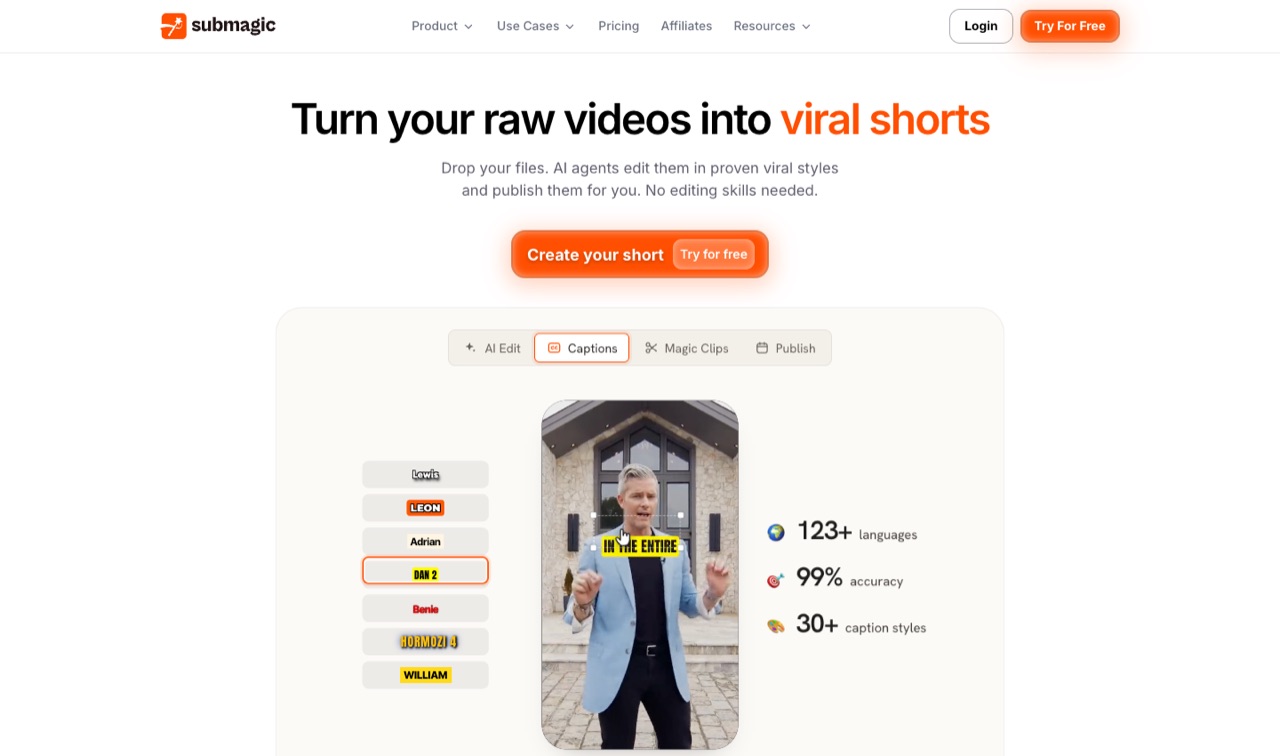
AI short-form video editor that adds captions in 118 languages, cuts, zooms, B-roll and music, clips long videos into shorts with Magic Clips, and publishes to TikTok, Reels and Shorts.
- Starts at
- $12/mo billed yearly ($19 month to month, per Submagic’s caption page)
- Cheapest paid plan
- 15 captioned videos a month (45 credits), videos up to 2 minutes, 1080p at 30 fps, no watermark
- Free option
- A free account can caption a video, edit the words and style, and download the SRT file; exporting the captioned video needs a paid plan
- Subtitle file
- Yes, SRT download (also on a free account)
What you get for captions:
- Burned-in animated captions in caption templates, with words the AI is unsure of marked in red so you can fix them
- Caption translation into 38 languages and an AI video translator that dubs the voice into 29
- Magic Clips: turns a long video into captioned shorts (5 long videos a month on Starter)
- Text-based trimming, free B-roll and audio, and publishing to TikTok, Reels and Shorts
Pro is $23/mo billed yearly ($276 a year) for 40 captioned videos up to 5 minutes and 2K export; Business is $41/mo billed yearly ($492 a year) for 100 captioned videos up to 30 minutes, 4K at 60 fps and a custom words dictionary. Submagic says average accuracy is 98.8% on clear audio and lower with music, overlapping speech or loud noise; that is the vendor’s figure, not ours.
Who it's for: Creators who post talking-head shorts to TikTok, Reels and Shorts and want bold, styled captions with little editing.
Skip it if: Your videos are longer than 2 minutes and you don’t want to pay for Pro (5 minutes) or Business (30 minutes).
Visit SubmagicRead the Submagic profile
Source: submagic.co/pricing, submagic.co/ai-caption, checked November 25, 2026
OpusClip: best for clipping long videos into captioned shorts
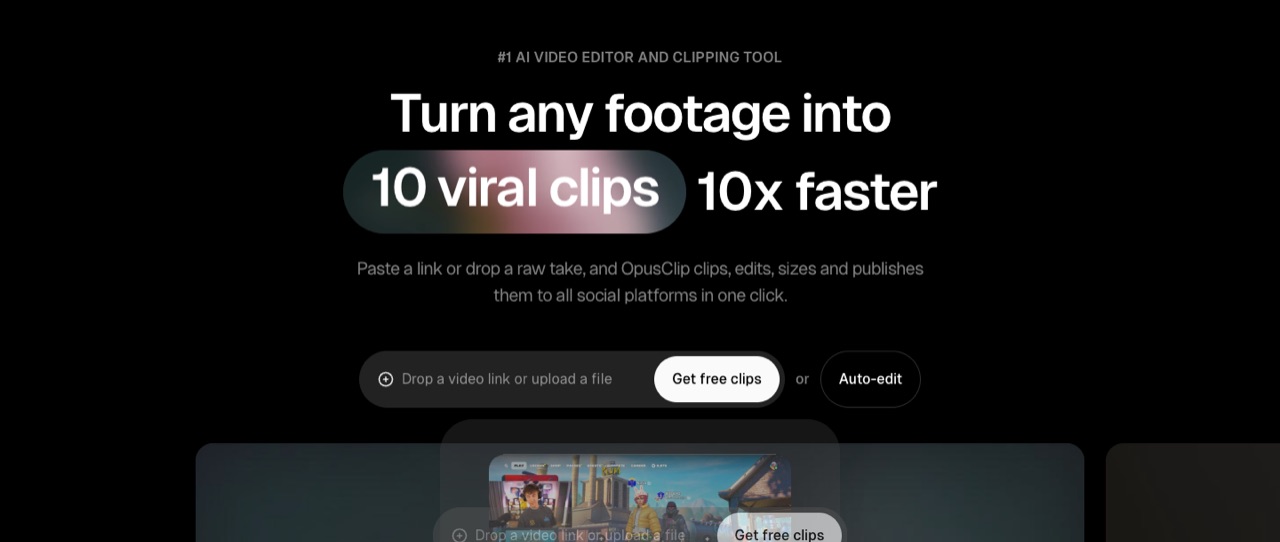
AI clipping tool that turns long videos into short clips for TikTok, YouTube Shorts and Reels, with a virality score, auto reframe, animated captions, B-roll and a scheduler.
- Starts at
- $15/mo billed monthly (Starter is monthly only; Pro is $14.50/mo billed yearly)
- Cheapest paid plan
- 150 credits a month on Starter, animated captions in 20+ languages, no watermark
- Free option
- 60 credits a month; clips up to 1080p with a watermark, not exportable after 3 days
- Subtitle file
- SRT of the original video on Pro, per OpusClip’s help center
What you get for captions:
- AI clipping that finds highlight moments in a long video, with a virality score
- AI animated captions with keyword highlights, and reframing to 9:16
- An editor with filler and silence removal
- Auto-posting to YouTube Shorts, TikTok and Instagram Reels
Pro costs $29/mo billed monthly or $14.50/mo billed yearly ($174 a year) for 3,600 credits over 12 months and 2 seats; unused credits roll over for 2 months. OpusClip’s help center says Pro users can download the transcript (.txt) and subtitles (.srt) of their original videos.
Who it's for: Podcasters, streamers and webinar hosts who start from long recordings and want captioned clips rather than captions on one finished video.
Skip it if: You already have short, edited videos and only need captions on them. A caption-first tool such as Submagic fits that job better.
Visit OpusClipRead the OpusClip profile
Source: opus.pro/pricing, help.opus.pro/docs/article/download-transcripts-subtitles, checked November 25, 2026
Klap: best for captioned clips from long videos, in 99+ languages
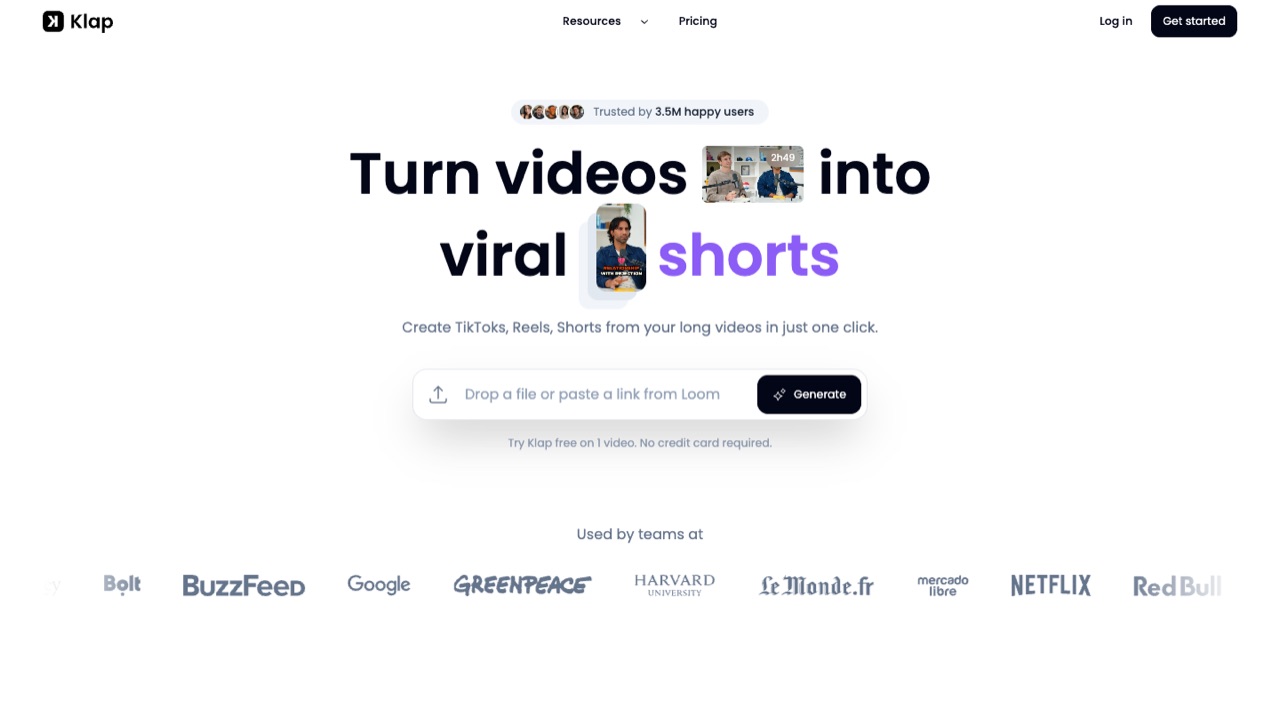
AI clipping tool that turns long videos or YouTube links into vertical shorts with a virality score, active-speaker reframing, animated captions in 99+ languages and a scheduler.
- Starts at
- $14.50/mo billed yearly ($29/mo billed monthly)
- Cheapest paid plan
- 100 clips a month (1,200 up front on yearly billing), animated captions on each clip, no Klap branding
- Free option
- Try it on 1 video with no credit card; downloading and posting clips needs a paid plan
- Subtitle file
- Not mentioned on the pricing page or FAQ
What you get for captions:
- AI clipping with a virality score on every plan
- Animated captions on each clip, with transcription and editing in 99+ languages
- Reframing that follows the active speaker
- Scheduling to TikTok, YouTube, Instagram, LinkedIn and Facebook with unlimited social accounts
Pro is $39.50/mo billed yearly ($474 a year, $79 monthly) for 300 clips a month; Pro+ is $94.50/mo billed yearly ($1,134 a year, $189 monthly) for 1,000. Klap prices by clips generated, not by minutes, and says yearly billing is its official discount.
Who it's for: Creators and teams who publish clips in languages other than English, or who post to many social accounts.
Skip it if: You need a separate subtitle file for YouTube or a video player. Klap’s pricing page doesn’t mention SRT export.
Visit KlapRead the Klap profile
Source: klap.app/pricing, checked November 25, 2026
Descript: best for editing captions with the transcript, and exporting SRT or VTT
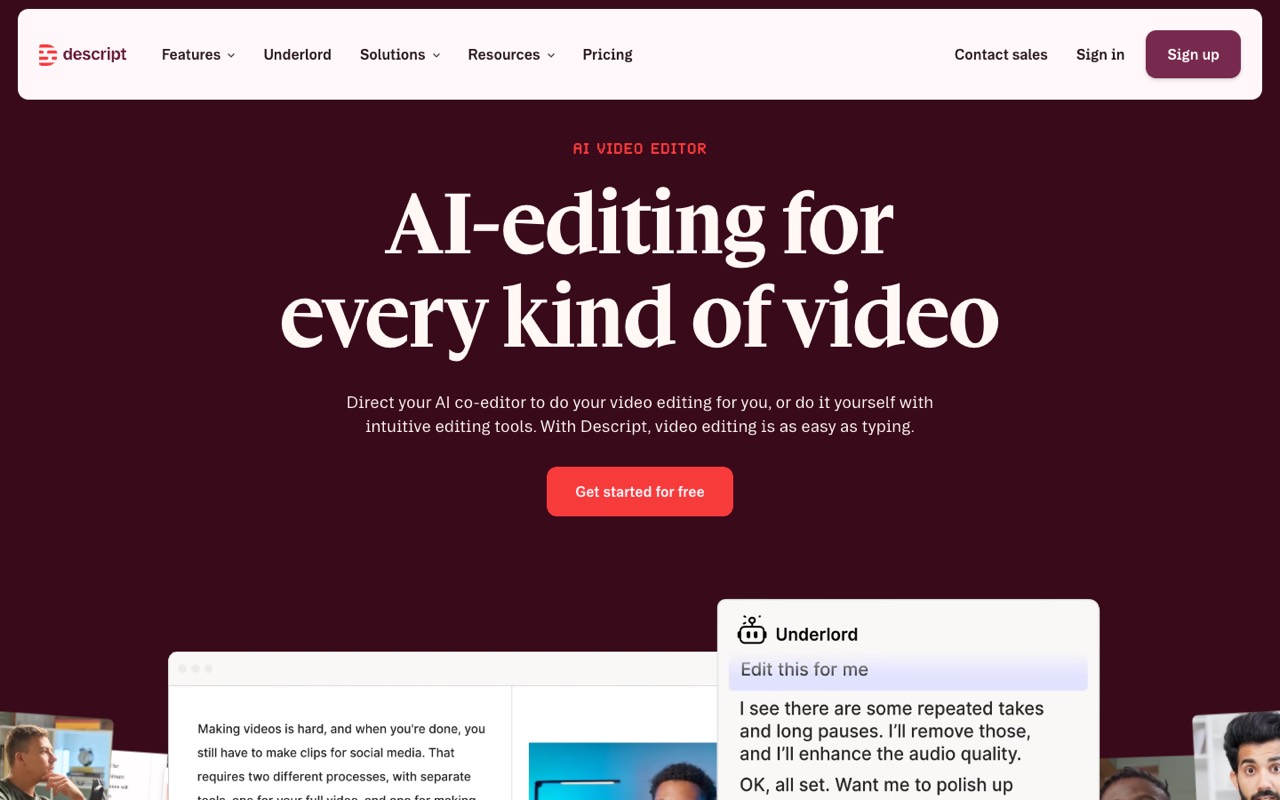
Audio and video editor you edit like a doc, with AI voice clones, Studio Sound clean-up and an AI co-editor called Underlord.
- Starts at
- $16/mo billed yearly ($24/mo billed monthly)
- Cheapest paid plan
- 10 media hours and 400 AI credits a month, 1080p export without a watermark, caption translation
- Free option
- 60 media minutes a month and 100 one-time AI credits; dynamic captions included; 720p export with a watermark
- Subtitle file
- Yes, .srt or .vtt, per Descript’s help center
What you get for captions:
- Dynamic (burned-in) captions on every plan, including Free
- Subtitle export as .srt or .vtt, with settings for speakers, characters per line and lines per card
- Caption translation into 61 languages and audio dubbing into 30
- Text-based editing: fix a caption by fixing the transcript, which also edits the video
Creator is $24/mo billed yearly ($35 monthly) for 30 media hours, 800 AI credits and 4K export; Business is $50/mo billed yearly ($65 monthly) and adds translation proofread. Media minutes count everything you upload or record.
Who it's for: YouTubers, podcasters and course creators who need both burned-in captions and a clean subtitle file, and who edit longer videos.
Skip it if: You only want flashy captions on 30-second shorts. Descript is a full editor, so there’s more to learn.
Visit DescriptRead the Descript profile
Source: descript.com/pricing, help.descript.com/hc/en-us/articles/10255811669773-Export-subtitles, checked November 25, 2026
Pictory: best for captioned videos built from a script, article or slides
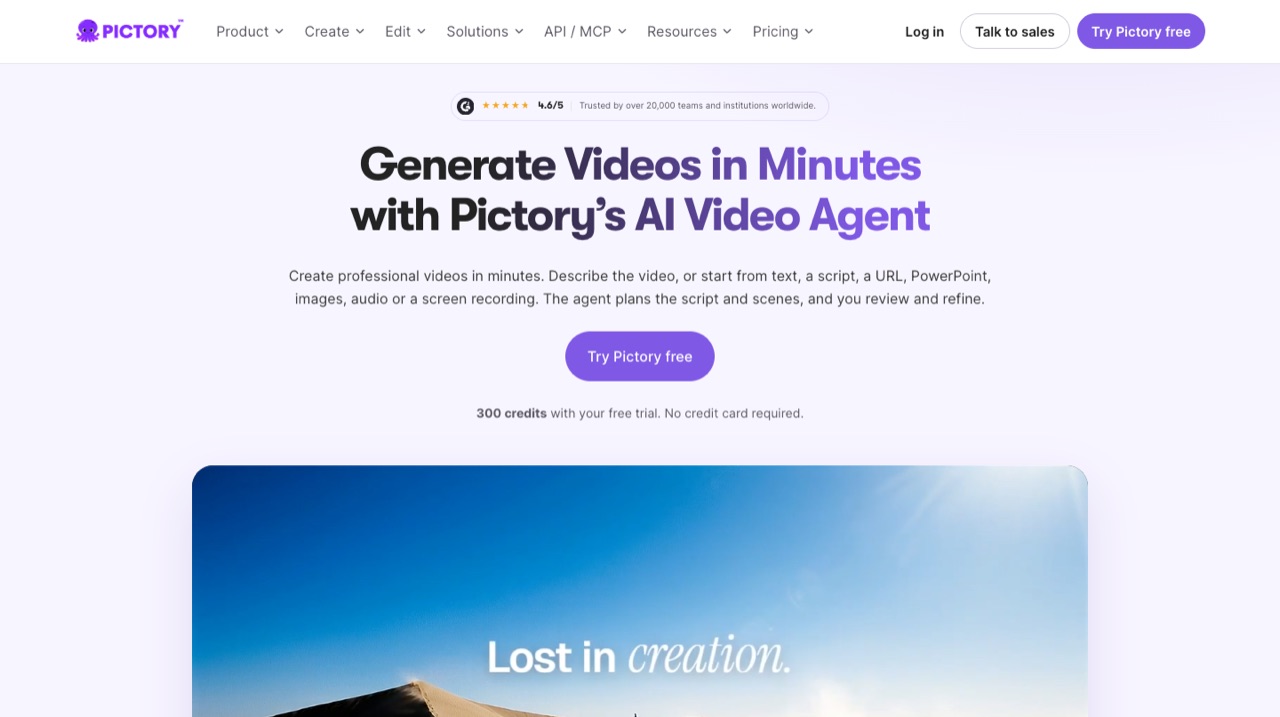
AI video generator that turns a script, article URL, PowerPoint, audio or images into a captioned video with stock footage, ElevenLabs voices, avatars and brand kits, plus text-based editing.
- Starts at
- $29/mo list price (Black Friday prices on Nov 25: $14.50/mo billed monthly, $12.50/mo billed annually)
- Cheapest paid plan
- Starter: up to 30 minutes of video a month (2,000 credits), 1 user, automatic subtitles, no Pictory branding
- Free option
- 14-day trial: 300 credits (up to 10 minutes of video), 3 videos, Pictory branding, no credit card
- Subtitle file
- Yes, .srt, .vtt or .txt on every plan, including the trial
What you get for captions:
- Automatic subtitles on every plan, including the trial
- Subtitle export as .srt, .vtt or .txt
- Script, URL, PowerPoint and audio to video, with captions on each scene
- ElevenLabs voices, stock avatars and Getty Images and Storyblocks footage
On November 25, 2026 the pricing page showed a Black Friday sale of 50% off all plans, with a countdown at zero and no end date, so check the page for the current price. List prices are $29 (Starter), $59 (Professional) and $199 (Teams) a month. Annual plans get all credits up front, and the page says Pictory doesn’t offer refunds on paid subscriptions.
Who it's for: Marketers and bloggers who turn written content into captioned videos and want subtitle files for every one.
Skip it if: You’re captioning footage you filmed yourself. Pictory is built for making videos from text, not for styling captions on talking-head clips.
Visit PictoryRead the Pictory profile
Source: pictory.ai/pricing, kb.pictory.ai/en/articles/8468792-export-and-download-transcription-from-video, checked November 25, 2026
How to add AI captions in 3 steps
- Upload and transcribe. Upload your video or paste a link; the tool transcribes the speech and lines the words up with the video.
- Fix the text. Read the whole transcript and correct names, brands and jargon. Submagic marks words it is unsure of in red; in Descript you fix the transcript itself.
- Choose the output. Burn the captions in with a style for Shorts, TikTok and Reels, or export an SRT or VTT file for YouTube and video players. Some videos need both.
Captions are usually the last step of an edit; for the steps before it, see how to make AI videos. Working with audio only? See how to transcribe audio to text.
Accuracy and accessibility: what to check
- Vendor accuracy claims aren't tests. Submagic quotes 98.8% on clear audio and says accuracy falls with music, overlapping speech or loud noise. Plan to proofread every video.
- Burned-in captions can't be turned off or read by platforms. For YouTube search and viewers who need captions, upload a subtitle file as well.
- Closed captions are more than speech. If you caption for accessibility, add speaker names and important sounds; Descript's subtitle export has a "Show speakers" setting.
- Length limits matter. Submagic Starter takes videos up to 2 minutes, Pro 5 and Business 30, so check your usual video length before you pick a plan.
Comparing clip tools more broadly? See our OpusClip alternatives and the best AI video editors.
FAQ
What is the best AI caption generator?
It depends on the video. For styled captions on short talking-head videos, Submagic is the caption-first option ($12/mo billed yearly). To cut long videos into captioned shorts, use OpusClip or Klap. For captions plus an SRT or VTT file on longer videos, Descript. For captioned videos made from a script or article, Pictory. We compare published plans and features; we haven’t tested caption accuracy ourselves.
Is there a free AI caption generator without a watermark?
Not for the captioned video itself among these five. On November 25, 2026, Descript’s free plan exported 720p with a watermark, OpusClip’s free clips had a watermark, Pictory’s trial added Pictory branding, Klap’s trial didn’t allow downloads, and Submagic needed a paid plan to export the captioned video. Free subtitle files are another matter: Submagic’s free account can download an SRT file, and Pictory’s trial includes .srt, .vtt and .txt export.
How do I add auto captions to Instagram Reels?
You can turn on captions inside Instagram when you post, or burn captions into the video before you upload. With a tool such as Submagic, OpusClip or Klap, upload the video, let the AI transcribe it, fix any names or terms it got wrong, pick a caption style and export a 9:16 video. Submagic, OpusClip and Klap can also post to Reels for you. Check the captions on your phone before you post, since Reels covers the bottom of the frame with buttons and text.
What’s the difference between captions and subtitles?
People use the words loosely. In these tools, “captions” usually means text burned into the video, which everyone sees and nobody can turn off. “Subtitles” usually means a separate text track, such as an SRT or VTT file, that viewers can switch on or off and that platforms like YouTube can read. Closed captions for accessibility also describe sounds and speakers, not only speech.
Can AI captions be exported as an SRT file?
In some tools. Descript exports .srt or .vtt, Pictory exports .srt, .vtt or .txt on every plan, Submagic lets a free account download an SRT file, and OpusClip lists SRT download of original videos for Pro users. Klap’s pricing page doesn’t mention SRT export.
How accurate are AI captions?
Vendors publish their own figures, such as Submagic’s claim of 98.8% average accuracy on clear audio, but these aren’t independent tests and we haven’t measured accuracy ourselves. Accuracy drops with background music, overlapping speakers, accents and unusual names, so always read through the captions and fix brand names and jargon before you publish.
Sources
All pages checked November 25, 2026.
- www.submagic.co/pricing
- www.submagic.co/ai-caption
- www.opus.pro/pricing
- help.opus.pro/docs/article/download-transcripts-subtitles
- klap.app/pricing
- www.descript.com/pricing
- help.descript.com/hc/en-us/articles/10255811669773-Export-subtitles
- pictory.ai/pricing
- kb.pictory.ai/en/articles/8468792-export-and-download-transcription-from-video
See every tool in AI Video & Image.