HeyGen Alternatives (2026): Avatar, Prompt-to-Video and Editing Picks
This page has no affiliate links right now: every link goes straight to the vendor. How we make money.
HeyGen turns a script or prompt into a video with an AI presenter and translates videos with voice cloning and lip-sync. If you’re looking for something else, it usually means one of three things: a cheaper or more training-focused avatar tool, a tool that builds videos without a presenter, or an editor for footage you record yourself.
The short answer
For training and internal videos with an AI presenter, try Synthesia ($14/mo billed yearly). For videos built from a prompt with stock and AI clips, invideo AI. To edit videos you record, Descript. For generated B-roll and cinematic shots, Runway.
HeyGen pricing in brief
The Free plan allows 3 videos a month, up to 1 minute each, with a HeyGen watermark. Creator is $29/mo billed monthly or $24/mo billed yearly ($288 a year), with 600 credits a month that roll over for one month, 1080p export without HeyGen branding and videos up to 30 minutes. Pro is $49/mo (1,000 credits, 4K) and Business $149/mo (1,500 credits, videos up to 60 minutes, extra seats $20 each a month). The pricing page doesn’t state yearly rates for Pro and Business. Full limits are in our HeyGen profile.
Why people look for a HeyGen alternative
- The free plan is small. 3 watermarked videos a month, each capped at 1 minute.
- Credits, not minutes. Plans are sold in credits, so the amount of video you get depends on what you make.
- Yearly prices are only partly published. Only Creator’s yearly rate is stated; Pro and Business show monthly prices.
- Team seats add up. Business charges $20 a month for each extra seat.
- A different job. Some people need training features, prompt-to-video without a presenter, or an editor for real footage.
HeyGen vs the alternatives at a glance
| Tool | Best for | AI presenter avatars | Starts at | Free option |
|---|---|---|---|---|
 HeyGen | Presenter videos and video translation | Yes (stock + personal) | $24/mo billed yearly ($29 monthly) | 3 videos a month, up to 1 minute, watermarked |
 Synthesia | Training, onboarding and internal comms videos | Yes (stock + personal) | $14/mo billed yearly | Free Basic plan: 500 credits a month (about 10 minutes of video), Synthesia logo on videos |
 invideo AI | Videos built from a prompt with stock and generated clips | Not its focus (see vendor site) | $10/mo per seat billed yearly | No free plan listed on the pricing page |
 Descript | Editing videos you record yourself | Some AI avatar features, credit-based | $16/mo billed yearly | Free plan: 60 media minutes a month, 100 one-time AI credits, 720p export with watermark |
 Runway | Generative B-roll and cinematic shots | No presenter avatars | $12/mo billed yearly | Free plan: 125 one-time credits, Runway watermark |
List prices in US dollars before tax, from each vendor’s pricing page on November 21, 2026. Some pages show Black Friday or first-month discounts; we use regular prices. invideo AI is priced per seat.
What the entry plans cost for a year
Credits buy different amounts of video on each tool, and HeyGen doesn’t publish how many minutes its credits make, so we compare the entry plans by price and what they include rather than cost per minute.
| Plan | Billed yearly | Billed monthly, 12 months | Included each month |
|---|---|---|---|
| HeyGen Creator | $288 | $348 | 600 credits, roll over one month |
| Synthesia Starter | $168 | $228 | 1,250 credits (15,000 a year on yearly billing) |
| invideo AI Starter | $120 per seat | $240 per seat | 400 credits per seat |
| Descript Hobbyist | $192 | $288 | 10 media hours, 400 AI credits |
| Runway Standard | $144 | $180 | 625 credits (about 52 seconds of Gen-4.5) |
Our arithmetic from list prices: yearly per-month price × 12, and monthly price × 12. Synthesia Starter’s first month is $9 on monthly billing, which would lower the monthly total by $10.
How we chose
We picked tools that replace a job people use HeyGen for: presenter videos, prompt-to-video, editing recorded video, and generated footage. We read each pricing page on November 21, 2026 and compared published prices, free plans, billing options and plan limits only. We haven’t tested these tools hands-on, so we make no claims about which avatars or voices look or sound more realistic.
Synthesia: best for training, onboarding and internal comms videos
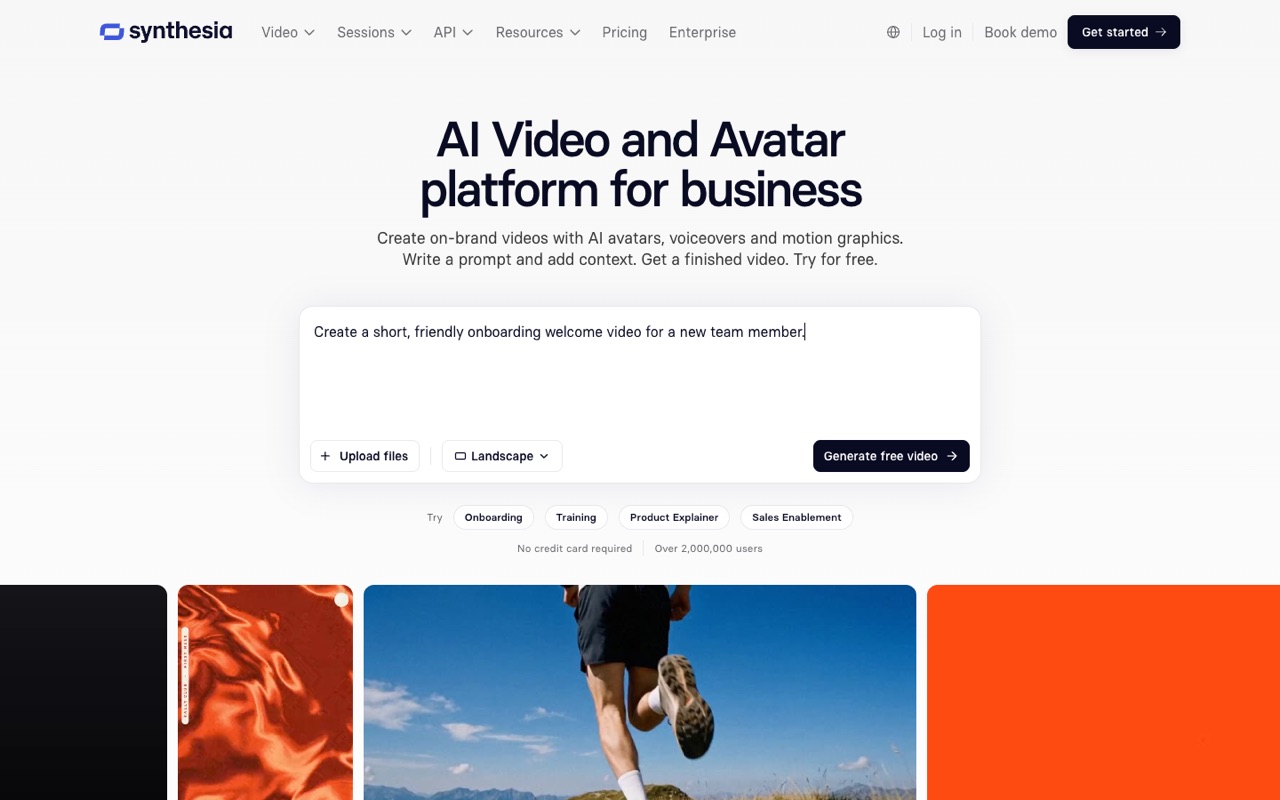
AI video platform for training and business videos with AI avatars in 140+ languages, one-click dubbing, interactive quizzes and SCORM export for LMS courses.
- Starts at
- $14/mo billed yearly ($168/yr) for Starter; $19 billed monthly
- Free option
- Free Basic plan: 500 credits a month (about 10 minutes of video), Synthesia logo on videos
Compared with HeyGen: Synthesia does the same core job as HeyGen, a presenter video from a script, but leans toward learning teams: quizzes, branching, SCORM export for an LMS, and edits that update in shared links and courses. Its entry plan is cheaper than HeyGen Creator ($14 vs $24 a month on yearly billing), and its free plan allows about 10 minutes a month against HeyGen’s 3 one-minute videos. Credits are one pool for video, dubbing and surveys, and unused credits don’t roll over. Starter has one editor.
Who it’s for: You make training, onboarding or policy videos and want quizzes, SCORM export and many languages in one tool.
Skip it if: You make social or marketing videos and want HeyGen’s credit rollover and 1080p, unbranded export on its entry plan.
Visit SynthesiaRead the Synthesia profile
Source: synthesia.io, checked November 21, 2026
invideo AI: best for videos built from a prompt with stock and generated clips
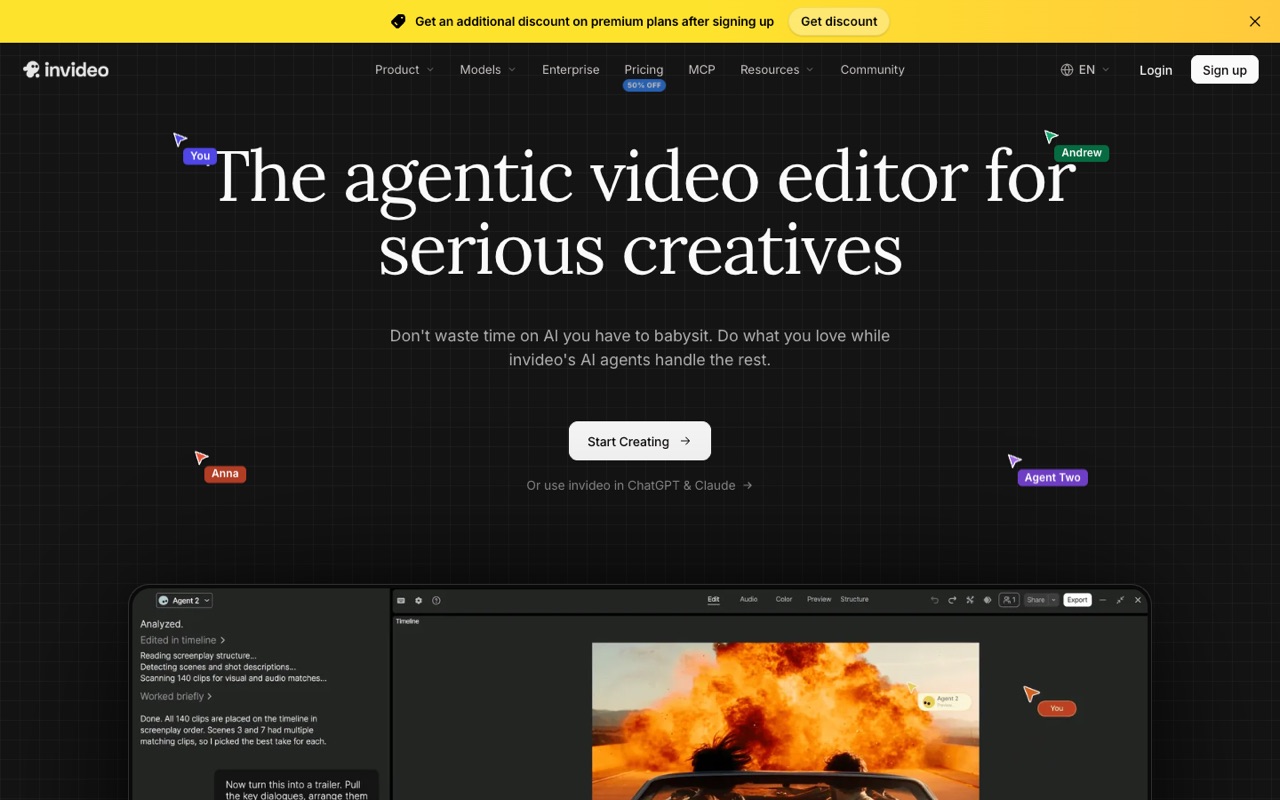
Agent-led AI video editor with a timeline, multiplayer editing and third-party video, image and audio models such as Seedance, Kling, Veo and ElevenLabs on one credit balance.
- Starts at
- $10/mo per seat billed yearly ($120/yr) for Starter; $20 billed monthly
- Free option
- No free plan listed on the pricing page
Compared with HeyGen: invideo AI isn’t an avatar studio first. Its Agent Two plans and edits a whole video on a timeline, drawing on stock footage and third-party models such as Seedance, Kling and Veo from one credit balance. Starter includes 400 credits per seat a month and a full timeline editor, but only the Lite agent and no Seedance 2.5. Plans are priced per seat, credits don’t roll over, and invideo says credit costs can change.
Who it’s for: You want faceless explainers, ads or social videos from a prompt, with stock footage and AI clips, and you don’t need a talking presenter.
Skip it if: You need a realistic presenter or a personal avatar of yourself. HeyGen and Synthesia are built for that.
Visit invideo AIRead the invideo AI profile
Source: invideo.io, checked November 21, 2026
Descript: best for editing videos you record yourself
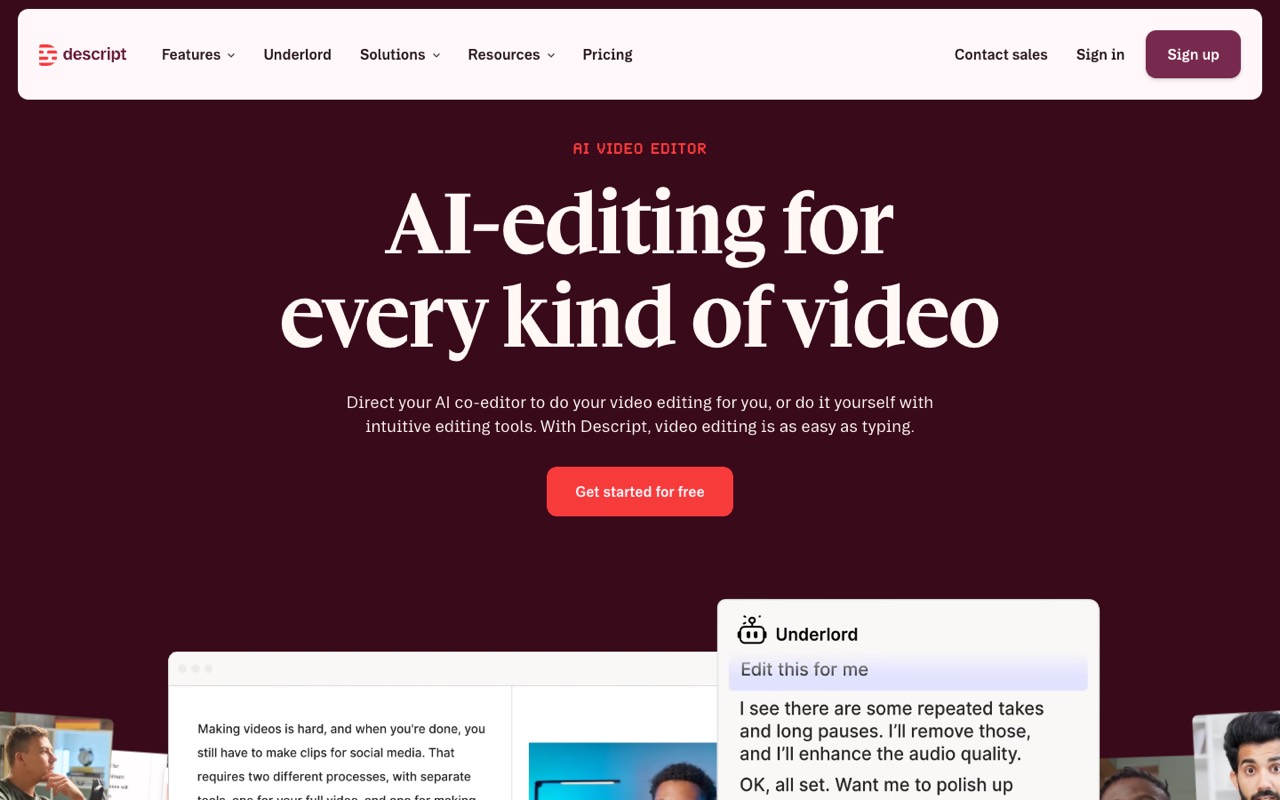
Audio and video editor you edit like a doc, with AI voice clones, Studio Sound clean-up and an AI co-editor called Underlord.
- Starts at
- $16/mo billed yearly ($192/yr) for Hobbyist; $24 billed monthly
- Free option
- Free plan: 60 media minutes a month, 100 one-time AI credits, 720p export with watermark
Compared with HeyGen: Descript starts from real footage: you cut video by editing its transcript, clean audio with Studio Sound, remove filler words and fix a line with a voice clone. Hobbyist includes 10 media hours and 400 AI credits a month, with 1080p export and no watermark. Descript lists avatars and generated video among the features that use AI credits, but its core is an editor, not a presenter generator. Hobbyist can’t buy top-ups.
Who it’s for: You film yourself (podcasts, tutorials, YouTube) and want faster editing more than a synthetic presenter.
Skip it if: You don’t want to be on camera at all. An avatar tool replaces the recording; Descript speeds up editing it.
Visit DescriptRead the Descript profile
Source: descript.com, checked November 21, 2026
Runway: best for generative B-roll and cinematic shots
AI creative suite for generating and editing video, images and audio with Runway's own Gen-4.5 video model and other models, on the web, iPhone and Android, plus an API for developers.
- Starts at
- $12/mo billed yearly ($144/yr) for Standard; $15 billed monthly
- Free option
- Free plan: 125 one-time credits, Runway watermark
Compared with HeyGen: Runway generates footage rather than presenters: its Gen-4.5 model and third-party models make clips, images and audio from prompts, with 4K upscaling on paid plans. Standard’s 625 credits a month are about 52 seconds of Gen-4.5 video, and Standard and Pro credits reset every cycle. People often pair it with an avatar tool rather than replace one.
Who it’s for: You need product shots, scene footage or stylized clips to cut into a video, not a person reading a script.
Skip it if: Most of your videos are someone talking to camera. Runway has no presenter avatars.
Visit RunwayRead the Runway profile
Source: runway.com, checked November 21, 2026
If you’re also weighing Synthesia alternatives
The same logic works the other way: if Synthesia’s training focus or shared credit pool doesn’t fit, HeyGen is the closest swap, with credit rollover on paid plans and video translation with lip-sync. Our HeyGen vs Synthesia comparison puts every plan side by side.
What about Higgsfield?
Higgsfield often comes up in these searches. It’s an AI video and image studio that combines its own models with third-party ones, with tools for ads, AI influencers and cinematic shots. We haven’t been able to confirm its US prices: its pricing page has shown different plan line-ups on different visits, so we don’t list a price. See our Higgsfield alternatives page.
When to stay with HeyGen
- You want a personal avatar of yourself and video translation with your cloned voice and lip-sync in one tool.
- You publish often and value credits that roll over for one month on paid plans.
- You need videos longer than 30 minutes (Business allows up to 60) or 4K export (from Pro).
How to choose
| If you need… | Look at | Why |
|---|---|---|
| Training or onboarding videos with quizzes and SCORM | Synthesia | Interactive video, SCORM export, from $14/mo yearly |
| Faceless explainers or ads from a prompt | invideo AI | Agent-led timeline editor with stock and AI clips |
| To edit videos you record yourself | Descript | Edit by transcript, Studio Sound, voice clones |
| Generated B-roll or product shots | Runway | Gen-4.5 and third-party models, 4K upscaling |
| A personal avatar plus video translation | HeyGen | Avatars, voice cloning and lip-sync in one plan |
Still deciding? See our lists of the best AI video generators and best AI video editors, Descript alternatives, or all AI video tools.
FAQ
What is the best alternative to HeyGen?
For presenter videos, Synthesia is the closest match, with a cheaper entry plan ($14/mo billed yearly vs $24) and tools for training videos. If you want videos from a prompt without a presenter, look at invideo AI; to edit footage you record, Descript; for generated B-roll, Runway. We haven’t tested any of them hands-on.
Is there a free alternative to HeyGen?
Synthesia, Descript and Runway have free plans, all with limits. Synthesia Basic gives 500 credits a month (about 10 minutes of video) with its logo. Descript Free has 60 media minutes a month and watermarked 720p export. Runway Free has 125 one-time credits with a watermark. invideo AI lists no free plan. HeyGen’s own free plan allows 3 watermarked videos a month, up to 1 minute each.
Is Synthesia better than HeyGen?
It depends on the job. Synthesia adds quizzes, branching and SCORM export, which suit training teams, and its Starter plan costs less ($14 vs $24 a month billed yearly). HeyGen’s Creator plan removes its branding at 1080p and lets credits roll over for a month. Our HeyGen vs Synthesia comparison covers every plan.
Which AI avatar tool is cheapest?
Of the two avatar tools here, Synthesia Starter is cheaper on list price: $14/mo billed yearly ($168 a year) or $19 monthly, vs HeyGen Creator at $24/mo yearly ($288 a year) or $29 monthly. Plan credits buy different amounts of video, so compare the minutes you need. Prices checked November 21, 2026.
Can I make AI avatar videos without a watermark for free?
Not on the plans covered here. HeyGen Free videos are watermarked, and Synthesia’s free Basic plan puts its logo on videos. HeyGen removes its branding from Creator, and Synthesia lists a removable watermark from Starter.
Is HeyGen worth the money in 2026?
If you publish presenter videos often, Creator ($24/mo yearly, $29 monthly) includes 600 credits that roll over for one month, 1080p export and videos up to 30 minutes. If you only need a few videos, try the free plan or Synthesia’s free allowance first. See our HeyGen profile for every plan limit.
Does invideo AI have AI avatars like HeyGen?
invideo AI’s pricing page leads with its Agent Two editor and third-party video, image and audio models rather than presenter avatars. If a talking presenter is the point of your video, check its site for current avatar features, or start with HeyGen or Synthesia.
What is the difference between HeyGen and Runway?
HeyGen makes videos of a presenter speaking your script, with translation and lip-sync. Runway generates footage from prompts, such as scenes, product shots and stylized clips, and has no presenter avatars. Standard ($12/mo billed yearly) includes about 52 seconds of Gen-4.5 video a month.
Sources
All pricing pages checked November 21, 2026. Higgsfield’s price isn’t shown because we couldn’t confirm it.