VEED Alternatives (2026): Descript, invideo AI, HeyGen, Submagic and OpusClip
This page has no affiliate links right now: every link goes straight to the vendor. How we make money.
VEED is a browser video platform that does a lot at once: editing, auto subtitles, translation and dubbing, AI video generation, avatars and a brand kit. If you only use one or two of those, or you want a price you can confirm before signing up, a more focused tool may fit better. Here is what VEED offers and which alternative matches each job.
The short answer
For an all-round editor, try Descript ($16/mo billed yearly). For videos generated from a prompt, invideo AI. For avatars and translated videos, HeyGen. For captions on shorts, Submagic. To clip long videos with a free plan, OpusClip.
What VEED offers, and why the price is unclear
| Plan | Price | AI credits | Notable limits |
|---|---|---|---|
| Free | $0 | Not shown on the plan cards | Exports carry a VEED watermark |
| Creator | Price not verified | 6,000 a year (yearly) or 500 a month (monthly), per seat | No watermark, unlimited auto subtitles (50 hours a month fair use) |
| Pro | Price not verified | 18,000 a year or 1,500 a month, per seat | Adds multiple brand kits, translation into 50+ languages, more AI voice |
| Enterprise | Custom | Custom | Free trial only for 3+ users, through sales |
From veed.io/pricing on November 26, 2026. Plan allowances come from the page in a browser; see our VEED profile for the full list.
- No price we can confirm. The plan cards load with JavaScript and showed no prices to our US-based check. VEED’s FAQ says it shows prices in local currency where available, so we don’t list a figure. Check veed.io/pricing for your country.
- Charged per seat. Paid plans multiply by the number of editors in your workspace.
- Credits don’t carry over. AI credits reset each billing cycle, and translation minutes don’t roll over either.
- Trial for teams only. The free trial is for Enterprise customers with at least 3 users. Individuals start on the watermarked free plan.
VEED alternatives at a glance
| Tool | Best for | Starts at | Free option |
|---|---|---|---|
 VEED | Editing, subtitles and AI generation in one browser tool | Price not verified per seat | Free plan with watermarked exports |
 Descript | Editing full videos and podcasts by transcript | $16/mo per person, billed yearly | Free plan: 60 media minutes a month and 100 one-time AI credits |
 invideo AI | Generating videos from a prompt, per seat | $10/mo per seat billed yearly | No free plan listed on the pricing page |
 HeyGen | AI avatars and video translation | $24/mo billed yearly | Free plan: 3 watermarked videos a month, up to 1 minute each |
 Submagic | Animated captions on short vertical videos | $12/mo billed yearly | No free plan listed; the page says no credit card is needed to start |
 OpusClip | Cutting long videos into shorts, with a free plan | $15/mo billed monthly | Free plan: 60 credits a month, watermark, clips exportable for 3 days |
Prices in US dollars before tax. VEED, Descript, invideo AI and HeyGen pricing pages read on November 26, 2026; Submagic and OpusClip on November 25, 2026.
A year of each entry plan
| Plan | Billed yearly | Billed monthly, 12 months | Included |
|---|---|---|---|
| VEED Creator | Not verified | Not verified | 6,000 AI credits a year per seat, no watermark |
| Descript Hobbyist | $192 | $288 | 10 media hours and 400 AI credits a month |
| invideo AI Starter | $120 per seat | $240 per seat | 400 credits per seat a month |
| HeyGen Creator | $288 | $348 | 600 credits a month, videos up to 30 minutes |
| Submagic Starter | $144 | $228 | 15 videos a month, up to 2 minutes |
| OpusClip Pro / Starter | $174 (Pro) | $180 (Starter) | 3,600 credits a year (Pro) or 150 a month (Starter) |
Our arithmetic: per-month price × 12, for one user or seat.
How we chose
We split VEED into the jobs people use it for (editing, AI generation, avatars and translation, captions, clipping) and picked one tool on this site that focuses on each. We read each pricing page and compared prices, billing, free options and plan limits. We haven’t tested these tools hands-on, so we don’t rank output quality, and the order follows how much of VEED each tool covers, closest first.
Descript: best for editing full videos and podcasts by transcript

Audio and video editor you edit like a doc, with AI voice clones, Studio Sound clean-up and an AI co-editor called Underlord.
- Starts at
- $16/mo per person, billed yearly ($192/yr) for Hobbyist; $24 billed monthly
- Free option
- Free plan: 60 media minutes a month and 100 one-time AI credits
Compared with VEED: Descript is the closest match to VEED as an all-round editor. Both handle recording, transcription, captions and AI voice in one app. The difference is how you edit: in Descript you cut video by editing its transcript, which suits talking-head videos, interviews and podcasts. Hobbyist counts 10 media hours and 400 AI credits a month, and exports at 1080p without a watermark.
Who it’s for: You mostly edit spoken content (tutorials, interviews, podcasts) and want a price you can check before you sign up.
Skip it if: You want AI video generation with third-party models such as Veo or Kling inside the editor. That is closer to VEED or invideo.
Visit DescriptRead the Descript profile
Source: descript.com, checked November 26, 2026
invideo AI: best for generating videos from a prompt, per seat
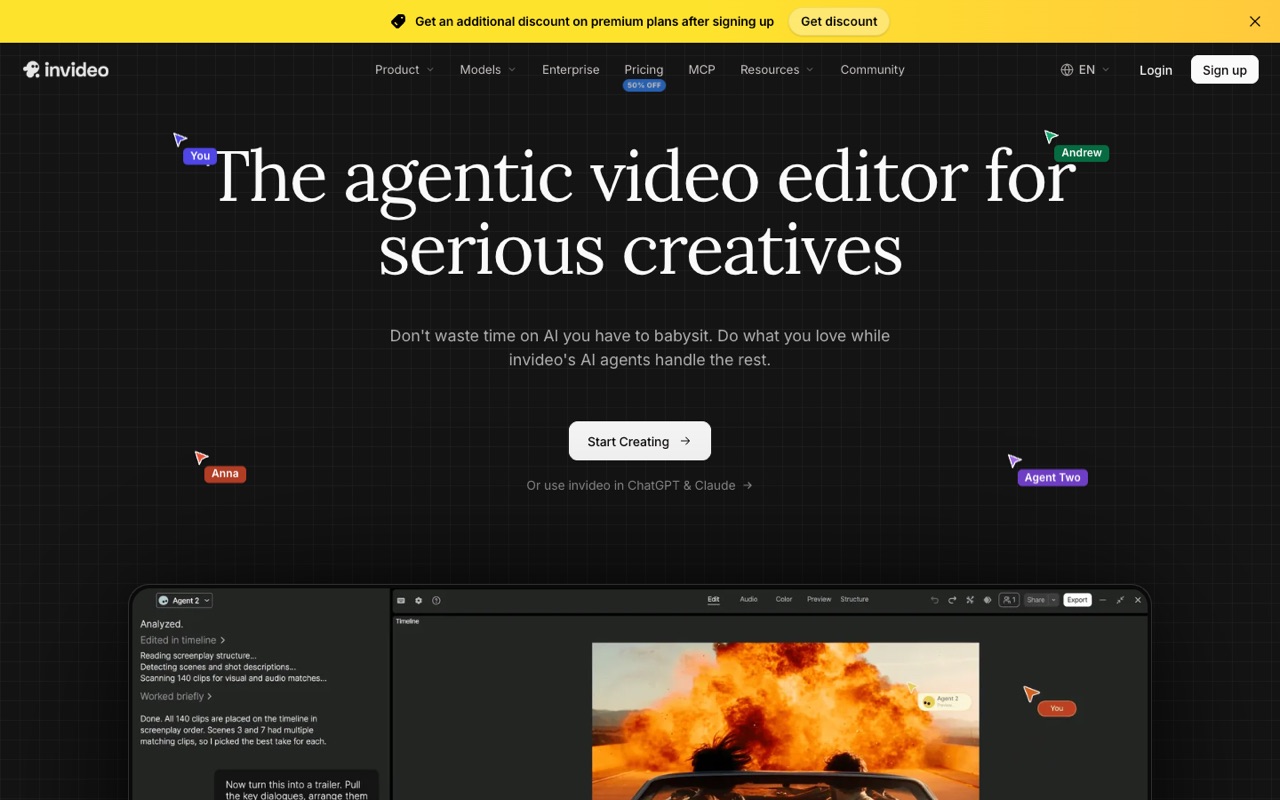
Agent-led AI video editor with a timeline, multiplayer editing and third-party video, image and audio models such as Seedance, Kling, Veo and ElevenLabs on one credit balance.
- Starts at
- $10/mo per seat billed yearly ($120 per seat a year) for Starter; $20 per seat billed monthly
- Free option
- No free plan listed on the pricing page
Compared with VEED: invideo AI is built around an AI agent that writes and assembles videos from a prompt, with a timeline for edits and third-party models such as Seedance, Kling and Veo on one credit balance. Like VEED, it charges per seat. Starter includes 400 credits per seat a month; higher-end models such as Seedance 2.5 start on Plus.
Who it’s for: Your main reason for VEED was AI generation rather than editing your own footage.
Skip it if: You need a free plan to try it. invideo AI’s pricing page lists none.
Visit invideo AIRead the invideo AI profile
Source: invideo.io, checked November 26, 2026
HeyGen: best for aI avatars and video translation

AI avatar video platform: turn a script or prompt into a presenter video with stock or personal avatars, translate videos with voice cloning and lip-sync, plus a developer API.
- Starts at
- $24/mo billed yearly for Creator; $29 billed monthly
- Free option
- Free plan: 3 watermarked videos a month, up to 1 minute each
Compared with VEED: VEED has AI avatars and dubbing as part of a larger editor. HeyGen makes them the main product: you turn a script into a presenter video with a stock or custom avatar, and translate videos with voice cloning and lip-sync. Creator includes 600 credits a month, 1080p export and videos up to 30 minutes, with no HeyGen branding.
Who it’s for: You use VEED mainly for avatar videos or translated versions of the same video.
Skip it if: You edit real footage and need a timeline, subtitles and a brand kit. HeyGen isn’t a general editor.
Visit HeyGenRead the HeyGen profile
Source: heygen.com, checked November 26, 2026
Submagic: best for animated captions on short vertical videos
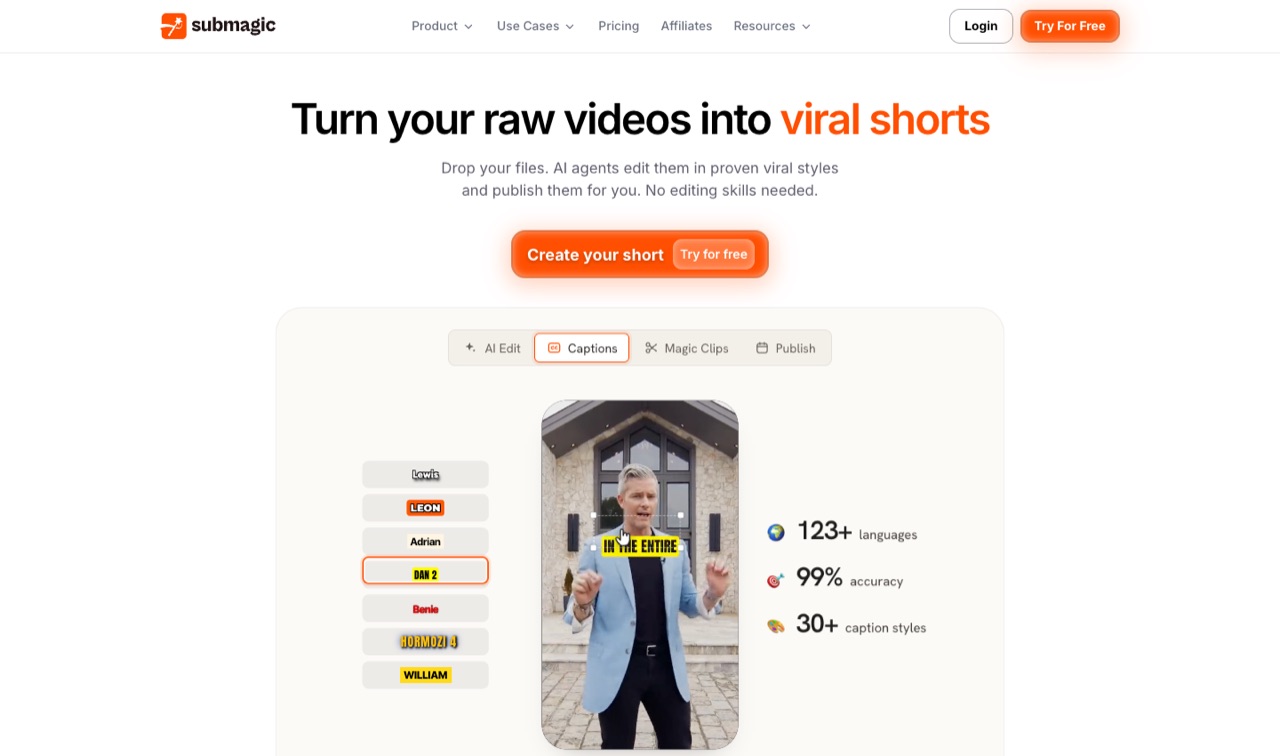
AI short-form video editor that adds captions in 118 languages, cuts, zooms, B-roll and music, clips long videos into shorts with Magic Clips, and publishes to TikTok, Reels and Shorts.
- Starts at
- $12/mo billed yearly ($144/yr) for Starter; $19 billed monthly
- Free option
- No free plan listed; the page says no credit card is needed to start
Compared with VEED: If auto subtitles are the VEED feature you use most, Submagic is a narrower tool built around them. It adds animated captions in 118 languages, cuts, zooms, B-roll and music to short videos. Plans count videos, not hours: Starter covers 15 videos a month of up to 2 minutes each.
Who it’s for: You post TikToks, Reels or Shorts and only need captions and quick edits.
Skip it if: Your videos run longer than a few minutes. Starter takes up to 2 minutes and Pro up to 5.
Visit SubmagicRead the Submagic profile
Source: submagic.co, checked November 25, 2026
OpusClip: best for cutting long videos into shorts, with a free plan
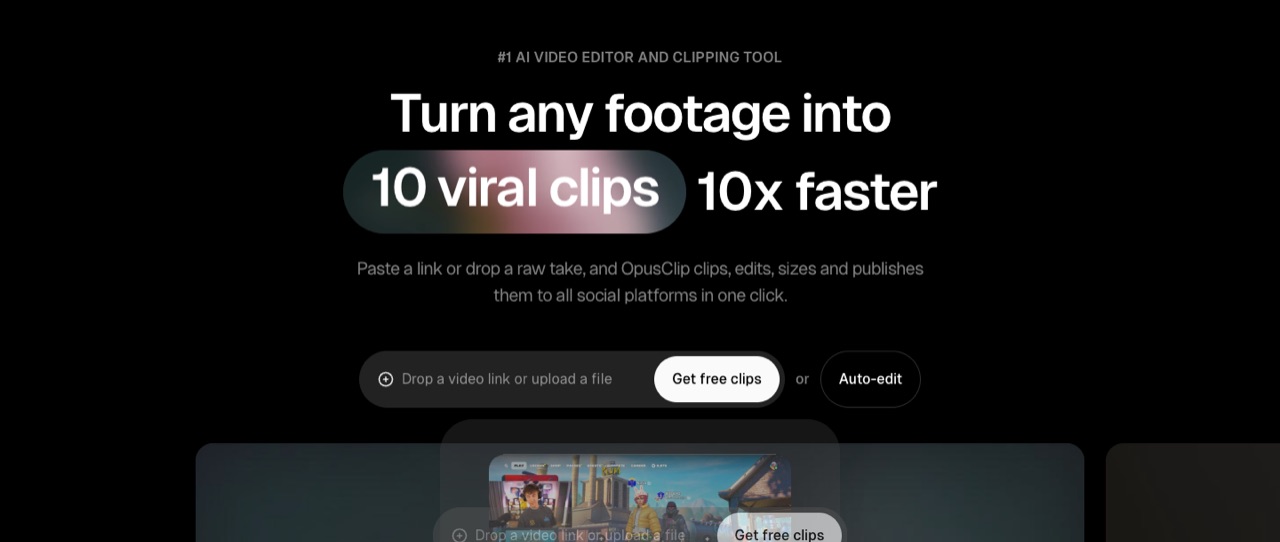
AI clipping tool that turns long videos into short clips for TikTok, YouTube Shorts and Reels, with a virality score, auto reframe, animated captions, B-roll and a scheduler.
- Starts at
- $15/mo billed monthly for Starter (no yearly option); Pro is $14.5/mo billed yearly ($174/yr)
- Free option
- Free plan: 60 credits a month, watermark, clips exportable for 3 days
Compared with VEED: VEED lists an AI clip generator; OpusClip is a clipper first. You give it a long recording and it picks highlights, scores each one for virality, reframes to vertical and adds animated captions. Pro includes a 2-seat workspace.
Who it’s for: Most of your VEED work is turning podcasts, streams or webinars into shorts.
Skip it if: You want a full editor for the long version too. Pair it with an editor or look at Descript.
Visit OpusClipRead the OpusClip profile
Source: opus.pro, checked November 25, 2026
VEED vs Descript
| VEED | Descript | |
|---|---|---|
| How you edit | Timeline editor in the browser, plus an AI editing agent | Edit the transcript to cut the video |
| Entry paid plan | Creator, price not verified | Hobbyist, $16/mo yearly or $24 monthly |
| How usage is counted | AI credits per seat; subtitles unlimited (50 h fair use) | 10 media hours and 400 AI credits a month |
| AI video generation | Third-party models (Sora 2, Veo 3.1, Kling) and its own Fabric 1.0 | Not its focus |
| Free plan | Yes, watermarked | 60 media minutes a month, 100 one-time AI credits |
| Billing | Per seat | Per person |
If your videos are mostly people talking, Descript’s transcript editing and published price make it the easier pick. If you also want AI-generated clips and avatars in the same editor, VEED covers more ground. See also our Descript alternatives.
When to stay with VEED
- You use several of its jobs (editing, subtitles, translation and AI generation) and want them in one browser tool.
- You want third-party video models such as Veo 3.1 and Kling next to your edit timeline.
- Your team shares brand kits, and the price shown for your country works for you.
How to choose
| If you’re leaving because… | Look at | Why |
|---|---|---|
| You want a published US price | Descript | $16/mo billed yearly, shown on its pricing page |
| You mainly generate videos with AI | invideo AI | Agent-led video creation with several models on one credit balance |
| You need avatars or translated videos | HeyGen | Avatar videos and translation with lip-sync are its core |
| You only need captions on shorts | Submagic | Animated captions in 118 languages, 15 videos a month on Starter |
| You cut long videos into clips | OpusClip | Clipper first, with a free plan |
Still deciding? See the best AI video editors, the best AI video generators, Submagic alternatives, or all AI video tools.
FAQ
What is the best alternative to VEED?
It depends on what you use VEED for. For a full editor you drive by transcript, Descript. For AI-generated videos, invideo. For avatar and translated videos, HeyGen. For captions on short videos, Submagic. For clipping long videos into shorts, OpusClip. We haven’t tested any of them hands-on.
How much does VEED cost?
We couldn’t confirm it. On November 26, 2026 VEED’s plan cards loaded with JavaScript and showed no prices to our US-based check, and VEED’s FAQ says prices are shown in local currency where available. It has a free plan (watermarked), Creator and Pro billed per seat, monthly or yearly, and custom Enterprise. Check veed.io/pricing for your country.
Is there a free alternative to VEED?
Yes. Descript has a free plan with 60 media minutes a month and 100 one-time AI credits. HeyGen’s free plan gives 3 watermarked videos a month of up to 1 minute. OpusClip’s free plan has 60 credits a month with a watermark. VEED itself also has a free plan with watermarked exports.
Is Descript better than VEED?
They overlap a lot, so it depends on your videos. Descript edits by transcript and suits spoken content; its Hobbyist plan is $16/mo billed yearly. VEED adds AI video generation with third-party models and a brand kit in the browser. We can’t judge output quality without testing.
Does VEED charge per user?
Yes. VEED’s FAQ says paid plans are charged per seat, so the price is multiplied by the number of editors. invideo AI also prices per seat ($10 per seat a month billed yearly on Starter), and Descript prices per person.
Which VEED alternative is best for subtitles?
VEED’s paid plans list unlimited auto subtitles with a 50-hour monthly fair-use limit. For short vertical videos, Submagic is built around animated captions. For longer videos, Descript adds captions from its transcript. Our guide on how to add subtitles to a video walks through the steps.
Do VEED credits roll over?
No. VEED’s FAQ says AI credits reset each billing cycle and translation minutes don’t roll over. HeyGen’s pricing page says Creator credits roll over for one month.
Sources
VEED, Descript, invideo AI and HeyGen pricing pages checked November 26, 2026; Submagic and OpusClip checked November 25, 2026.