
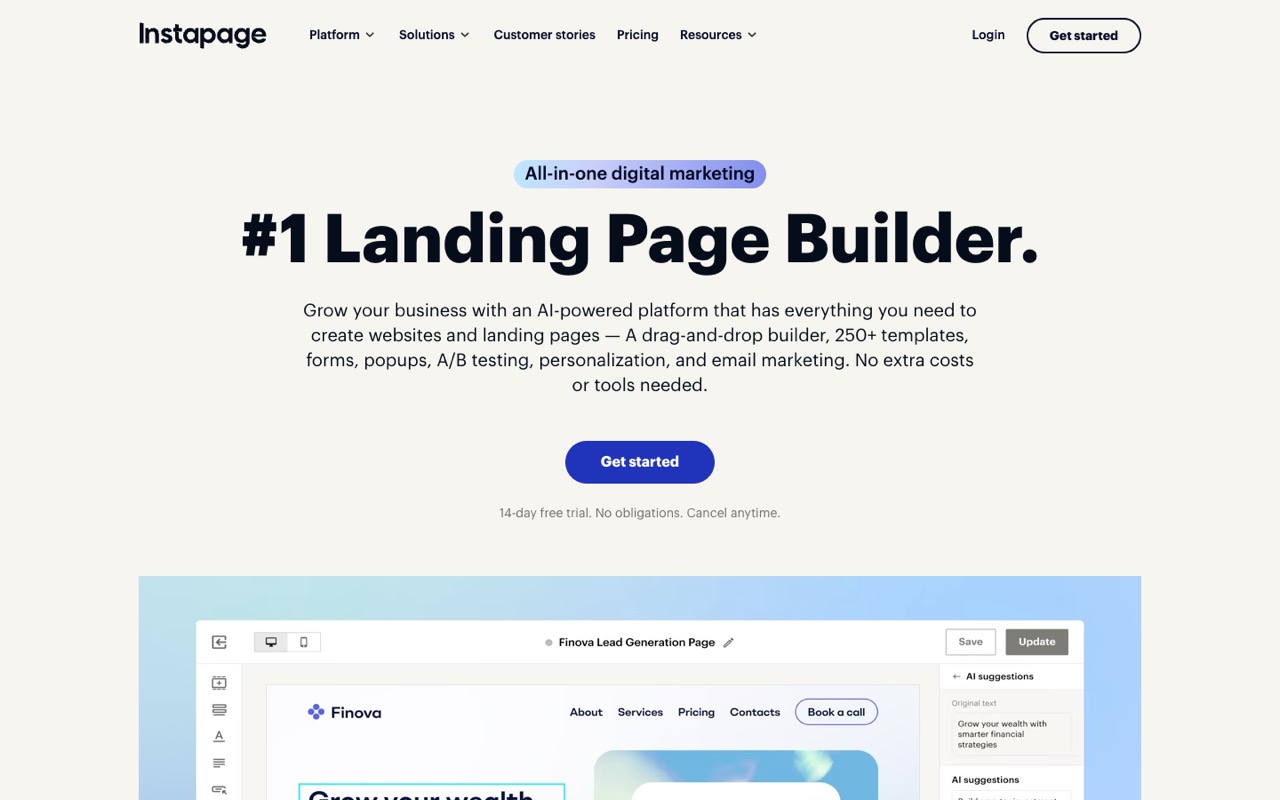
What does Instapage do?
Instapage is a landing page platform for paid-ad teams: AI copy, server-side A/B tests, personalization and AdMap campaign mapping. Create costs $79/mo billed yearly ($99 monthly) for 15,000 visitors; A/B testing starts on Optimize at $159/mo. It suits agencies and PPC teams; skip it if you need a cheap page builder or unlimited traffic.
- AI content. Generates headlines, paragraphs, CTAs and full page variations inside the builder, including copy variants for A/B tests.
- AI experiments. Automatically routes ad traffic toward the page variant that is converting better.
- Server-side A/B testing. On Optimize and Convert: server-side tests with custom traffic splits, hypothesis setting, experiment history and scheduling.
- Personalization. Dynamic text replacement from Optimize; ad-to-page personalization, which serves different page versions to different ad audiences, on Convert.
- AdMap. Visualizes campaigns, ad groups and ads and connects each one to the landing page it sends traffic to.
- Analytics and heatmaps. Tracks visitors, conversions, conversion rate, cost per visitor and cost per lead; heatmaps are listed on the Convert plan.
- Collections and Global Blocks. Collections generate programmatic pages from one template (15 to 50 pages per Collection by plan); Global Blocks update shared sections across many pages in one click.
- Collaboration and integrations. Real-time editing, comments and secure review links, plus 120+ integrations including Zapier, Google Analytics, HubSpot, Salesforce, Marketo, WordPress and Drupal.
Who is Instapage for?
Instapage is a good fit if you're an affiliate marketer or a business owner, and you need help building a website.
How much does Instapage cost?
Instapage starts at $79/mo. It has no free plan. Its pricing page lists a free trial. We checked this on Oct 29, 2026 on the official pricing page.
- Starts at
- $79/mo
- Free plan
- No
- Free trial
- 14 days (card required)
Create plan, billed yearly, for 15,000 unique monthly visitors; $99/mo billed monthly. Server-side A/B testing starts on Optimize ($159/mo yearly, $199/mo monthly).
Instapage plans compared
| Plan | Billed monthly | Billed yearly | What you get |
|---|---|---|---|
| Create | $99/mo | $79/mo | 15,000 unique monthly visitors; unlimited published pages, conversions and contacts; 10 team members, 2 subdomains, 1 workspace; 15 pages per Collection; 150 lists; 15,000 email sends a month (1,500 a day); 5,000 API calls a day; AI content, popups and sticky bars, real-time collaboration; no A/B testing |
| Optimize | $199/mo | $159/mo | 30,000 unique monthly visitors (a 50,000-visitor tier is also offered; its price is not listed); unlimited published pages, conversions and contacts; 10 team members; 30 pages per Collection; 300 lists; 30,000 email sends a month (3,000 a day); 10,000 API calls a day; adds server-side A/B testing, custom traffic splits, hypotheses and experiment history, scheduling, multi-step forms and dynamic text replacement |
| Convert | Custom | Custom | Custom visitor limits and usage on an annual contract; adds ad-to-page personalization, global elements, root domain publishing, heatmaps, direct lead bypass and a dedicated customer success manager; no free trial (live demo instead) |
Checked on Oct 29, 2026. Prices are in USD per month. The pricing page toggles between monthly and annual billing and says annual saves up to 20%: Create works out to $948 a year ($79 × 12) versus $1,188 paid monthly, a $240 saving; Optimize is $1,908 a year versus $2,388, a $480 saving. Every plan includes unlimited published pages, conversions and contacts; the limits are on unique monthly visitors, team members, subdomains, workspaces, lists and email sends. Optimize also comes in a 50,000-visitor tier whose price is not shown, and custom usage above that needs an annual contract. The pricing page does not describe overage fees on paid plans. The 14-day trial (Create and Optimize only) needs a card and is capped at 2,500 unique visitors; going over ends the trial and starts the paid plan.
Checked Oct 29, 2026 on Instapage's pricing page. Prices change often, so confirm before you buy.
Instapage pros and cons
What stands out
- Unlimited published pages, conversions and contacts on every plan
- Built around paid-ad workflows with AdMap, personalization and cost-per-lead reporting
- Server-side A/B testing with custom traffic splits and experiment history on Optimize
- Built-in contacts and email sends (15,000 a month on Create), so small lists need no separate email tool
- 120+ integrations, including HubSpot, Salesforce, Marketo and Zapier
- 14-day trial with full plan access and an email reminder before the card is charged
Watch out for
- Starts at $79/mo billed yearly ($948 a year), high for small sites
- No free plan; the trial needs a card and is capped at 2,500 visitors
- A/B testing needs Optimize at $159/mo yearly or $199/mo monthly
- Heatmaps, ad-to-page personalization and root domain publishing are listed on the custom-priced Convert plan
- Every plan caps unique monthly visitors (15,000 on Create), and the pricing page does not explain overage
- Paid plans are cancelled by emailing support, and your pages are unpublished once the plan ends
Based on Instapage's own pages, not hands-on testing.
What are the alternatives to Instapage?
We list 15 other AI Website Builders tools: Durable, Emergent, Format, Framer, Glide, Hostinger Website Builder, Landingi, Leadpages, Pagecloud, POWR, Softr, UENI, Webflow, Webydo, Wix. Each one below shows its starting price and when you might pick it instead.





 Hostinger Website Builder · From $2.99/mo
Choose Hostinger Website Builder if you want a lower starting price ($2.99/mo vs $79/mo).









Compared in
Instapage FAQ
How much does Instapage cost?
As of Oct 29, 2026: Create is $99/mo billed monthly or $79/mo billed yearly ($948 a year), and Optimize is $199/mo monthly or $159/mo yearly ($1,908 a year). Convert is custom priced on an annual contract. There is no free plan.
Does Instapage have a free trial?
Yes. Create and Optimize have a 14-day trial with full plan access. You need a card and a confirmed email, traffic is capped at 2,500 unique visitors, and Instapage emails a reminder before charging. Going over the cap ends the trial and starts the paid plan. Convert has a live demo instead of a trial.
Which Instapage plan includes A/B testing?
Optimize ($159/mo yearly, $199/mo monthly) and Convert. Both include server-side A/B tests with custom traffic splits, hypothesis setting, experiment history and scheduling. Create has no A/B testing.
What happens if I go over my Instapage visitor limit?
The pricing page does not describe overage fees for paid plans, so ask sales before a big campaign. It does say custom usage starts at the 50,000-visitor Optimize tier and needs an annual contract. On the trial, passing 2,500 visitors ends the trial and moves you to the paid plan.
How do I cancel Instapage, and what happens to my pages?
During the trial you can cancel in your account under Subscription. On a paid plan, the help center says to email [email protected] from the account's email; the change takes effect at the next billing cycle. Your account then drops to a free draft mode: you can still edit pages, but they are unpublished and stop collecting leads. The help center does not describe a refund policy.
Is Instapage annual billing worth it?
Annual billing saves $240 a year on Create ($948 vs $1,188) and $480 on Optimize ($1,908 vs $2,388), about 20%. Since a paid plan only ends at the next billing cycle, pay monthly first if you are not sure you will use it for a full year.
Instapage vs Leadpages vs Landingi: which is cheaper?
Instapage is the most expensive of the three. Instapage Create is $79/mo billed yearly (Oct 29, 2026). On Oct 24, 2026 pricing pages, Leadpages Pro was $29/mo billed monthly with no traffic caps, and Landingi Build was $24/mo billed yearly. For A/B testing, Leadpages Grow was $99/mo and Landingi Optimize $119/mo yearly, against $159/mo yearly for Instapage Optimize.
Is Instapage worth it in 2026?
It can be if you run paid ad campaigns across many landing pages and want server-side testing, AdMap and built-in contacts in one tool. For a handful of lead pages, Leadpages or Landingi cost far less. We haven't tested Instapage hands-on, so use the 14-day trial to check the builder before you pay.
Sources and how we checked
- Official pricing page, checked Oct 29, 2026
- Official website
- Instapage homepage (checked Oct 29, 2026), checked Oct 29, 2026
- Instapage help center: Termination of contract (checked Oct 29, 2026), checked Oct 29, 2026
- Leadpages pricing (checked Oct 24, 2026), checked Oct 29, 2026
- Landingi pricing (checked Oct 24, 2026), checked Oct 29, 2026