
What does Framer do?
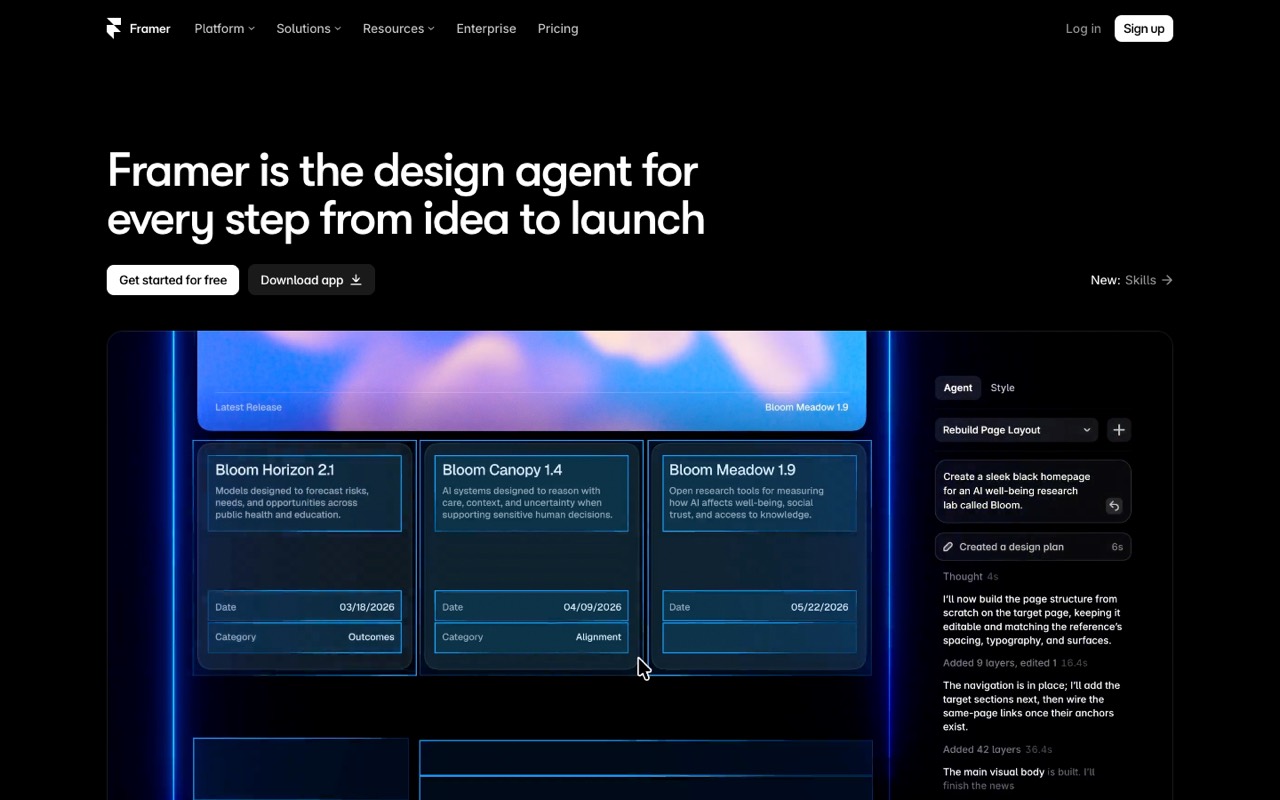
Framer is a browser-based website builder and host where you design pages on a canvas and publish them with a built-in CMS and analytics. Its AI agent creates and edits pages, copy and CMS content, paid for with AI credits.
- Visual canvas. Design responsive pages on a freeform canvas and publish them to Framer hosting.
- CMS. Store blog posts and other structured content in collections.
- Framer Agent. An AI agent that builds and edits pages, layouts, copy and CMS content from prompts, using AI credits.
- External agents. Connect Claude Code, Codex or Cursor to a project over MCP without using Framer credits.
- Localization. Add translated versions of your site, with AI translation.
Who is Framer for?
Framer is a good fit if you're a website owner or a business owner, and you need help building a website.
How much does Framer cost?
Framer starts at $10/mo. It also has a free plan. We checked this on Oct 10, 2026 on the official pricing page.
- Starts at
- $10/mo
- Free plan
- Yes
- Free trial
- Not offered on the pricing page
Basic site plan. Framer says the rate depends on the billing cycle chosen at checkout.
Framer plans compared
| Plan | Billed monthly | Billed yearly | What you get |
|---|---|---|---|
| Free | $0 | $0 | No custom domain, 1 GB bandwidth, 500 AI credits |
| Basic | $10/mo | Not listed | Custom domain, 30 pages, 1,000 CMS items, 50 GB bandwidth, 1,000 AI credits a month |
| Pro | $30/mo | Not listed | Custom domain, 150 pages, 2,500 CMS items, 100 GB bandwidth, 3,000 AI credits a month |
| Enterprise | Custom | Custom | Custom pricing and limits |
Prices are per site. Framer shows monthly prices and bills them by the cycle you choose at checkout. Extra editors cost $20/mo each ($10 for content editors), and locales are $20 each.
Checked Oct 10, 2026 on Framer's pricing page. Prices change often, so confirm before you buy.
Framer pros and cons
What stands out
- Free plan to build and publish on a Framer address
- Paid sites start at $10/mo with a custom domain and CMS
- Every plan includes AI credits
Watch out for
- Pricing is per site, so each site needs its own plan
- Extra editors cost $20/mo each
- Basic is limited to 30 pages and 1,000 CMS items
Based on Framer's own pages, not hands-on testing.
What are the alternatives to Framer?
We list 15 other AI Website Builders tools: Durable, Emergent, Format, Glide, Hostinger Website Builder, Instapage, Landingi, Leadpages, Pagecloud, POWR, Softr, UENI, Webflow, Webydo, Wix. Each one below shows its starting price and when you might pick it instead.
 Durable · From $25/mo
Choose Durable if you'd like a second option to compare for building a website.
 Emergent · From $17/mo
Choose Emergent if you'd like a second option to compare for building a website.


 Hostinger Website Builder · From $2.99/mo
Choose Hostinger Website Builder if you want a lower starting price ($2.99/mo vs $10/mo).
 Instapage · From $79/mo
Choose Instapage if you'd like a second option to compare for building a website.
 Landingi · From $24/mo
Choose Landingi if you'd like a second option to compare for building a website.
 Leadpages · From $29/mo
Choose Leadpages if you'd like a second option to compare for building a website.
 Pagecloud · From $22/mo
Choose Pagecloud if you'd like a second option to compare for building a website.
 POWR · Price not checked
Choose POWR if you'd like a second option to compare for building a website.


 Webflow · From $25/mo
Choose Webflow if you'd like a second option to compare for building a website.


Compared in
Framer FAQ
Can I use a custom domain on Framer's free plan?
No. You need a paid site plan to connect your own domain.
How much does Framer cost?
Basic is $10/mo and Pro $30/mo per site. Enterprise is custom-priced.
How do Framer AI credits work?
Each plan includes credits (1,000 a month on Basic, 3,000 on Pro), shared across the workspace. You can buy more anytime.
Sources and how we checked
- Official pricing page, checked Oct 10, 2026
- Official website
- Framer blog: AI credits, simpler plans and lower prices, checked Oct 10, 2026
- Framer help: AI, checked Oct 10, 2026