Webflow Alternatives (2026): 6 Picks by the Kind of Site You Build
This page has no affiliate links right now: every link goes straight to the vendor. How we make money.
Webflow is a visual website builder for custom-designed marketing sites, with a built-in CMS and hosting. Its paid Site plans start at $15/mo billed yearly, and you pay per site. The best Webflow alternative depends on what you build: a designer’s site, a small business site, a client site or a portfolio.
The short answer
Designers should try Framer ($10/mo). For an easy small business site, pick Wix ($17.77/mo billed yearly). On a tight budget, Hostinger starts at $2.99/mo on a 48-month term. Agencies should look at Webydo, photographers at Format, and service businesses at Durable.
Webflow pricing in brief
Webflow splits pricing in two. A Site plan pays for one website: hosting, your domain and CMS limits. A Workspace plan pays for team seats, staging and AI credits. It starts free, and paid tiers cost extra.
The free Starter plan gives you a webflow.io address and 2 static pages. Basic is $15/mo billed yearly ($25 billed monthly) and adds your own domain, but no CMS. A CMS is the part that stores blog posts or other repeating content. It starts on Premium at $25/mo billed yearly ($39 monthly).
Why people look for a Webflow alternative
- The price adds up. A blog needs Premium, and each extra site needs its own Site plan. Billed monthly, Basic costs $25 instead of $15.
- Two kinds of plans. Teams pay for Site plans and Workspace plans separately, which makes the real cost harder to see.
- It takes time to learn. Webflow gives you control over every layout box and style, which suits designers more than busy owners.
None of this makes Webflow a poor choice. It’s built for custom, content-rich sites. The question is whether you need that much control.
Webflow vs the alternatives at a glance
| Tool | Best for | Starts at | Free option |
|---|---|---|---|
 Webflow Webflow | Custom marketing sites with a CMS | $15/mo Basic, billed yearly | Free Starter plan: webflow.io address, 2 static pages |
 Framer Framer | Designer-led marketing sites | $10/mo Basic, per site | Free plan: no custom domain, 1 GB bandwidth |
 Wix Wix | All-in-one small business sites | $17.77/mo Light, billed yearly | Free plan: wixsite.com address with Wix ads |
 Hostinger Website Builder Hostinger Website Builder | Lowest upfront price | $2.99/mo Premium, 48-month term paid upfront | 14-day free trial; 30-day money-back guarantee |
 Durable Durable | Fast AI-built business sites | $25/mo Launch, billed monthly | Free plan: durable.site address, 300 AI credits in total |
 Webydo Webydo | Agencies building client sites | $15/mo Starter, billed monthly | Free workspace: build and preview, but you can’t publish |
 Format Format | Portfolios for creatives | $10/mo Basic, billed yearly | No free plan; 14-day free trial, no credit card |
List prices in US dollars before tax, from each vendor’s pricing page on October 12, 2026.
What your first year costs
Monthly prices hide the real bill. This table shows the first year on each tool’s cheapest plan that lets you use your own domain.
| Tool and plan | Billed yearly | Billed monthly |
|---|---|---|
| Hostinger Website Builder Premium | $35.88 a year ($143.52 paid for 48 months) | Not offered on the builder page |
| Framer Basic | $120 ($10 × 12) | $120 ($10 × 12) |
| Format Basic | $120 | $168 ($14 × 12) |
| Webydo Starter | $144 | $180 ($15 × 12) |
| Webflow Basic (no CMS) | $180 | $300 ($25 × 12) |
| Wix Light | $213.24 | Not listed on the plans page |
| Durable Launch | Advertised as 15% off monthly | $300 ($25 × 12) |
Before tax, add-ons and domain fees. Framer bills its listed price by the cycle you pick at checkout. Hostinger Premium renews at $10.99/mo after the term. Wix shows US prices for reference only.
Two things stand out. Webflow Basic billed yearly ($180) costs more than Framer, Format or Webydo for a first site, and it has no CMS. Hostinger is far cheaper upfront, but only if you prepay four years.
Pick by the kind of site you build
| If you build… | Look at | Why |
|---|---|---|
| Landing pages or a startup site you design yourself | Framer | Visual canvas, CMS from $10/mo, AI agent for edits |
| A small business site, fast | Wix or Durable | AI drafts the site; Durable adds a CRM and bookings |
| The cheapest site possible | Hostinger | $2.99/mo on a 48-month term, hosting included |
| Sites for clients | Webydo | Client-safe editing, CRM, invoicing, white label from Team |
| A photo or design portfolio | Format | Portfolio themes, client galleries, commission-free store |
| A content-heavy site or online store with custom design | Webflow | CMS up to 20,000 items on Premium, ecommerce plans |
Building a web app rather than a website? That’s a different kind of tool. AI app builders like Emergent turn a chat description into a working app.
How we chose
We picked builders that replace Webflow for a common kind of site and read each pricing page on October 12, 2026. We compared published prices, free plans, trials and plan limits only. We haven’t tested these builders hands-on yet, so we don’t rank them on design quality, speed or support.
Other names that come up in searches for Webflow alternatives, such as Squarespace, WordPress, Softr and Bubble, aren’t covered here because we haven’t verified their plans yet.
Framer: best for designers who want Webflow-style control with a simpler start
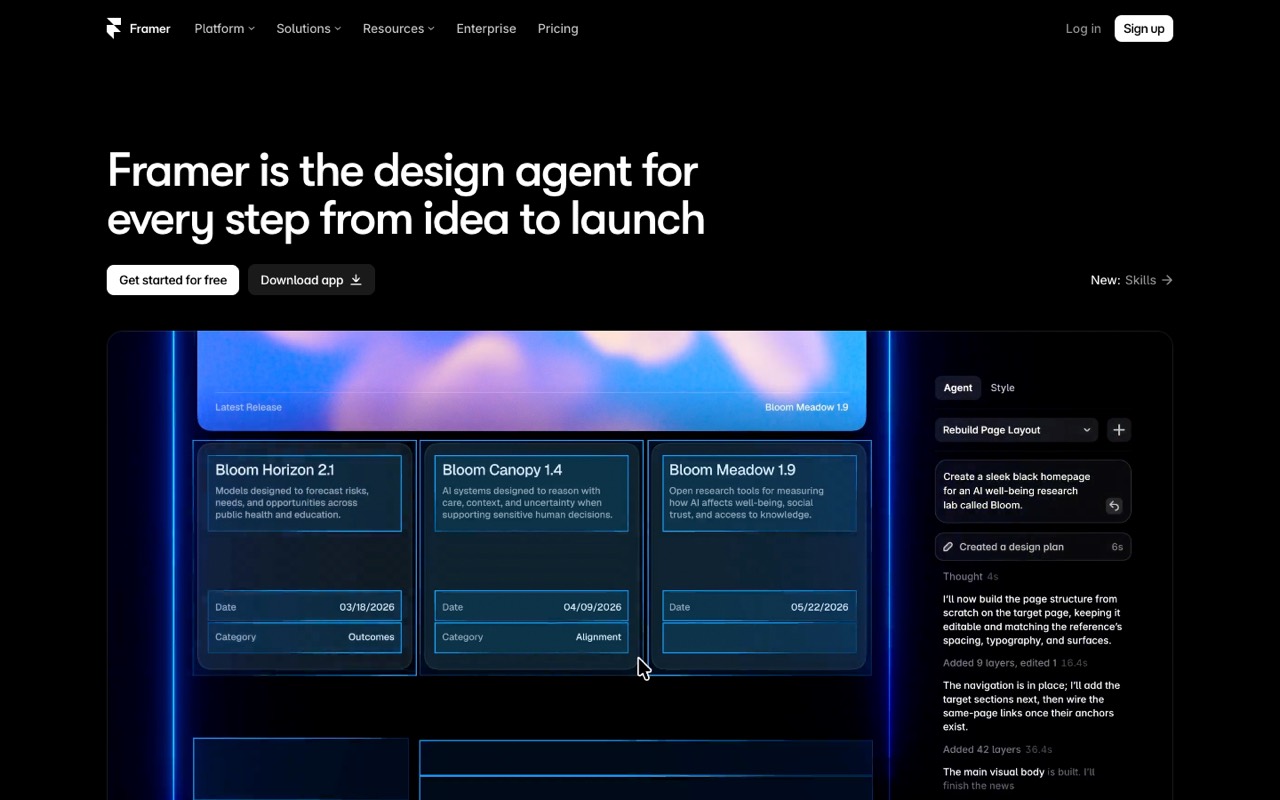
Design-focused website builder for publishing responsive sites without writing code.
- Starts at
- $10/mo Basic, per site
- Free option
- Free plan: no custom domain, 1 GB bandwidth
Compared with Webflow: Framer is the closest match to Webflow. Both are visual builders with a CMS (a place to store blog posts and other repeating content), hosting and per-site pricing. Framer’s cheapest paid plan, Basic, is $10/mo with a custom domain and a small CMS of 1,000 items. Webflow keeps its CMS for Premium ($25/mo billed yearly). Extra Framer editors cost $20/mo each.
Who it’s for: You design landing pages, portfolios or startup sites yourself and want to publish without code, with an AI agent that can build and edit pages from prompts.
Skip it if: You run a big content site or an online store. Framer Basic stops at 30 pages and 1,000 CMS items, and Framer’s pricing page lists no ecommerce plans, unlike Webflow’s.
For a plan-by-plan breakdown, read our Framer vs Webflow comparison.
Visit FramerRead the Framer profile
Source: framer.com, checked October 12, 2026
Wix: best for beginners who want drag-and-drop and built-in business tools
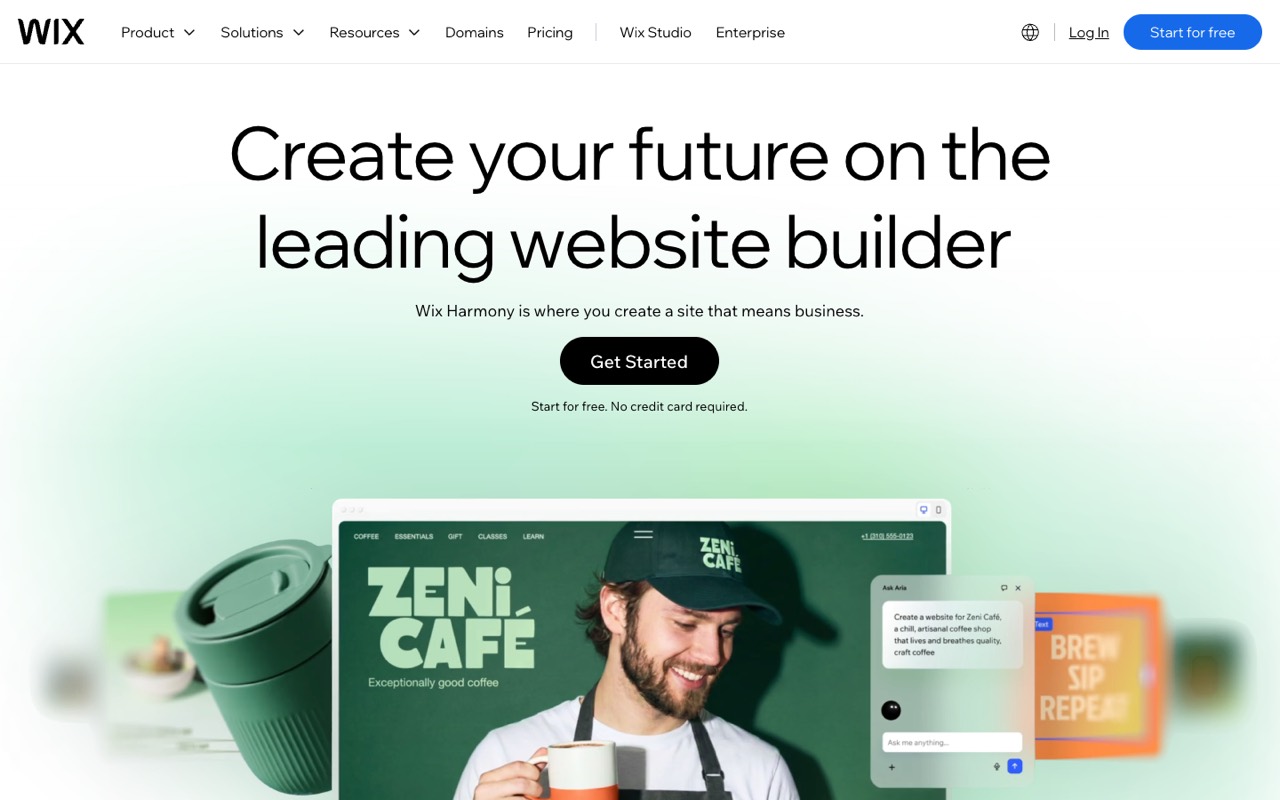
Drag-and-drop website builder with AI-assisted site creation.
- Starts at
- $17.77/mo Light, billed yearly
- Free option
- Free plan: wixsite.com address with Wix ads
Compared with Webflow: Wix trades Webflow’s fine design control for speed. You can describe your business and Wix’s AI builder drafts a site, then you drag elements where you want them. Light ($17.77/mo billed yearly) removes Wix ads and adds a free domain for the first year. Accepting payments starts on Core at $29.77/mo. Wix shows US prices “for reference only” and says prices and currency vary by location.
Who it’s for: You want a site for a shop, studio or local service up this week, and you’d rather pick a template than learn about layout boxes and classes.
Skip it if: You care about clean, custom design or plan to hand the site to a developer later. Webflow and Framer give you more control over every element.
Source: wix.com, checked October 12, 2026
Hostinger Website Builder: best for budget sites where low cost matters most
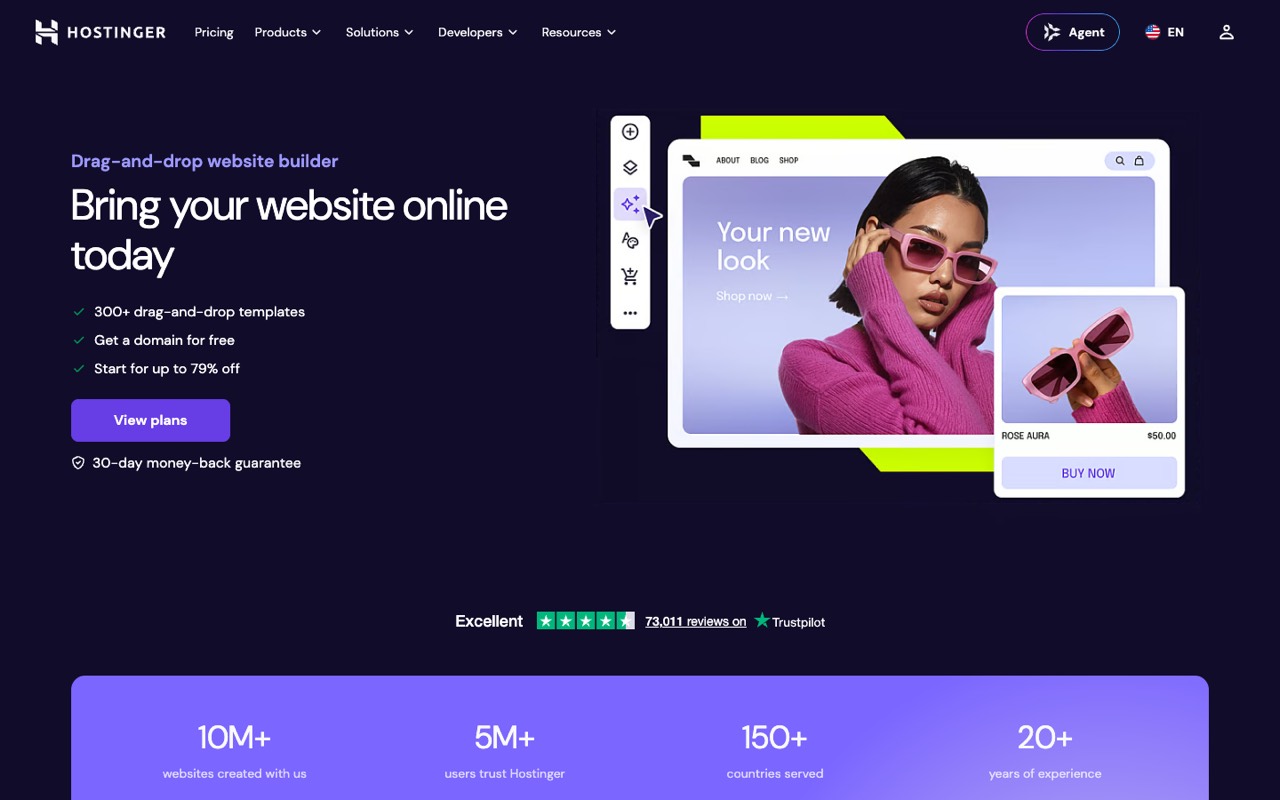
Website builder sold alongside Hostinger hosting, with an AI builder that generates a starting site.
- Starts at
- $2.99/mo Premium, 48-month term paid upfront
- Free option
- 14-day free trial; 30-day money-back guarantee
Compared with Webflow: Hostinger bundles a drag-and-drop builder, an AI site generator, hosting and a free domain for the first year. The $2.99/mo price means paying $143.52 upfront for 48 months, and Premium renews at $10.99/mo. That’s still less than Webflow Basic billed yearly ($15/mo), but you get far less design freedom.
Who it’s for: You need a simple site for a small business or side project, you’re happy to commit for four years, and you want hosting, a domain and mailboxes (free for the first year) in one bill.
Skip it if: You don’t want to prepay for years, or you need ecommerce on the cheapest plan. Selling online starts on Unlimited ($3.99/mo on the same 48-month term).
Visit Hostinger Website BuilderRead the Hostinger Website Builder profile
Source: hostinger.com, checked October 12, 2026
Durable: best for service businesses that want a site, CRM and bookings fast
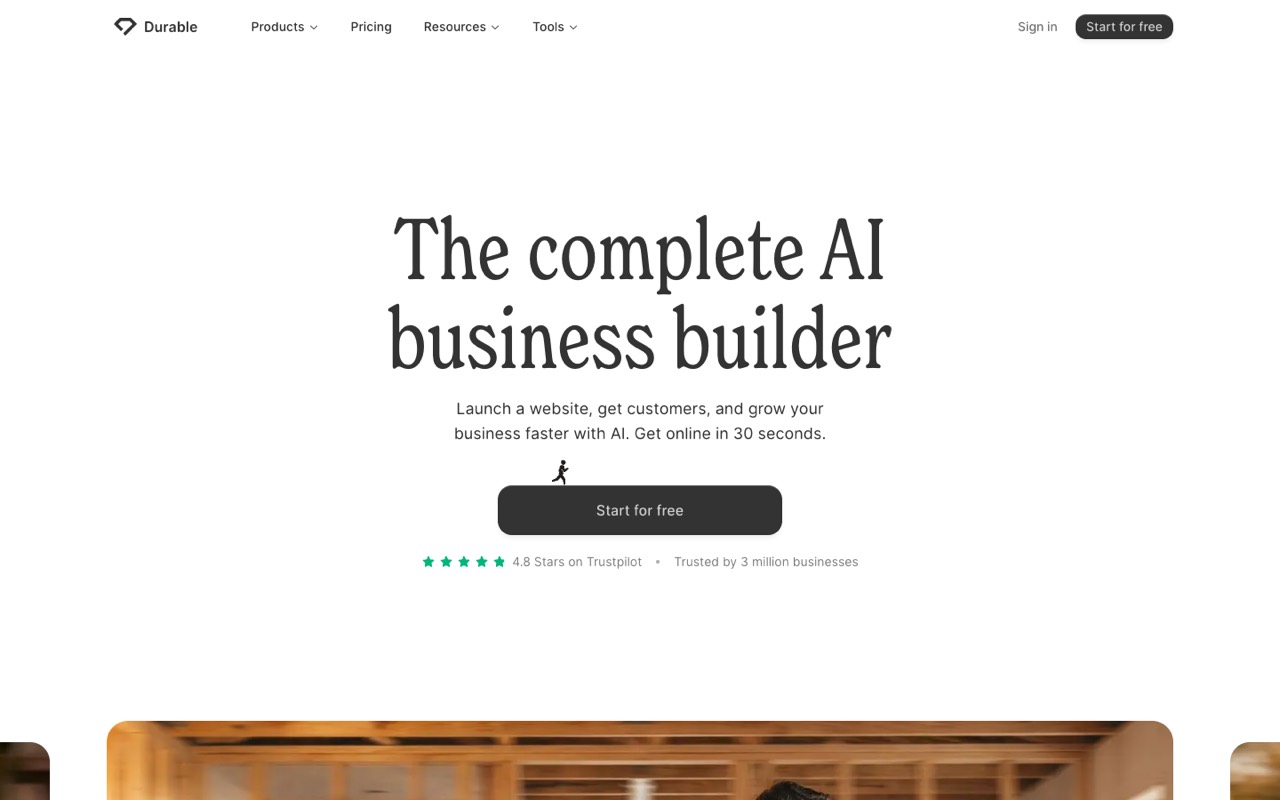
AI website builder aimed at small businesses that drafts a site from a few questions.
- Starts at
- $25/mo Launch, billed monthly
- Free option
- Free plan: durable.site address, 300 AI credits in total
Compared with Webflow: Durable is built for owners who don’t want to design at all. Its AI drafts a business website from a few details, and the same account includes a simple CRM (a list of your leads and customers) and online bookings. Launch is $25/mo billed monthly with 1,000 AI credits a month. Durable advertises yearly billing as 15% cheaper. On October 12, 2026 its comparison table also showed $22, without saying which billing period that is.
Who it’s for: You run a service business, like a cleaner, coach or contractor, and want a decent site plus bookings without touching a design tool.
Skip it if: You want pixel-level design control, a large blog or a store. Durable is about getting online quickly, not custom design.
Visit DurableRead the Durable profile
Source: durable.com, checked October 12, 2026
Webydo: best for designers and agencies that build and hand off client sites
AI website builder for designers and agencies that bundles hosting, a white-label CMS, a built-in CRM, invoicing and an online store.
- Starts at
- $15/mo Starter, billed monthly ($12/mo billed yearly)
- Free option
- Free workspace: build and preview, but you can’t publish
Compared with Webflow: Webydo is built for designers and agencies who make sites for clients. It adds things Webflow doesn’t bundle: a built-in CRM, quotes and invoicing on Business ($30/mo), and white label (your own brand instead of Webydo’s) from the Team plan at $180/mo for up to 30 websites. The Agency plan covers up to 100 websites for $480/mo, or $400/mo billed yearly.
Who it’s for: You build sites for clients and want them to edit text safely, while you send quotes and invoices from the same place.
Skip it if: You build one site for yourself. The cheapest plans cover a single website, and the agency features only pay off across many client sites.
Visit WebydoRead the Webydo profile
Source: webydo.com, checked October 12, 2026
Format: best for photographers and creatives who need a portfolio, not a full CMS
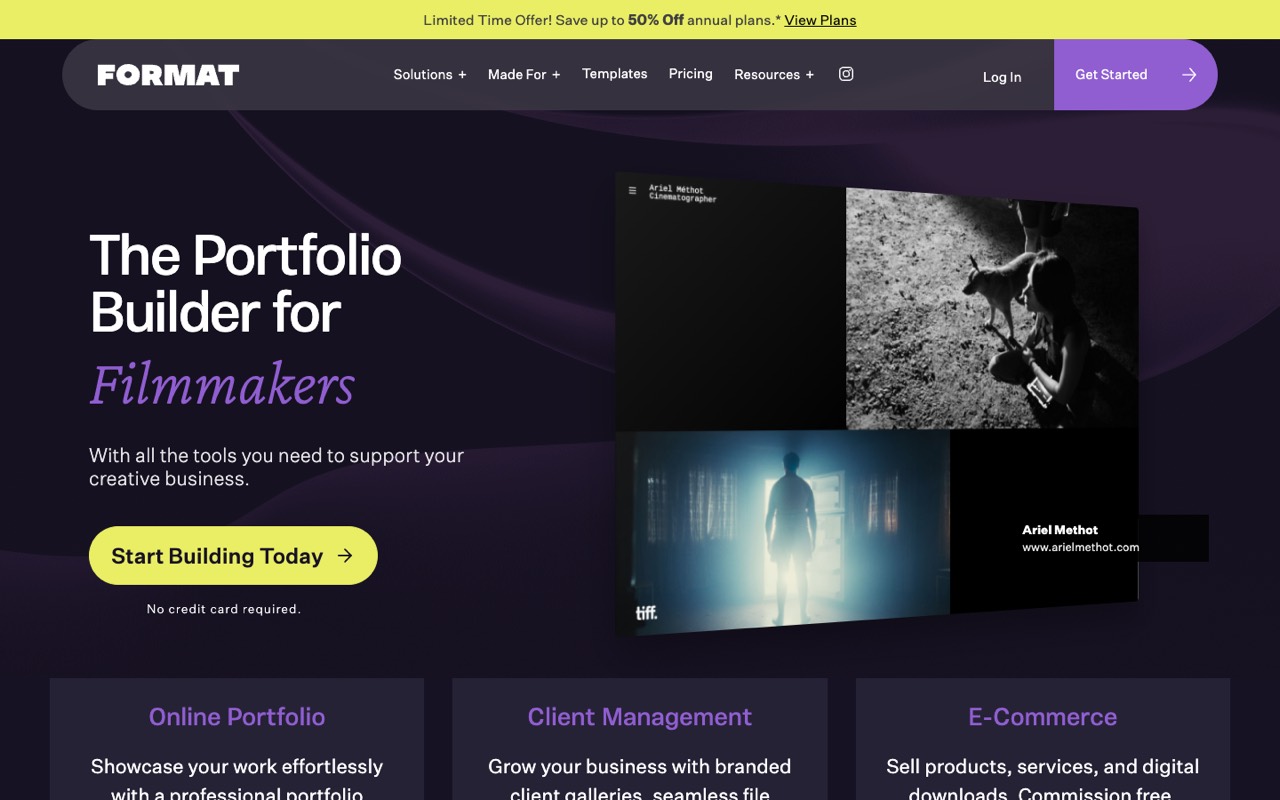
Portfolio website builder for photographers and creatives, with client galleries, proofing and a commission-free online store.
- Starts at
- $10/mo Basic, billed yearly ($14 normally billed monthly)
- Free option
- No free plan; 14-day free trial, no credit card
Compared with Webflow: Format is a portfolio builder with 90+ themes, client proofing galleries and a commission-free store on Pro and Pro Plus. Basic is $10/mo billed yearly but limited to 10 pages and 70 high-res images. Until October 31, 2026, Pro and Pro Plus have first-year promo prices on yearly plans ($12 and $15/mo); their regular monthly rates are $24 and $36.
Who it’s for: You’re a photographer, illustrator or designer and want to show work, deliver galleries to clients and maybe sell prints.
Skip it if: You need a general business site, a large blog or custom layouts for marketing pages. Format is built around showing images.
Visit FormatRead the Format profile
Source: format.com, checked October 12, 2026
Free Webflow alternatives: what you really get
“Free” rarely includes your own domain. Read the limits before you build on one.
- Webflow Starter: a webflow.io address, 2 static pages and 1 GB bandwidth.
- Framer Free: no custom domain, 1 GB bandwidth and 500 AI credits to try.
- Wix Free: a wixsite.com address, Wix ads on your site and 500 MB storage.
- Durable Free: a durable.site address and 300 AI credits in total.
- Webydo: the free workspace has no time limit, but you can’t publish.
- Format and Hostinger: no free plan, but a 14-day free trial each.
Free plans are fine for testing a builder. For a business site on your own domain, plan on a paid tier.
When to stay on Webflow
- You run a content-heavy site. Premium holds 20,000 CMS items, and the CMS has an API.
- You want to sell online with custom design. Ecommerce plans cover 500 to 15,000 products.
- You care about AI search. Paid plans include AI SEO and AEO audits that flag missing alt text, meta tags and schema. AEO means getting your pages quoted when people ask AI assistants for advice.
Still deciding? See our list of the best AI website builders, the full Framer vs Webflow comparison, or all AI website builders.
FAQ
What is the best alternative to Webflow?
It depends on what you build. Framer is the closest match for designers, from $10/mo. Wix is easier for beginners, from $17.77/mo billed yearly. Hostinger is the cheapest upfront at $2.99/mo on a 48-month term. Agencies should look at Webydo, and photographers at Format.
Is there a free alternative to Webflow?
Framer, Wix and Durable all have free plans, like Webflow’s Starter plan. None of them lets you use your own domain for free: you get a Framer subdomain, a wixsite.com or a durable.site address, and Wix shows its ads. Webydo’s free workspace lets you build but not publish, and Format and Hostinger offer 14-day trials instead.
Is Framer better than Webflow?
For a small marketing site or portfolio, Framer is cheaper to start ($10/mo with a small CMS, versus Webflow Premium at $25/mo billed yearly for a CMS). Webflow is stronger for content-heavy sites and online stores. Our Framer vs Webflow comparison goes plan by plan.
Is Wix easier than Webflow?
For most beginners, yes. Wix starts from a template or an AI-generated draft that you edit by dragging elements around. Webflow asks you to think in layout boxes and styles, closer to how web developers work. That gives more control, but takes longer to learn.
Why is Webflow so expensive?
Webflow charges per site, and the CMS needed for a blog starts on Premium at $25/mo billed yearly ($39 billed monthly). Team seats, staging and AI credits sit on separate Workspace plans. Billed monthly, Basic costs $25 instead of $15. Prices checked October 12, 2026.
Sources
All pages checked October 12, 2026.