Todoist Alternatives (2026): 5 Options for AI Scheduling, Daily Planning and Teams
This page has no affiliate links right now: every link goes straight to the vendor. How we make money.
Todoist is a to-do list app for capturing, organizing and scheduling tasks, with a free plan and a $60-a-year Pro plan. People usually leave it for one of three reasons: they want AI to plan their calendar, they want a guided daily plan, or their team needs real project management. Here are five alternatives, grouped by that reason.
The short answer
For AI that plans your calendar, try Motion or Reclaim (free Lite plan). For a deliberate daily plan, Sunsama. For team projects, ClickUp (free plan, no project cap) or monday.com. If a simple list is enough, Todoist Pro at $60 a year is the cheapest paid plan here.
What does Todoist cost?
Todoist has three plans. Beginner is free with 5 personal projects; Pro is $60 a year or $7 billed monthly; Business is $96 per user a year or $10 per user billed monthly.
| Plan | Billed yearly | Billed monthly | Main limits |
|---|---|---|---|
| Beginner | Free | Free | 5 personal projects, 3 filter views, list and board layouts only, 1 week of activity history, Filter Assist |
| Pro | $60/yr (about $5/mo) | $7/mo | 300 personal projects, 150 filter views, calendar and table layouts, custom reminders, deadlines and durations, Task Assist and Email Assist |
| Business | $96/user/yr (about $8/mo) | $10/user/mo | Everything in Pro, a shared team workspace with up to 500 team projects, roles and permissions, activity logs, centralized billing; local tax added |
US prices from todoist.com/pricing, checked November 16, 2026. See our Todoist profile for every plan limit.
Why do people look for a Todoist alternative?
Todoist’s own plans explain most of it:
- The free plan is small. Beginner stops at 5 personal projects and 3 filter views, and has no calendar layout.
- No automatic scheduling. Pro lists task durations and a calendar layout, but not AI that books tasks into free calendar time.
- It’s a list, not a planner. Some people want help deciding what to do today, not just a place to store tasks.
- Light team features. Business adds a shared workspace, roles and folders; its pricing page doesn’t list dashboards, automations or Gantt charts.
How do Todoist and its alternatives compare?
Motion and Reclaim plan your calendar with AI, Sunsama plans your day, and ClickUp and monday.com run team projects.
| Tool | Reason to switch | Best for | Starts at | Free option |
|---|---|---|---|---|
 Todoist | — | A fast, simple task list | $5/mo billed yearly | Free Beginner plan: 5 projects |
 Motion | AI scheduling | Letting AI plan your calendar | $19/seat/mo billed yearly | Free trial (length not stated); no free plan |
 Reclaim.ai | AI scheduling | Calendar time-blocking on a free plan | $10/seat/mo billed yearly | Free Lite plan: 1 user, 1-week range, 1 calendar sync |
 Sunsama | Daily planning | A calm, deliberate daily plan | $17/mo billed yearly | 14-day free trial, no credit card; no free plan |
 ClickUp | Team projects | A free plan that grows into project management | $9/user/mo billed yearly | Free Forever: unlimited tasks and members, 60 MB storage |
 monday.com | Team projects | Teams that want visual boards | $9/seat/mo billed yearly | Free plan: up to 2 seats, 3 boards |
List prices before tax from each vendor’s pricing page on November 16, 2026; Motion’s monthly price as last confirmed October 29, 2026. We left out apps such as TickTick, Things and Microsoft To Do because we haven’t verified their pricing yet.
What does each option cost over a year?
Todoist is the cheapest paid plan here for one person and for a team of five. The AI schedulers cost two to four times as much.
One person
| Plan | 1 year, billed yearly | 1 year, billed monthly |
|---|---|---|
| Todoist Pro | $60 | $84 |
| Reclaim Starter | $120 | $144 |
| ClickUp Core | $108 | $144 |
| Sunsama Pro | $204 | $264 |
| Motion Pro AI | $228 | $348* |
A team of 5
| Plan | 1 year, billed yearly | 1 year, billed monthly | How we got it |
|---|---|---|---|
| Todoist Business | $480 | $600 | $96 × 5; $10 × 12 × 5 |
| ClickUp Core | $540 | $720 | $9 × 12 × 5; $12 × 12 × 5 |
| monday Basic | $540 | — | $9 × 12 × 5 (monthly price not shown) |
| Reclaim Starter | $600 | $720 | $10 × 12 × 5; $12 × 12 × 5 |
| Motion Pro AI | $1,140 | $1,740* | $19 × 12 × 5; $29 × 12 × 5 |
Monthly price × 12, or the yearly price shown. *Motion’s monthly price as last confirmed October 29, 2026. Sunsama is priced per person ($204 a year each). Free plans aren’t in the tables: Todoist Beginner, ClickUp Free Forever, Reclaim Lite and monday Free cost $0 within their limits.
How did we choose these alternatives?
We picked tools that answer one of the three common reasons for leaving Todoist and that publish their prices, then read each pricing page on November 16, 2026. We compared published prices, limits and trials only. We haven’t tested these apps hands-on, so we don’t claim any of them will make you more productive than Todoist.
Motion: best for letting AI plan your calendar
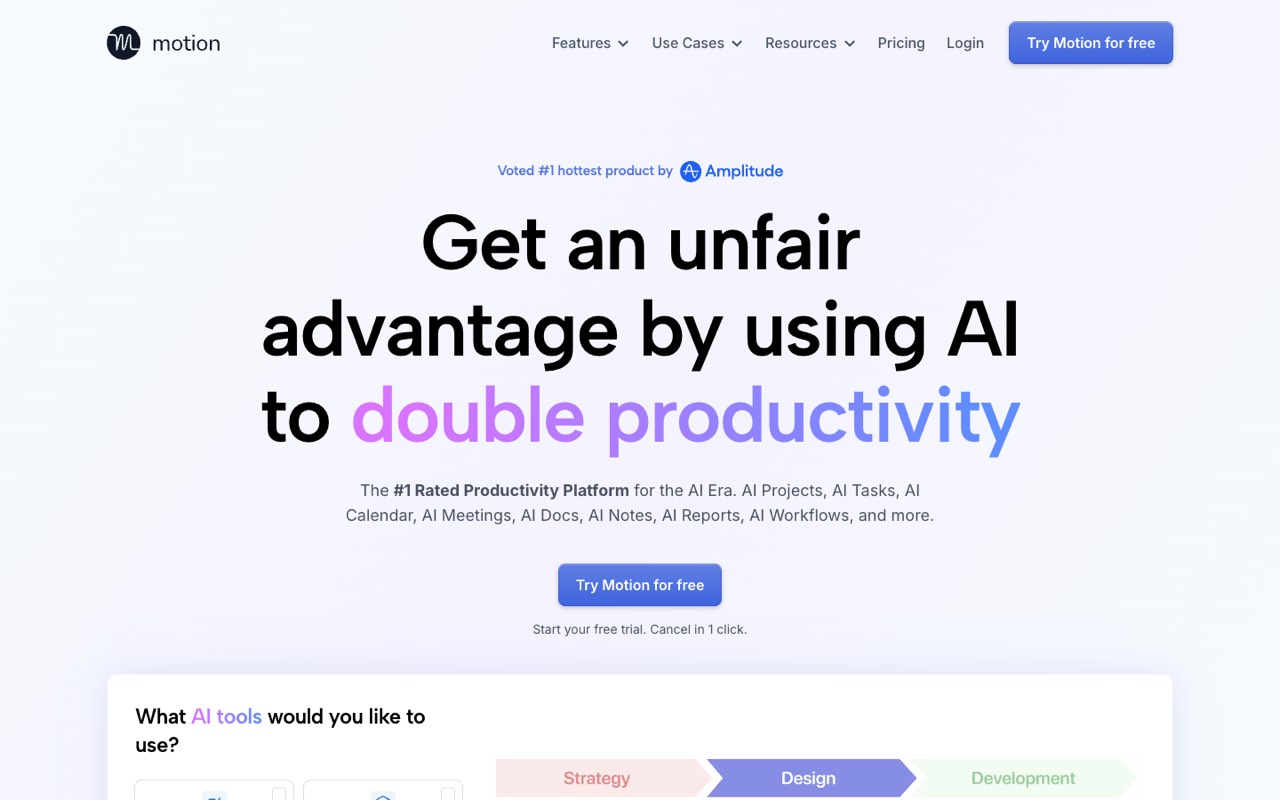
Motion is an AI work planner: it turns tasks and projects into a schedule on your calendar. Pro AI costs $19 per seat a month billed yearly ($29 billed monthly) with 7,500 AI credits per seat a month; Business AI, $29 yearly, adds capacity planning, dashboards and Gantt charts.
- Reason to switch
- AI scheduling
- Starts at
- $19/seat/mo billed yearly (Pro AI; $29 billed monthly)
- Free option
- Free trial (length not stated); no free plan
Compared with Todoist: Todoist gives tasks a due date, a duration and a calendar layout on Pro; Motion lists AI projects and tasks and an AI calendar that plans the work for you. It costs about four times as much: $228 a year against $60 for Todoist Pro.
Who it’s for: Your problem isn’t remembering tasks but finding time for them, and you’re happy to pay for AI to plan the day.
Skip it if: You want a simple list, a free plan, or a bill near $5 a month.
Visit MotionRead the Motion profile
Source: usemotion.com, checked November 16, 2026
Reclaim.ai: best for calendar time-blocking on a free plan
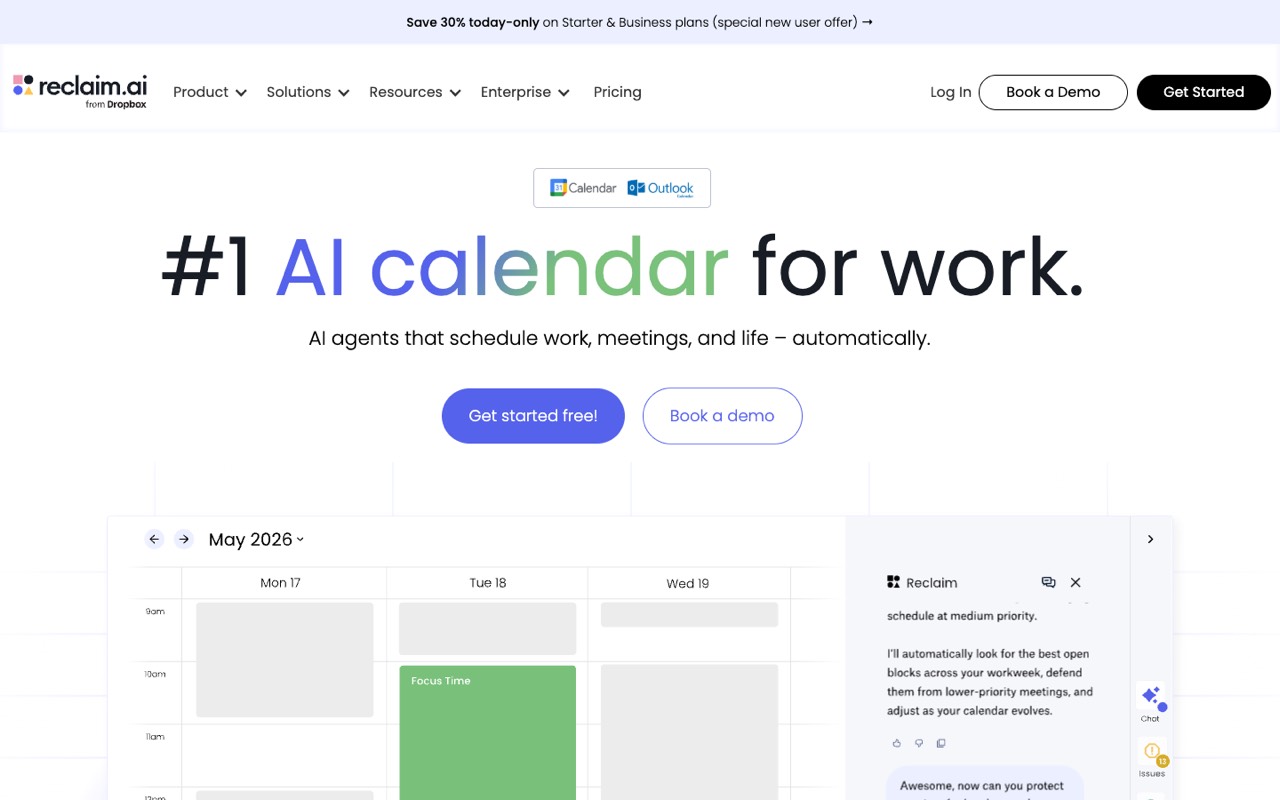
Reclaim is an AI calendar assistant that books time for tasks, habits and meetings around your existing events. Lite is free for 1 user with a 1-week scheduling range; Starter costs $10 per seat a month billed yearly ($12 monthly) with an 8-week range and 3 calendar syncs.
- Reason to switch
- AI scheduling
- Starts at
- $10/seat/mo billed yearly (Starter; $12 billed monthly)
- Free option
- Free Lite plan: 1 user, 1-week range, 1 calendar sync
Compared with Todoist: Reclaim works on your calendar rather than replacing your task list, so it suits people who live in Google or Outlook Calendar. Starter costs $120 a year billed yearly, twice Todoist Pro, and Lite is free.
Who it’s for: You want tasks and habits blocked into your calendar automatically and would like to try it for free first.
Skip it if: You want one app to capture, organize and plan tasks; Reclaim is a scheduling layer, not a full to-do app.
Visit Reclaim.aiRead the Reclaim.ai profile
Source: reclaim.ai, checked November 16, 2026
Sunsama: best for A calm, deliberate daily plan
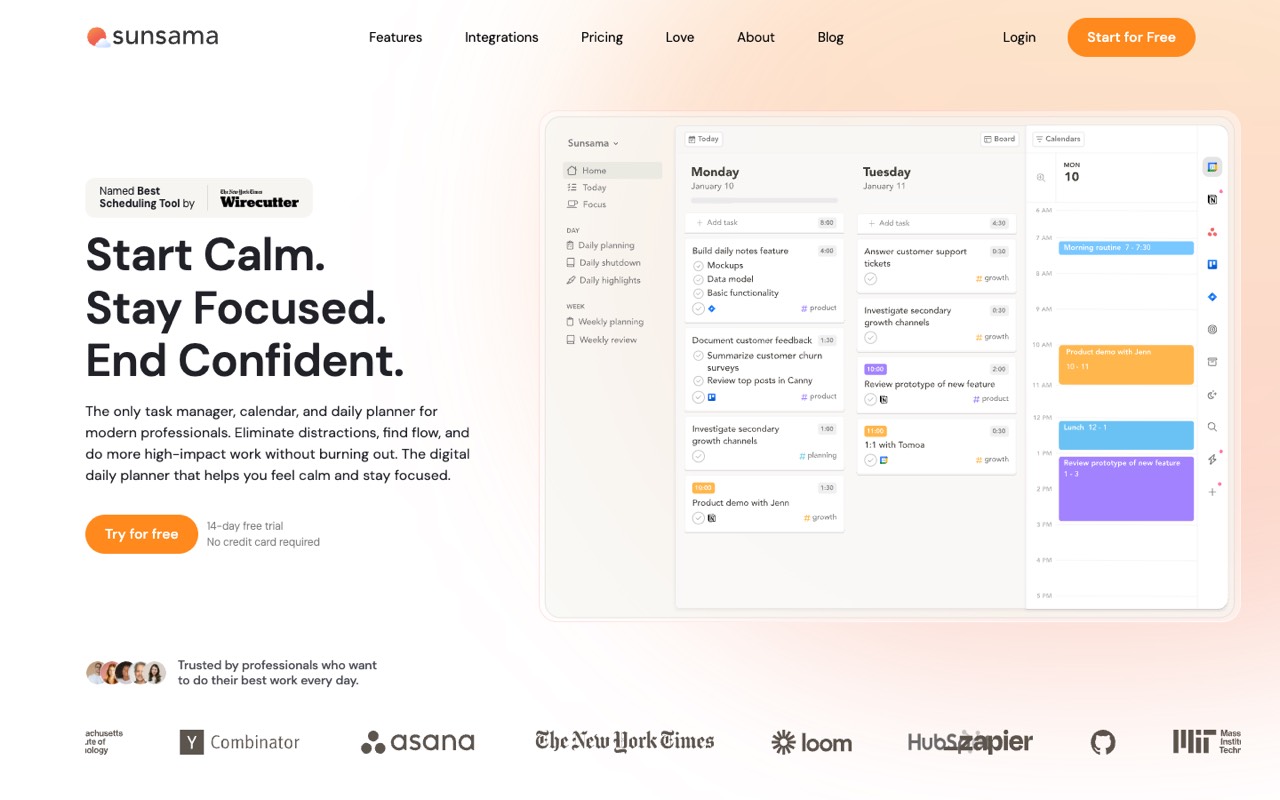
Sunsama is a daily planner that pulls tasks from your other tools into a plan for each day. Pro costs $17 a month billed yearly ($204 a year) or $22 billed monthly, with unlimited usage and integrations plus AI, MCP and Zapier access.
- Reason to switch
- Daily planning
- Starts at
- $17/mo billed yearly ($204/yr; $22 billed monthly)
- Free option
- 14-day free trial, no credit card; no free plan
Compared with Todoist: Todoist is built to collect and sort tasks; Sunsama is built to choose what you’ll do today and fit it into the day. It costs $144 a year more than Todoist Pro billed yearly, and has no free plan.
Who it’s for: You already have tasks in several places and want one guided plan for each day.
Skip it if: You mostly need a fast inbox for tasks, or you want to pay as little as possible.
Visit SunsamaRead the Sunsama profile
Source: sunsama.com, checked November 16, 2026
ClickUp: best for A free plan that grows into project management
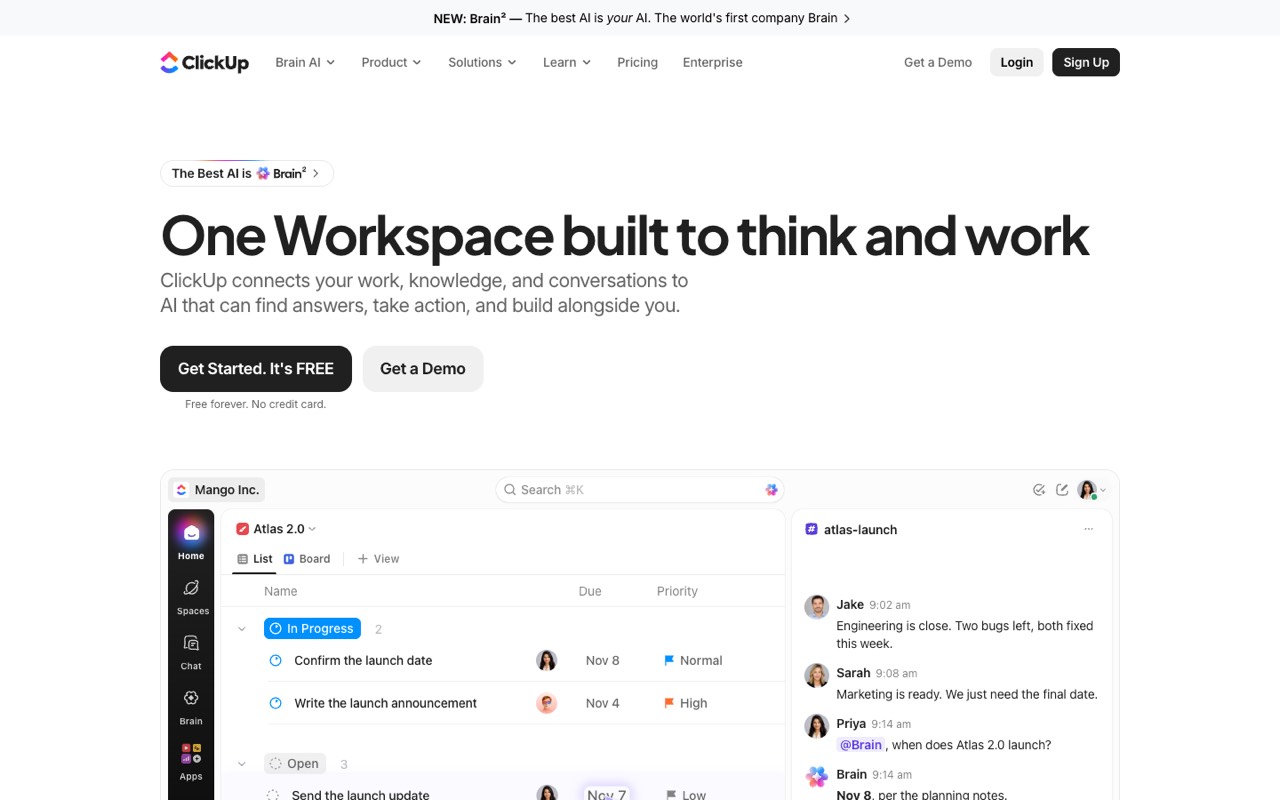
ClickUp is a work management platform for tasks, docs and projects. Free Forever has unlimited tasks and members with 60 MB of storage; Core costs $9 per user a month billed yearly ($12 monthly) and removes the storage limit.
- Reason to switch
- Team projects
- Starts at
- $9/user/mo billed yearly (Core; $12 billed monthly)
- Free option
- Free Forever: unlimited tasks and members, 60 MB storage
Compared with Todoist: ClickUp’s free plan has no project cap, where Todoist Beginner stops at 5 personal projects. It is a much bigger tool, with docs, whiteboards, automations and Gantt charts, so there is more to set up. For a team of 5, Core costs $540 a year billed yearly against $480 for Todoist Business.
Who it’s for: You want a free plan without a project limit, or your personal list is turning into team projects.
Skip it if: You value a clean, fast to-do list over features you may never use.
Visit ClickUpRead the ClickUp profile
Source: clickup.com, checked November 16, 2026
monday.com: best for teams that want visual boards
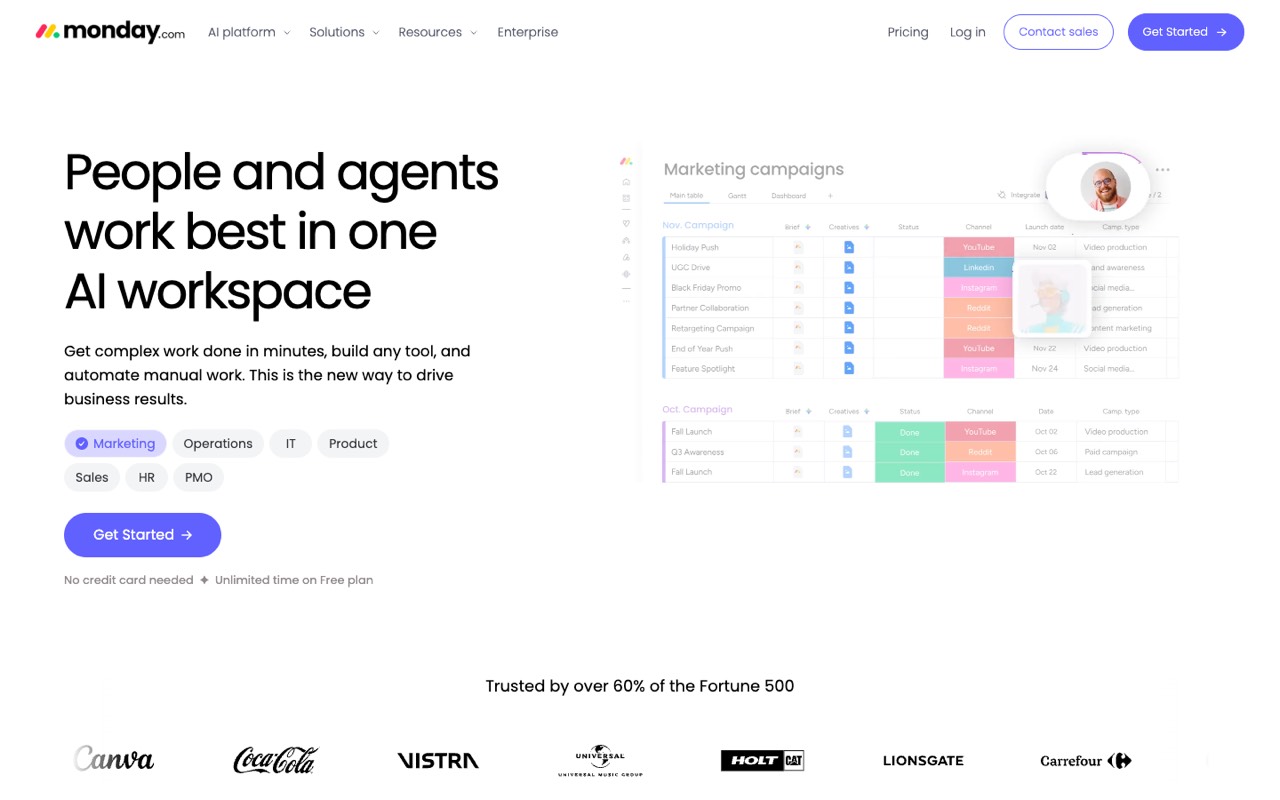
monday.com is a work management platform built around boards. The free plan allows up to 2 seats and 3 boards; Basic costs $9 per seat a month billed yearly, and its FAQ says paid plans start from 3 users.
- Reason to switch
- Team projects
- Starts at
- $9/seat/mo billed yearly (Basic, from 3 seats)
- Free option
- Free plan: up to 2 seats, 3 boards
Compared with Todoist: monday is a team tool first: timelines, Gantt and calendar views start on Standard ($12 per seat a month billed yearly). For 5 people, Basic costs $540 a year billed yearly, $60 more than Todoist Business.
Who it’s for: Your team manages work on shared boards and wants a familiar visual layout.
Skip it if: You are one person: paid plans start at 3 seats, and the free plan has 3 boards.
Visit monday.comRead the monday.com profile
Source: monday.com, checked November 16, 2026
How do you choose the right Todoist alternative?
Name the problem first; the tool follows from it.
- “I never find time for my tasks.” Try an AI scheduler: Reclaim Lite for free, or Motion if you want one app for tasks and calendar.
- “I don’t know what to work on today.” Try Sunsama’s 14-day trial and plan each day with it.
- “My team has outgrown shared lists.” Compare ClickUp and monday.com; our ClickUp vs monday comparison covers their plans side by side.
- “I hit the free plan’s 5 projects.” Either pay $60 a year for Todoist Pro or move to ClickUp Free Forever, which has no project cap.
When should you stay with Todoist?
Stay if a quick, reliable list is what you need and price matters.
- You want the cheapest paid plan: Pro is $60 a year, less than any paid plan here.
- You plan your own day and don’t want AI moving tasks on your calendar.
- Your team only needs shared projects and roles: Business costs $480 a year for 5 people billed yearly.
For more options, see the best AI productivity tools, all AI productivity tools, or our ClickUp alternatives and monday.com alternatives.
FAQ
What is the best free alternative to Todoist?
It depends on the limit you hit. ClickUp Free Forever has unlimited tasks and members (60 MB of storage), so it lifts Todoist’s 5-project cap. Reclaim Lite is free for 1 user and schedules work into a 1-week calendar range. monday’s free plan covers 2 seats and 3 boards. Prices and limits checked November 16, 2026.
Is there an AI to-do app that schedules tasks automatically?
Yes. Motion lists AI projects and tasks and an AI calendar from $19 per seat a month billed yearly. Reclaim books time for tasks and habits on your calendar, free on Lite (1-week range) or $10 per seat a month billed yearly on Starter (8-week range). Todoist’s plans list task durations and a calendar layout, not automatic scheduling.
Todoist vs Motion: which is better?
We haven’t tested them hands-on, so we compare plans. Todoist Pro costs $60 a year and is a to-do list with a calendar layout. Motion Pro AI costs $228 a year billed yearly and plans tasks onto your calendar with AI. Pick Todoist for a cheap, simple list and Motion if planning your time is the real problem.
Is Sunsama worth it compared with Todoist?
Only if you want a guided daily plan. Sunsama Pro costs $204 a year billed yearly ($22 billed monthly) against $60 for Todoist Pro, and it has no free plan. Its 14-day trial needs no credit card, so you can plan two weeks with it before paying.
Can ClickUp replace Todoist for personal tasks?
It can. ClickUp Free Forever has no limit on tasks, and Core ($9 a month billed yearly) adds unlimited storage. ClickUp also has docs, whiteboards and automations, so it takes more setting up than Todoist. If you only want a to-do list, that extra structure may slow you down.
How much does Todoist Pro cost?
Todoist Pro costs $60 a year (about $5 a month) or $7 billed monthly. Business costs $96 per user a year (about $8 a month) or $10 per user billed monthly, plus local tax. The free Beginner plan allows 5 personal projects and 3 filter views. Checked November 16, 2026.
What app is better than Todoist for teams?
For project work, ClickUp and monday.com list more team tools, such as dashboards, automations and Gantt charts. For 5 people billed yearly, Todoist Business costs $480 a year, ClickUp Core $540 and monday Basic $540 (monday’s paid plans start at 3 seats). Todoist Business is the cheapest if shared lists and roles are enough.
Does Todoist have AI features?
Yes. Pro and Business include Task Assist, Email Assist and unlimited Ramble sessions; the free Beginner plan includes Filter Assist and limited Ramble sessions. Todoist doesn’t list AI scheduling of tasks into your calendar, which is what Motion and Reclaim sell.
Sources
All pages checked November 16, 2026; Motion’s monthly price last confirmed October 29, 2026.