ClickUp Alternatives (2026): 6 Simpler, Cheaper or More Focused Tools
This page has no affiliate links right now: every link goes straight to the vendor. How we make money.
ClickUp puts tasks, docs, chat, whiteboards, dashboards and automations in one app, with a free plan and paid plans from $9 a user a month billed yearly. Below are six ClickUp alternatives for teams that want something simpler, a different kind of tool, or AI that schedules the work, with what each costs for one person and for five.
The short answer
For team boards with AI included, pick monday.com ($9/seat/mo, 3-seat minimum). For deadline-driven projects, Wrike ($10/user/mo). For custom workflows, SmartSuite. For AI scheduling, Motion; for a daily plan, Sunsama. For a simple list, Todoist (free, or $5/mo). ClickUp still fits all-in-one teams.
What ClickUp costs in 2026
ClickUp prices per user a month. The pricing page says yearly billing saves up to 33%.
| ClickUp plan | Per user a month, billed yearly | Billed monthly | Main limits |
|---|---|---|---|
| Free Forever | $0 | $0 | Unlimited tasks and members, 60 MB storage, 100 automation actions a month, Brain trial with 500 AI credits per workspace |
| Core | $9 | $12 | Unlimited storage, 1,000 automation actions a month, 1,000 pooled AI credits per user a month |
| Business | $17 | $25 | 10,000 automation actions a month, premium AI models, 1,500 pooled AI credits per user a month |
| Max | $100 | $120 | 10,000 pooled AI credits per user a month, AI notetaker, image generation and autopilot agents |
| Enterprise | Custom | Custom | 1M automation actions a month, 3,000 AI credits per user, unlimited AI notetaker; contact sales |
From the ClickUp pricing page, read from a US connection on November 11, 2026. Monthly prices are the page’s regular prices, which we confirmed with its billing toggle on Oct 29, 2026. Extra AI credits cost $10 per 10,000. See our ClickUp pricing and plans page for the full plan limits.
Why people look for a ClickUp alternative
- It does a lot. Tasks, docs, chat, whiteboards, dashboards and automations share one workspace. Teams that only need a task list or a board can find that more than they want to set up.
- The free plan is small on storage. Free Forever has unlimited tasks and members but 60 MB of storage and 100 automation actions a month.
- AI depends on the plan. Free and Core get a Brain trial with credits; premium AI models start on Business ($17), and extra credits cost $10 per 10,000.
- Monthly billing costs more. Core is $12 a month instead of $9, and Business $25 instead of $17.
- Some jobs need a different kind of tool. If the real problem is fitting work into your calendar, an AI scheduler or a daily planner may help more than another project app.
None of this makes ClickUp a poor pick. Having everything in one place is why many teams choose it, and the last section covers when to stay.
ClickUp alternatives at a glance
| Tool | Best for | Starts at | Minimum | Free option | AI |
|---|---|---|---|---|---|
 ClickUp | One app for tasks, docs and chat | $9/user/mo billed yearly, Core ($12 monthly) | None listed | Free Forever: unlimited members, 60 MB storage | Brain trial and pooled credits on Free and Core; premium models from Business |
 monday.com | Team boards with AI on the entry plan | $9/seat/mo billed yearly, Basic (monthly prices not shown) | 3 seats (FAQ) | Free plan: up to 2 seats, 3 boards, 3 docs, no AI; 14-day Pro trial | 1,000 AI credits a month on Basic, 2,000 on Standard, 3,000 on Pro |
 Wrike | Structured projects with Gantt charts and approvals | $10/user/mo billed yearly, Team for 2 to 15 users (no monthly price shown) | 2 users on Team | Free plan (one shared space, 200 active tasks); 14-day trial, no card | AI Essentials on Team (content, comment summaries, automation rules from plain language); AI Elite actions from Business |
 SmartSuite | Custom no-code workflows on linked data | $15/seat/mo billed yearly, Team ($20 billed monthly) | 3 billable users on Team | No free plan; 14-day Professional trial, no card, no auto-charge | SmartSuite AI on every plan; the help center lists 100 free AI requests per workspace, then your own model key |
 Motion | AI that schedules tasks on your calendar | $19/seat/mo billed yearly, Pro AI on the Teams tab ($29 billed monthly) | Not stated | No free plan; free trial (length not stated) | 7,500 AI credits per seat a month on Pro AI, 15,000 on Business AI |
 Sunsama | A guided daily plan across your tools | $17/mo billed yearly, Pro per person ($22 billed monthly) | 1 person | No free plan; 14-day trial with all features, no card | Sunny AI assistant, MCP and Zapier included in Pro |
 Todoist | A simple task list for one person or a small team | $5/mo billed yearly, Pro for one person ($7 monthly); Business $8/user/mo yearly | 1 person | Free Beginner plan: 5 personal projects | Task Assist and Email Assist on Pro and Business; Filter Assist and limited Ramble voice capture on Beginner |
List prices in US dollars before tax, from each vendor’s pricing page (dates in each section below).
What one person and a team of five pay a year
Entry plans, billed yearly, with each vendor’s seat minimum applied. Motion and Sunsama do a different job from a project tool, so read their sections before comparing on price alone.
| Plan | Just you, a year | 5 people, a year | Note |
|---|---|---|---|
| ClickUp Free Forever | $0 | $0 | 60 MB storage and 100 automation actions a month |
| ClickUp Core | $108 | $540 | $9 × 12; $720 for five billed monthly ($12) |
| ClickUp Business | $204 | $1,020 | $17 × 12; premium AI models |
| monday.com Basic | $324 | $540 | $9 × 12; 3-seat minimum, so one person pays for 3 |
| Wrike Team | $240 | $600 | $10 × 12; Team needs at least 2 users |
| SmartSuite Team | $540 | $900 | $15 × 12; 3 billable users minimum, viewers free |
| Motion Pro AI | $228 | $1,140 | $19 × 12; AI scheduling, not a project board |
| Sunsama Pro | $204 | $1,020 | $17 × 12 per person; a daily planner |
| Todoist Pro / Business | $60 | $480 | Pro $5 × 12 for one; teams need Business, $8 × 12 × 5 |
For five people, Todoist Business ($480) is the cheapest paid plan here, followed by ClickUp Core and monday.com Basic ($540 each) and Wrike Team ($600). For one person, Todoist Pro ($60) and ClickUp Core ($108) cost least, while monday.com and SmartSuite charge for their 3-seat minimums. Entry plans differ in what they include, so check where the features you need start in each section below.
Our arithmetic from list prices checked November 11, 2026 (Motion from our Oct 29, 2026 check), not vendor quotes. For more tools compared by team size, see the best AI productivity tools.
How we chose
We picked tools in our directory that people consider in place of ClickUp, either for the same job (team projects and work management) or because they solve the problem that made ClickUp feel heavy (planning your day, scheduling tasks, keeping a simple list). Each one names AI features on its own site. We read each pricing page on November 11, 2026 from a US connection; Motion’s billing split comes from our browser check on October 29, 2026. We compared published prices, seat minimums, plan limits and where features start. We haven’t tested these tools hands-on yet, so we don’t claim any of them works better than ClickUp.
Reclaim.ai is also in our directory: an AI calendar that schedules tasks, habits and focus time around your meetings, with a free Lite plan for one user and Starter at $10 a seat a month billed yearly (checked Oct 15, 2026). Asana, Notion, Trello and Airtable also come up in searches but aren’t in our directory yet.
monday.com: best for team boards with AI on the entry plan
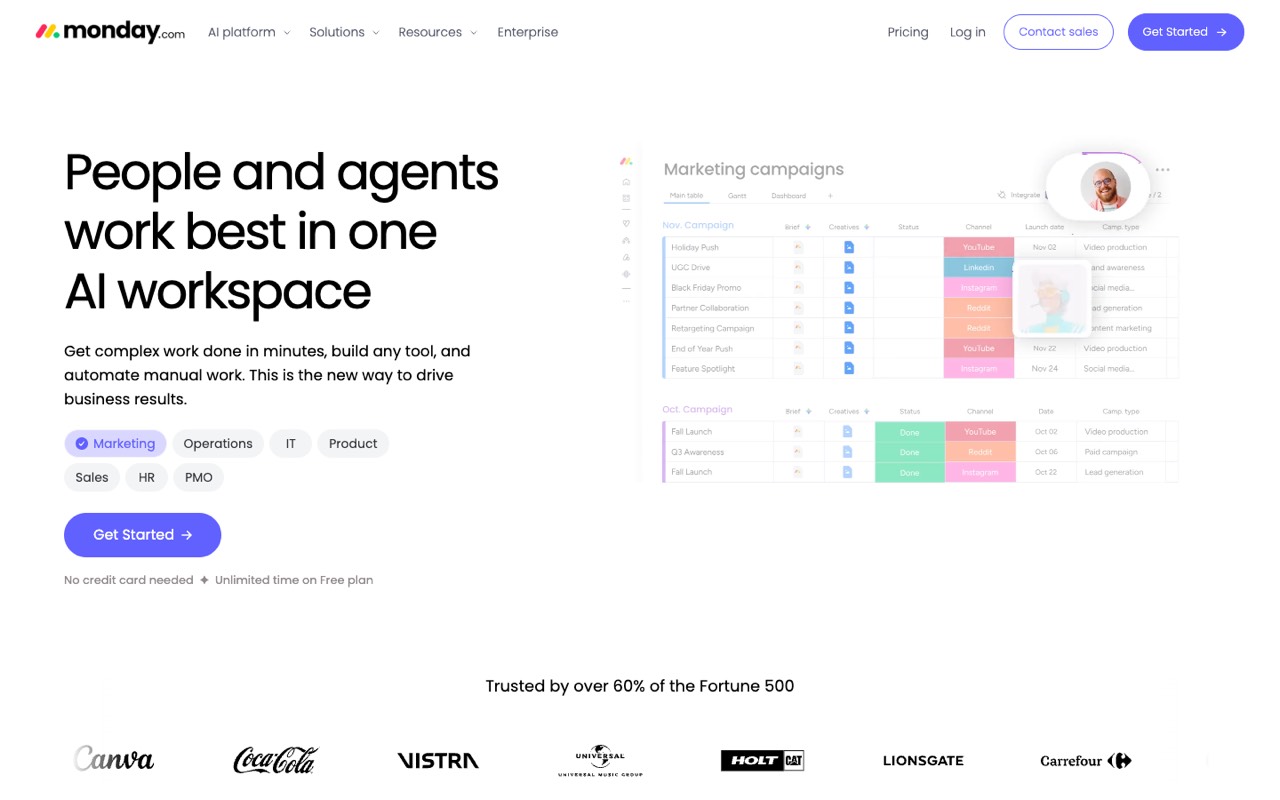
Work management platform for team projects and tasks, with boards, dashboards, docs, forms and automations, plus AI agents, an AI assistant and a meeting notetaker that use monthly AI credits.
- Starts at
- $9/seat/mo billed yearly, Basic (monthly prices not shown)
- Minimum
- 3 seats (FAQ)
- AI features
- 1,000 AI credits a month on Basic, 2,000 on Standard, 3,000 on Pro
- Free option
- Free plan: up to 2 seats, 3 boards, 3 docs, no AI; 14-day Pro trial
Compared with ClickUp: monday.com matches ClickUp Core on price ($9 a seat a month billed yearly) and puts 1,000 AI credits a month on its entry plan, but paid plans start from 3 seats, so the smallest yearly bill is $324. Timeline, Gantt and calendar views start on Standard ($12), which caps automations at 250 actions a month; ClickUp Core includes Gantt charts and 1,000 automation actions. Its free plan is tighter than ClickUp’s: 2 seats and 3 boards.
Who it’s for: Your team wants visual boards and dashboards, with AI credits included from the first paid plan.
Skip it if: You are a team of one or two (the 3-seat minimum applies), or you need many automation runs on a budget.
Visit monday.comRead the monday.com profile
Source: monday.com, checked November 11, 2026
Wrike: best for structured projects with Gantt charts and approvals
Work management platform for planning and tracking team projects, with Gantt charts, dashboards, request forms, proofing and automation, plus Wrike Copilot and AI agents for routine work.
- Starts at
- $10/user/mo billed yearly, Team for 2 to 15 users (no monthly price shown)
- Minimum
- 2 users on Team
- AI features
- AI Essentials on Team (content, comment summaries, automation rules from plain language); AI Elite actions from Business
- Free option
- Free plan (one shared space, 200 active tasks); 14-day trial, no card
Compared with ClickUp: Wrike Team costs $1 more than ClickUp Core ($10 vs $9 a user a month billed yearly) and includes interactive Gantt charts, shareable dashboards and AI Essentials, but the plan is capped at 15 users. Time tracking, proofing, approvals and request forms start on Business at $25, which is billed yearly only. Accounts up to 30 seats are sold in groups of five.
Who it’s for: You run deadline-driven projects with dependencies, reviews and sign-offs.
Skip it if: You want monthly billing, or time tracking and approvals at an entry price.
Visit WrikeRead the Wrike profile
Source: wrike.com, checked November 11, 2026 (free-plan limits from our Oct 24, 2026 check)
SmartSuite: best for custom no-code workflows on linked data
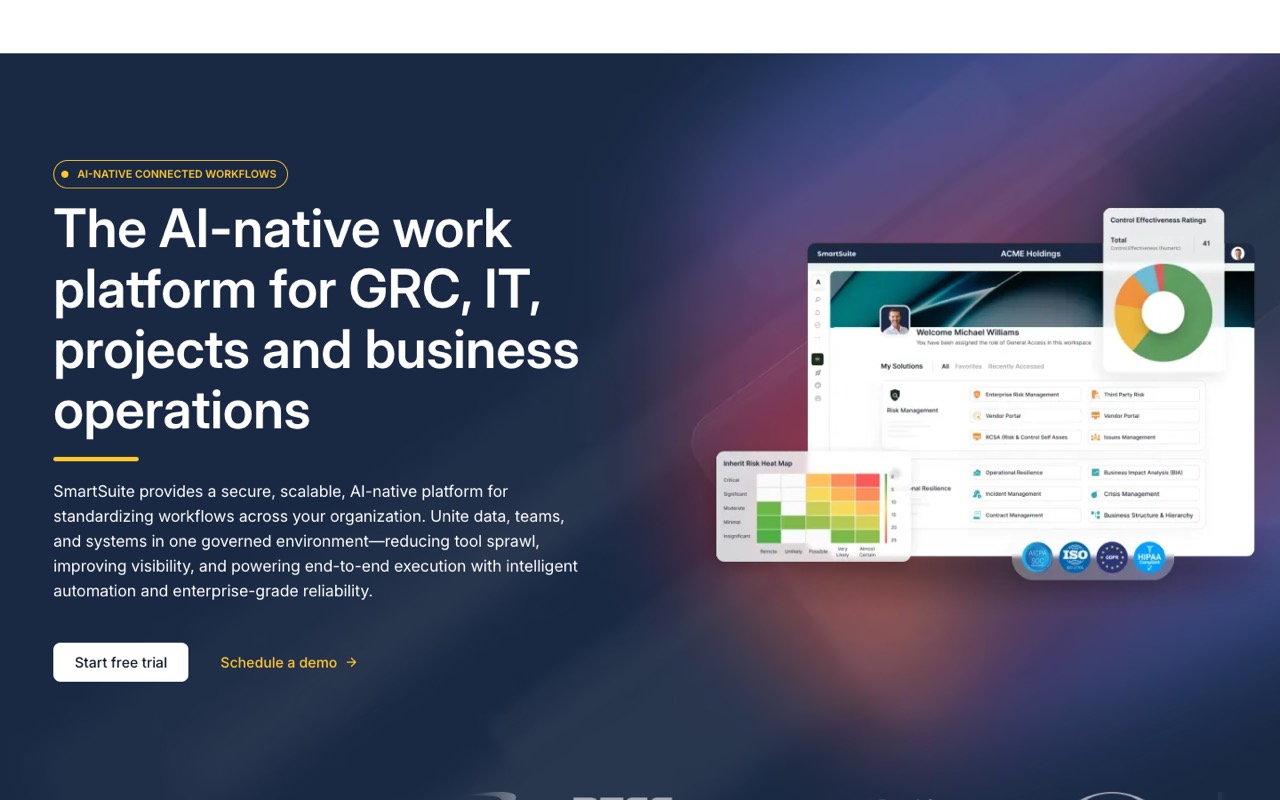
No-code work platform for building project, operations, IT service and GRC workflows on relational data, with automations, dashboards and AI agents built into the workflows.
- Starts at
- $15/seat/mo billed yearly, Team ($20 billed monthly)
- Minimum
- 3 billable users on Team
- AI features
- SmartSuite AI on every plan; the help center lists 100 free AI requests per workspace, then your own model key
- Free option
- No free plan; 14-day Professional trial, no card, no auto-charge
Compared with ClickUp: SmartSuite works more like a database you shape yourself than a ready-made task app: you build solutions on linked records, with automations, dashboards and AI agents. Team costs $15 a seat a month billed yearly from 3 billable users and caps each solution at 5,000 records. There is no free plan, but only users with edit rights are billed, so viewers and commenters cost nothing.
Who it’s for: Your operations team wants to model its own process, such as requests, assets or approvals, rather than fit it into task lists.
Skip it if: You want a free plan, or task views that work with little setup.
Visit SmartSuiteRead the SmartSuite profile
Source: smartsuite.com, checked November 11, 2026
Motion: best for aI that schedules tasks on your calendar
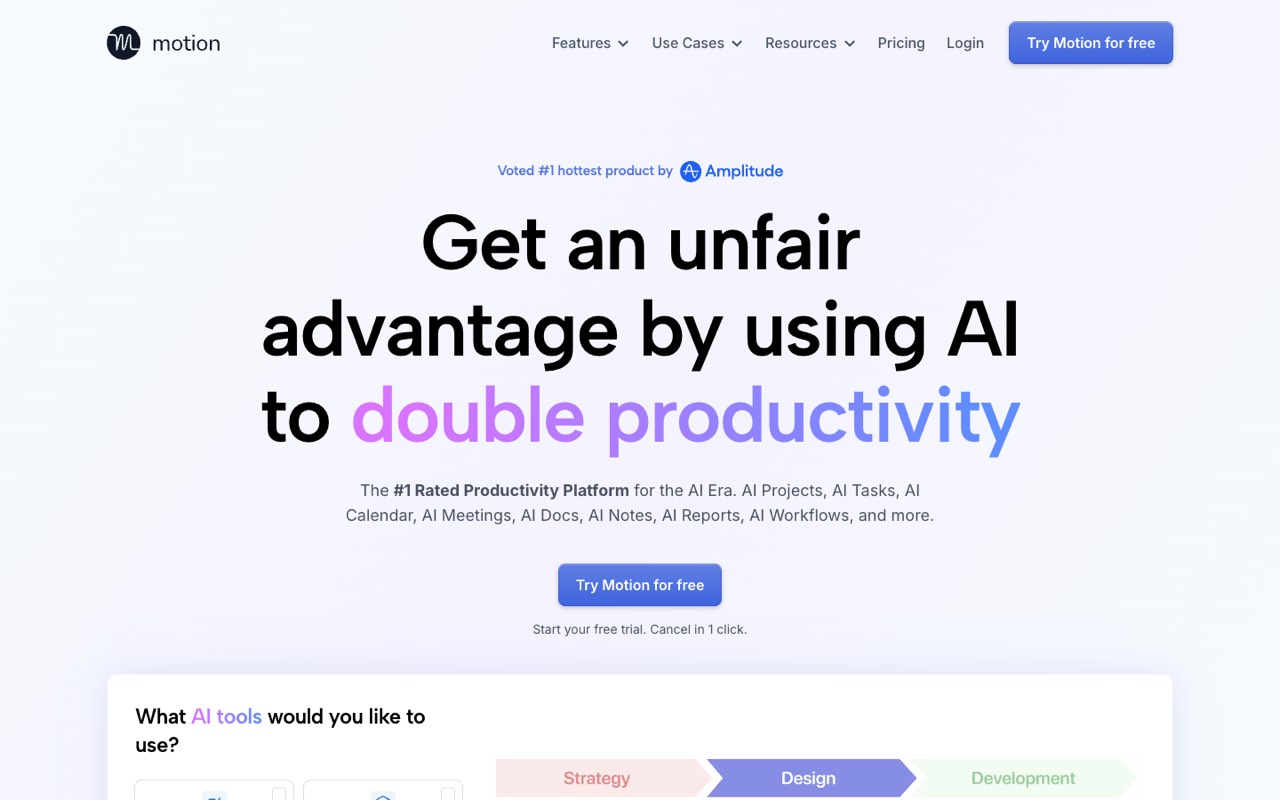
AI productivity app that auto-schedules tasks on your calendar and re-plans as things change, with AI projects, docs, a meeting notetaker and booking pages.
- Starts at
- $19/seat/mo billed yearly, Pro AI on the Teams tab ($29 billed monthly)
- Minimum
- Not stated
- AI features
- 7,500 AI credits per seat a month on Pro AI, 15,000 on Business AI
- Free option
- No free plan; free trial (length not stated)
Compared with ClickUp: Motion does a different job from ClickUp: it places tasks on your calendar by priority and deadline and re-plans when things change, alongside AI projects, docs and a meeting notetaker. Pro AI costs $19 a seat a month billed yearly, about twice ClickUp Core. Gantt charts, time tracking and team capacity planning need Business AI at $29.
Who it’s for: Your team’s real problem is fitting the work into packed calendars, not organizing the task list.
Skip it if: You need a free plan or a low-cost task tracker.
Visit MotionRead the Motion profile
Source: usemotion.com, checked October 29, 2026 (yearly and monthly prices from a browser toggle; our US check on November 11 showed the same $19 and $29 plan prices)
Sunsama: best for a guided daily plan across your tools
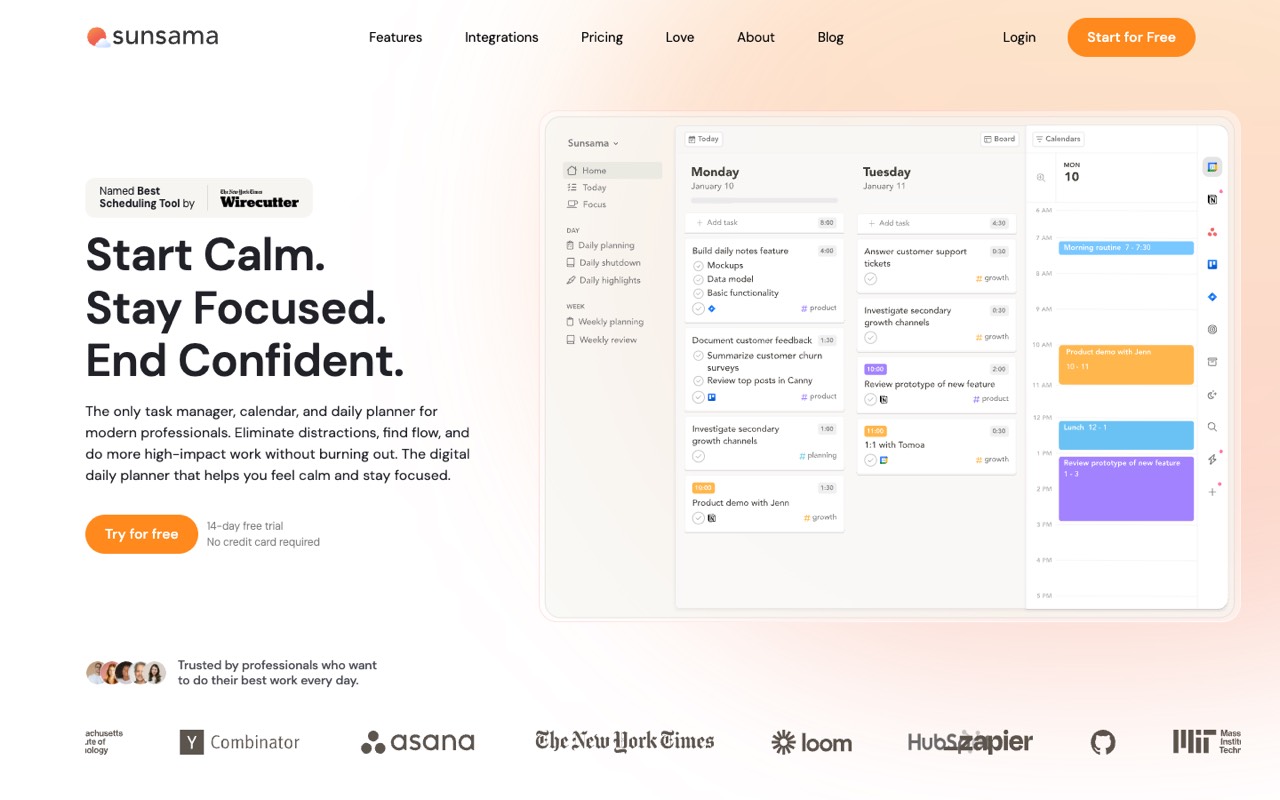
Daily planner that pulls tasks from tools like Asana, Todoist, Gmail and Slack into one list, then guides you to plan the day, timebox tasks on your calendar and shut down on time.
- Starts at
- $17/mo billed yearly, Pro per person ($22 billed monthly)
- Minimum
- 1 person
- AI features
- Sunny AI assistant, MCP and Zapier included in Pro
- Free option
- No free plan; 14-day trial with all features, no card
Compared with ClickUp: Sunsama isn’t a project manager. It pulls tasks from tools such as Asana, Todoist, Gmail and Slack into one list and walks you through planning and timeboxing each day, then shutting down on time. Pro is $17 a person a month billed yearly ($204 a year), so most teams use it next to a project tool rather than instead of one.
Who it’s for: You found ClickUp too much and mostly want a calm plan for your own day.
Skip it if: Your team needs shared projects, boards or reports.
Visit SunsamaRead the Sunsama profile
Source: sunsama.com, checked November 11, 2026
Todoist: best for a simple task list for one person or a small team
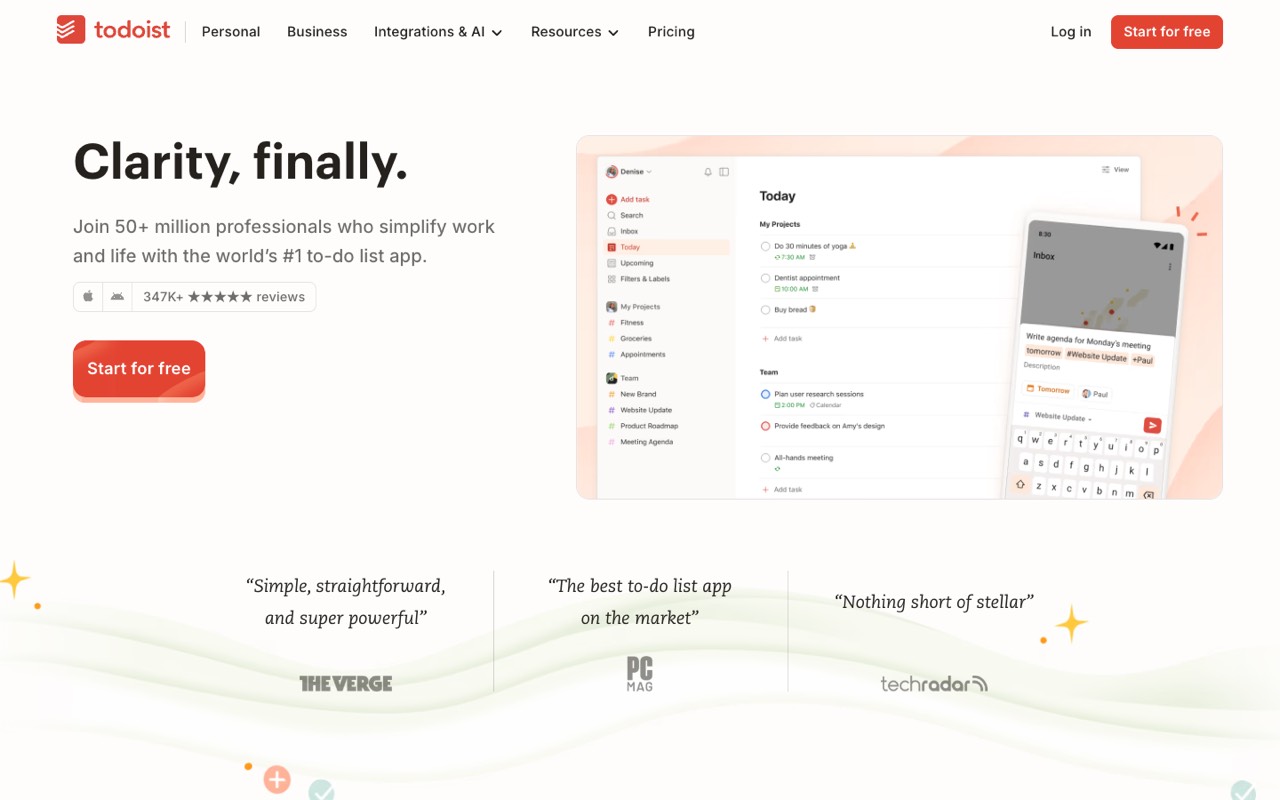
To-do list and task manager with natural-language task entry, voice capture, AI Assist for breaking work into steps, shared team projects and apps on every platform.
- Starts at
- $5/mo billed yearly, Pro for one person ($7 monthly); Business $8/user/mo yearly
- Minimum
- 1 person
- AI features
- Task Assist and Email Assist on Pro and Business; Filter Assist and limited Ramble voice capture on Beginner
- Free option
- Free Beginner plan: 5 personal projects
Compared with ClickUp: Todoist is the simplest and cheapest option here: Pro is $60 a year for one person, and Business is $8 a user a month billed yearly, against $9 for ClickUp Core. Business adds a shared team workspace, up to 500 team projects, roles and permissions, and calendar and table layouts. It sticks to tasks and projects: its pricing page lists no docs, whiteboards or dashboards.
Who it’s for: You want a fast to-do list and rarely used ClickUp’s docs, dashboards or automations.
Skip it if: You need Gantt charts, workload views or automations.
Visit TodoistRead the Todoist profile
Source: todoist.com, checked November 11, 2026
Free ClickUp alternatives
- monday.com Free: up to 2 seats, 3 boards, 3 docs, 200+ templates and mobile apps, with no AI features.
- Wrike Free: project and task management with board and table views, unlimited users but one shared space and 200 active tasks.
- Todoist Beginner: 5 personal projects with up to 5 people each, Filter Assist and limited Ramble voice capture.
- Reclaim.ai Lite: AI scheduling of tasks and focus time on Google Calendar or Outlook for 1 user, with 1 scheduling link.
SmartSuite, Motion and Sunsama have no free plan; Sunsama says it doesn’t plan to add one. ClickUp’s own Free Forever plan keeps unlimited members and tasks, if 60 MB of storage is enough; Wrike Free also allows unlimited users.
How to choose in four steps
- Name the reason you’re leaving. Too much at once: Todoist or monday.com. Structured projects and approvals: Wrike. Your own process: SmartSuite. A packed calendar: Motion or Reclaim.ai. Your own day: Sunsama.
- Find where your must-have feature starts. Gantt views, time tracking and higher automation limits often sit one plan above the entry price.
- Apply seat minimums. monday.com and SmartSuite bill at least 3 seats, and Wrike Team at least 2.
- Run a trial with a real project. Rebuild one live project and work it for a week before you cancel ClickUp.
When to stay with ClickUp
- Your team uses tasks, docs, chat and whiteboards together, and switching would mean paying for several apps.
- You need automations on a budget: Core includes 1,000 automation actions a month at $9, while monday.com Standard ($12) allows 250.
- You want a free plan with unlimited members and tasks, and 60 MB of storage is enough.
For a wider view, see the best AI productivity tools or browse all AI productivity tools. If you’re connecting ClickUp to other apps, our Zapier alternatives guide covers automation tools.
FAQ
What is the best alternative to ClickUp?
It depends on why you’re leaving. For team boards with AI credits on the entry plan, monday.com ($9 a seat a month billed yearly, from 3 seats). For deadline-driven projects with Gantt charts, Wrike ($10). For custom workflows, SmartSuite. For AI scheduling, Motion. For a simple list, Todoist. We haven’t tested these tools hands-on; this compares pricing pages checked November 11, 2026.
Is there a simpler alternative to ClickUp?
Yes. Todoist sticks to tasks and projects, with a free plan and Pro at $5 a month billed yearly. Sunsama is a daily planner that pulls tasks from other apps into one list. monday.com is a full work platform, but its boards are a simpler starting point than ClickUp’s mix of tasks, docs, chat and whiteboards.
Is there a free alternative to ClickUp?
monday.com Free covers up to 2 seats and 3 boards, without AI. Wrike Free has one shared space and 200 active tasks. Todoist Beginner allows 5 personal projects. Reclaim.ai’s free Lite plan schedules tasks for one user. ClickUp’s own Free Forever plan has unlimited tasks and members but 60 MB of storage. SmartSuite, Motion and Sunsama have no free plan.
Is monday.com better than ClickUp?
Neither is better for everyone. Both start at $9 a seat a month billed yearly. monday.com includes 1,000 AI credits a month on Basic but needs at least 3 seats, and Gantt views start on Standard ($12), which allows 250 automation actions a month. ClickUp Core includes Gantt charts, docs and 1,000 automation actions, with AI as a Brain trial plus pooled credits.
Is Wrike better than ClickUp for project management?
Wrike is built around structured projects: Team ($10 a user a month billed yearly, 2 to 15 users) has interactive Gantt charts and dashboards, and Business ($25, yearly only) adds proofing, approvals, request forms and time tracking. ClickUp Core is $1 cheaper and covers docs, chat and whiteboards too. Pick Wrike if reviews and sign-offs drive your work.
What is the cheapest ClickUp alternative for a team?
Among the paid plans here, Todoist Business is the lowest at $8 a user a month billed yearly, or $480 a year for five people. monday.com Basic costs the same as ClickUp Core ($9), with a 3-seat minimum. Wrike Team is $10. For five users that is $540 on ClickUp Core or monday.com Basic and $600 on Wrike Team.
Does ClickUp have a free plan?
Yes. Free Forever includes unlimited tasks and members, 60 MB of storage, 100 automation actions a month and a Brain AI trial with 500 credits per workspace. Paid plans start with Core at $9 a user a month billed yearly ($12 monthly), and extra AI credits cost $10 per 10,000.
Can I move my projects from ClickUp to another tool?
Plan the move before you cancel: export your tasks and docs from ClickUp, then use the new tool’s trial to test how it imports them. Automations, custom fields and views usually have to be rebuilt by hand. We haven’t checked each vendor’s import tools, so ask during the trial.
Sources
Checked November 11, 2026, except Motion’s yearly and monthly split (Oct 29, 2026, read in a browser), Wrike’s free-plan limits (Oct 24, 2026) and Reclaim.ai (Oct 15, 2026).