Wrike Alternatives (2026): 4 Options, Picked by Why You’re Leaving

This page has no affiliate links right now: every link goes straight to the vendor. How we make money.
Wrike is a project management platform with Gantt charts, dashboards, proofing and AI, from $10 per user a month billed yearly. Teams of 5 to 25 people usually look for Wrike alternatives for one of four reasons: it feels too complex, the per-seat bill adds up, they track work as data rather than tasks, or they want AI to plan the work. Here is one pick for each.
The short answer
Too complex? Try monday.com. Too expensive? ClickUp Core is $9 per user a month billed yearly, with a free plan. Work lives in tables? SmartSuite. Want AI to schedule tasks? Motion. Need proofing and request forms? Stay on Wrike Business.
What Wrike costs, and why teams switch
| Wrike plan | Price (billed yearly) | Users | Notable limits |
|---|---|---|---|
| Free | $0 | Unlimited | 200 active tasks, one shared space, 2GB storage |
| Team | $10/user/mo | 2 to 15 | AI Essentials, Gantt charts, dashboards, 50 automation actions per seat a month |
| Business | $25/user/mo | 5 to 200 | AI Elite starter pack, proofing, request forms, time tracking, resource view |
| Pinnacle, Apex | Custom | Contact sales | Budgeting, advanced reporting, more AI Elite actions |
From wrike.com/price, checked November 20, 2026. The page says prices are “billed on an annual per-user basis”; its FAQ says Business and higher are annual-only. 14-day free trial, no credit card.
The reasons people give for leaving map onto those terms. Small teams may not need proofing, request forms and resource views, but still learn a tool built around them. Every member is a paid seat, billed for a year upfront. Team stops at 15 users, so a growing team jumps to Business at 2.5 times the price. See the full plan breakdown on our Wrike review page.
Wrike alternatives at a glance
| Tool | Leave Wrike for… | From | Free plan | AI |
|---|---|---|---|---|
 monday.com | Simplicity | $9/seat/mo yearly, min. 3 seats | 2 seats, 3 boards | 1,000 AI credits a month on Basic |
 ClickUp | Lower cost | $9/user/mo yearly, $12 monthly | Unlimited members, 60 MB | 1,000 AI credits per user a month on Core (pooled) |
 SmartSuite | Table-style workflows | $15/seat/mo yearly, min. 3 editors | No | 100 free requests, then your own AI key |
 Motion | AI scheduling | $19/seat/mo yearly, $29 monthly | No (free trial) | 7,500 AI credits per seat a month |
1. monday.com: best for teams that found Wrike too complex
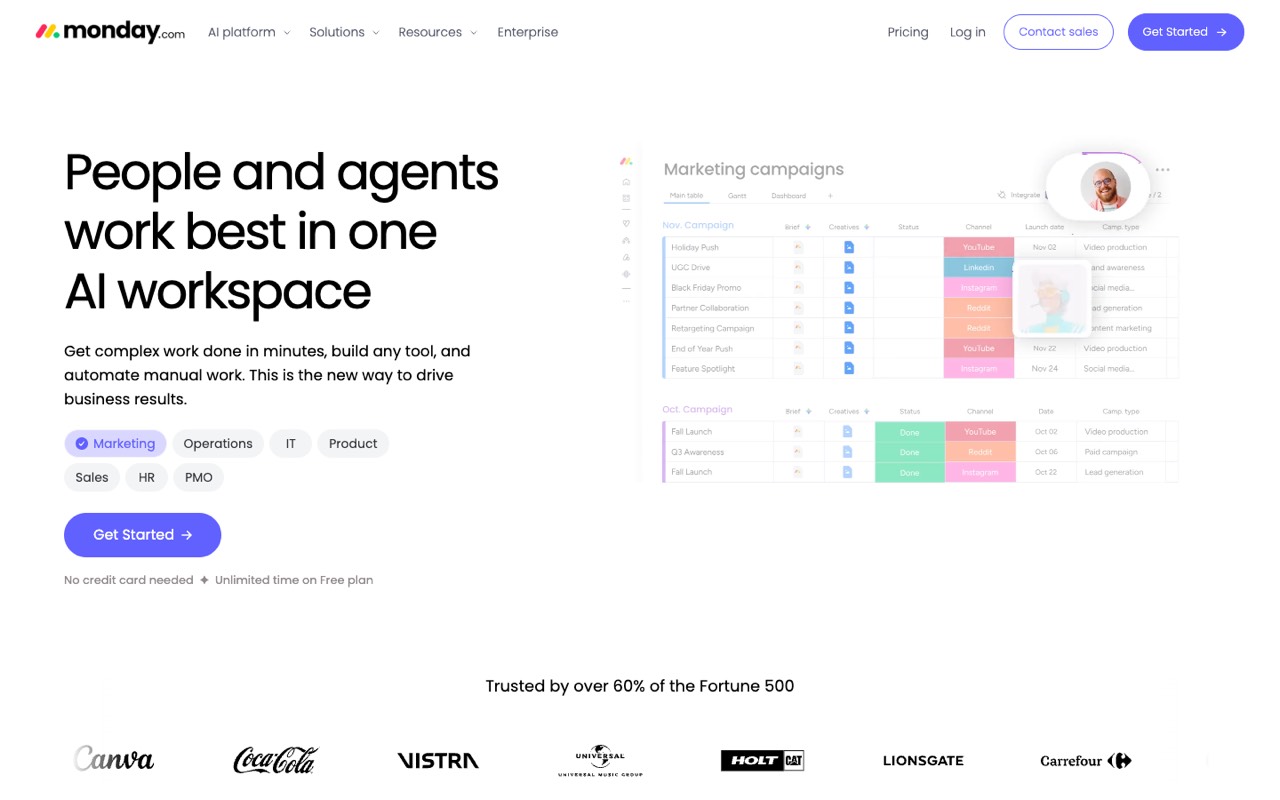
monday.com is a work management platform built around boards. Basic costs $9 per seat a month billed yearly with 1,000 AI credits a month; Standard ($12) adds timeline, Gantt and calendar views, and Pro ($19) adds time tracking and private boards. Paid plans start from 3 seats.
Price: $9/seat/mo, billed yearly (Basic, from 3 seats). Free: Free plan: up to 2 seats, 3 boards, no AI. (Checked Nov 9, 2026.)
Compared with Wrike: Wrike packs Gantt charts, dashboards and AI into its $10 Team plan; monday splits those across tiers, so the like-for-like plan is Standard at $12. What you get in return is a board-first layout that is quick to set up.
Who it’s for: People on your team avoided Wrike because it felt heavy, and you want a tool they will open every day.
Skip it if: You rely on proofing, request forms or resource views that Wrike includes on Business.
2. ClickUp: best for small teams that want one cheap all-in-one tool
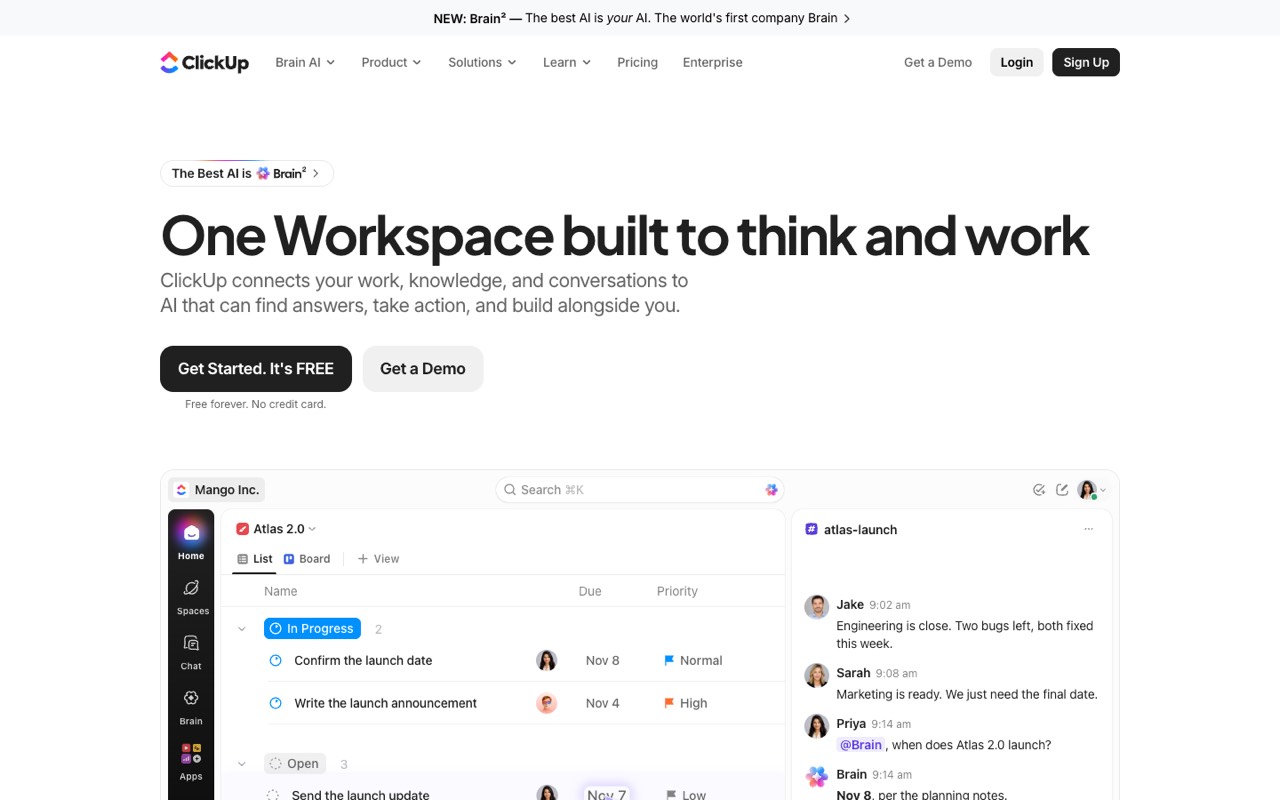
ClickUp combines tasks, docs, whiteboards, dashboards and automations. Core costs $9 per user a month billed yearly ($12 monthly) with 1,000 AI credits per user a month; Business is $17 ($25 monthly) and adds dashboards and resource management.
Price: $9/user/mo, billed yearly (Core; $12 billed monthly). Free: Free Forever: unlimited tasks and members, 60 MB storage. (Checked Nov 16, 2026.)
Compared with Wrike: ClickUp Core costs $1 less per user than Wrike Team and has no 15-user ceiling. Unlike Wrike, it also lists monthly prices. It has even more features than Wrike, so it won’t fix a “too complicated” complaint.
Who it’s for: Cost per seat is why you’re leaving, or your team outgrew Wrike Team’s 15-user limit.
Skip it if: Your problem with Wrike was complexity: ClickUp is at least as feature-dense.
3. SmartSuite: best for ops teams that think in tables, not tasks
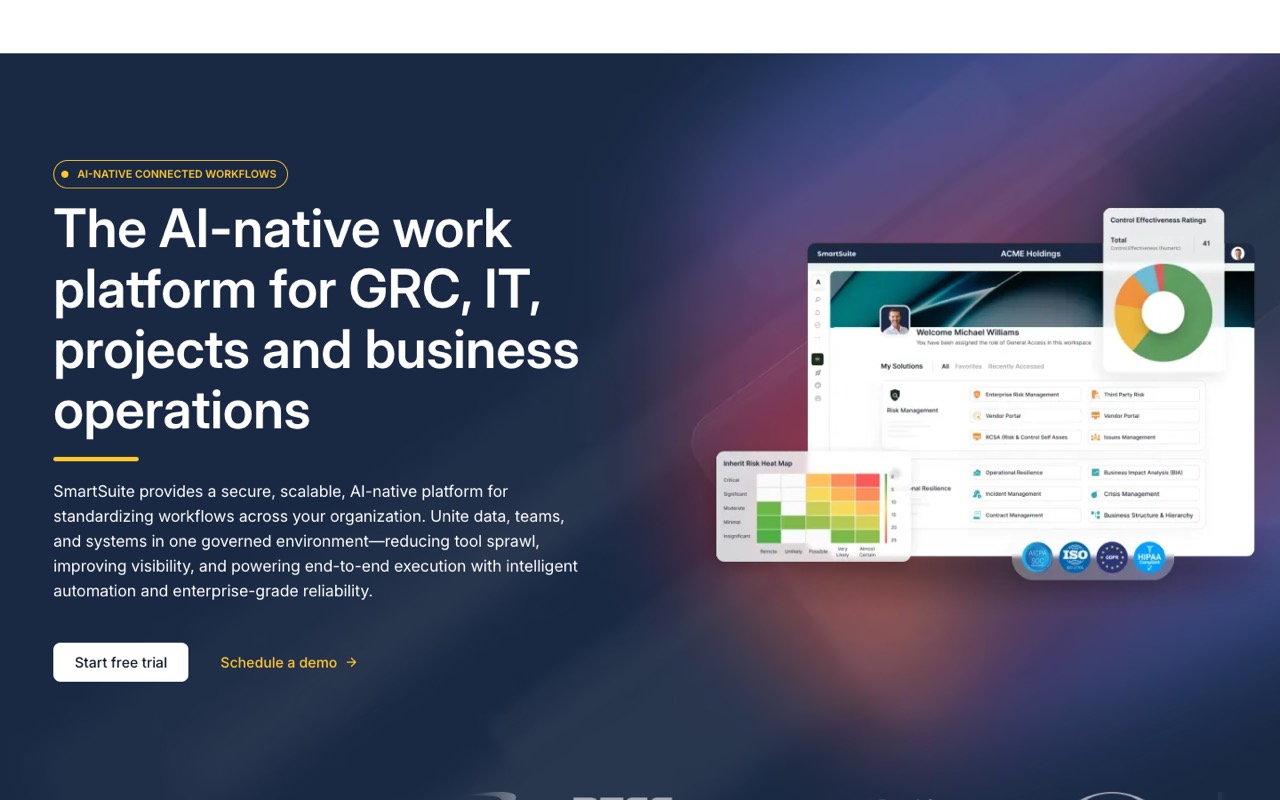
SmartSuite is a no-code work platform where projects live in database-style tables you shape yourself. Team costs $15 per seat a month billed yearly ($20 monthly), minimum 3 billable users; only people with edit rights are billed.
Price: $15/seat/mo, billed yearly (Team, min. 3 seats; $20 monthly). Free: No free plan; 14-day Professional trial, no card. (Checked Nov 9, 2026.)
Compared with Wrike: Wrike charges for every member; SmartSuite bills only editors, so read-only colleagues and form submitters are free. Its built-in AI includes 100 free requests per workspace, after which you connect your own AI provider key.
Who it’s for: You track work as records (requests, assets, clients) and want to build your own workflows without code.
Skip it if: You want a classic project tool with Gantt charts out of the box and a free plan.
4. Motion: best for teams that want AI to schedule tasks
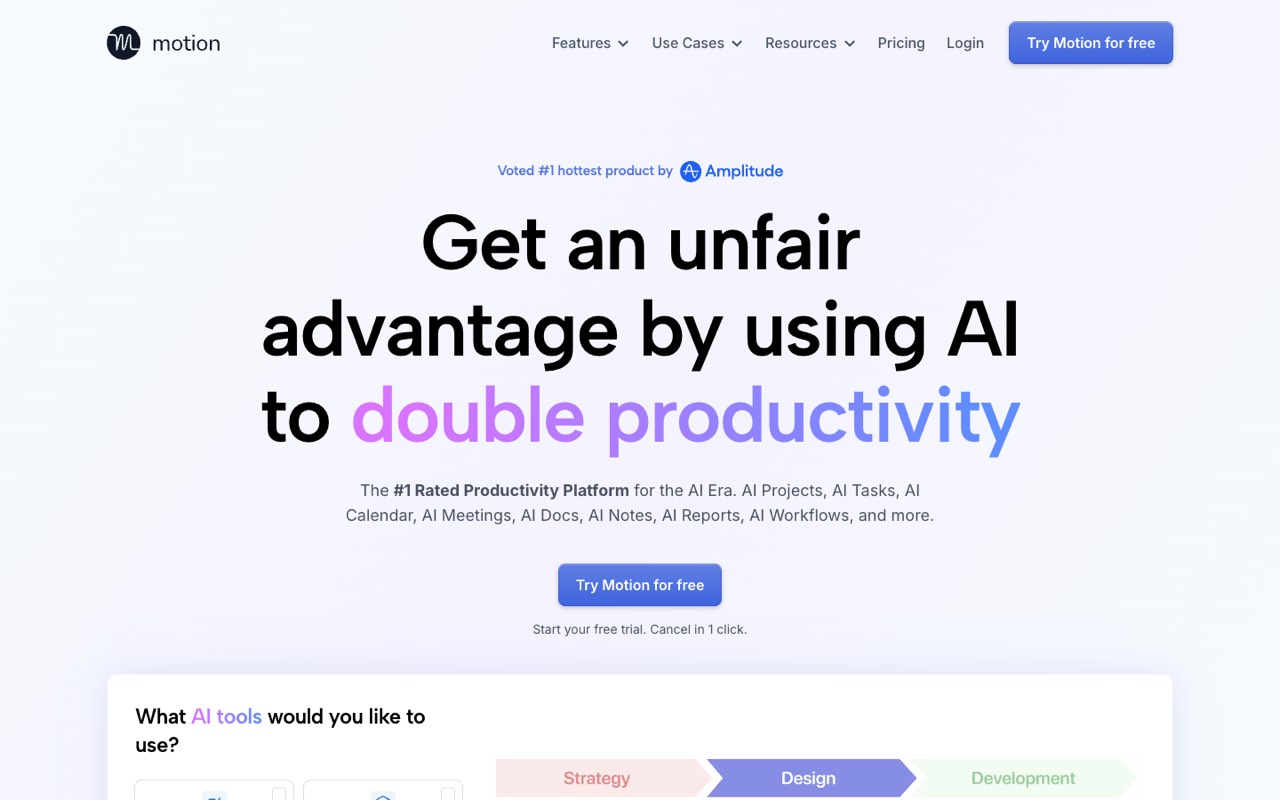
Motion is an AI work planner that turns projects and tasks into a schedule on each person’s calendar. Pro AI costs $19 per seat a month billed yearly ($29 monthly) with 7,500 AI credits per seat; Business AI ($29 yearly, $49 monthly) adds capacity planning, Gantt charts and time tracking.
Price: $19/seat/mo, billed yearly (Pro AI, Teams tab; $29 monthly). Free: Free trial (length not stated); no free plan. (Checked Oct 29, 2026.)
Compared with Wrike: Wrike’s AI helps write, summarize and build automations; Motion’s pitch is planning, deciding what each person works on and when. It costs nearly twice Wrike Team per seat.
Who it’s for: Deadlines slip because nobody plans capacity, and you want AI to do the scheduling.
Skip it if: You need a budget tool or a free plan.
What a team of 10 pays per year
List prices before tax, for 10 paid users. Our arithmetic from each pricing page.
| Plan | Billed yearly | Billed monthly | Math |
|---|---|---|---|
| Wrike Team | $1,200 | Not shown | $10 × 10 × 12 |
| monday Basic | $1,080 | Not shown | $9 × 10 × 12 |
| monday Standard | $1,440 | Not shown | $12 × 10 × 12 |
| ClickUp Core | $1,080 | $1,440 | $9 / $12 × 10 × 12 |
| SmartSuite Team | $1,800 | $2,400 | $15 / $20 × 10 × 12 (if all 10 edit) |
| Motion Pro AI | $2,280 | $3,480 | $19 / $29 × 10 × 12 |
| Wrike Business | $3,000 | Annual only | $25 × 10 × 12 |
monday and ClickUp come in $120 a year under Wrike Team at 10 users. SmartSuite can cost less than the table shows if only some of your 10 people edit: at 5 editors, Team is $900 a year. Note that Wrike sells seats in groups of five on accounts up to 30 seats, so 11 users pay for 15.
Other names you’ll see
Lists of Wrike competitors also include Asana, Smartsheet, Teamwork, Basecamp and Notion. We haven’t reviewed them on this site yet, so we don’t compare their prices here. For a two-way look at the top two picks, read ClickUp vs monday, or see monday alternatives and ClickUp alternatives if you’re already on one of them.
When Wrike is still the right pick
Stay if your team reviews creative work: proofing and approvals, request forms and resource views come with Business. Stay if you need cross-team portfolios, budgeting or BI-style reporting, which sit on Pinnacle. And at $10 per user, Wrike Team already includes Gantt charts, dashboards and AI Essentials that other tools put on higher tiers.
How we chose
We started from the reasons teams give for leaving Wrike and picked one tool on our site that answers each, with public prices. We read each vendor’s pricing page (dates in the Sources list) and did the cost maths ourselves. We haven’t tested these tools hands-on yet, so use their free plans or trials with a real project before you move your team.
More picks for small teams are in our guide to the best AI productivity tools and the AI productivity category.
FAQ
What is the best alternative to Wrike?
It depends on why you’re leaving. If Wrike feels too complex, monday.com is the easiest switch. If cost per seat is the issue, ClickUp Core is $9 per user a month billed yearly. For table-style workflows, SmartSuite. For AI that schedules tasks, Motion. We compared published plans and haven’t tested them hands-on.
Is there a free alternative to Wrike?
Yes, with limits. ClickUp Free Forever has unlimited tasks and members but 60 MB of storage. monday’s free plan covers 2 seats and 3 boards. Wrike’s own free plan allows unlimited users but caps you at 200 active tasks and one shared space. SmartSuite and Motion have no free plan.
Is monday.com better than Wrike?
It depends on what you value. monday is built around simple boards. For features per dollar, Wrike Team ($10 per user a month billed yearly) includes Gantt charts, dashboards and AI Essentials, which on monday start at Standard ($12). Wrike Business adds proofing and request forms that suit agencies and marketing teams.
Is ClickUp cheaper than Wrike?
Slightly. ClickUp Core is $9 per user a month billed yearly against $10 for Wrike Team, so 10 people pay $1,080 a year instead of $1,200. ClickUp also shows monthly prices ($12 on Core); Wrike’s page shows yearly billing only. Prices checked Nov 20, 2026 (ClickUp: Nov 16, 2026).
Why do teams leave Wrike?
The usual reasons are the learning curve, per-user yearly billing, and user limits: Team covers 2 to 15 users and Business 5 to 200. Larger AI use sits on Business and above as AI Elite actions. If those don’t bother you, Wrike’s feature set is hard to beat at $10 a user.
Does Wrike have a free plan?
Yes. Wrike Free includes unlimited users, board and table views, and web, desktop and mobile apps, with 2GB of storage, one shared space and 200 active tasks. Paid plans have a 14-day free trial with no credit card.
How much does Wrike cost for 10 users?
On the Team plan, $10 per user a month billed yearly, so $1,200 a year for 10 users. On Business, $25 per user a month, so $3,000 a year. Pinnacle and Apex are quote-only. Prices before tax.