
What does PixVerse do?
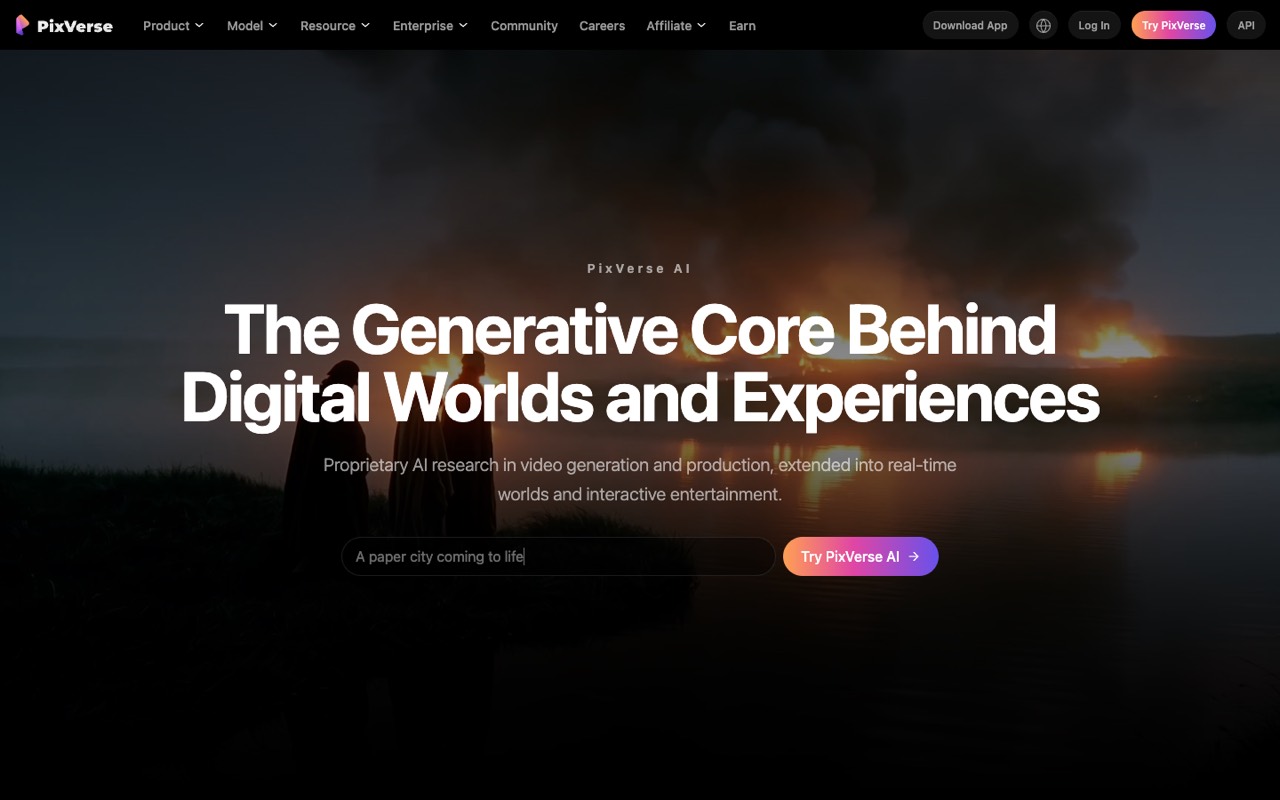
PixVerse is an AI video generator: type a prompt or upload an image and it makes short clips with its own PixVerse models or third-party ones such as Seedance, Kling and MiniMax. There's a free plan with daily credits. Skip it for now if you need a confirmed US price before signing up; we couldn't verify one.
- Text to video and image to video. Write a prompt or upload a photo and PixVerse generates a short video clip. The site also lists a reference video generator, an AI animation generator and an AI video ad generator.
- PixVerse and third-party models. The homepage lists PixVerse's own V6, R2 and C1 video models next to Seedance 2.5, Seedance 2, MiniMax H3 and FLUX 3. The pricing page adds Kling, Wan, Gemini Omni Flash and Grok Imagine on higher plans, some at a credit discount.
- Editing tools. AI video transitions, a video extender, an AI video editor and camera motion control for directing how the shot moves.
- Characters, lip sync and voice. A character feature for keeping the same person consistent across clips, lip sync, and text to speech for adding a voice.
- AI images. Paid plans include all image models (the site names GPT Image 2.5 among them). From Pro, some image models can be used without limit in a slower relax mode for 365 days.
- Credit-saving modes. Preview mode saves 20% of credits on paid plans, and off-peak mode saves 30% (Pro) or 50% (Premium), or is free on Ultra and Team Ultra. Both apply to PixVerse's own models only.
- Canvas, Agent and Mini-Apps. The web app at app.pixverse.ai also has a Canvas workspace, an Agent and Mini-Apps alongside the standard video creation screen.
- Mobile apps and API. iOS and Android apps sit next to the web app. Developers get an API on platform.pixverse.ai with its own plans and credits, plus a CLI and plugin; Enterprise adds volume discounts and higher concurrency.
Who is PixVerse for?
PixVerse is a good fit if you're a video creator or a business owner, and you need help making videos and images.
How much does PixVerse cost?
Free Basic plan with 60 starter credits and 30 daily credits, video up to 540p. Paid Standard, Pro, Premium, Ultra and Team Ultra plans add 1,200 to 30,000 credits every 30 days, no watermark and up to 4K from Pro; API access is sold separately. On Nov 26, 2026 the pricing page didn't load for our US-based check, and the browser view we could get may show regional prices, so we don't list a figure.
PixVerse pros and cons
What stands out
- Free Basic plan with 60 starter credits and 30 daily credits
- Its own PixVerse models and third-party models such as Seedance, Kling and MiniMax in one app
- Paid plans remove the watermark, and Pro and up export up to 4K
- Bonus credits from credit packs never expire
- Off-peak mode cuts credit use on PixVerse models from Pro, and is free on Ultra
- Web app, iOS and Android apps, plus a separate developer API
Watch out for
- We couldn't confirm US prices: the pricing page didn't load for our US-based check
- The free plan caps video at 540p, and Standard at 720p
- Member credits expire every 30 days and daily credits expire at the end of each day
- Third-party models and most credit discounts start at Pro or higher
- No refunds for unsatisfying results, and credit packs can't be refunded
- API credits are separate from web plans and can't be shared between them
Based on PixVerse's own pages, not hands-on testing.
What are the alternatives to PixVerse?
We list 17 other AI Video & Image tools: AKOOL, HeyGen, Higgsfield, Hyper3D (Rodin), invideo AI, Klap, Luma AI, Magnific, OpenArt, OpusClip, Pictory, Pika, Runway, Submagic, Synthesia, VEED, Vizard. Each one below shows its starting price and when you might pick it instead.
 AKOOL · From $12/mo
Choose AKOOL if you'd like a second option to compare for making videos and images.
 HeyGen · From $24/mo
Choose HeyGen if you'd like a second option to compare for making videos and images.
 Higgsfield · Price not checked
Choose Higgsfield if you'd like a second option to compare for making videos and images.
 Hyper3D (Rodin) · From $24/mo
Choose Hyper3D (Rodin) if you also need help making ads and marketing assets.
 invideo AI · From $10/mo per seat
Choose invideo AI if you'd like a second option to compare for making videos and images.
 Klap · From $14.50/mo
Choose Klap if you'd like a second option to compare for making videos and images.
 Luma AI · From $25/mo
Choose Luma AI if you'd like a second option to compare for making videos and images.


 OpusClip · From $14.5/mo
Choose OpusClip if you'd like a second option to compare for making videos and images.
 Pictory · From $29/mo
Choose Pictory if you'd like a second option to compare for making videos and images.

 Runway · From $12/mo
Choose Runway if you'd like a second option to compare for making videos and images.
 Submagic · From $12/mo
Choose Submagic if you'd like a second option to compare for making videos and images.
 Synthesia · From $14/mo
Choose Synthesia if you'd like a second option to compare for making videos and images.

 Vizard · Price not checked
Choose Vizard if you'd like a second option to compare for making videos and images.
PixVerse FAQ
How much does PixVerse cost?
There's a free Basic plan. Paid plans are Standard, Pro, Premium, Ultra and Team Ultra (priced per seat), with monthly and yearly billing, plus quote-based Enterprise API access. On Nov 26, 2026 the pricing page didn't load for our US-based check, so we don't list prices; check app.pixverse.ai/subscribe for the price in your country.
Is PixVerse free?
Yes. The Basic plan is $0 and gives 60 starter credits plus 30 daily credits, which refresh at 0:00 UTC and expire at the end of the day. Free video is capped at 540p with 2 concurrent generations, and no-watermark output is listed from the Standard plan.
How do PixVerse credits work?
Credits pay for generations. Daily credits come with logging in and expire each day. Member credits come with a subscription (1,200 on Standard up to 30,000 on Ultra) and reset every 30 days from when you subscribed. Bonus credits from credit packs, rewards and events never expire.
Which AI models can I use in PixVerse?
PixVerse's own models (the homepage lists V6, R2 and C1) on every plan. From Pro, the pricing page lists third-party video models such as Seedance 2.5, MiniMax H3, Kling, Wan, FLUX 3 and Grok Imagine, with bigger credit discounts on Premium and Ultra.
What resolution does PixVerse export?
Up to 540p on Basic, up to 720p on Standard, and up to 4K on Pro, Premium, Ultra and Team Ultra, according to the plan comparison on the pricing page we read on Nov 26, 2026.
Does PixVerse have an API?
Yes. The developer platform at platform.pixverse.ai sells API plans separately from web memberships, and PixVerse's docs say API credits can't be used in the web app. Enterprise adds volume discounts, custom effects and higher concurrency; the docs list [email protected] for enterprise inquiries.
Can I get a refund from PixVerse?
Only in limited cases. The pricing FAQ says it doesn't refund because of dissatisfaction with AI results, doesn't do partial refunds, and doesn't refund credit packs. Monthly or yearly subscriptions that are still active and unused qualify for a full refund through [email protected].
Does PixVerse have an affiliate program?
Yes. The web affiliate page offers 30% recurring commission for up to 12 months with a 90-day cookie, rising to 35% above $5,000 of referred revenue in a month, paid monthly (net-30) via PayPal or bank wire; applications go through Impact. A separate app program pays up to 35% on eligible iOS and Android subscriptions.
Sources and how we checked
- Official pricing page, checked Nov 26, 2026
- Official website
- PixVerse homepage: features, models and apps (checked Nov 26, 2026), checked Nov 26, 2026
- PixVerse affiliate program (checked Nov 26, 2026), checked Nov 26, 2026
- PixVerse app affiliate program (checked Nov 26, 2026), checked Nov 26, 2026
- PixVerse API docs: subscribe to API plans (checked Nov 26, 2026), checked Nov 26, 2026