Free AI Video Generators (2026): What HeyGen, Synthesia, OpusClip, Runway, Pika and Higgsfield Give You Free
Some links on this page are affiliate links, marked “affiliate”. If you sign up through one, we may earn a commission at no extra cost to you. It didn’t decide the order or what we say about any tool. How we make money.
A free AI video generator lets you make video from a prompt, an image or a script without paying. Every tool below has a free way in, but the free plans differ a lot: some renew every month, one is a single deposit of credits, and two give you no credits at all.
This page covers only what you can do for free: how much video, whether it renews, watermarks and commercial use, read from each vendor’s pricing page on November 23, 2026. For paid plans and a wider comparison, see the best AI video generators.
The short answer
For free videos every month, HeyGen gives 3 avatar videos up to 1 minute and Synthesia about 10 minutes, both watermarked. OpusClip gives 60 credits a month for cutting shorts. For prompt-to-video, Runway’s one-time credits cover about 10 seconds. None of them is free and watermark-free.
What you actually get free
| Tool | Video type | Free allowance | Renews? | Watermark | Commercial use on free |
|---|---|---|---|---|---|
 HeyGen | AI avatar video | 3 videos a month, up to 1 minute each | Yes, monthly | Yes | Not stated on the pricing page |
 Synthesia | AI avatar video | 500 credits a month: about 10 minutes of video or dubbing | Monthly (“500 credits / month”) | Yes, Synthesia watermark | Not stated on the pricing page |
 OpusClip | Repurpose long videos | 60 credits a month | Yes, monthly | Yes | Not stated on the pricing page |
 Runway | Text and image to video | 125 one-time credits: about 10 seconds of Gen-4.5 video | No, one-time (the credits don’t expire) | Yes in our October 24 check; not mentioned on November 23 | Not stated on the pricing page |
 Pika | Text and image to video | $0 plan with no monthly credits; buy credit packs to generate | No credits to renew | No | No (“Not included: Commercial license”) |
 Higgsfield | Text and image to video | Free plan with no monthly credits and a small set of models | No monthly credits | Not confirmed | No, per Higgsfield’s own pages |
Free allowances and labels as shown on each vendor’s pricing page on November 23, 2026, except where a row gives an earlier date. Seconds of video are our math from the published credit rates. Higgsfield details are from its own pages, checked November 9, 2026.
How we chose
We included AI video tools that have full profiles on this site and a free plan in our data. We re-read each free plan from a US server on November 23, 2026 and compared four things: how much video the free allowance covers, whether it renews monthly or is a one-time deposit, whether free videos are watermarked and whether the pricing page allows commercial use. We haven’t tested these tools hands-on, so we don’t rank video quality, and we didn’t put the one tool with a referral link on this page (Higgsfield) at the top.
HeyGen: best for talking-avatar videos every month
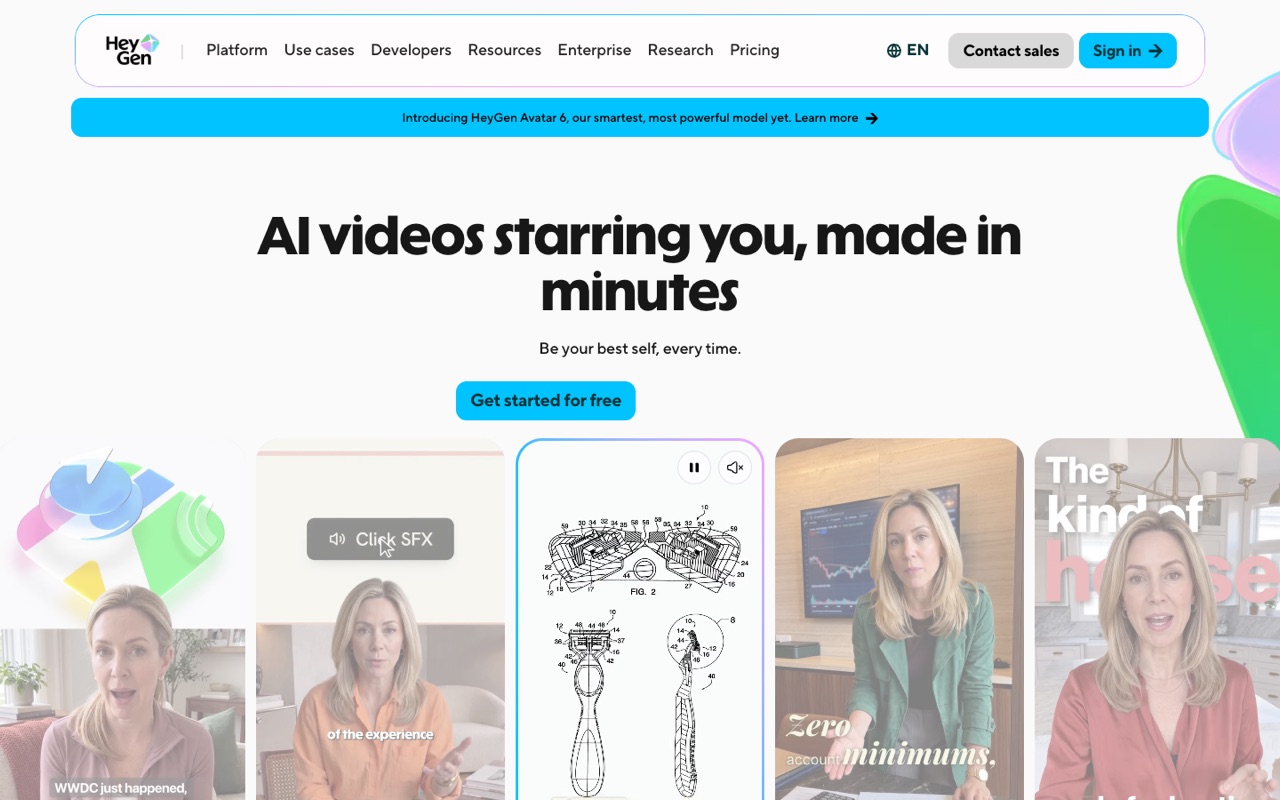
AI avatar video platform: turn a script or prompt into a presenter video with stock or personal avatars, translate videos with voice cloning and lip-sync, plus a developer API.
What you get free:
- 3 videos a month, each up to 1 minute
- HeyGen’s pricing FAQ says you can try it “for free, no credit card required”
- The same FAQ mentions “limited trial access” to premium features
Limits: Every free video carries a HeyGen watermark, and the 1-minute cap rules out most explainers or lessons. The plan table on the pricing page leaves the free plan’s export resolution blank.
When to upgrade: Creator, $29/mo billed monthly or $24/mo billed yearly: 600 credits a month, videos up to 30 minutes, 1080p export, HeyGen branding removed. Creator credits roll over for one month.
Who it's for: Anyone who wants to see a script turned into a presenter video before paying, or who needs a short watermarked clip now and then.
Skip it if: You need videos longer than a minute or without a watermark. Both need a paid plan.
Visit HeyGenRead the HeyGen profile
Source: heygen.com/pricing, checked November 23, 2026
Synthesia: best for longer avatar videos and dubbing
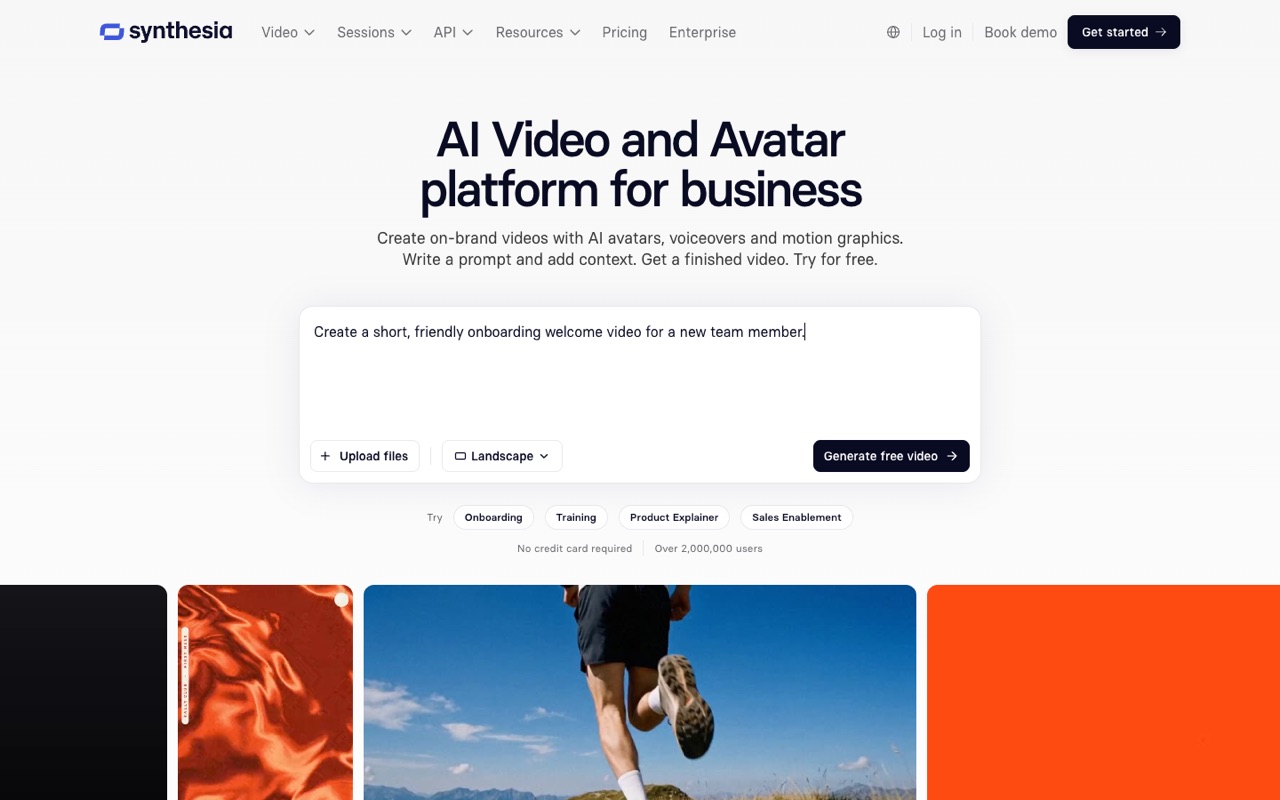
AI video platform for training and business videos with AI avatars in 140+ languages, one-click dubbing, interactive quizzes and SCORM export for LMS courses.
What you get free:
- 500 credits a month on the Basic plan
- The pricing page lists “10 minutes of Studio video creation or dubbing” in the free allowance
- 1 promo video made with Syren, Synthesia’s AI video agent, capped at 3 minutes
Limits: Free videos carry a Synthesia watermark. Credits are one shared pool for video, dubbing and surveys, so dubbing eats into the same 10 minutes.
When to upgrade: Starter, $19/mo billed monthly ($9 for the first month) or $14/mo billed yearly ($168 a year): 1,250 credits a month and the Synthesia logo removed. On November 23, 2026 the page also showed a Black Friday banner offering Pro for $19, valid until December 7, 2026; check the terms on the page before you count on it.
Who it's for: Trainers and teams who want to test a full avatar lesson or a dubbed version of an existing video.
Skip it if: You need to publish without a logo. Removing it starts on Starter.
Visit SynthesiaRead the Synthesia profile
Source: synthesia.io/pricing, checked November 23, 2026
OpusClip: best for cutting long videos into shorts
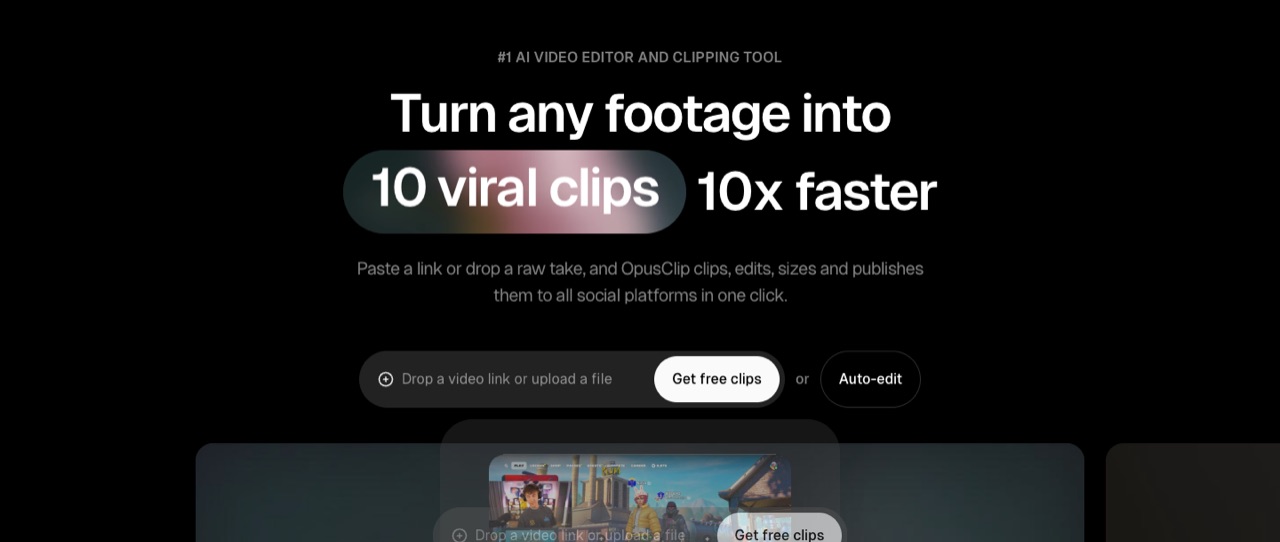
AI clipping tool that turns long videos into short clips for TikTok, YouTube Shorts and Reels, with a virality score, auto reframe, animated captions, B-roll and a scheduler.
What you get free:
- 60 credits a month
- Clips rendered up to 1080p
- Auto reframe and AI captions, per our November 18 profile check
Limits: Free clips carry a watermark, and the pricing page says that “after 3 days, the clips will no longer be exportable”. AI video B-roll isn’t included on the free plan. The page doesn’t say how many minutes of upload a credit covers.
When to upgrade: Starter, $15/mo, billed monthly only: 150 credits a month and no watermark. Pro is $29/mo, or $14.50/mo billed yearly ($174 a year). OpusClip doesn’t generate video from a prompt: it finds and cuts highlights from a video you already have.
Who it's for: Podcasters and YouTubers who want to test AI-picked clips from one long video.
Skip it if: You want to create new footage from text. OpusClip works on video you upload.
Visit OpusClipRead the OpusClip profile
Source: opus.pro/pricing, checked November 23, 2026
Runway: best for trying prompt-to-video once
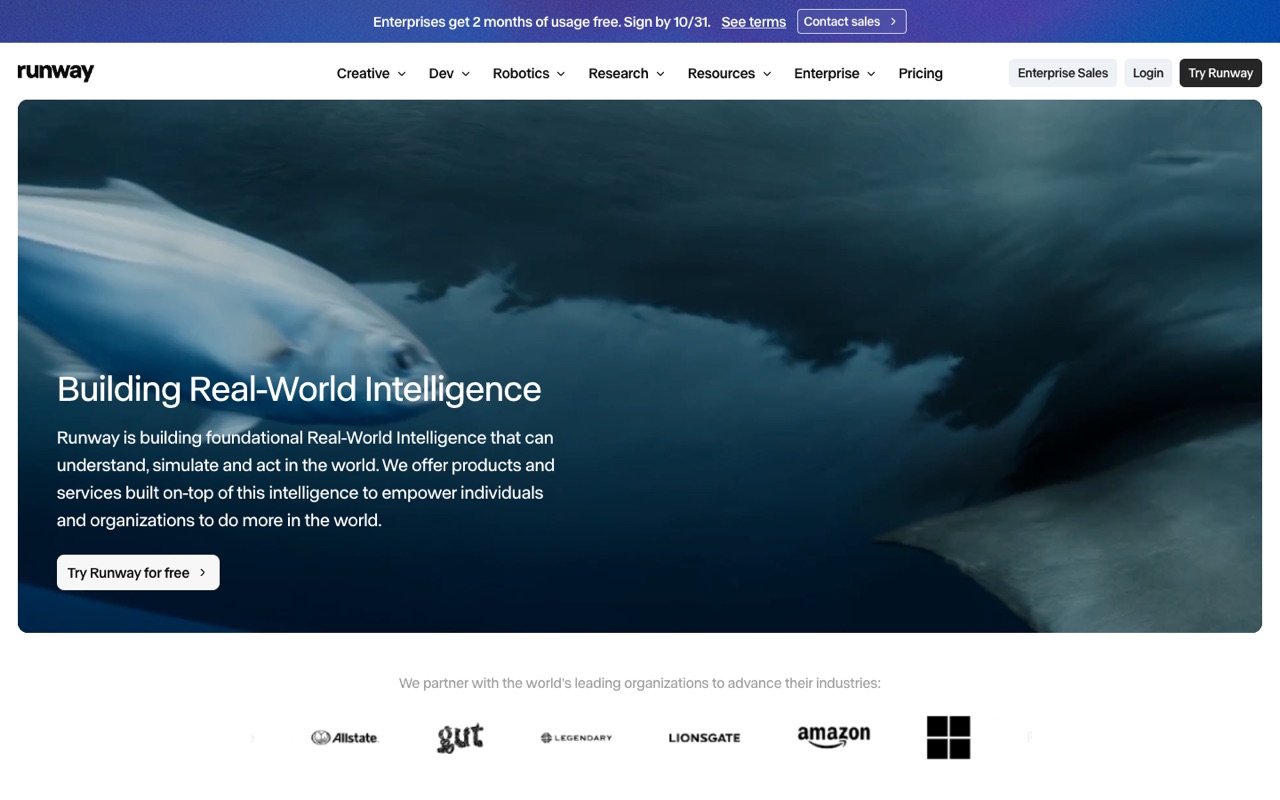
AI creative suite for generating and editing video, images and audio with Runway's own Gen-4.5 video model and other models, on the web, iPhone and Android, plus an API for developers.
What you get free:
- A one-time deposit of 125 credits that, per Runway’s FAQ, “doesn’t expire”
- Gen-4.5 uses 12 credits per second, so 125 credits cover about 10 seconds, or two 5-second clips at 60 credits each (our math)
- 5GB of asset storage
Limits: The credits never renew, so the free plan is a one-off test. Our October 24 profile check also read a limited set of tools and a Runway watermark on free videos; the November 23 page text didn’t mention either.
When to upgrade: Standard, $12/mo billed yearly (“Save $36/year”; $15/mo billed monthly in our October 24 check): 625 credits a month, about 52 seconds of Gen-4.5, no watermarks. Standard and Pro credits reset each billing cycle; only Max rolls over.
Who it's for: Anyone who wants to see what a current text-to-video model does with their own prompt before subscribing.
Skip it if: You need free video every month. Runway’s free credits are a single deposit.
Visit RunwayRead the Runway profile
Source: runway.com/pricing, checked November 23, 2026
Pika: best for no-watermark clips (if you buy credits)

AI video generator with its own Pika models plus image and audio generation; no watermarks on any plan, and a commercial license from the Starter plan up.
What you get free:
- Access to all models
- No watermark on what you generate
- Credit packs at 60 credits per $1; a 5-second Pika 2.5 clip at 720p uses 20 credits, so $1 covers about three (our math)
Limits: The free plan has “0” monthly credits, so you pay for packs before you can generate anything. Free-plan videos have no commercial license.
When to upgrade: Starter, $10/mo billed monthly or $8/mo billed yearly ($96 a year): monthly credits, no watermark and a commercial license. Starter is the cheapest plan on this page with a commercial license stated on the pricing page.
Who it's for: Creators who want watermark-free test clips and don’t mind spending a few dollars on credits.
Skip it if: You want to generate without paying anything. Pika’s free plan includes no credits.
Visit PikaRead the Pika profile
Source: pika.art/pricing, checked November 23, 2026
Higgsfield: a free account to explore, not free videos
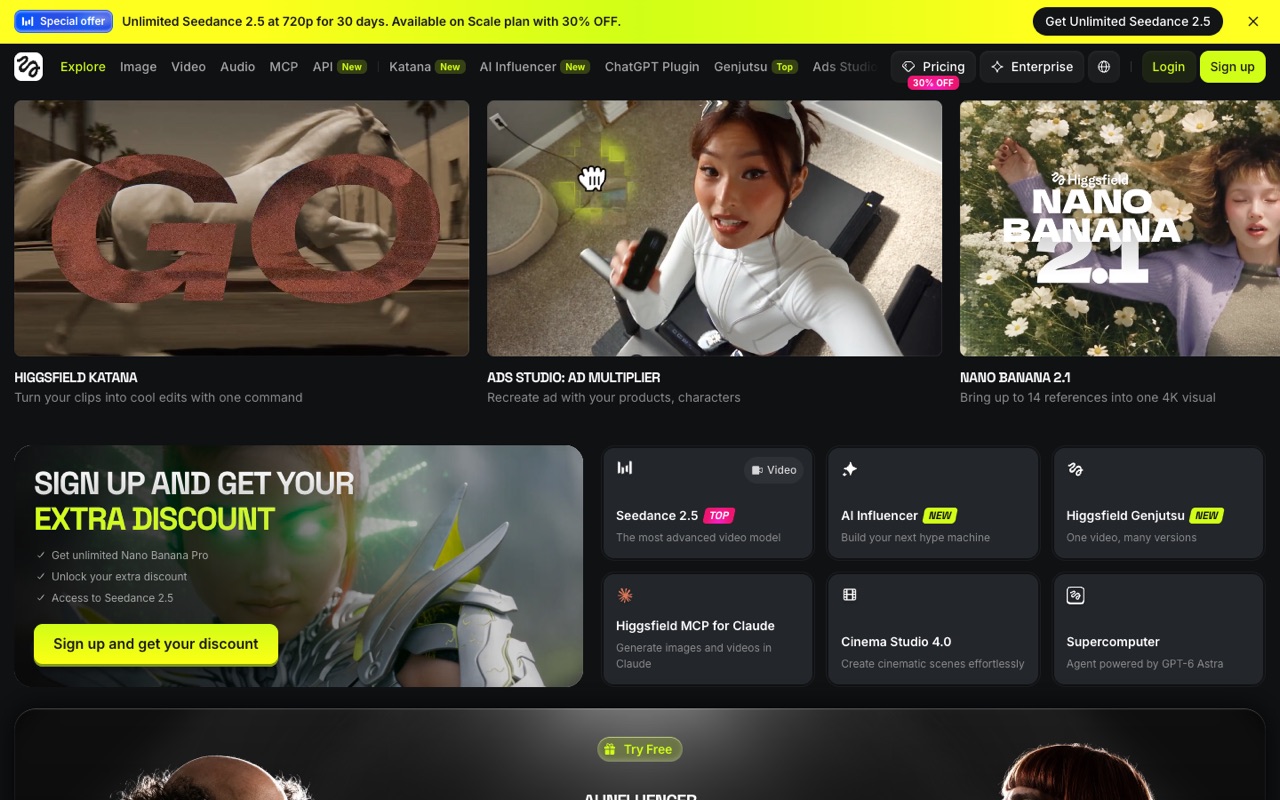
AI video and image studio that puts its own models next to third-party ones such as Seedance and Nano Banana, with tools for ads, AI influencers and cinematic shots.
What you get free: a free account with a small set of models. Higgsfield’s own pricing pages, which we checked on November 9, 2026, say the free plan has no monthly credits and no commercial use.
Limits: we couldn’t confirm Higgsfield’s US prices: its pricing page is built in the browser, showed no plans from a US server and has shown different line-ups on different visits. So we don’t print a price or a credit figure here. Paid individual plans are named Starter, Plus and Ultra; check higgsfield.ai/pricing for the price in your country.
Who it's for: Creators who want to look at Higgsfield’s ad, influencer and cinematic-shot tools before choosing a paid plan.
Skip it if: You need to generate video for free. You’ll need a paid plan or credits first.
Visit HiggsfieldAffiliate linkRead the Higgsfield profile · How to use Higgsfield AI
Source: higgsfield.ai/pricing and Higgsfield’s pricing posts, checked November 9, 2026
Recurring credits vs one-time trials
“Free” means three different things on these pricing pages. This is the difference that matters most if you plan to keep using a free plan:
| Kind of free | Tools | What it means for you |
|---|---|---|
| Renews every month | HeyGen (3 videos), Synthesia (500 credits), OpusClip (60 credits) | Good for occasional use: the allowance comes back each month. |
| One-time credits | Runway (125 credits, about 10 seconds of Gen-4.5) | Enough for one test. When the credits are gone, you need a paid plan. |
| Free plan, no credits | Pika (credit packs only), Higgsfield (no monthly credits) | You can sign up and look around, but generating needs paid credits or a plan. |
| No free plan listed | Luma AI, invideo AI | Their pricing pages start at a paid plan. |
Luma AI: pricing page checked November 9, 2026. invideo AI: pricing page checked November 18, 2026. Magnific, the creative platform formerly called Freepik, listed a free plan in our November 20 check, but it covered AI images (up to 20 a day, personal use with attribution), not video, and the pricing page we read on November 23, 2026 showed only paid plans.
Is “free with no watermark” real?
Not among the tools on this page. HeyGen, Synthesia and OpusClip all put a watermark or logo on free videos. Pika is the exception on paper: its free plan says “No watermark”, but it comes with no monthly credits, so you have to buy a credit pack before you can generate. Runway’s pricing page didn’t mention a watermark on the free plan on November 23, 2026, but our October 24 check read a Runway watermark on free videos, and Standard is the plan that lists “No watermarks”.
If you need clean videos, the cheapest no-watermark options here on November 23, 2026 were Pika Starter at $8/mo billed yearly ($10 monthly), Runway Standard at $12/mo billed yearly, Synthesia Starter at $14/mo billed yearly ($19 monthly, $9 for the first month), OpusClip Starter at $15/mo billed monthly and HeyGen Creator at $24/mo billed yearly ($29 monthly). Of those, only Pika’s pricing page states a commercial license on its entry plan. If you’re choosing between the two avatar tools, see HeyGen vs Synthesia; for prompt-to-video, see Higgsfield vs Runway.
FAQ
What is the best free AI video generator?
It depends on the video. For talking-avatar videos, HeyGen gives 3 watermarked videos a month up to 1 minute, and Synthesia gives about 10 minutes of watermarked video a month. For turning a long video into shorts, OpusClip gives 60 credits a month. For prompt-to-video, Runway’s 125 one-time credits cover about 10 seconds. We compared published plans on November 23, 2026 and haven’t tested output quality.
Is there a free AI video generator with no watermark?
Not a fully free one among the tools on this page. Pika’s free plan has no watermark, but it includes no monthly credits, so you have to buy a credit pack (60 credits per $1) before you can generate. HeyGen, Synthesia and OpusClip all watermark free videos. The cheapest no-watermark plans we found were Pika Starter at $8/mo billed yearly and Runway Standard at $12/mo billed yearly.
Is Runway free to use?
Partly. Runway’s free plan gives a one-time deposit of 125 credits that doesn’t expire. Gen-4.5 video uses 12 credits per second, so that’s about 10 seconds of video. After that you need Standard, at $12/mo billed yearly, which adds 625 credits a month and no watermarks.
Can I use free AI-generated videos commercially or on YouTube?
Check each tool’s terms first. Pika’s pricing page is the only one here that answers it plainly: its free plan doesn’t include a commercial license, and Starter does. Higgsfield’s own pages say its free plan has no commercial use. HeyGen, Synthesia, OpusClip and Runway don’t address commercial use on their pricing pages, so read their terms of service before you monetize a free video. Watermarks on free plans are another reason most creators upgrade.
Which AI video generator gives free credits every month?
On November 23, 2026: HeyGen (3 videos a month), Synthesia (500 credits a month, about 10 minutes of video) and OpusClip (60 credits a month). Runway’s free credits are one-time, and Pika’s free plan has no monthly credits.
Is HeyGen free?
Yes, with limits. HeyGen’s free plan allows 3 videos a month, each up to 1 minute, with a HeyGen watermark, and its FAQ says no credit card is required. Creator costs $29/mo, or $24/mo billed yearly, and removes the branding, allows videos up to 30 minutes and exports in 1080p.
Is Pika free?
You can sign up for free, but the free plan has no monthly credits. You can buy credit packs at 60 credits per $1 and use every model without a watermark, but free-plan videos have no commercial license. Starter costs $10/mo, or $8/mo billed yearly, and includes monthly credits and a commercial license.
Do I need a credit card to use a free AI video generator?
HeyGen’s pricing FAQ says its free plan needs no credit card. OpusClip’s trial buttons for its paid Starter and Pro plans say “No credit card required”. The other pricing pages we read don’t say either way, so expect to be asked at sign-up when you start a paid plan.
Sources
Pricing pages checked November 23, 2026 from a US server, except Higgsfield (November 9, 2026). Earlier profile checks are dated where we use them.
- www.heygen.com/pricing
- www.synthesia.io/pricing
- www.opus.pro/pricing
- runway.com/pricing
- pika.art/pricing
- higgsfield.ai/pricing
Want to edit the footage too? See the best AI video editors. Looking for a replacement for a paid tool? See HeyGen alternatives and Higgsfield alternatives. See every tool in AI Video & Image.